We use cookies to enhance your browsing experience, serve personalized ads or content, and analyze our traffic. By clicking "Accept All", you consent to our use of cookies.
High-performance Satisfactory server hosting built for automation, massive factories, and smooth multiplayer progression.
Suggested for ~4 players
6.0 GB Memory Included
Suggested for ~21 players
10.0 GB Memory Included
Suggested for ~47 players
16.0 GB Memory Included
Create
your own
Configuration
Launch your private Satisfactory dedicated server in minutes. Built for multiplayer stability with persistent worlds and dedicated performance.
Everything you need to host, manage, and scale your Satisfactory server without technical friction.
No manual config required. Your Satisfactory server is ready in seconds.
Strong single-core performance for smooth Satisfactory gameplay.
Fast disk speeds keep big save files quick to load.
Stable memory for sprawling late-game factories.
Always online, always protected from attacks.
Adjust all server settings from our control panel.
Protect your save before updates or big factory changes.
Scale RAM and slots as your factory and crew grow.

Get your server live in under 60 seconds.
Pick RAM, slots, and the data centre closest to your crew.
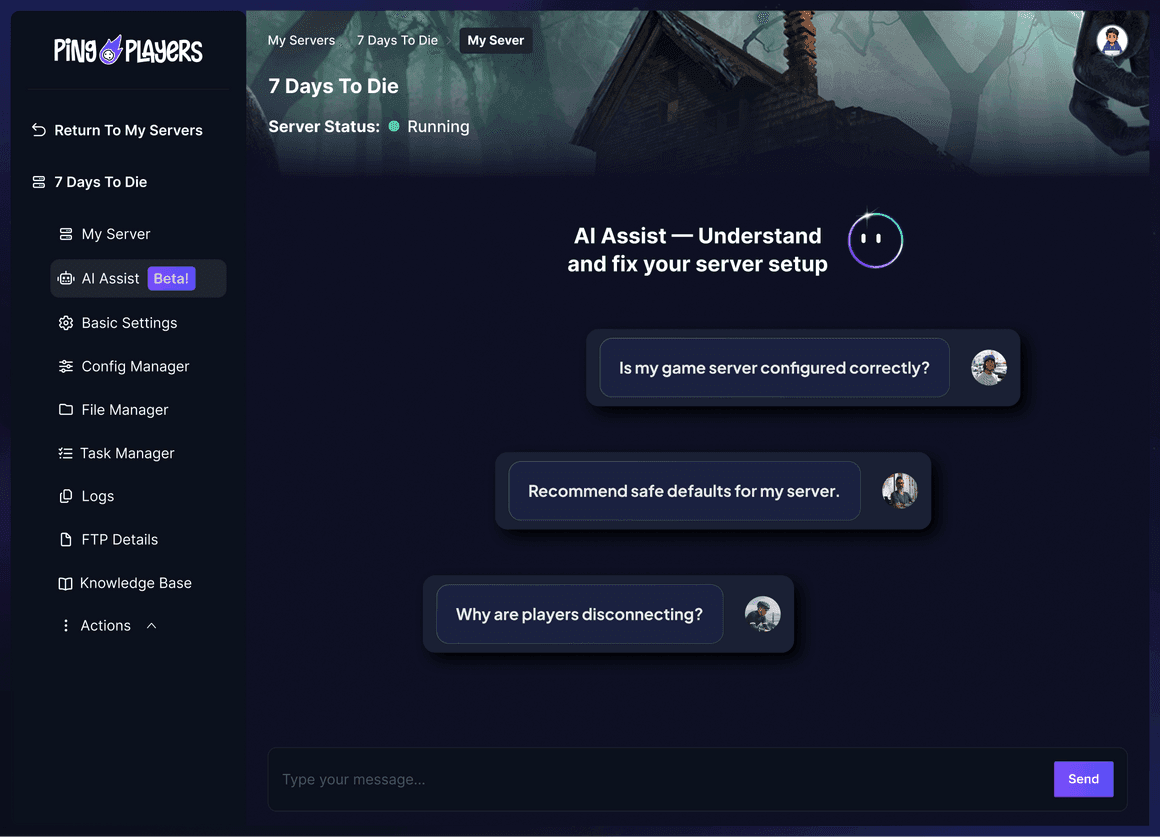
Not sure how to configure your server? Ping AI walks you through every setting so your crew can get building fast.


The first AI built just for gamers.
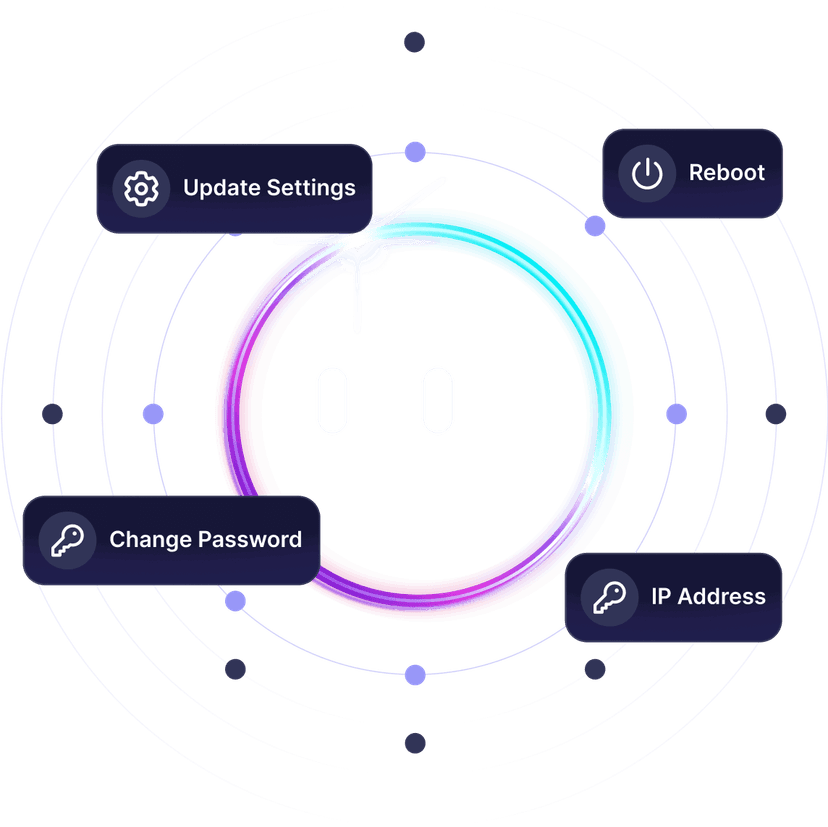
Upload a save, adjust autosave timing, or fix server configs. All by chatting.

From uploading saves to fixing server configs, Ping AI takes care of it.
Because getting your Satisfactory crew online should not pull you off the factory floor.


Reliable hosting depends on performance, save stability, backups, and proper server control.
A dedicated server stays online independently from any player.
As gamers we hate lag. It ruins the build session. That is why we never oversell our servers, so everyone plays Satisfactory without a hiccup.

Choose the server location closest to your crew to reduce latency during co-op building, factory tours, and open-world exploration.

Trusted by thousands of Satisfactory players worldwide.
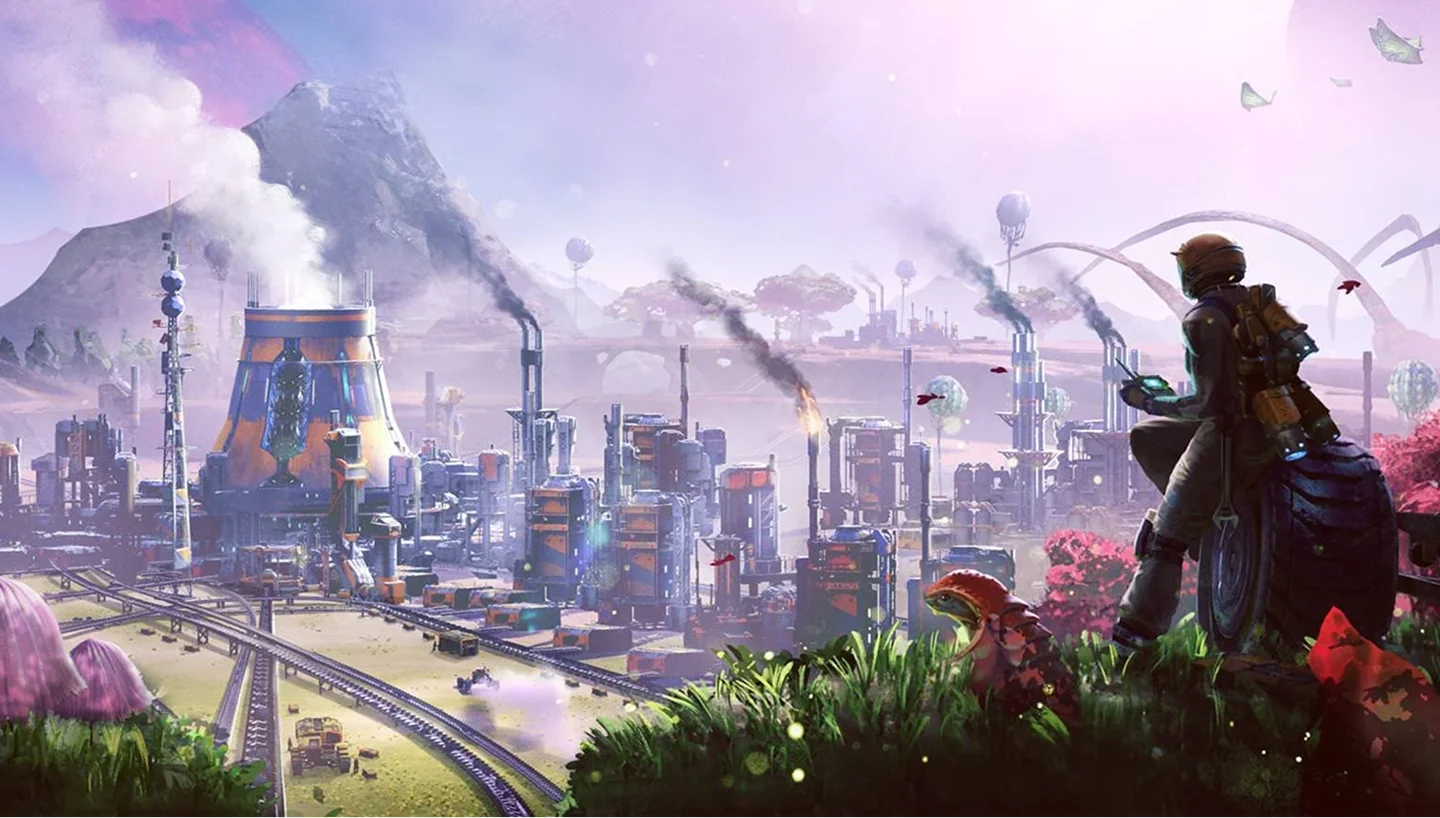
Satisfactory is a first-person factory-building game developed and published by Coffee Stain Studios. After a long Early Access run that started in 2019, it reached full release in 2024 and became one of the most popular automation games on Steam.
The gameplay loop drops you onto an alien planet to automate production from the ground up. You mine raw resources, set up conveyor belts and machines, and scale a small mining outpost into a sprawling industrial complex. Progression runs through the space elevator milestones, each one unlocking more advanced parts and production tiers.
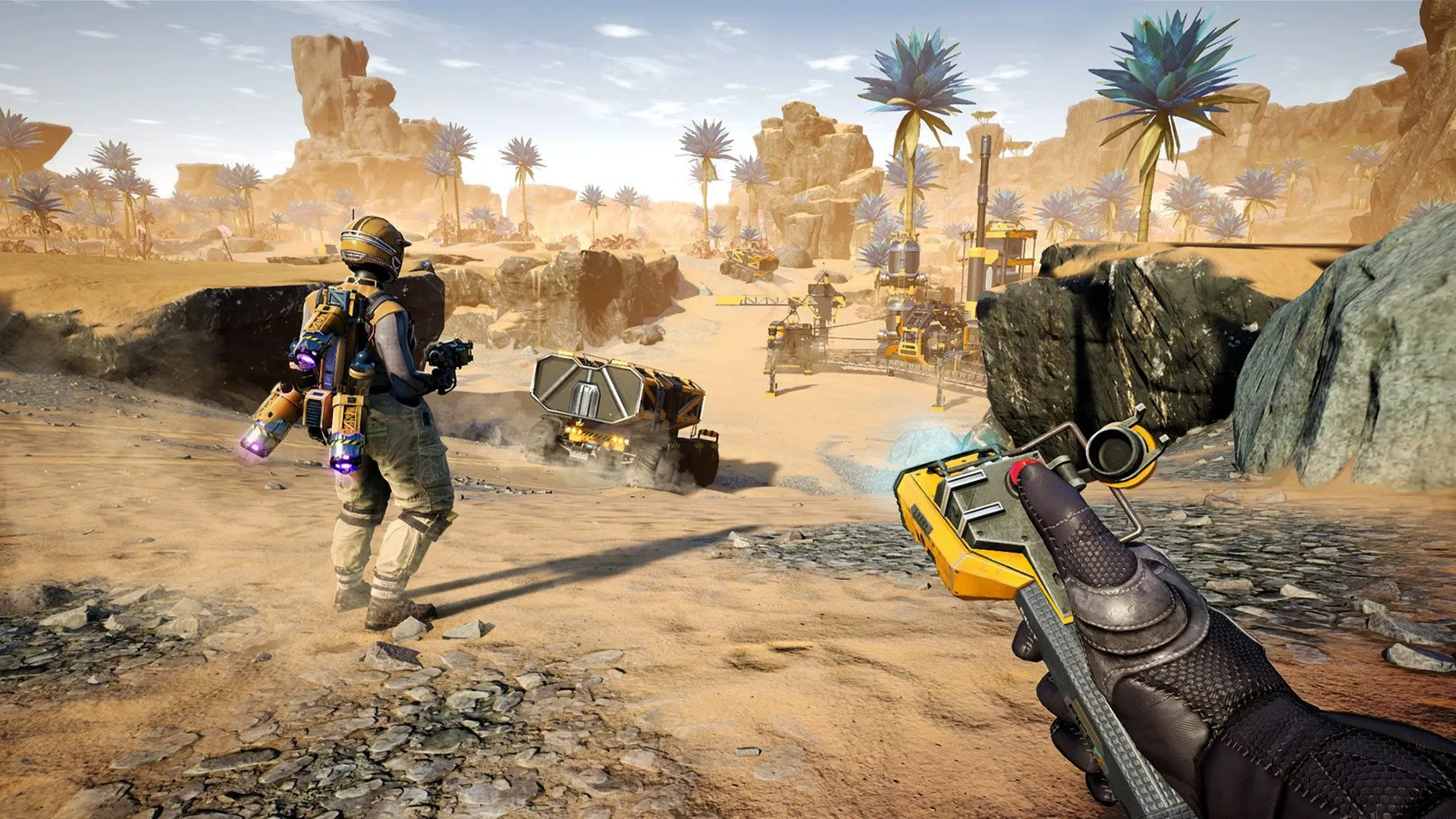
Satisfactory shines in co-op, where a crew splits the work and builds a shared factory together. Sessions run long because factories are never truly finished. On a private dedicated server the factory keeps simulating around the clock, so production and research progress even when nobody is logged in.


Keep the belts moving, day and night.
Full control over settings, saves, and performance.
Set the session name, player limit, and autosave settings from a clean panel.
Live in under 60 seconds, fully ready to play.
Share your server address and start building factories.
No complicated setup. Your server launches in minutes.
This beginner's guide provides essential steps for managing your Satisfactory game server, covering server access, game creation, settings configuration, and save management to enhance your gaming experience. Enjoy organized gameplay with friends!
Read articleThis article provides a step-by-step guide for connecting to a Satisfactory server using PingPlayers. It covers launching the game, accessing the server manager, connecting to the server, and troubleshooting common issues to ensure a smooth experience.
Read articleStep-by-step guide to add custom Blueprints to a Satisfactory server, covering FTP access, blueprint creation, downloads, and troubleshooting.
Read articleHow to add mods to a Satisfactory server with the Mod Manager, from setup and server connections to installing mods and troubleshooting issues.
Read articleLearn how to switch to the Experimental version of Satisfactory to access new features and enhance your gameplay. The article provides step-by-step instructions for changing game versions and server setups, plus troubleshooting tips for common issues.
Read articleSwitch between 50+ games without losing progress, paying extra, or setting up again.
We accept Credit and Debit cards, ApplePay and GooglePay.
Each cluster of players can be automatically renewed by enabling Auto Renew on "My Servers->Edit Cluster" if you haven't done so when you ordered it. It will charge the same payment method used originally.
You can disable auto-renew on your cluster and delete all your servers. Your cluster will be removed on its due date.
Select the game and customize the contract length and max player count and you'll be taken to checkout.
No, to cancel you need to go to My servers->Manage Cluster->Disable Auto Renew.
Yes, within the first 24 hours after the initial ordering of the server.
Payment methods are added on checkout; try ordering something or reconfiguring an existing server and the option will show itself.
Google Pay and Apple Pay.
Select the game and customize the contract length and max player count and you'll be taken to checkout.

Launch your own server in minutes with full control over settings, saves, and performance.