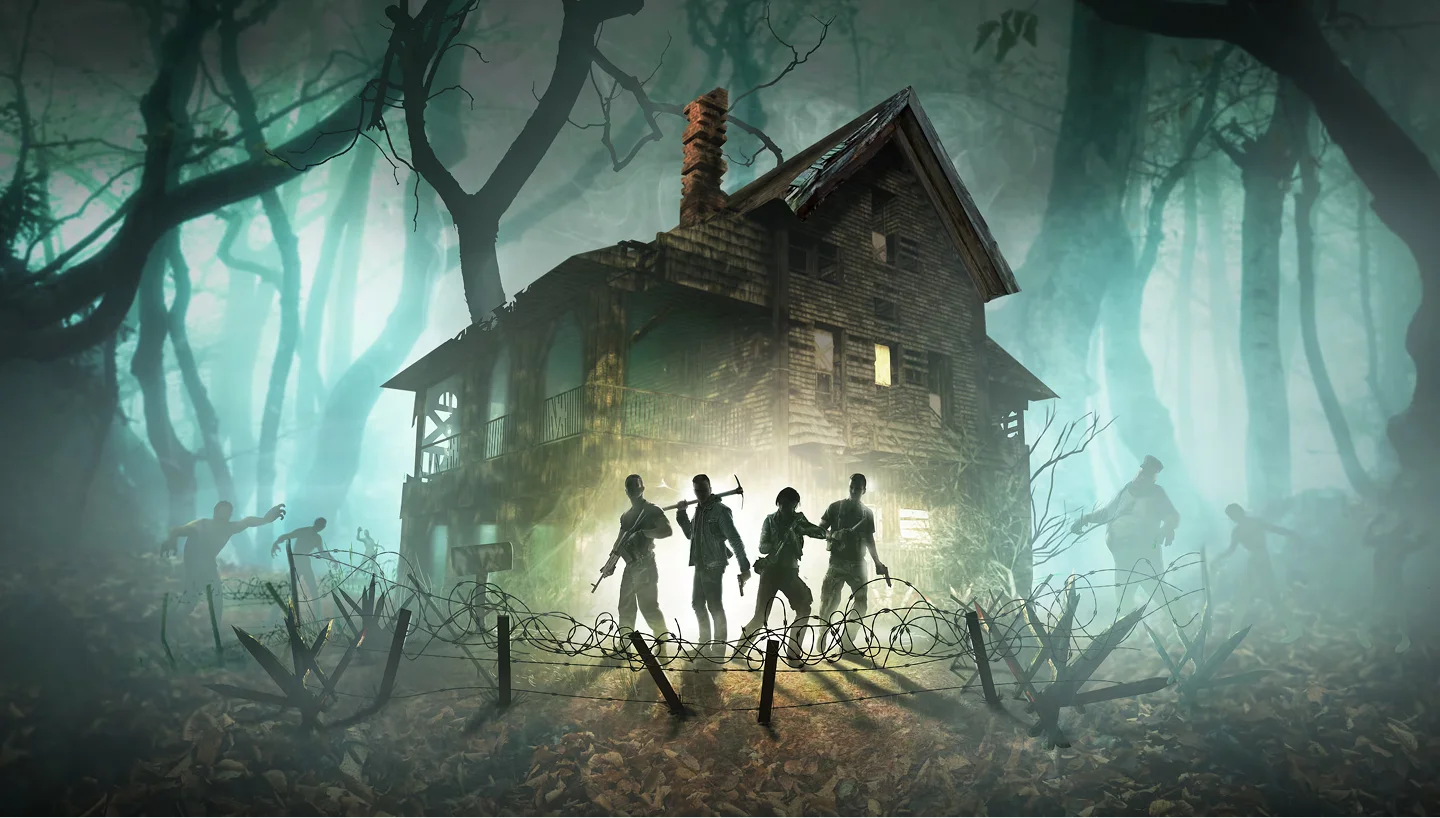
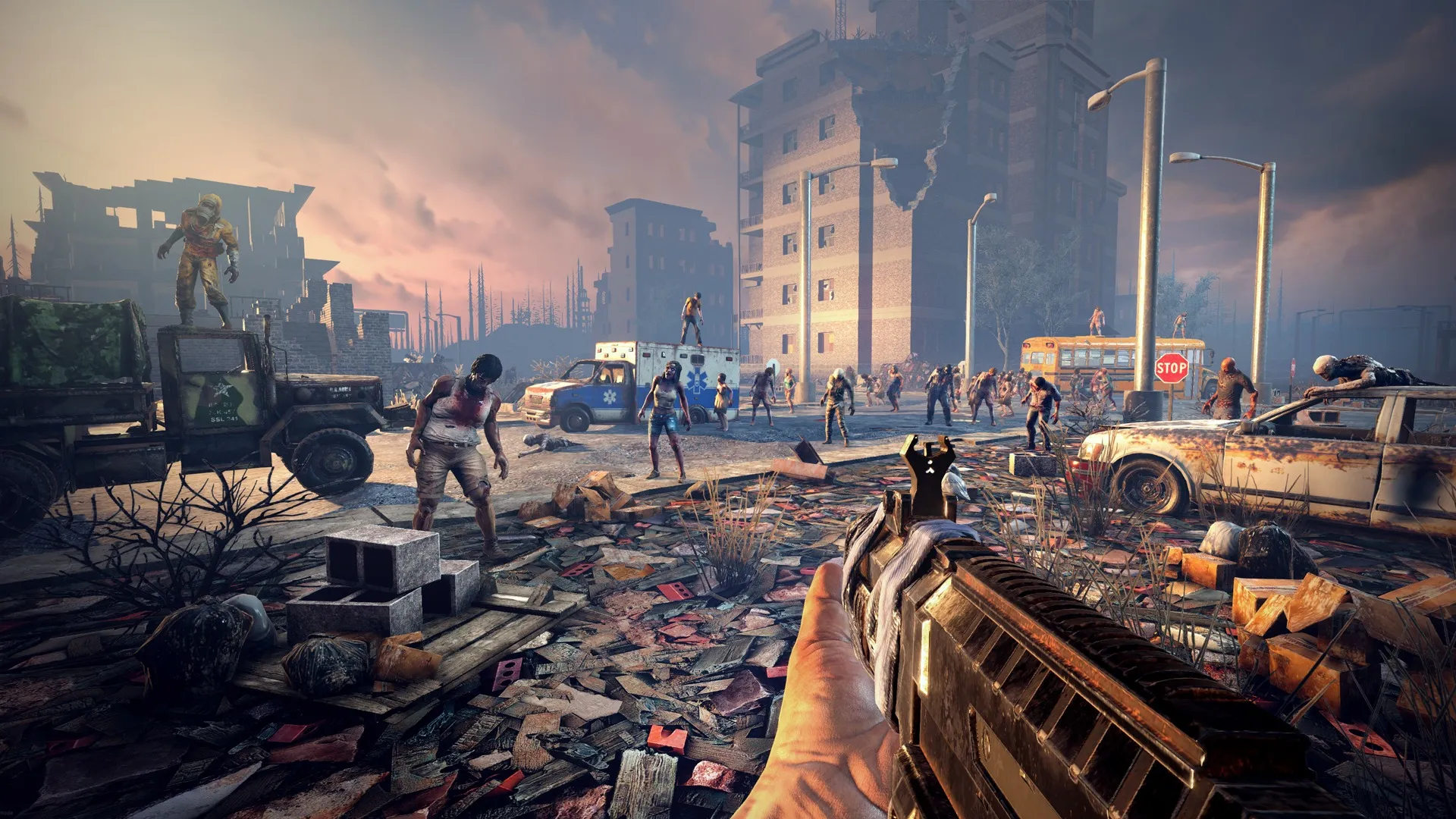
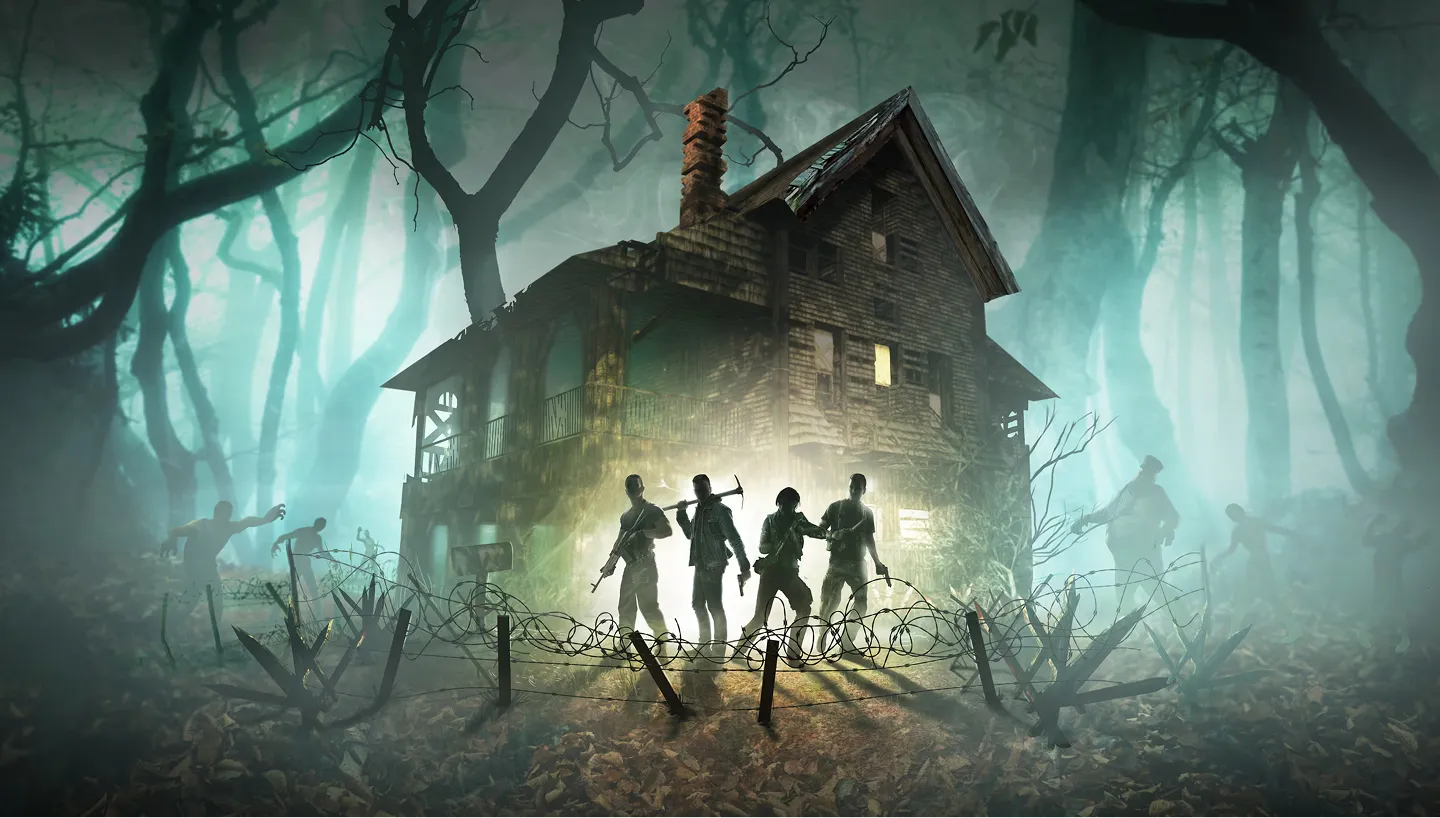
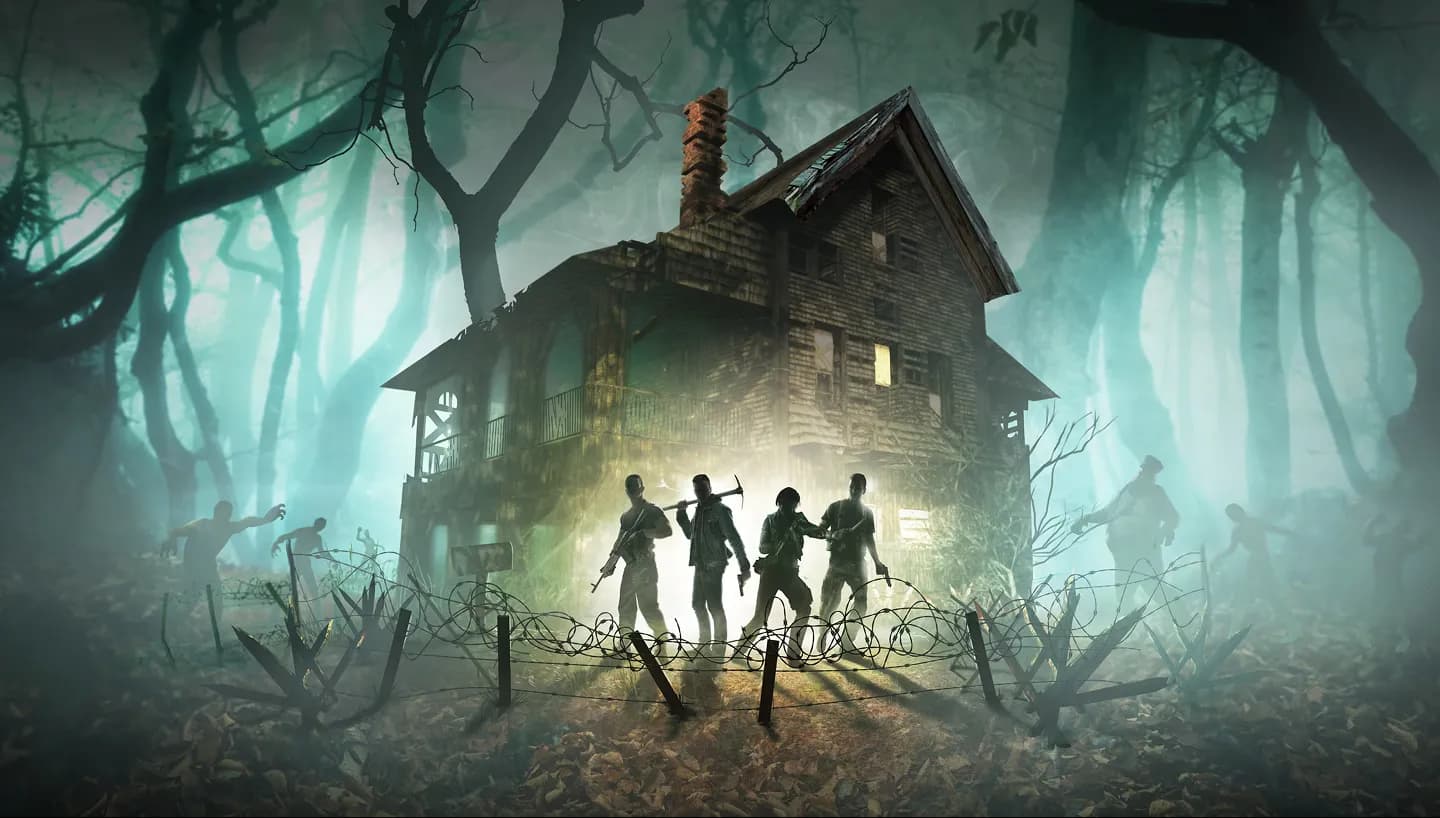
7 Days To Die is a survival horror game developed by The Fun Pimps, set in a post-apocalyptic open world where players must scavenge, build, and fight to survive against relentless zombie hordes. It blends first-person combat, crafting, base building, tower defense, and RPG progression into a deep survival experience where preparation determines whether you live to see the next sunrise.
At its core, 7 Days To Die is built around the Blood Moon, a weekly horde night where escalating zombie waves assault your base. The game features procedurally generated worlds with diverse biomes (forest, desert, snow, wasteland, burnt), fully destructible environments, and a dynamic day-night cycle where zombies run faster and hit harder after dark. Cooperative multiplayer enables friends to survive together, defend shared bases, clear POIs, and explore large worlds as a group.
7 Days To Die sessions tend to span weeks or months. Bases evolve, mods stack, and Blood Moons grow more elaborate as your group levels up. Whether you run a 4-player friend group on vanilla, a 20-person community with custom progression, or experiment with the overhauled tech tree of Darkness Falls, the game rewards persistence: your world, your build, your loadout, all preserved across every session on a private dedicated 7 Days To Die server.
7 Days To Die has one of the strongest modding communities in survival gaming. Popular overhauls and modpacks include Darkness Falls, Undead Legacy, and Ravenhearst, each adding new mechanics, enemies, progression systems, weapon balance, and quality-of-life improvements. Modded and late-game worlds are significantly more demanding than vanilla and require dedicated server hosting to maintain smooth performance during horde nights.
7 Days To Die is CPU and RAM intensive, especially with larger player counts, modded content, or high-loot configurations. High-frequency CPUs maintain stable tick rates during chunk loading and zombie pathing, NVMe SSD storage keeps save lag and corruption risk low, and DDR5 RAM keeps modded worlds responsive even when the server is under heavy load. Choose your plan based on intended player count and whether you plan to run vanilla or modded.
| Server type | RAM needed | Players | Recommended plan |
|---|
| Vanilla | 4–8 GB | 1–8 | 4 GB or 8 GB plan |
| Modded (Darkness Falls / Undead Legacy) | 12–16 GB | 4–20 | 16 GB plan |
| Community / large server | 16 GB+ | 20+ | Custom config |
Multiplayer is where 7 Days To Die really opens up. With a private dedicated server, your group controls every rule: land claim block limits, XP sharing ratios, zombie difficulty curves, day length, loot respawn frequency, Blood Moon size, and which mods are loaded. Unlike PC-hosted servers, a dedicated 7 Days To Die server stays online 24/7 with a persistent world that does not depend on any one player keeping their PC running.
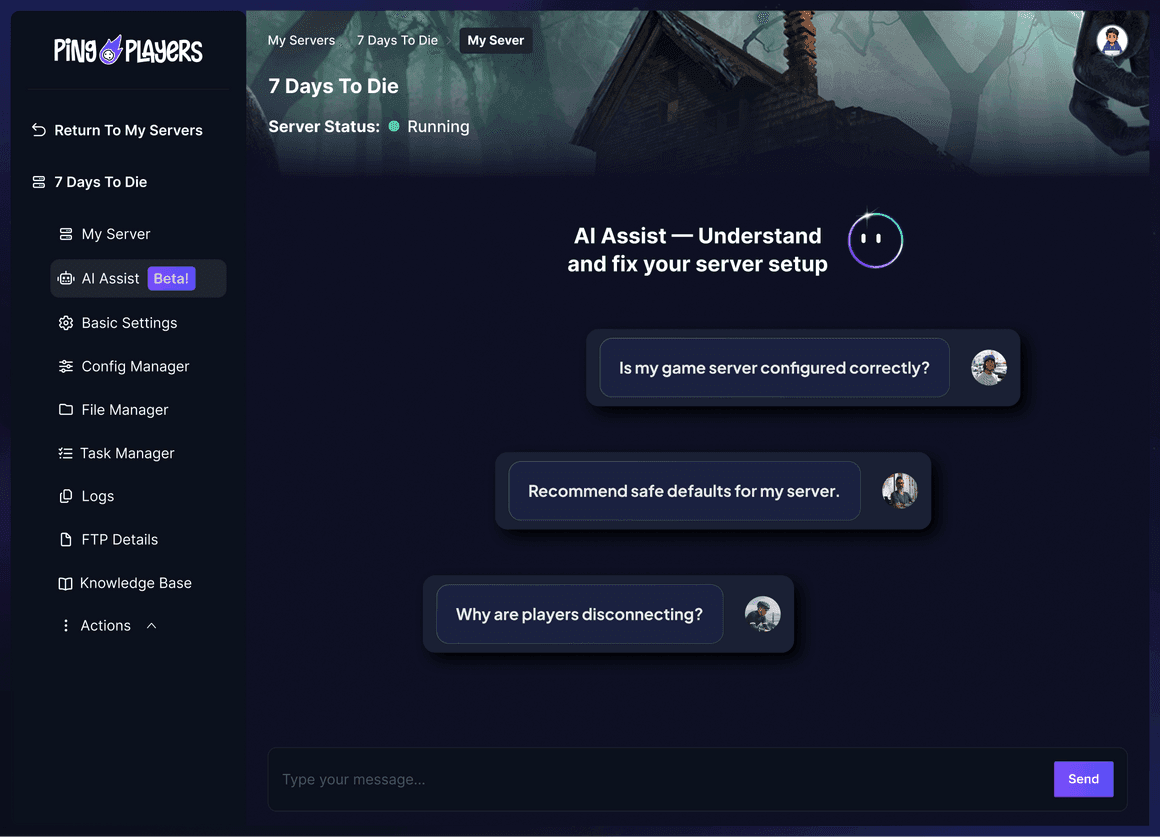
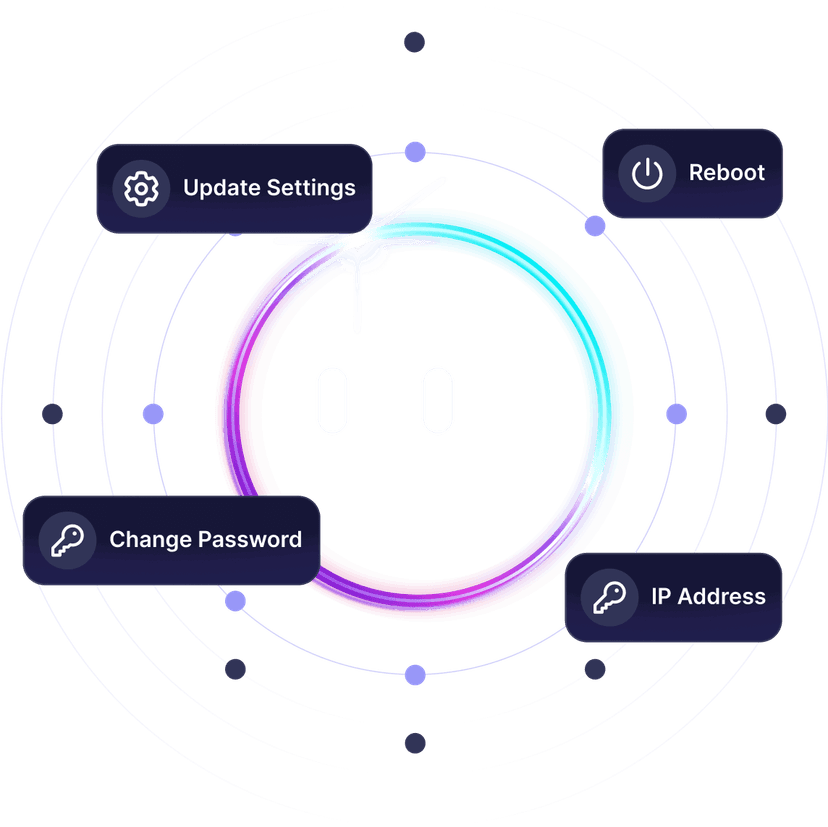
Hosting a dedicated 7 Days To Die server eliminates host advantage, removes hardware bottlenecks, and survives the punishing performance demands of late-game horde nights and heavily modded playthroughs. PingPlayers includes high-performance hardware, full configuration control, automated backups, 24/7 real human support, and an integrated Ping AI assistant that helps apply recommended settings, install mods, and resolve common setup issues faster.