Europe & Africa
EMEA // 4 locations
NL
AmsterdamEU West
GB
LondonUnited Kingdom
DE
FrankfurtEU Central
ZA
JohannesburgSouthern Africa
Limited-time offer:10% offyour game serverwith code
Ends in 0 days, 0 hours and 0 minutes
Your own Terraria server for co-op boss fights, Hardmode and tModLoader worlds.
3GB
$8.07/ 30 days
SAVE ~10%$8.97
Best for small servers & a few friends
Instant activation · Cancel anytime
6GB
$16.16/ 30 days
SAVE ~10%$17.95
Best for medium groups & modded servers
Instant activation · Cancel anytime
8GB
$21.54/ 30 days
SAVE ~10%$23.93
Best for large, busy, heavily-modded servers
Instant activation · Cancel anytime
Same hardware. Your rules.
Instant activation · Cancel anytime
RAM-based pricing · from $2.69 / GB (per 30 days) · pay only for what you need
Launch your private Terraria dedicated server in minutes. Built for multiplayer stability with persistent worlds and dedicated performance.
Set it up the way your group plays.
Plans are sized by RAM. Not sure which one? Support helps you pick.
Every location costs the same, so choose by ping.
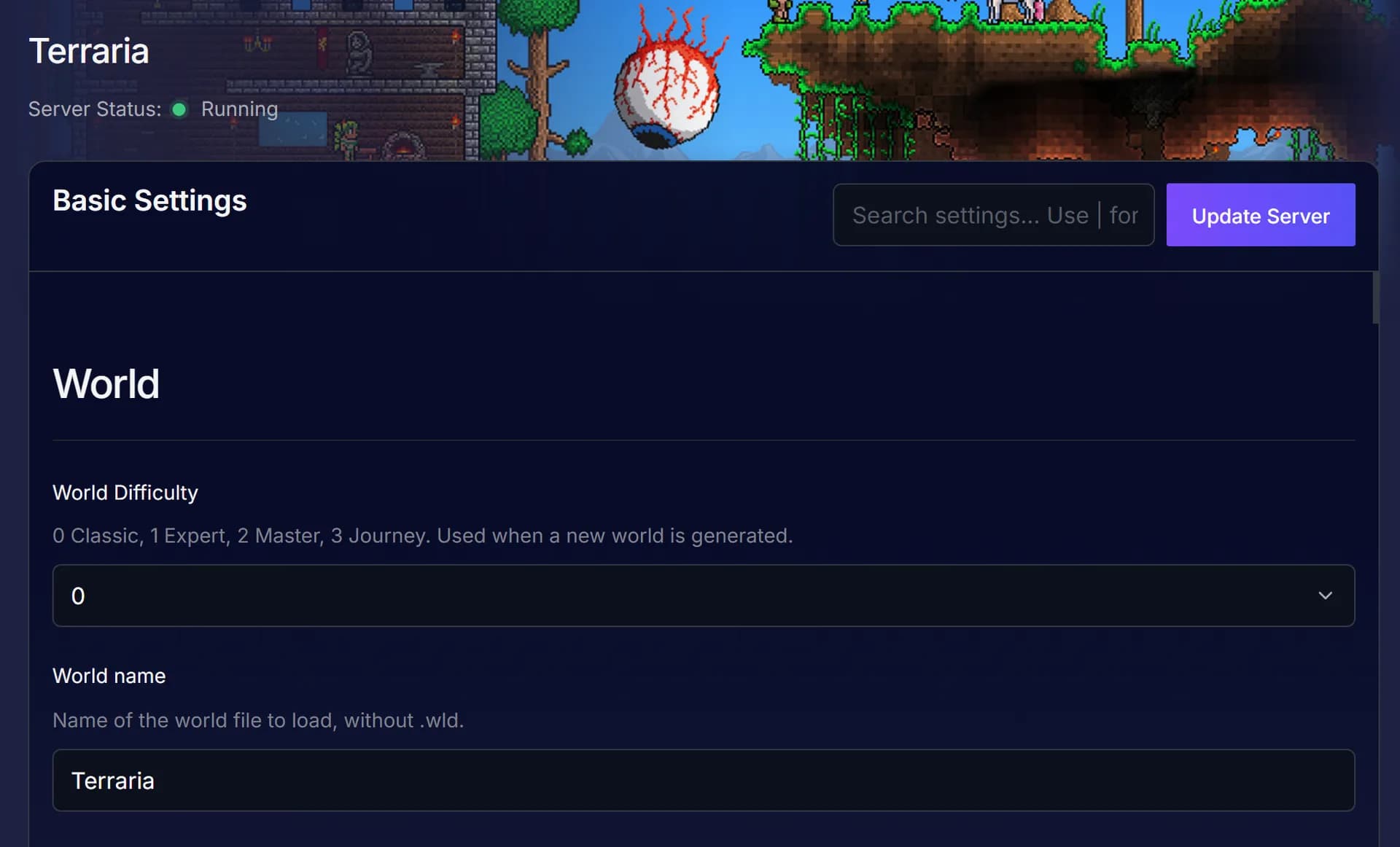
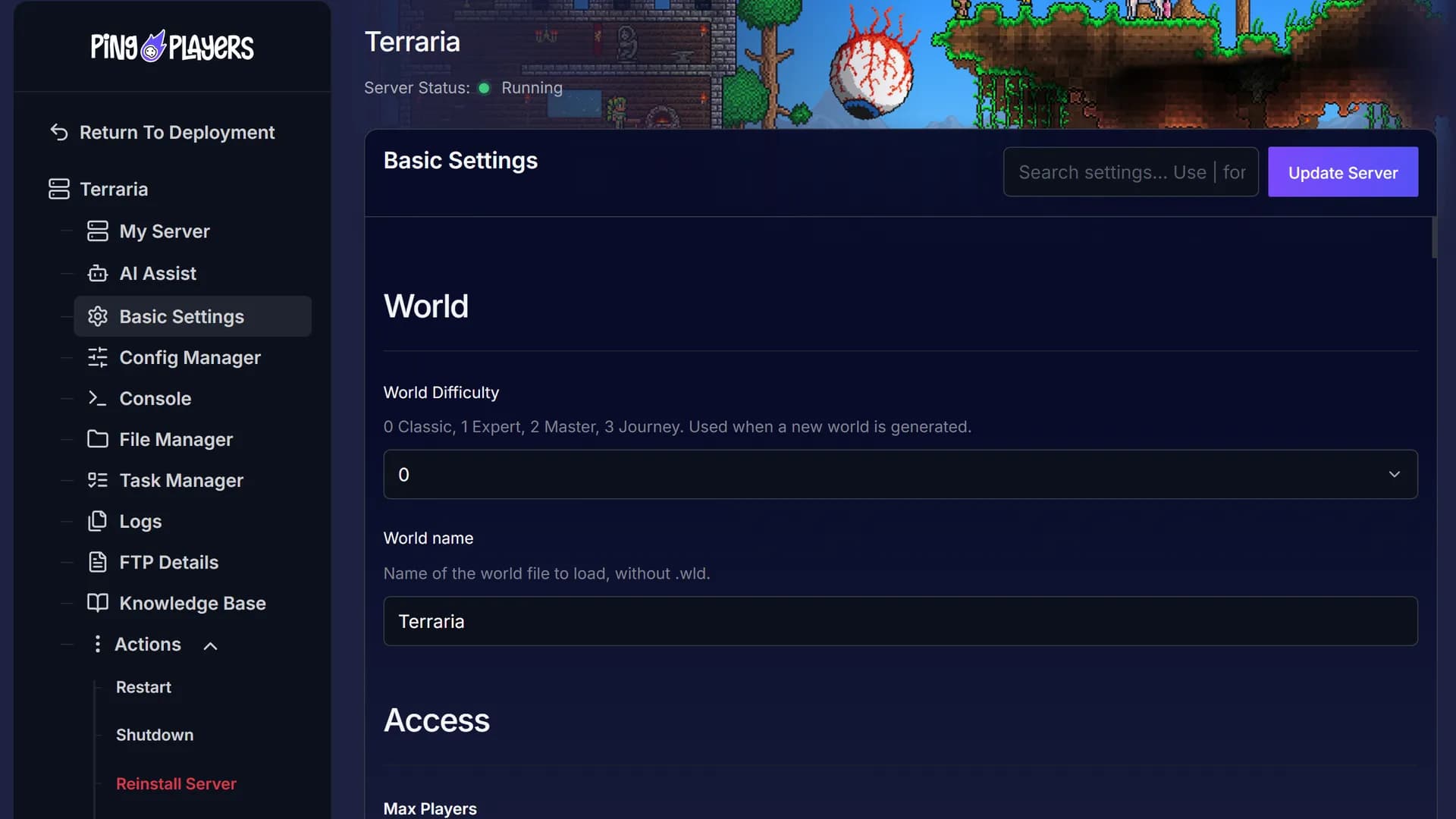
Pick a World Difficulty in Basic Settings, or name a saved world to load, then click Update Server.
Friends pick Join via IP in Multiplayer and enter your IP and port.
60-second setup on every plan.
Choose the location nearest your Terraria group. The live map shows your ping to each one before checkout.
Moving later? Servers move between locations on request, world and mods included.
See all locationsEvery Terraria plan, whatever its RAM, runs on the same CPUs, DDR5 memory and NVMe storage, in every location.
Your world stays online between sessions, covered by our SLA.
Your group connects to the server over 10Gbps uplinks, wherever you host it.
Enterprise DDoS protection sits in front of your server.
A dedicated Terraria server runs on data centre hardware and network, so your PC only has to run the game.
Stop running Host & Play on your PC.
Put your world on its own hardware.
Cancel anytime
Set World Difficulty for a new world, or type a saved world's name in World name, without .wld, then click Update Server.
Ask in plain words in the panel chat.
Ping AI sets up or changes your server for you.
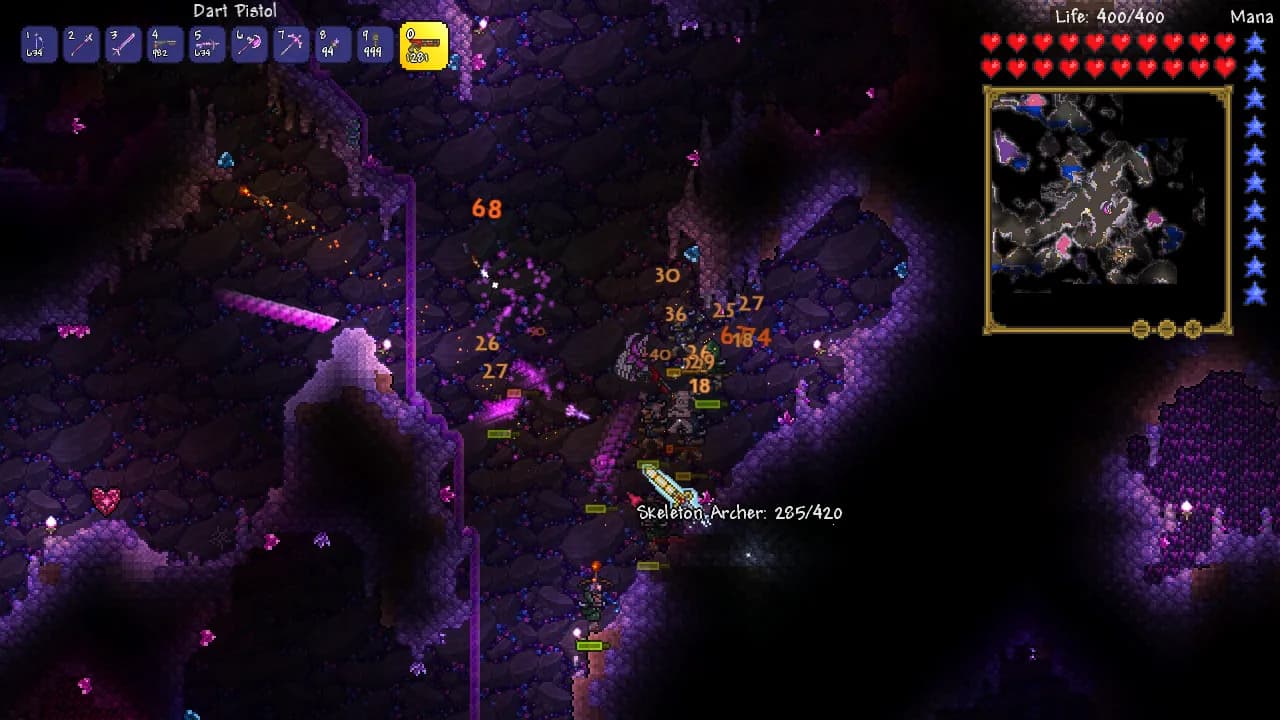
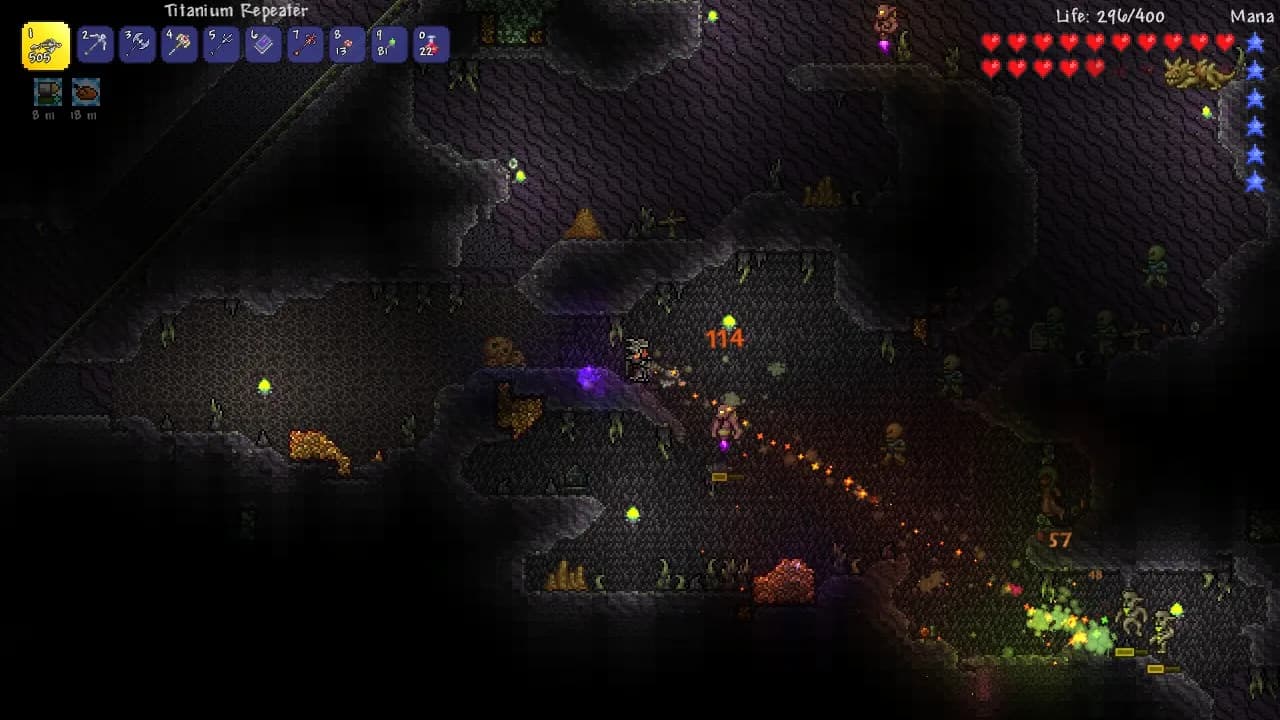
Three ways to play together: your PC, a public server or your own.
The world waits for your group.
This feed loads straight from Trustpilot. Your Terraria server gets the same support team the reviews talk about.
Write in any language: every chat is translated both ways.
 Jonathan Lexne on Trustpilot, Sep 2026
Gaming support specialist
“Nicole was great. She first tried to explain what i needed to do in order to solve my problem. When I couldn't do it, she solved the problem for me. A great customer experience!”
 Justin Olin on Trustpilot, Aug 2026
Gaming support specialist
“Kimmy helped me out and she was very knowledgeable and helped me with all of my questions and answered very quickly.”
 Leonardo salas on Trustpilot, Aug 2026
Gaming support specialist
“Francis helped me resolve a big issue with our server; everything is going great now and it was very quick, thank you!”
 Whitney Thibeaux on Trustpilot, Jul 2026
Gaming support specialist
“Lautaro was such a great help and answered all my questions quickly and help me fix my problems!! Great service!”
 Antreas1 on Trustpilot, Jul 2026
Gaming support specialist
“support was fast Emman was my support aggent he was quick understanding of the problem great experiance overall”
 Matias on Trustpilot, Apr 2025
Gaming support specialist
“German is a great dude. Not only does he fix problems, he is funny and very understanding. Dont be scared to message the live chat!”
1 / 6
Person 1 of 6
Waiting in your panel. The features page has the rest.
One link from your panel, and the group pays their share without making an account.
See SharePaySee players online, uptime, CPU and memory live, without joining the game.
See live telemetryRestart, shut down or start the server daily or weekly, at the hour you pick.
See the schedulerOn tModLoader, search the Steam Workshop in the Mods tab and click Install. Required mods come with it.
See the mod managerSwitch your server to another game in our catalogue for nothing extra, as long as your plan has the memory that game needs.
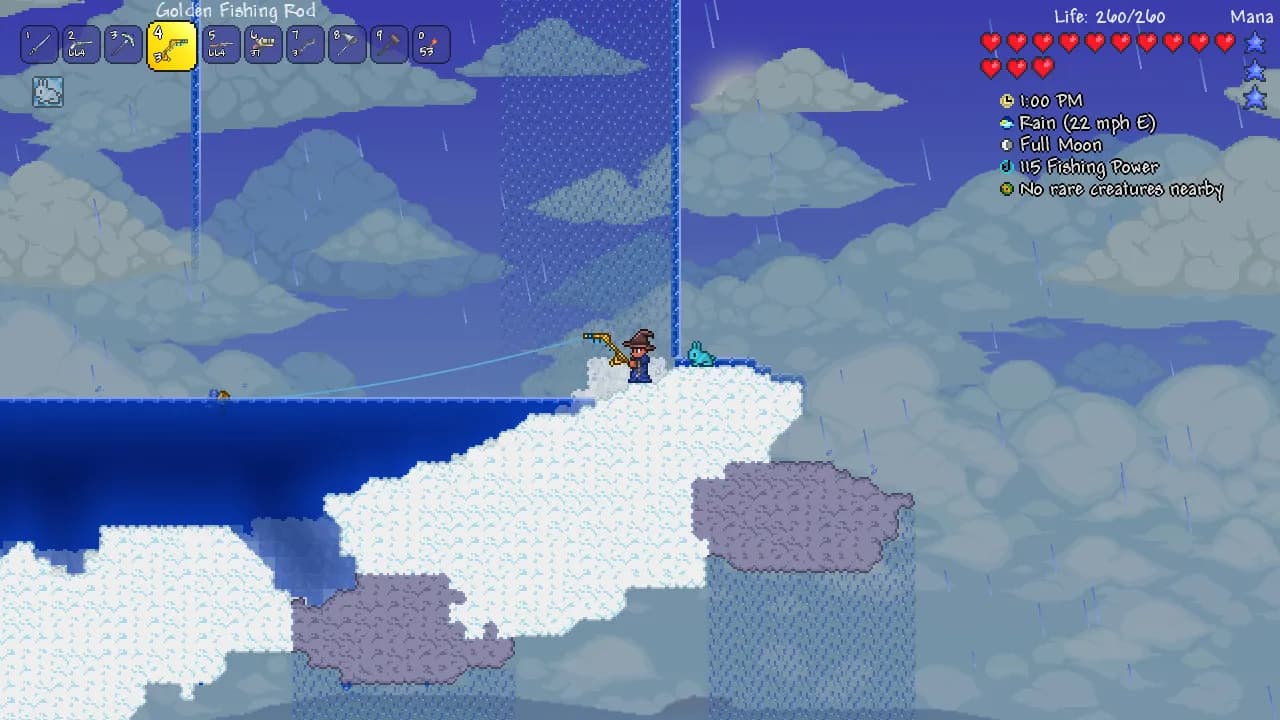
Terraria server hosting with instant activation. Pick a plan and a location, then start digging.
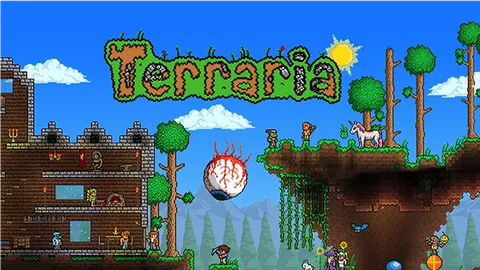
Terraria is a 2D sandbox adventure from Re-Logic, first released on PC on 16 May 2011. Steam sums it up in four words: dig, fight, explore, build. Every world is generated from a seed. The most recent big update, Bigger & Boulder, arrived in January 2026.
You start with a copper pickaxe, dig for ore and build a base that town NPCs move into. Beat the Wall of Flesh and the world turns to Hardmode for good, with new biomes and new bosses. A Blood Moon fills a whole night with more dangerous enemies. Invasions come too, and the Moon Lord is the final boss.
On a dedicated server the world stays open without a host, so anyone in the group can drop in for an hour of mining and leave. When nobody is online, Terraria pauses time on the server until someone joins. PC and mobile players can share a server when everyone runs the same game version.
Step-by-step help for setting up and running your Terraria server.
This article explains how to connect to a Terraria server through direct connect using the server IP and port in-game.
Read articleThis article explains how to modify a Terraria server world difficulty. It describes and helps how to understand character vs. world difficulty, choose from four difficulty levels, and follow simple steps to change settings on your PingPlayers server.
Read articleThis article explains how to be an admin in Terraria T-Shock. It provides a step-by-step guide on how to use the T-Shock setup system and how to manage admin roles and commands.
Read articleAdd and enable mods on your Terraria tModLoader server with the automated Mod Manager—quick installs, dependency handling, and troubleshooting.
Read articleThis article explains how to add custom World on a Terraria T-Shock server. It provides a step-by-step guide that includes how to connect to FTP and upload the map/world files and how to manage different Worlds and saves.
Read articleThis article provides a comprehensive guide for managing world generation in T-Mod Terraria servers. It covers key server settings, file types (.wld and .twld), and common pitfalls to avoid, ensuring players can create and load their desired modded worlds effectively.
Read articleAnswers before you rent. Anything else, ask support on live chat.
Pick a plan and a location above and check out. The server is live 60 seconds later. Then pick a World Difficulty in Basic Settings, click Update Server, restart, and share your IP and port. Generating a new world can take around 10 minutes.
It depends on how big the world is and how many mods you run. Plans come in 3 GB, 6 GB or 8 GB, or a custom plan from 1.5 GB to 8 GB. For a tModLoader modpack we suggest 8 GB.
On six continents: North America, South America, Europe, Asia, Oceania and Africa. The live map above shows every location, the checkout shows your ping to each one, and every location costs the same.
In Terraria, open Multiplayer, choose Join via IP and pick a character (a Journey character for a Journey world). Enter the IP, then the port, then the password if the server has one. How to connect.
On a tModLoader server, shut it down from Actions, open the Mods tab, choose Steam Workshop, search for a mod and click Install. Required mods install with it. Then restart from Actions. Mod Manager guide.
Yes. Shut the server down, upload the plugin to the ServerPlugins folder with File Manager or FTP, and restart. Check that the plugin is made for TShock, not tModLoader, and for the TShock version the server runs. TShock plugin guide.
In Basic Settings, set World Difficulty to 0 for Classic, 1 for Expert, 2 for Master or 3 for Journey, click Update Server and restart. The server then erases the current world and generates a new one at that difficulty, so pick it before you start playing. Difficulty guide.
Copy the Setup Code from Basic Settings, join the server and type /setup followed by the code in chat. Create your owner account with /user add, log in with /login, then type /setup once more to finish. Keep that username and password safe. Admin guide.
Yes, when everyone runs the same game version. DR Studios, who make the console and mobile versions, says PC, mobile and dedicated servers play together by IP and port. Console players cannot join yet. A tModLoader server is different: every player needs tModLoader, which runs on PC through Steam.
Yes. Shut the server down and upload your .wld file with File Manager or FTP. On the standard TShock server it goes in the worlds folder: type its exact name, without .wld, in World name in Basic Settings and restart. On tModLoader, add its .twld file too and type the full file name, .wld included, in Load World. If the name does not match the file, your world will not load. World upload guide.
Yes, free on every plan. Our engineers copy your saves, mods and configs, check them and hand you the new IP, and your old server keeps running until then. How free migration works.
Not yet. tModLoader runs Terraria 1.4.4 while its team ports it to 1.4.5, so modded worlds do not have Bigger & Boulder content. A world saved on a newer build will not load on a tModLoader server, so do not open a world in vanilla 1.4.5 if you plan to mod it.
The server stays up, and Terraria pauses time when no players are connected, so nothing moves on without you. Anyone in the group can join whenever they like, with no host needed.
Every plan comes with a 24-hour money-back guarantee. If the server is not right for your group, talk to support on live chat or email.
In My Servers, open the three dots on the server card, choose Billing, then View options next to Renewal settings and cancellation, and click Cancel Subscription. The server stays active until the end of the period you paid for.
Yes, with SharePay. After signup the panel gives you a link, and your group pays their share without making an account. It works on any plan, for any group size.
Yes, and switching is free on games your plan has the memory for. Ask support before you switch so you know what happens to your Terraria files.
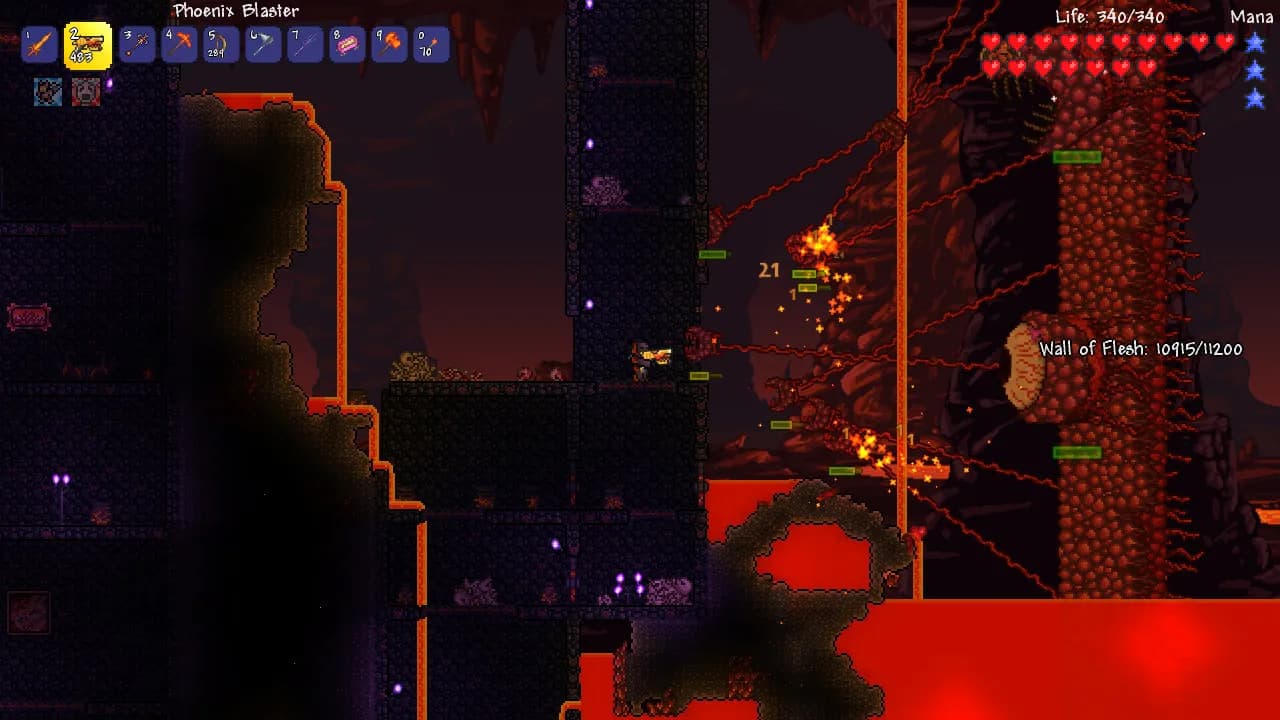
Take your group through Hardmode and the Moon Lord on your own server.
Live 60 seconds after checkout.
We use cookies to enhance your browsing experience, serve personalized ads or content, and analyze our traffic. By clicking "Accept All", you consent to our use of cookies.