
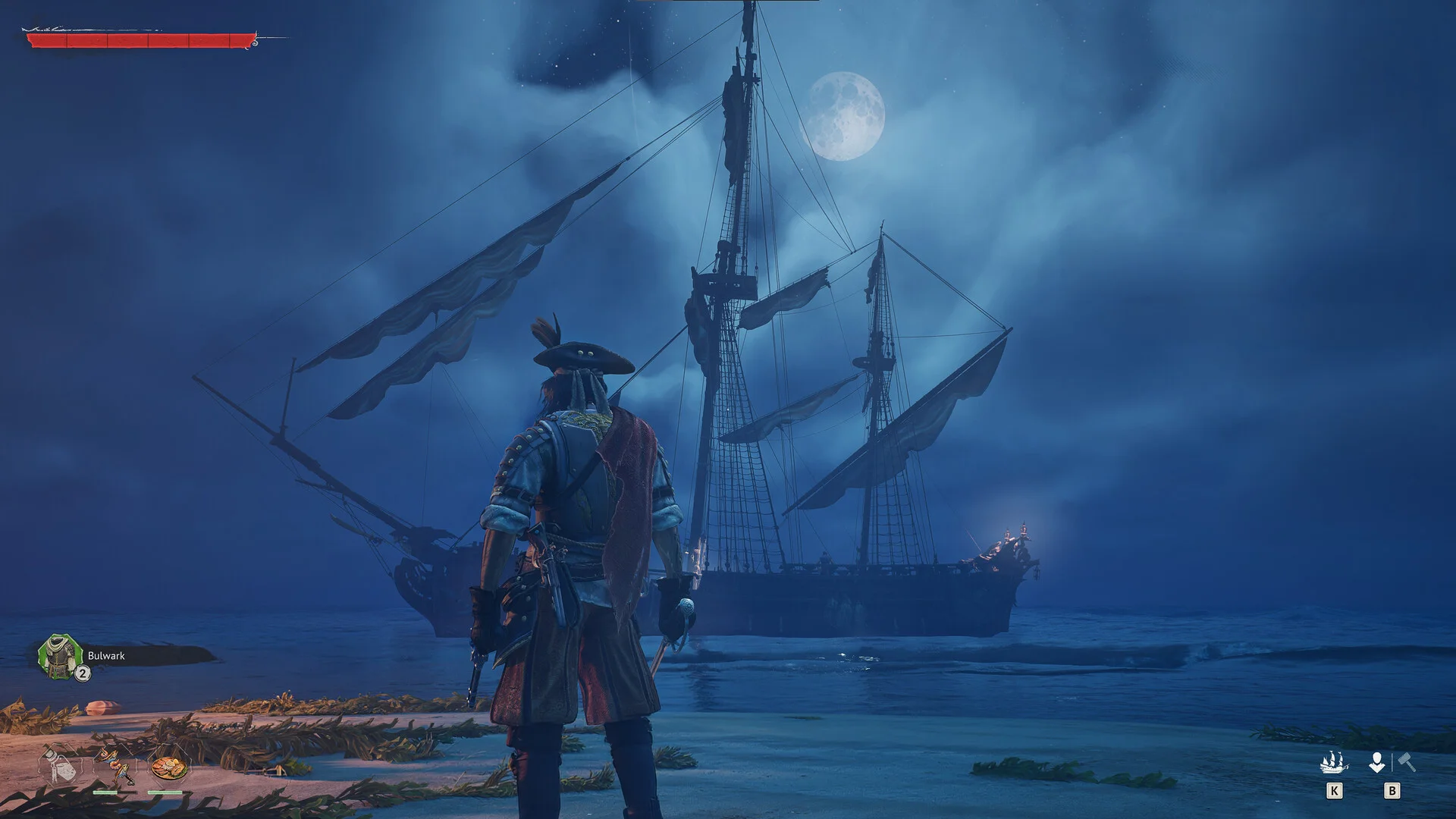
Windrose Server Hosting
High-performance hosting for Windrose survival, exploration, and multiplayer gameplay.
6GB
6 GB / 30 days
$13.72/ 30 days
SAVE ~10%$15.25
Best for small servers & a few friends
- Unlimited game swap, 80+ games
- Ping AI Assistant
- 1.25GB boost
Instant activation · Cancel anytime
8GB
8 GB / 30 days
$18.30/ 30 days
SAVE ~10%$20.33
Best for medium groups & modded servers
- Unlimited game swap, 80+ games
- Ping AI Assistant
- 1.25GB boost
Instant activation · Cancel anytime
11GB
11 GB / 30 days
$25.16/ 30 days
SAVE ~10%$27.95
Best for large, busy, heavily-modded servers
- Unlimited game swap, 80+ games
- Ping AI Assistant
- 1.25GB boost
Instant activation · Cancel anytime
Build your own
Same hardware. Your rules.
- Everything included +
- Unlimited Players
- Any RAM size you need
Instant activation · Cancel anytime
RAM-based pricing · from $2.29 / GB (per 30 days) · pay only for what you need
- Xeon / Ryzen
- High-frequency CPUs
- DDR5 RAM
- Dedicated, not shared
- NVMe SSD
- Fast world loads
- 10Gbps
- Network uplinks
- DDoS Shield
- Enterprise protection
Launch your private Windrose dedicated server in minutes. Built for multiplayer stability with persistent worlds and dedicated performance.
Why PingPlayers is perfect
for your Windrose server
Everything you need to host, manage, and scale your Windrose server without technical friction.
Instant AI setup
No manual config required. Your Windrose server is ready in seconds.
High-frequency CPUs
Strong single-core performance for smooth Windrose gameplay.
NVMe SSD storage
Fast disk speeds for biome loading and dungeon instances.
DDR5 RAM
Stable memory for ship physics and NPC crew AI.
Enterprise DDoS protection
Always online, always protected from attacks.
Full config control
Adjust all server settings from our control panel.
Automated backups
Protect your island stronghold before updates or changes.
Instant upgrades
Scale RAM and crew slots as your expedition grows.
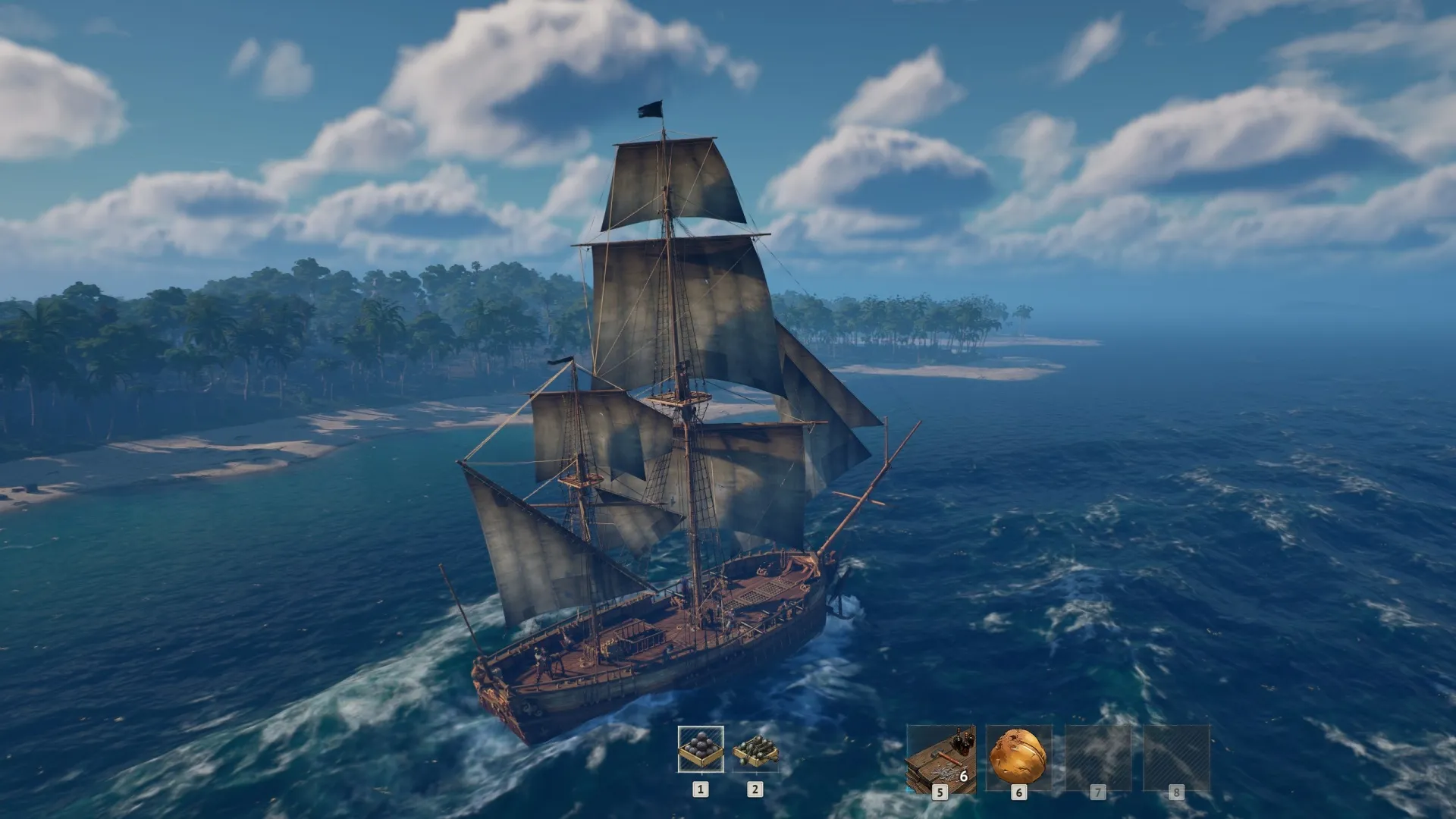
How to launch yourWindrose server
Get your server live in under 60 seconds.
Choose your plan
Pick RAM, slots, and the data centre closest to your crew.
Configure your server
Set biome difficulty, crew slots, and world settings from a clean panel.
Deploy with Ping AI
Live in under 60 seconds, fully ready to sail.
Invite and play
Share your Invite Code and set sail with your crew.
No complicated setup. Your server launches in minutes.

Simple yet powerful control panel
for Windrose
Not sure how to configure your server? Ping AI walks you through every setting so your crew can get sailing fast.
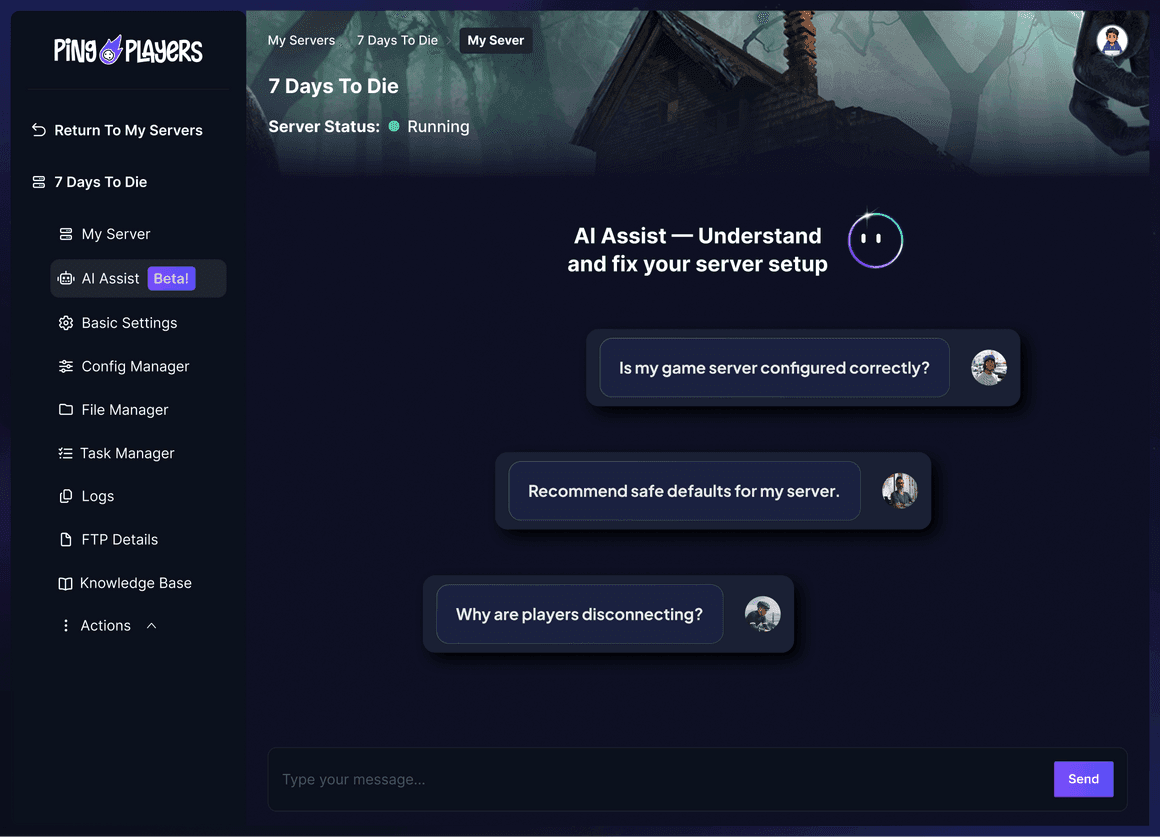
Meet Ping AI,
your Windrose server navigator
The first AI built just for gamers.
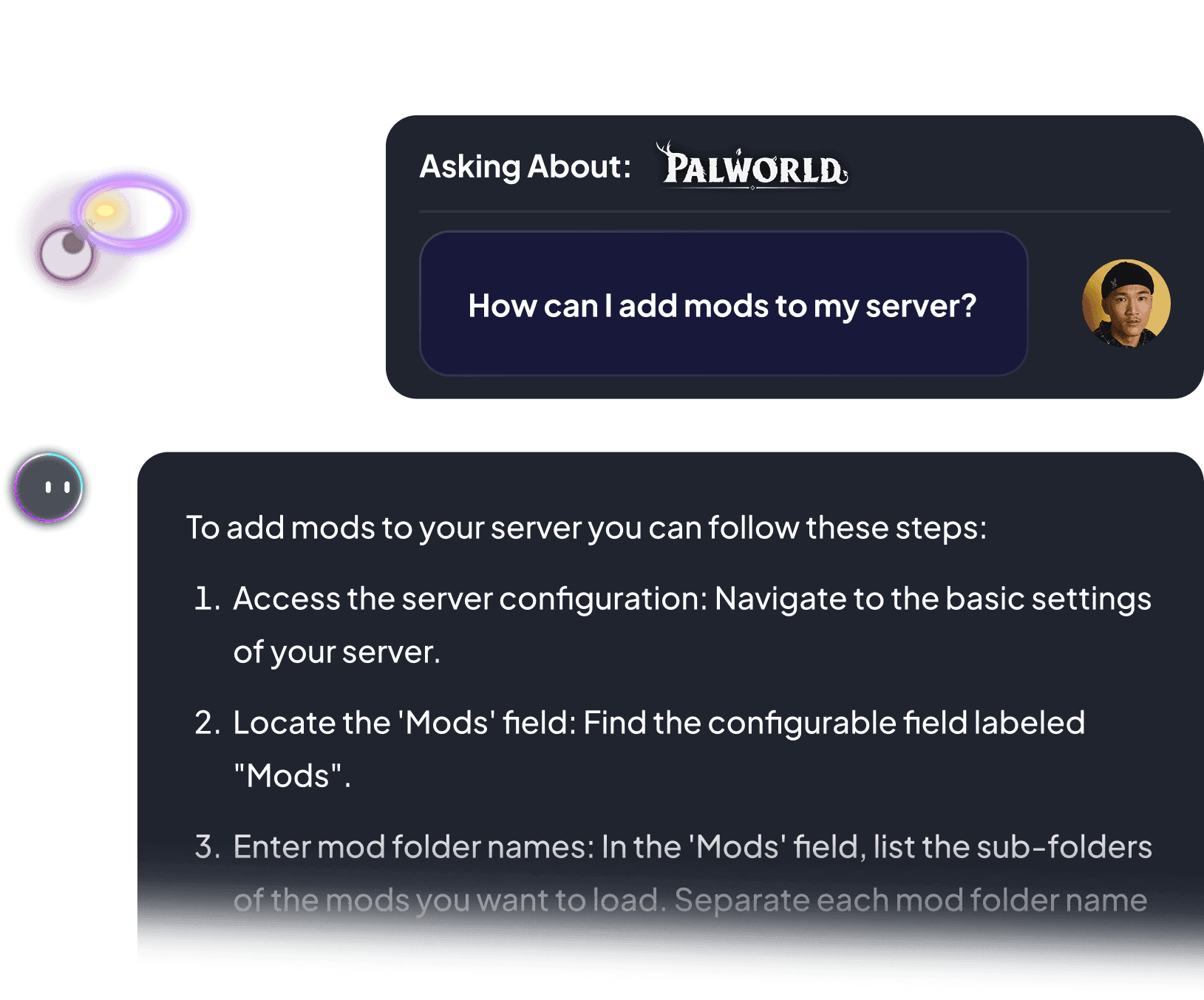
Configure crew slots, fix server issues, or retrieve your Invite Code. All by chatting.
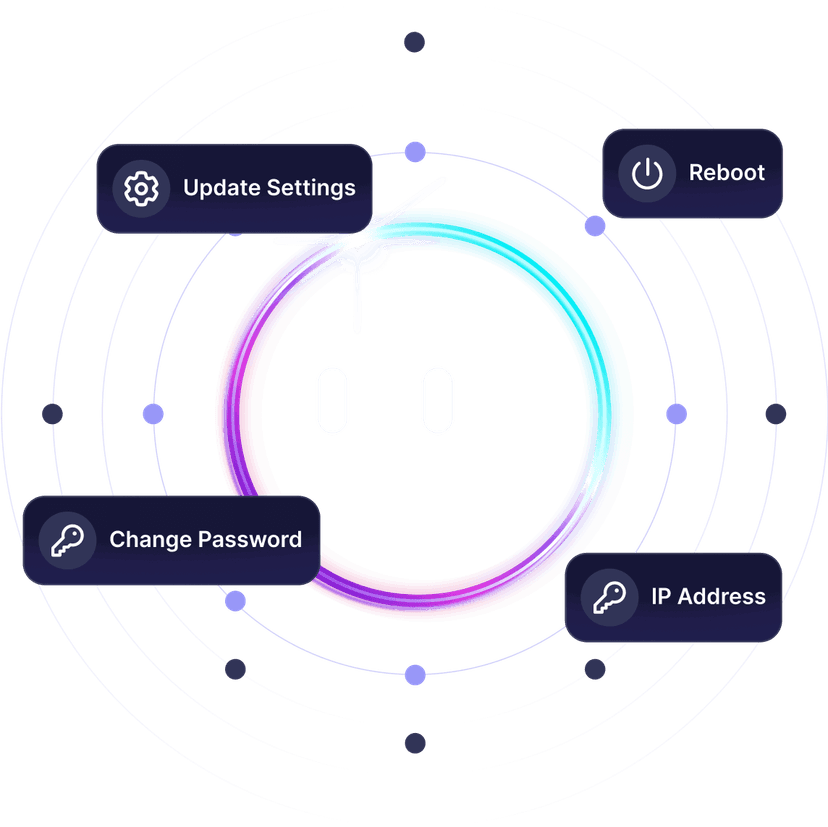


Lost at sea with your server?
Ping AI navigates it. Relax.
From setting sail to fixing server configs, Ping AI handles it.
Because getting your Windrose crew online should not feel like navigating without a compass.

Servers built for how
Windrose actually runs
Reliable hosting depends on performance, world persistence, backups, and proper server control.
Dedicated Windrose server
vs self-hosted and public servers
A dedicated server stays online independently from any player.
We prioritize lag free Windrose gameplay
As gamers we hate lag. It ruins the session. That is why we never oversell our servers, so everyone plays Windrose without a hiccup.

Global network for perfect Windrose gameplay
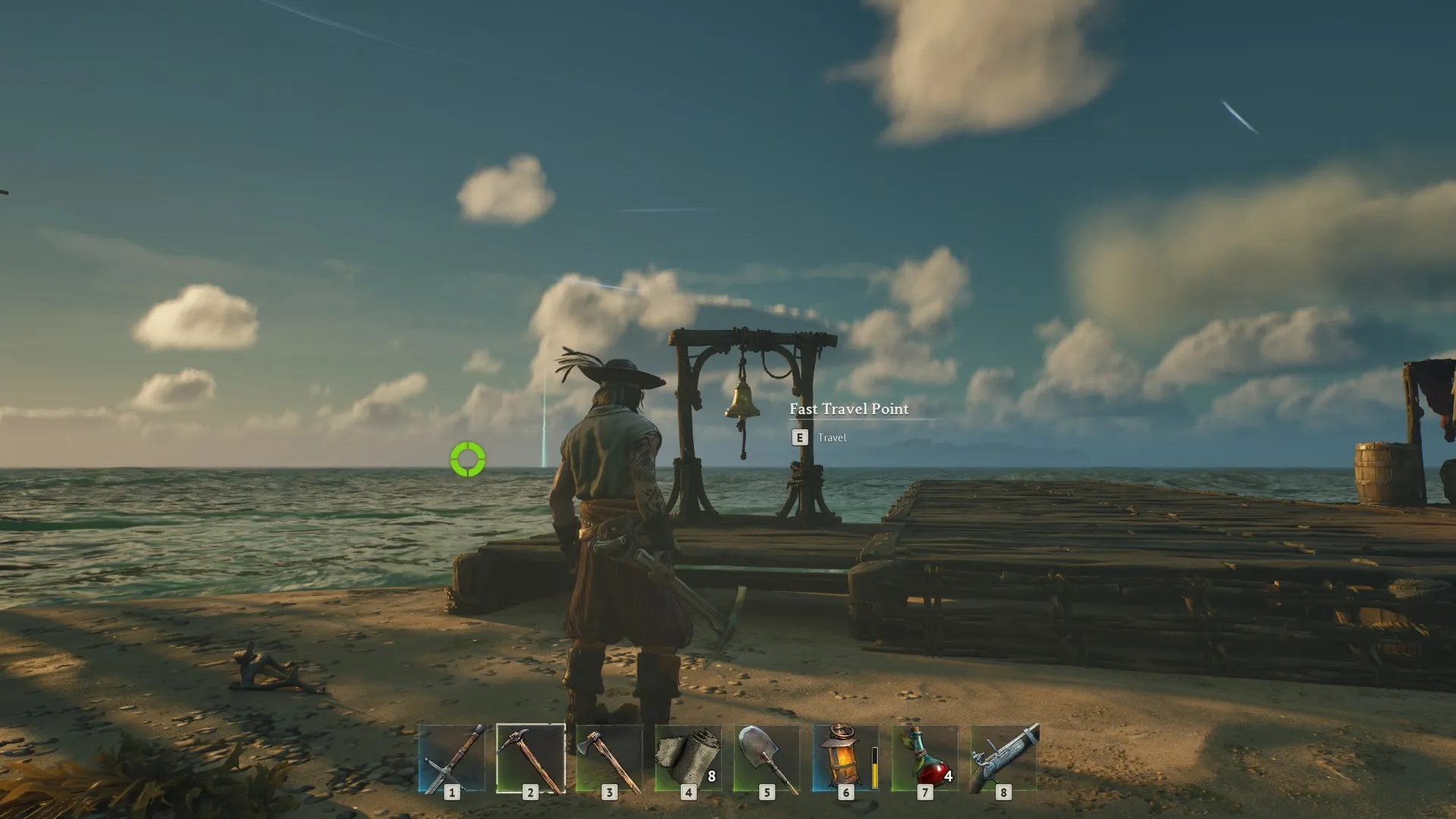
Choose the server location closest to your crew to reduce latency during ship combat, boarding runs, and open-world exploration.

Change games anytime.One server does it all.
Switch between 50+ games without losing progress, paying extra, or setting up again.




































































































Ready to host your Windroseprivate server?
Launch your own server in minutes with full control over settings, biomes, and crew performance.
See why Windrose gamers
trust PingPlayers
Trusted by thousands of Windrose players worldwide.
Frequently asked questions
We accept Credit and Debit cards, ApplePay and GooglePay and PayPal.
Each cluster of players can be automatically renewed by enabling Auto Renew on "My Servers->Edit Cluster" if you haven't done so when you ordered it. It will charge the same payment method used originally.
You can disable auto-renew on your cluster and delete all your servers. Your cluster will be removed on its due date.
Select the game and customize the contract length and max player count and you'll be taken to checkout.
No, to cancel you need to go to My servers->Manage Cluster->Disable Auto Renew.
Yes, within the first 24 hours after the initial ordering of the server.
Payment methods are added on checkout; try ordering something or reconfiguring an existing server and the option will show itself.
Google Pay and Apple Pay.
Select the game and customize the contract length and max player count and you'll be taken to checkout.
About Windrose
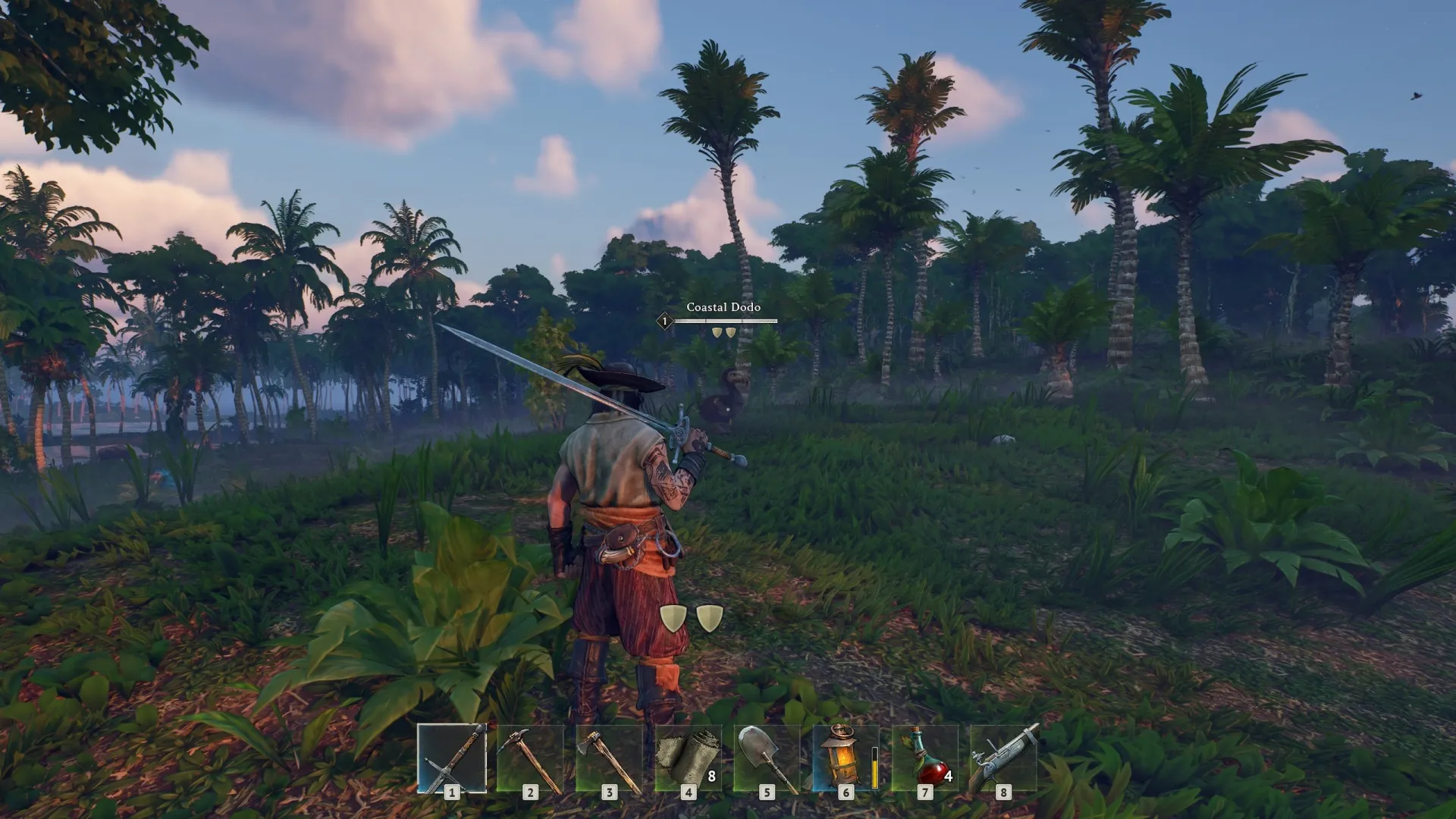
Windrose is a pirate survival game set in an alternate Age of Piracy, developed by Kraken Express and published by Pocketpair Publishing. One of the most-wishlisted titles on Steam, it launched into Early Access in April 2026 with full ship combat, crew mechanics, and a handcrafted open world to explore.
The core gameplay loop centres on commanding a vessel, hiring NPC crew for expeditions, trading cannon fire with rival ships, and sending boarding parties to claim their cargo. The world spans procedurally generated biomes filled with hidden mysteries and handcrafted dungeons, with players free to shape their campaign through island strongholds, vessel upgrades, and fine-tuned combat settings.
Windrose runs in solo offline mode or co-op with a full crew. Sessions are persistent: your island stronghold, cargo hold, and progress carry over between play sessions. On a private dedicated server, the world stays live around the clock so any crewmember can log in and set sail without waiting for the host to be online.

Useful Windrose hosting articles
How to change your world settings for your Windrose server
Edit your Wind Rose WorldDescription.json to change difficulty, resource rates and enemy scaling safely: stop server, back up and restart.
Read articleHow to Backup and Restore Your Windrose Server
Safely backup and restore your Windrose server: stop the server, download the world folder, upload backups, set World Save ID, restart.
Read articleHow to Connect to your Windrose Server
Use an Invite Code to connect to your Windrose server. Find it in Basic Settings or ServerDescription.json, paste it in-game to join.
Read articleHow to create a new world save to your Windrose server
Create a new Windrose server world: stop the server, back up saves, delete the Worlds folder, restart, and troubleshoot common issues.
Read article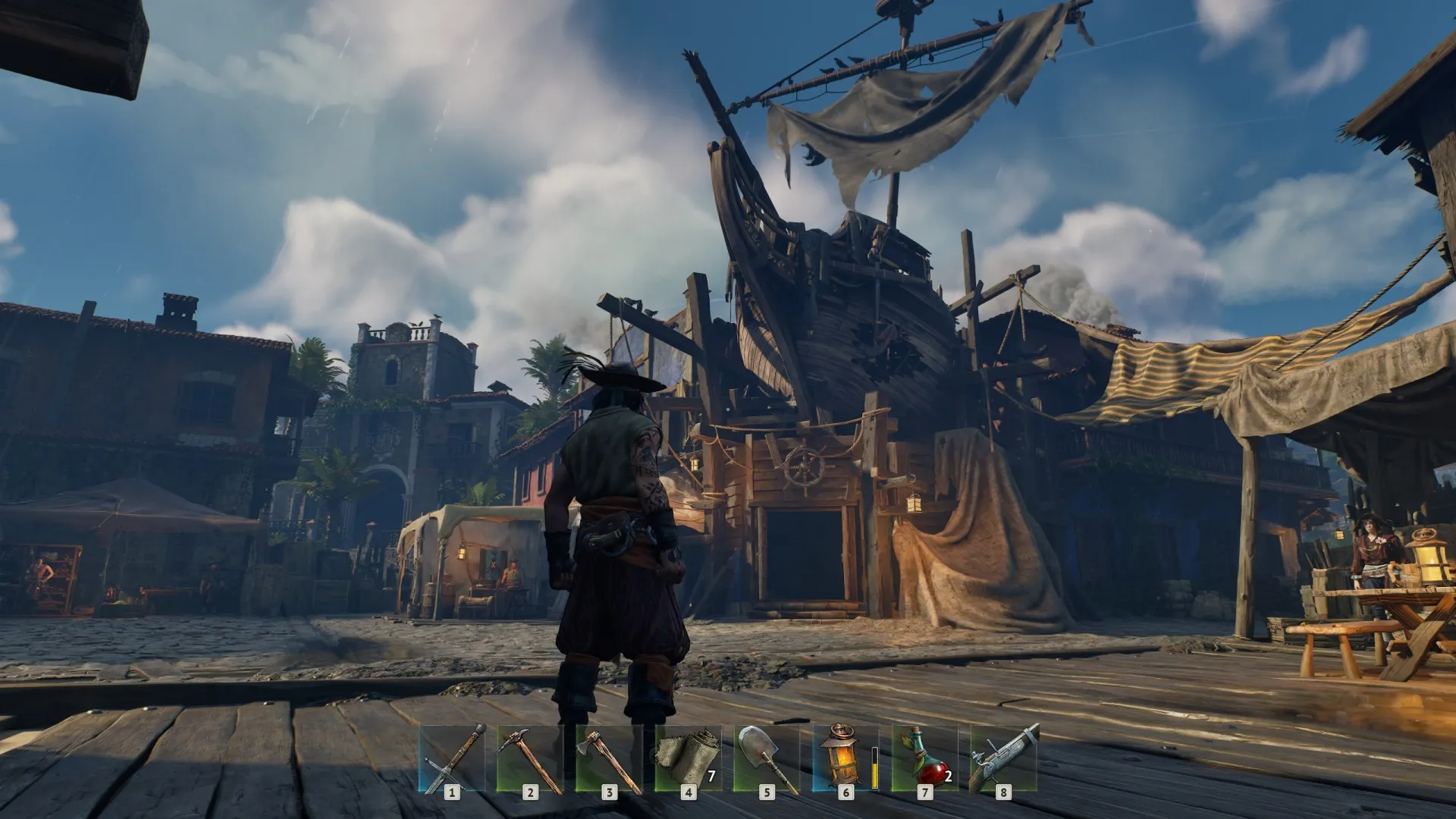
Launch your Windroseprivate server today.
Hoist the sails, chart your course, claim the seas.
Full control over settings, biomes, and crew performance.