Europe & Africa
EMEA // 4 locations
NL
AmsterdamEU West
GB
LondonUnited Kingdom
DE
FrankfurtEU Central
ZA
JohannesburgSouthern Africa
Limited-time offer:10% offyour game serverwith code
Ends in 0 days, 0 hours and 0 minutes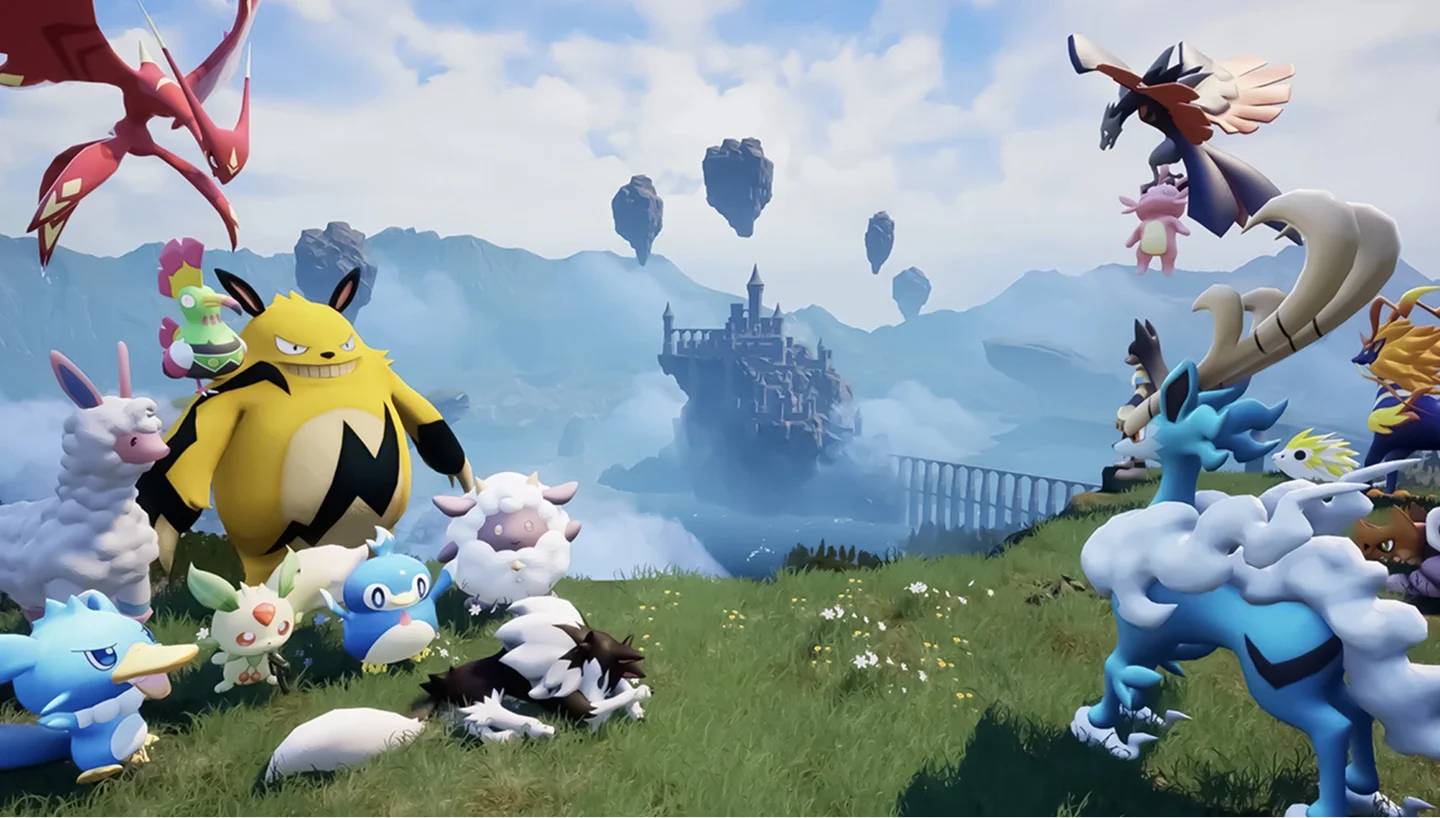
Rent a Palworld dedicated server that stays online for your guild. Set your own EXP and capture rates and get 24/7 live chat support.
5GB
$13.46/ 30 days
SAVE ~10%$14.96
Instant activation · Cancel anytime
8GB
$21.54/ 30 days
SAVE ~10%$23.93
Instant activation · Cancel anytime
10GB
$71.52/ 90 days
SAVE ~10%$79.47
Instant activation · Cancel anytime
Same hardware. Your rules.
Instant activation · Cancel anytime
RAM-based pricing · from $2.38 / GB (per 30 days) · pay only for what you need
Launch your private Palworld dedicated server in minutes. Built for multiplayer stability with persistent worlds and dedicated performance.
Order a plan, name your server in our panel, then share the join details. No port forwarding or router setup needed.
Each one is a RAM size. Not sure which? Support helps you choose.
Every location costs the same.
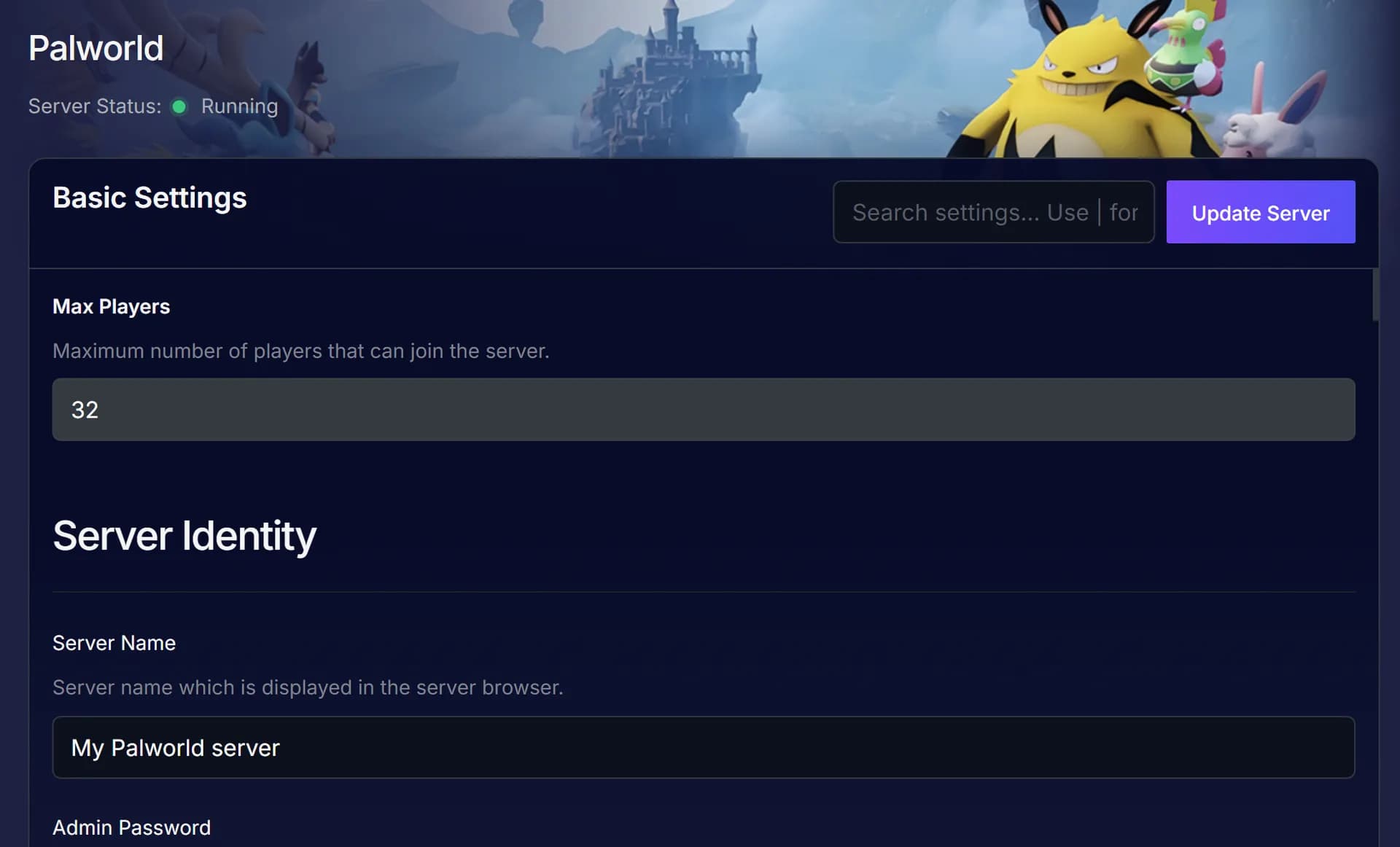
Type a name in Basic Settings and restart. EXP and capture rates sit in Config Manager.
On PC, enter the IP and port under Multiplayer. On Xbox or PS5, search your server name in Community servers while no Workshop mods are on.
Coming from co-op? Our guide shows how to bring your save over.
Host your world close to the guild for lower latency when a wave of raiders hits the base.
Support can move your server to a new location, world included.
See all locationsYour server runs in one of our data centres on DDR5 memory and NVMe storage, so it keeps up as your bases grow.
Everyone can rejoin the world between sessions, and our SLA covers the uptime.
Players connect to the server over 10Gbps uplinks, wherever you host it.
Enterprise DDoS protection sits in front of your server.
Your PC no longer splits one CPU and one upload between the game and the server, so whoever used to host plays like everyone else.
Stop hosting Palpagos from your PC.
Give the islands their own hardware.
Cancel anytime
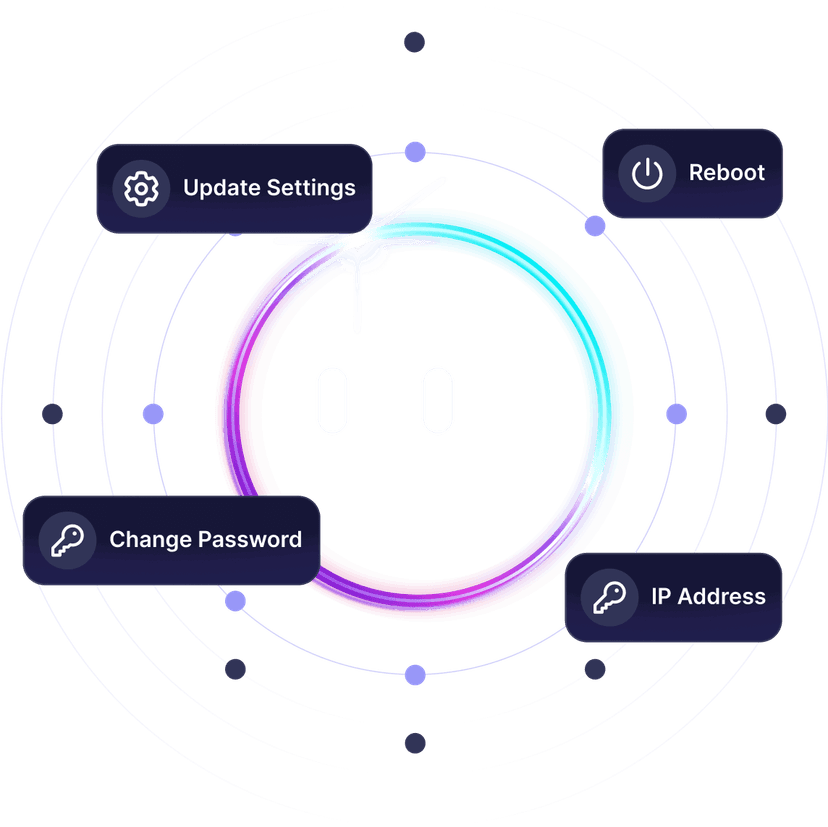
Name the server and copy your admin password. Saved changes apply after a restart.
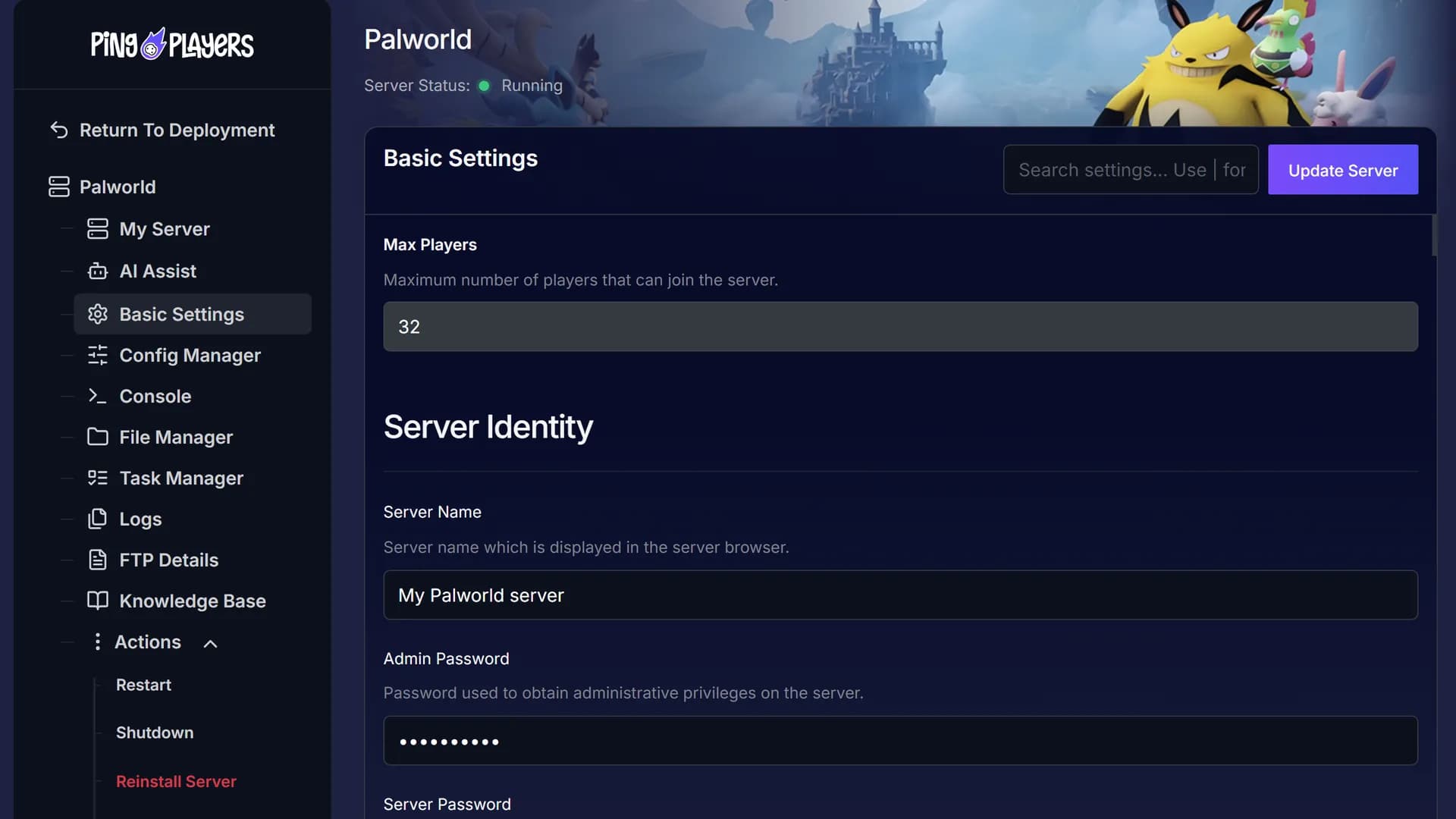
Type “Turn on voice chat and restart” in the panel chat, and Ping AI handles both for you. When something goes wrong, it reads the logs with you.

Co-op ends when the host logs off, and a public server sets the rules for you. Your own server is up whenever you want to play.
Your rates, your rules.
Before you settle on a host, hear from the gamers who already run their servers with us.
Moving a co-op save or changing rates late at night? Message us and one of our specialists talks you through it.
 Jonathan Lexne on Trustpilot, Sep 2026
Gaming support specialist
“Nicole was great. She first tried to explain what i needed to do in order to solve my problem. When I couldn't do it, she solved the problem for me. A great customer experience!”
 Justin Olin on Trustpilot, Aug 2026
Gaming support specialist
“Kimmy helped me out and she was very knowledgeable and helped me with all of my questions and answered very quickly.”
 Leonardo salas on Trustpilot, Aug 2026
Gaming support specialist
“Francis helped me resolve a big issue with our server; everything is going great now and it was very quick, thank you!”
 Whitney Thibeaux on Trustpilot, Jul 2026
Gaming support specialist
“Lautaro was such a great help and answered all my questions quickly and help me fix my problems!! Great service!”
 Antreas1 on Trustpilot, Jul 2026
Gaming support specialist
“support was fast Emman was my support aggent he was quick understanding of the problem great experiance overall”
 Matias on Trustpilot, Apr 2025
Gaming support specialist
“German is a great dude. Not only does he fix problems, he is funny and very understanding. Dont be scared to message the live chat!”
1 / 6
Person 1 of 6
Friends can chip in with SharePay, and Steam Workshop items install from your panel in a few clicks.
One link from your panel, and friends pay their share without making an account.
See SharePaySee uptime, CPU and memory without joining the game.
See live telemetryRestart, shut down or start the server daily or weekly, at the hour you pick.
See the schedulerSearch the Steam Workshop in the Mods tab and click Install. Anything it depends on comes with it.
See the mod managerTaking a break from catching Pals? Play another game on the same server and plan, at no extra cost.
Bring everyone back to Palpagos and run the world your way, with admin rights from day one.
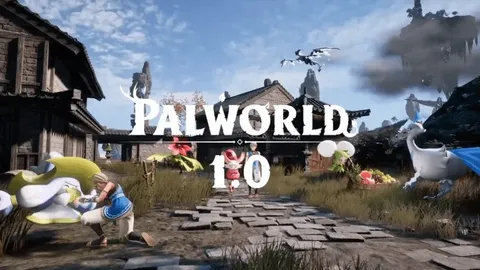
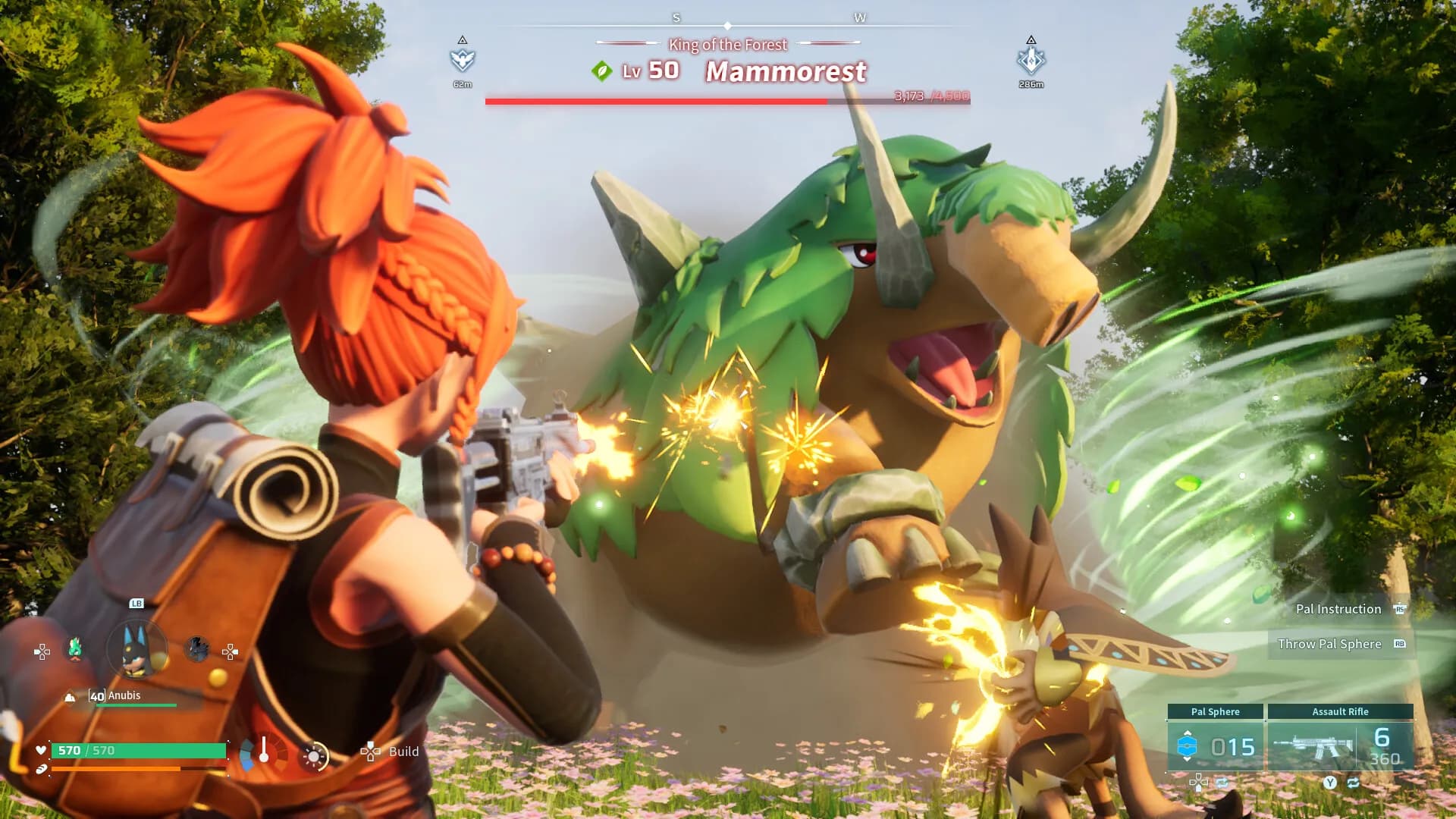
Palworld is a multiplayer open world survival and crafting game from Pocketpair, where you fight and build alongside creatures called Pals. It opened in Early Access on 19 January 2024 and reached 1.0 in July 2026.
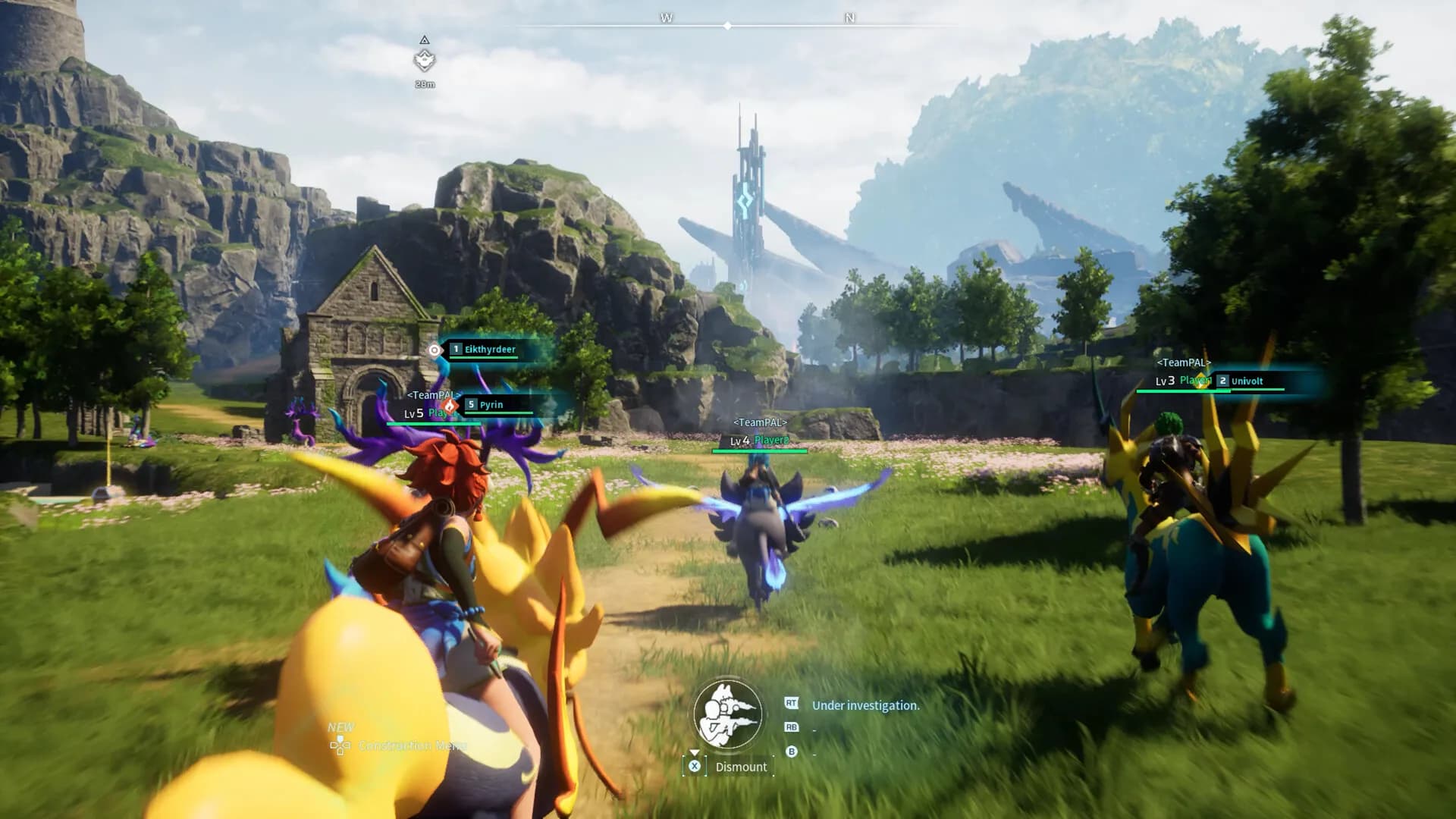
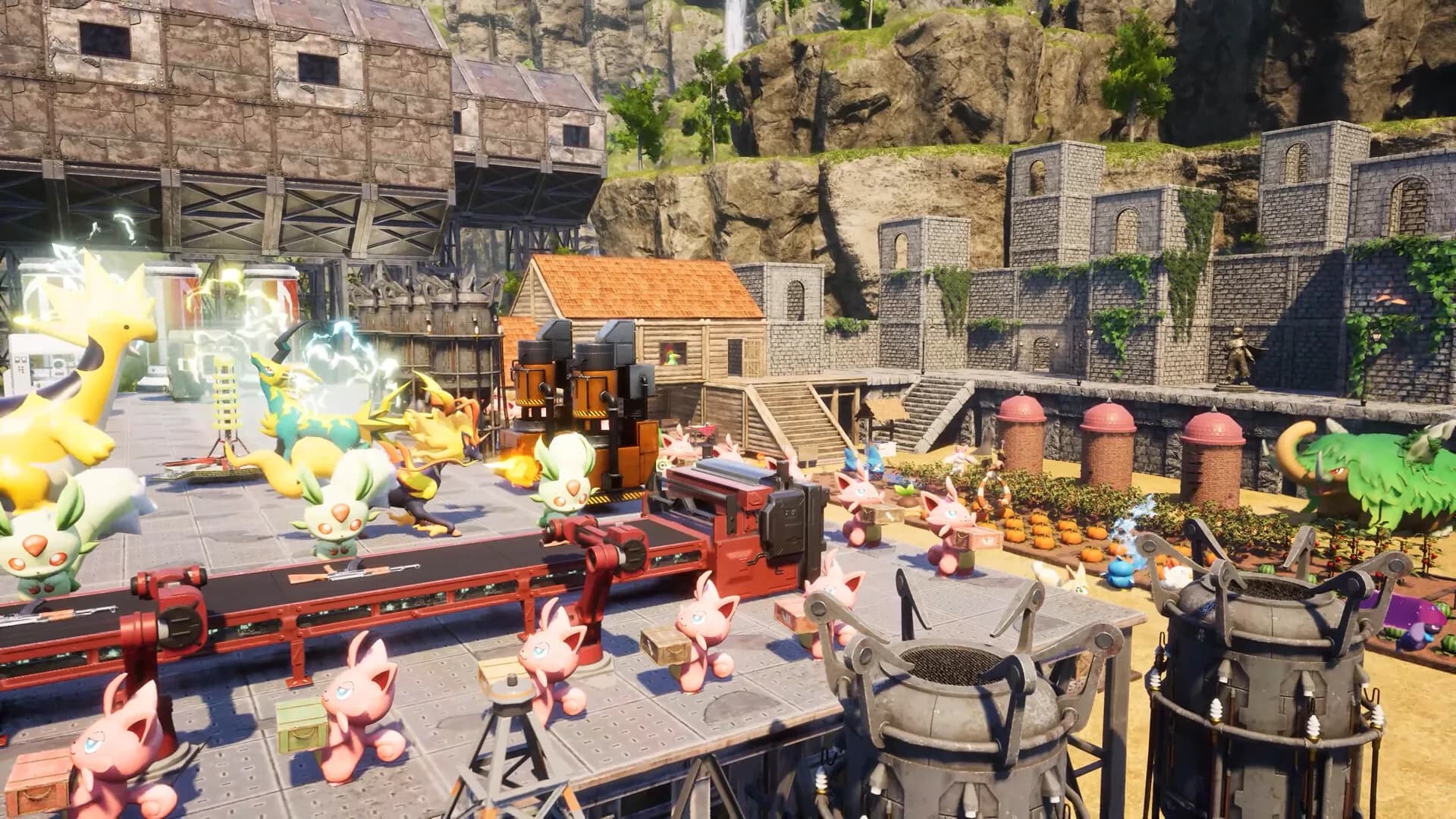
You catch Pals with Pal Spheres and put each one to work at your base by its Work Suitability. New ones come from the Breeding Farm. Then you explore the Palpagos Islands, including the World Tree and Sunreach (the floating islands added in 1.0). When raids hit your base in waves, you hurry home.
Your own server keeps that world in one place for the whole guild. Pocketpair supports up to 32 players on a dedicated server, which is also the default in its server settings, while the game’s own online co-op takes 4.

Step-by-step guides for adding Workshop content, becoming an admin, getting everyone connected and editing advanced settings.
Easy Palworld modding via Mod Manager: search Steam Workshop, install mods, stop & restart, ensure clients match, troubleshooting tips.
Read articleMaster Palworld advanced config: step-by-step edits, key settings (EXP, capture, death penalty, guild size), syntax tips and safe restart.
Read articleMove your Palworld local co-op save to a dedicated server: find files, use a save converter, upload backups, fix player IDs, restart server.
Read articleThis article explains how to be an admin in Palworld. It provides a step-by-step guide on how to use the admin password in-game with the chat and how to manage admin commands.
Read articleThis article explains how to connect to a Palworld server through direct connect using the server IP and port and through the server list in-game with the game name.
Read articleEnable voice chat on your Palworld server: toggle server setting, set in-game audio, adjust mic/input, and follow quick troubleshooting tips.
Read articleFind out how many people a server takes, whether consoles can join and how much RAM you need. Live chat covers the rest, 24/7.
Pick a plan and a location above and check out. Your server is usually running within 60 seconds. Then name the server in Basic Settings, grab your admin password from the same page and restart. Share the IP and port, or the server name for Xbox and PS5 while no Workshop mods are installed.
Plans come in 5 GB, 8 GB or 10 GB, and a custom plan runs from 4 GB to 24 GB. Pocketpair’s own guidance is 16 GB, with 32 GB or more for stable running. You can upgrade RAM any time and keep your world; the server restarts to apply it.
By Pocketpair’s figures a dedicated server supports up to 32 players, which is also its default; the game’s own online co-op takes 4. Your plan is sized by RAM and does not set the number: change it with Change Max Players in the panel, which restarts the server to apply it.
On six continents: North America, South America, Europe, Asia, Oceania and Africa. The map above shows every location, the checkout shows your ping to each one, and the price is the same everywhere.
On PC, open Multiplayer, type the IP and port in the box below the server list and press Connect. On Xbox or PS5, open Community servers and search for your server name. Consoles can join only while no Workshop mods are installed. How to connect.
Shut the server down, open the Mods tab, choose Steam Workshop, search for the mod and click Install. Restart from Actions, and make sure the same content is installed on each PC that joins. Mod Manager guide.
With the server stopped, open Config Manager and create a template from PalWorldSettings.ini. On the OptionSettings line, change ExpRate or PalCaptureRate after the = sign and keep every comma. Tick Override Boot Config, save, then restart. If a scheduled task restarts the server, pick your template in that task too: a task left on Default resets it. Advanced config guide.
Copy the admin password from Basic Settings. In the game, press Enter to open chat and type /AdminPassword followed by your password. Admin commands then let you kick, ban, broadcast and save the world. The Microsoft Store PC version has no chat by default. Admin guide.
Set Enable Voice Chat to true and restart. Then switch off Mute my voice and Mute nearby voices in the Sounds tab of the game options. Voice chat is not available on the Microsoft Store PC version. Voice chat guide.
Yes. Pocketpair turns crossplay on by default for Steam, Xbox, PS5 and Mac, and Xbox and PS5 join from the Community servers list. Workshop content runs on the Steam version only, so a modded server is Steam only: consoles can no longer join it.
Yes. Copy the save folder from the host PC and run it through a community save converter, so the host character works on a server. Then shut the server down, upload the folder with File Manager or SFTP, put its name in DedicatedServerName in GameUserSettings.ini and restart. Co-op transfer guide.
Yes, free on every plan. Our engineers copy your saves over, check them and hand you the new IP, and your old server keeps running until then. Whether your mods and configs come along depends on the migration method. How free migration works.
Big updates often break older mods. If the server stops on startup after an update, uninstall the broken mod from the Installed list or wait for its author to update it. With Auto Update on, the server updates as soon as a patch is out and starts again by itself only if Auto Boot is on. On a modded server you can use Update on Boot instead, so the update waits until your next restart. Ahead of 1.0, Pocketpair warned that old mod files left in the game folder can still load and corrupt saves even when switched off, and asked for them to be deleted.
Yes. Every server comes with a 24-hour money-back guarantee. If the server is not right for you, talk to support on live chat or email.
In My Servers, open the three dots on the server card, choose Billing, then View options next to Renewal settings and cancellation, and click Cancel Subscription. The server stays active until the end of the period you paid for.
Yes, with SharePay. Send the link from your panel and each person covers their part, no account needed.
Yes, and switching is free on games your plan has the memory for. Ask support before you switch so you know what happens to your Palworld files.
Put your Pals to work on a server of your own.
Your server is usually live about 60 seconds after checkout, and our 24-hour money-back guarantee has you covered.
We use cookies to enhance your browsing experience, serve personalized ads or content, and analyze our traffic. By clicking "Accept All", you consent to our use of cookies.