
Run your game server with AI. Use ours or plug in your own.
Ping AI is built into every server's control panel. Connect your own ChatGPT, Claude or Gemini over one MCP link for the full toolbox.
Free on every plan. Server live in 60 seconds. 24-hour money-back guarantee.
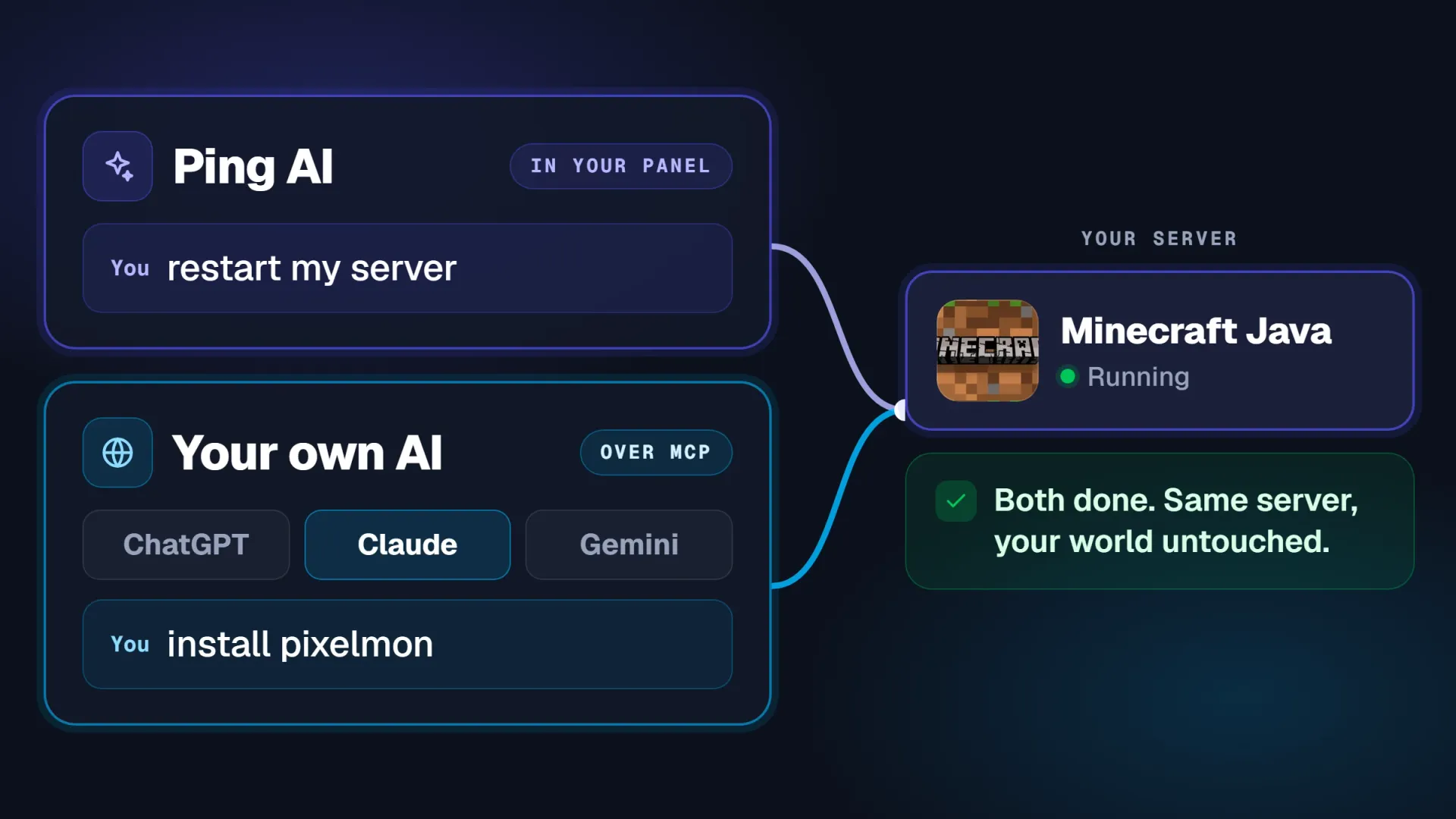
Two ways in. One server brain.
Use Ping AI in your control panel, or connect your own ChatGPT, Claude or Gemini and run every server you own.
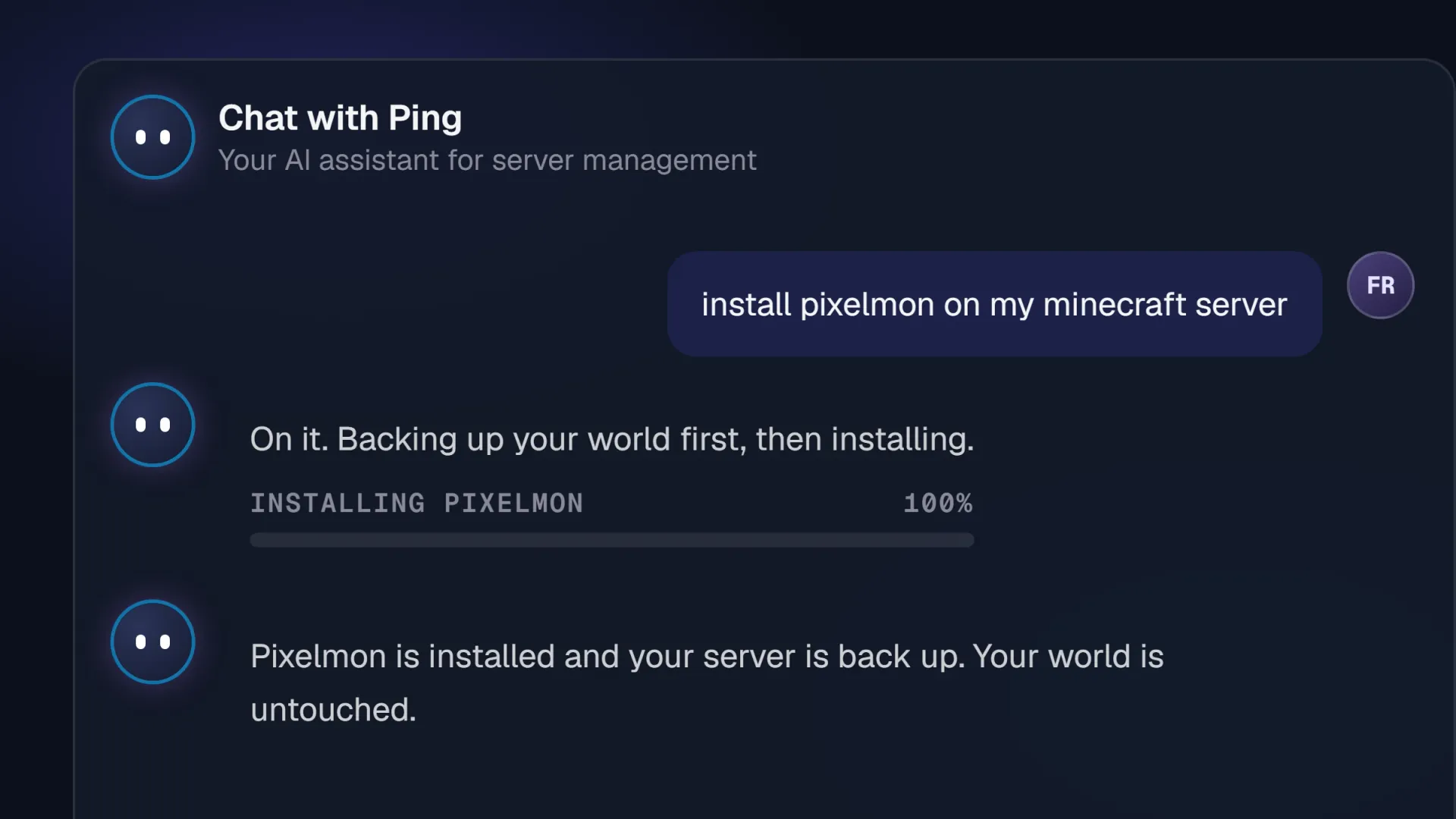
Ping AI, built into every panel
Free on every plan, nothing to install. Open Chat with Ping and ask in plain words.
Ping AI
Ask in plain words inside the panel. It inspects that server and acts on it.
Bring your own AI
One link connects your ChatGPT, Claude or Gemini account to every server you own. Revoke it any time.
Ping AI included. MCP adds more.
Quick fix on one server: Ping AI. The full toolbox across every server you own: your own assistant over MCP.
Ping AI for a quick hand, MCP when you want the full toolbox. Plenty of people use both.
Works with the AI you use. No new app, no new subscription.
PingPlayers speaks MCP, the open standard ChatGPT, Claude and Gemini already understand. Connect the account you already pay for.
ChatGPT
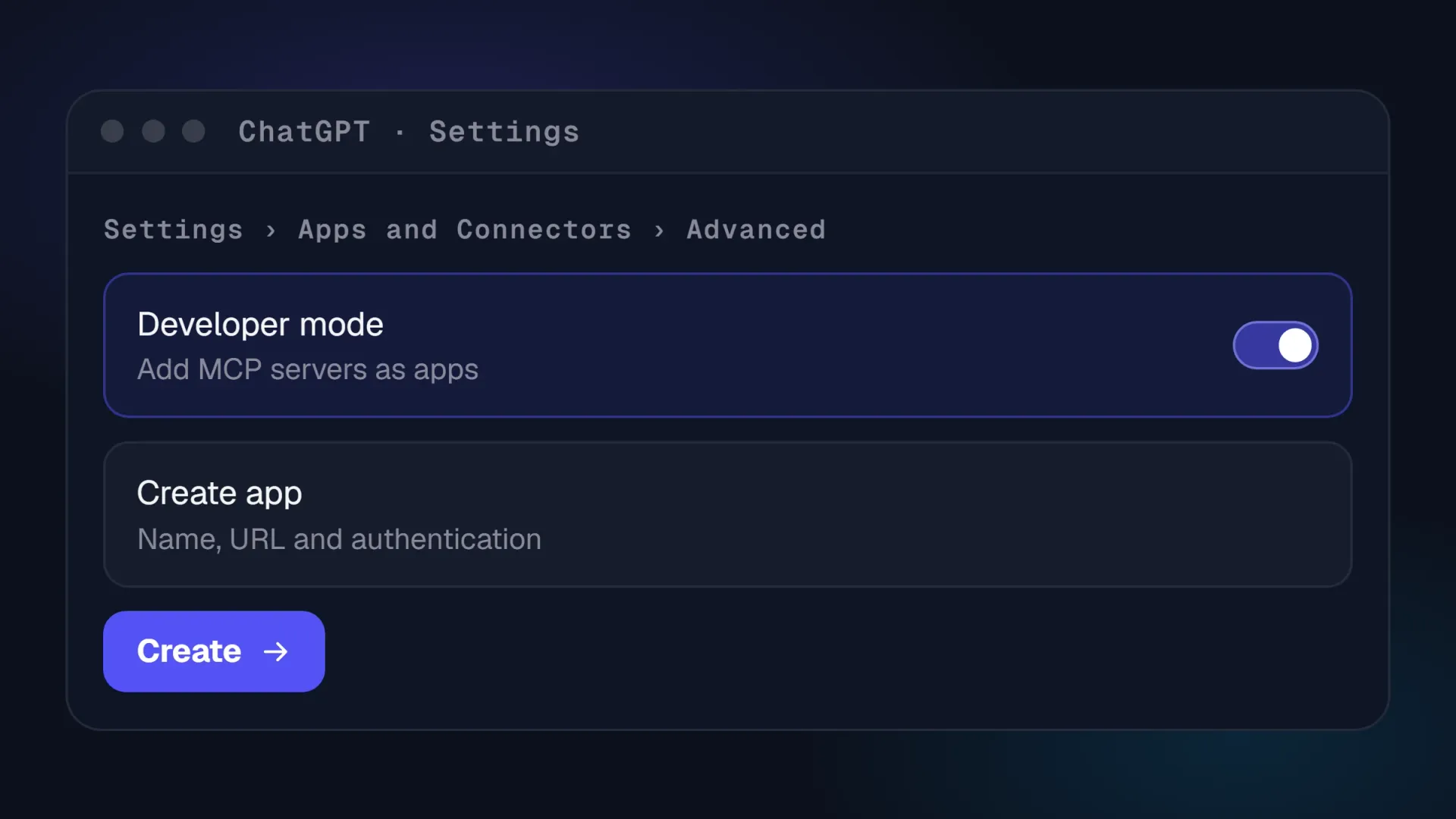
Developer mode, Create app, paste the link, sign in with OAuth. On paid plans with developer mode.
Claude
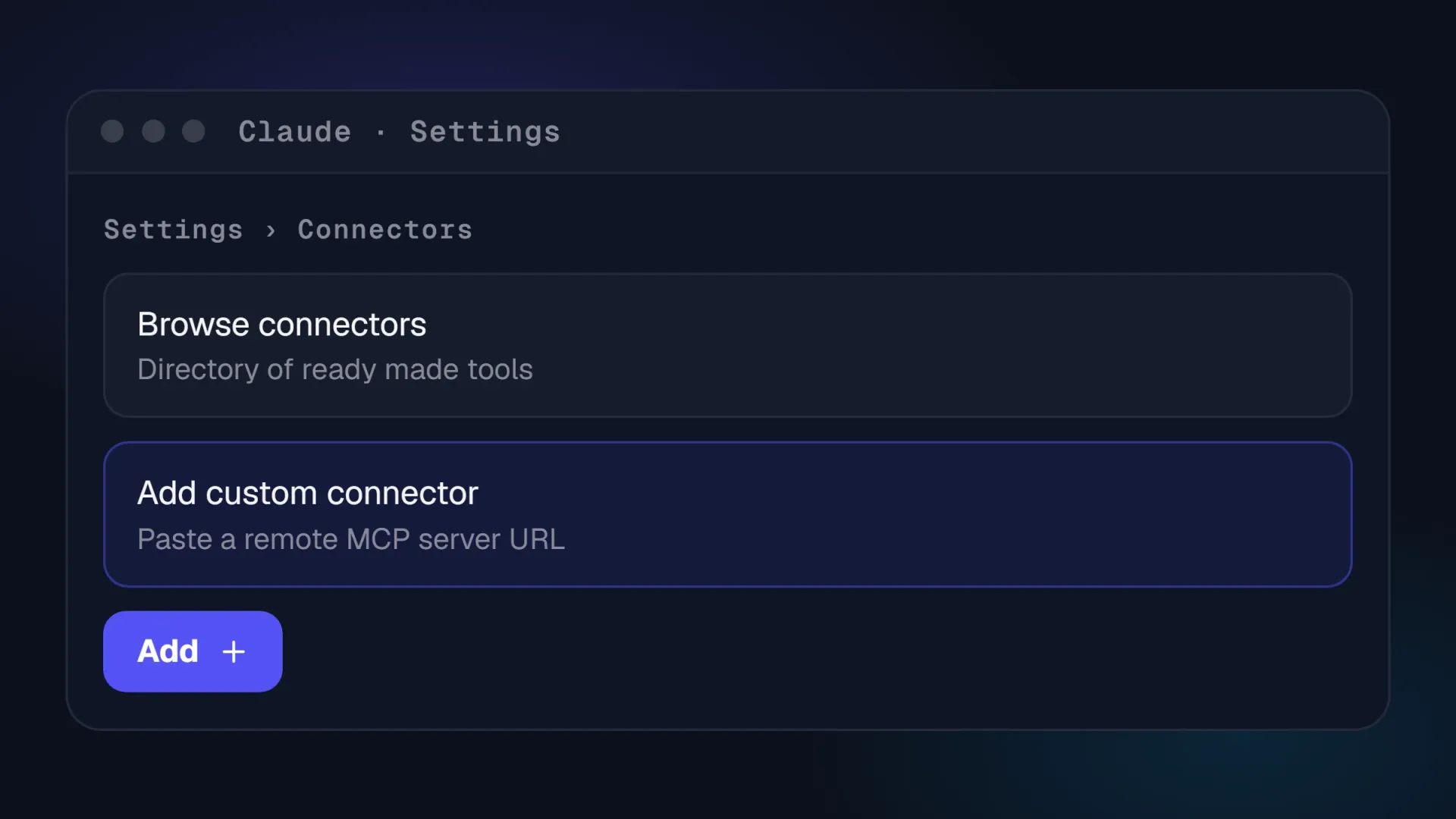
Settings, Connectors, Add custom connector, paste the link, Connect. On Free, Pro and Max.
Gemini
Through its command line tool today: the same link in its settings file, with OAuth.
Add PingPlayers to your AI.
The same four steps for ChatGPT and Claude, with the PingPlayers login you already have.
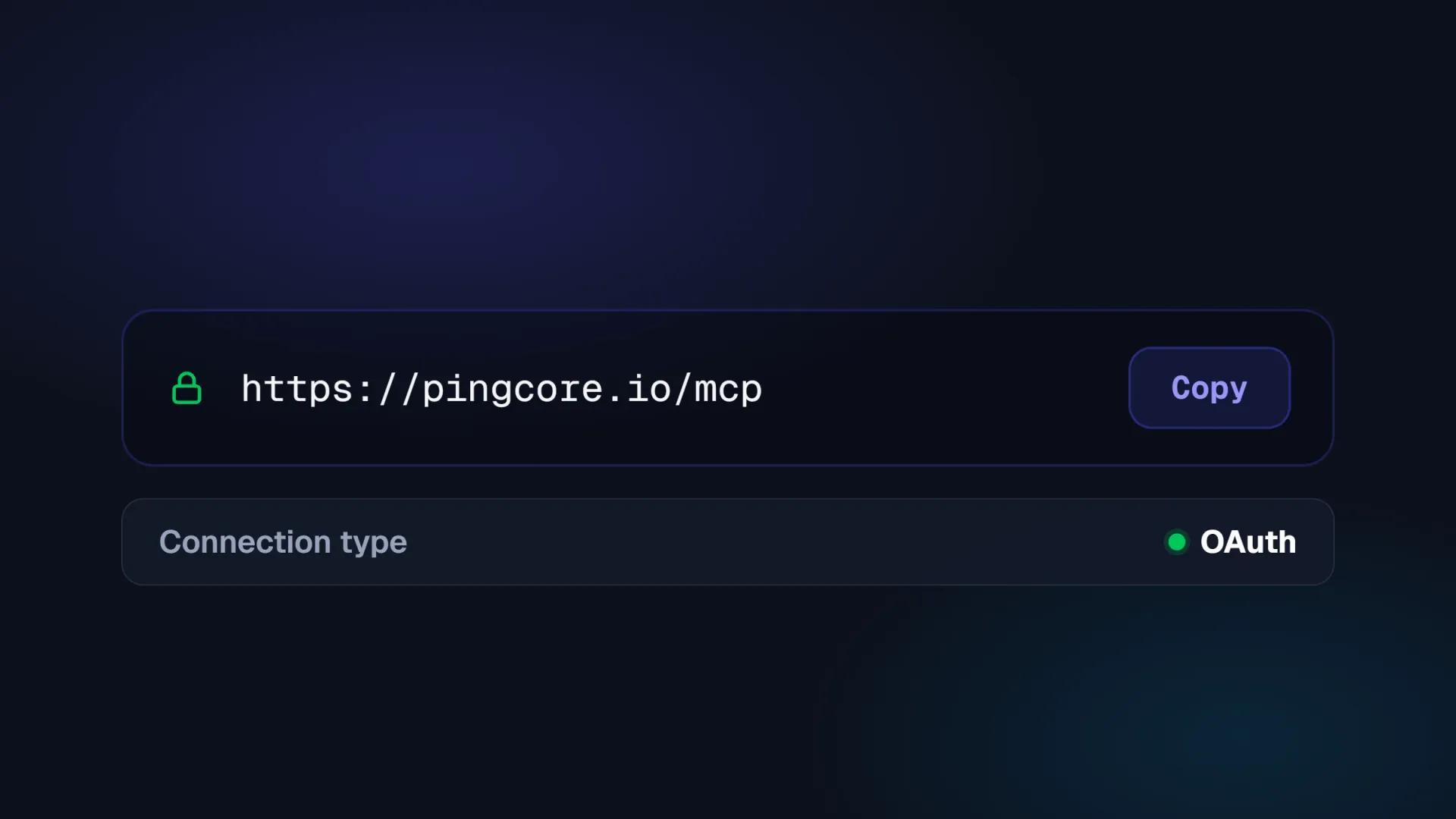
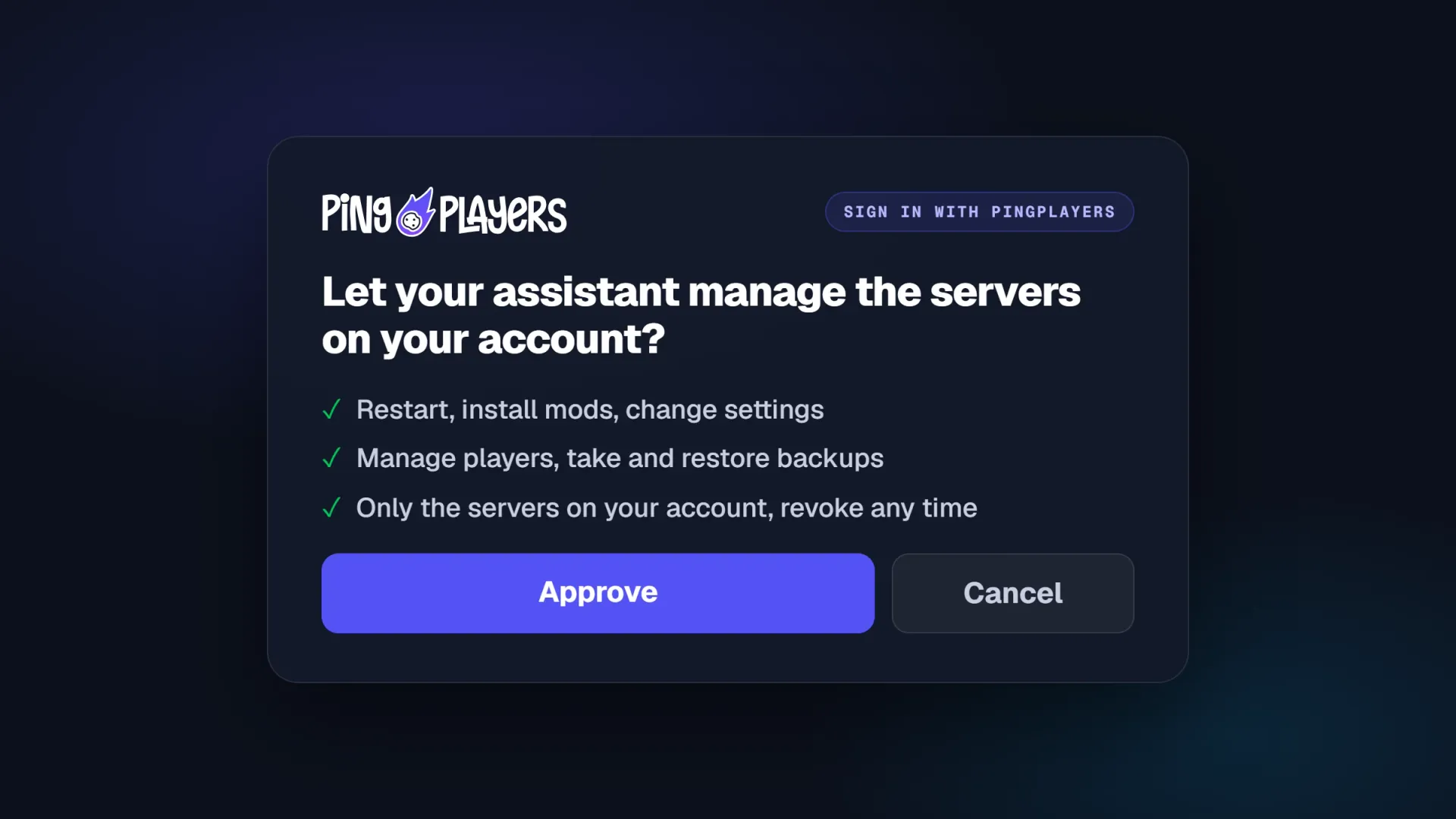
On Gemini the same link goes into its command line tool's settings file, with OAuth. Any MCP ready assistant can use it.
Watch it actually happen.
Restart a server, install a mod, chase down a crash, whitelist a mate. The same four jobs, two ways in.
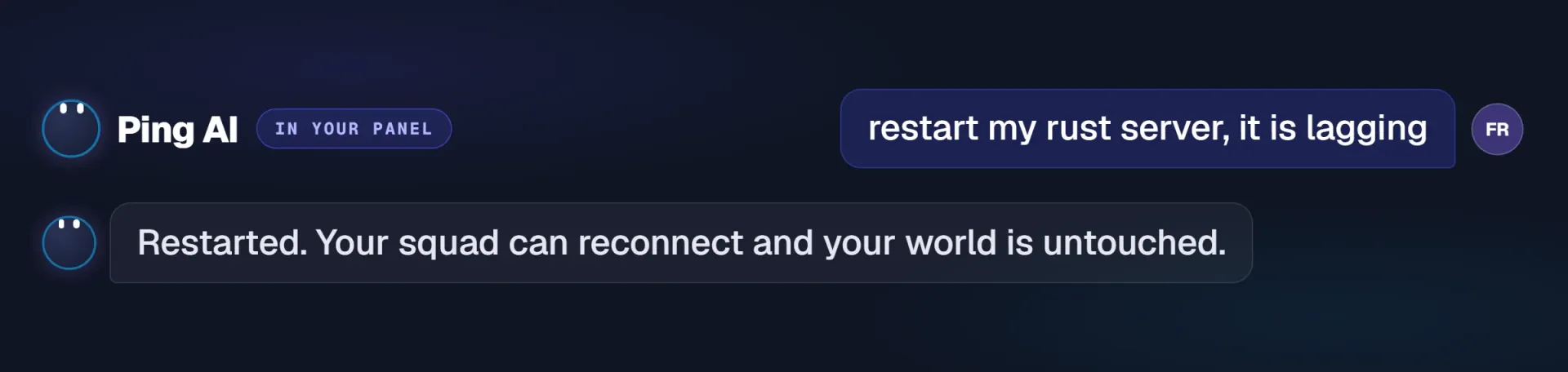
Restart a server
Asked in the panel. Ping AI restarts it, your squad reconnects, your world is untouched.
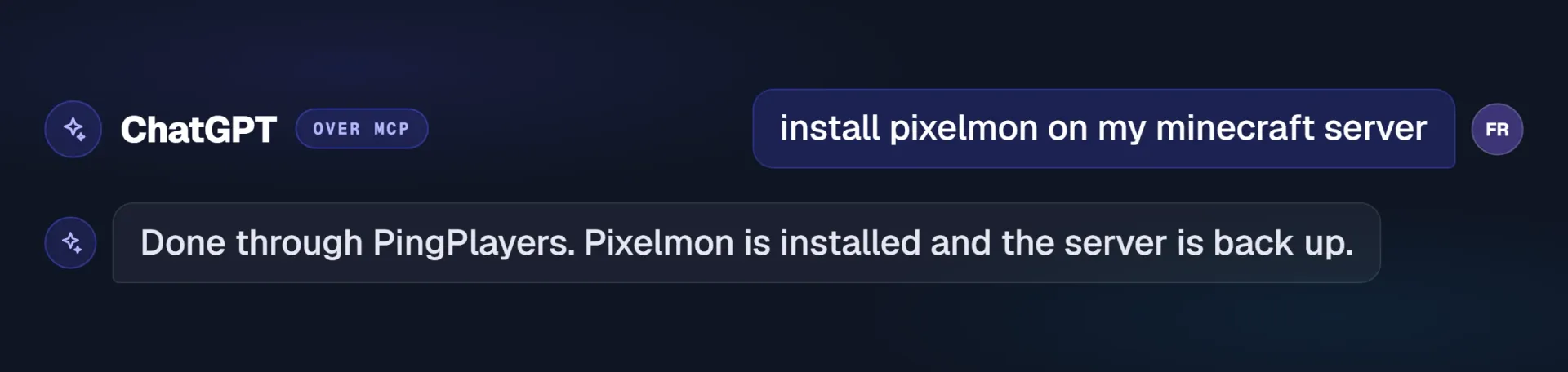
Install a mod
Asked from ChatGPT over MCP. Pixelmon goes on and the server comes back up.
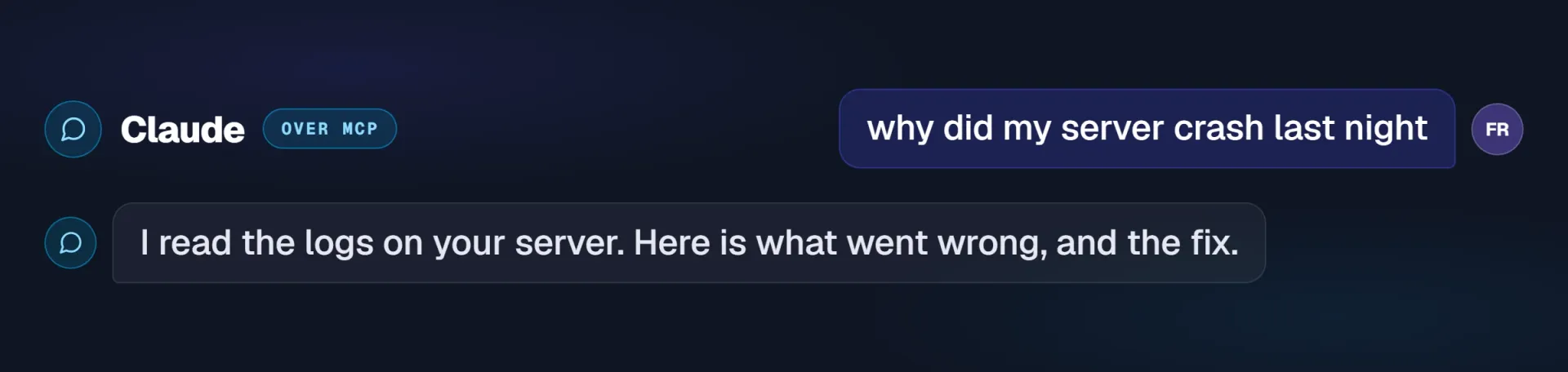
Find a crash
Asked from Claude over MCP. It reads the logs and tells you what went wrong.
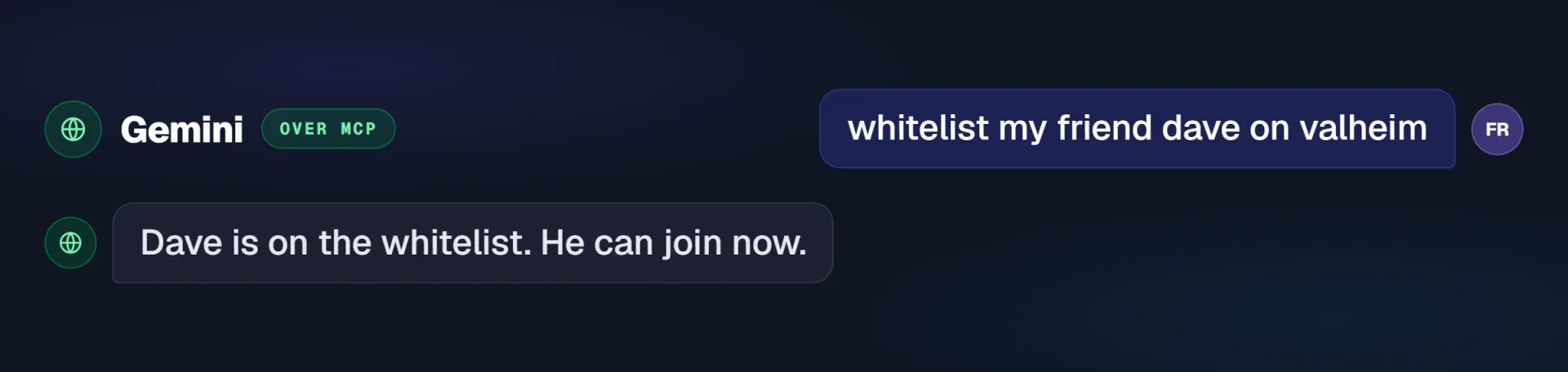
Whitelist a mate
Asked from Gemini over MCP. Dave is on the whitelist and can join now.
Examples of what you can easily prompt.
The same things the control panel does by hand, asked for in plain words instead.
Reboot in seconds
Server acting up mid session? Say restart and it is back before you have alt tabbed.
Add mods by name
Name the mod. It checks your loader and version, installs it and switches it on.
Change the rules
Difficulty, slots, passwords, world settings. Config Manager work, done in a sentence.
Handle your players
Whitelist a friend, deal with a griefer, check who is on the server right now.
Schedule it for later
Ask for a daily or weekly restart and Ping creates the task, or changes one you already have.
Straight answers
Your IP and port, who is online, why memory spiked, what the last crash said in the logs.
4.9 Excellent, and the AI gets named.
Three Trustpilot reviews from players who used it, out of 900+.
Server customization is really easy with the built in ai model. Customer service is great! I had trouble with server startup files that i cannot edit and the team handled it fast and professionaly! Would recommend 5/5 service!
Very helpful customer service (Nicole B.) who is quick to respond and actually commits to assist all the way until we get it fixed. The hosting website also had AI (in beta) for daily self-help and config of your server setup.
Nicole was fast and helpful after their excellent AI assistant recommended I contact support for a more complicated issue.
Quoted as published on Trustpilot, names and dates as shown.
Before you connect it.
Ping AI is already in your panel. MCP is the part you add, and connecting takes about two minutes.
Ping AI is there the moment your server is live, free, for quick jobs on that server. Connect your own assistant when you want the full toolbox across every server you own, or you simply prefer ChatGPT, Claude or Gemini. Plenty of people use both.
No. Ping AI is already on the AI Assist screen in your panel. Connecting your own assistant is paste and click, except on Gemini, where one line goes into its settings file today.
Access is tied to your PingPlayers account through OAuth, so there is no key to copy around and nothing to leak. The assistant checks with you before it changes anything, and you can revoke it from your dashboard at any moment.
Restart the server, install and update mods, change settings, manage players, set up scheduled restarts, and read the live state of the box. The same jobs the control panel does by hand.
No. Ping AI is free on every plan, from $3/month up, and the MCP link is included. The only account you bring is your own ChatGPT, Claude or Gemini one.
ChatGPT and Claude have a guided setup. Gemini connects through its command line tool, and any other MCP ready assistant can use the same link.
Yes. Ping AI sits in the control panel of every server you launch, across all 90+ games, and the MCP link reaches every server on your account.
Most hosts send you back to a panel for everything: menus, config files by hand, a ticket for the simple stuff, nothing you can automate. Here the AI you already use does the work, and Ping AI is free on top.
Yes, instantly, from your dashboard, with no ticket in between. If you would rather talk it through, support is on live chat 24/7 and you can write in any language.
Stop opening the panel.
Just ask AI to do it.
Launch a server and Ping AI is already inside it. Add the MCP link and your own assistant runs every server you own.
- 60-second setup
- 24-hour money-back
- 99.9% uptime SLA
- 24/7 human support