Europe & Africa
EMEA // 4 locations
NL
AmsterdamEU West
GB
LondonUnited Kingdom
DE
FrankfurtEU Central
ZA
JohannesburgSouthern Africa
Limited-time offer:10% offyour game serverwith code
Ends in 0 days, 0 hours and 0 minutes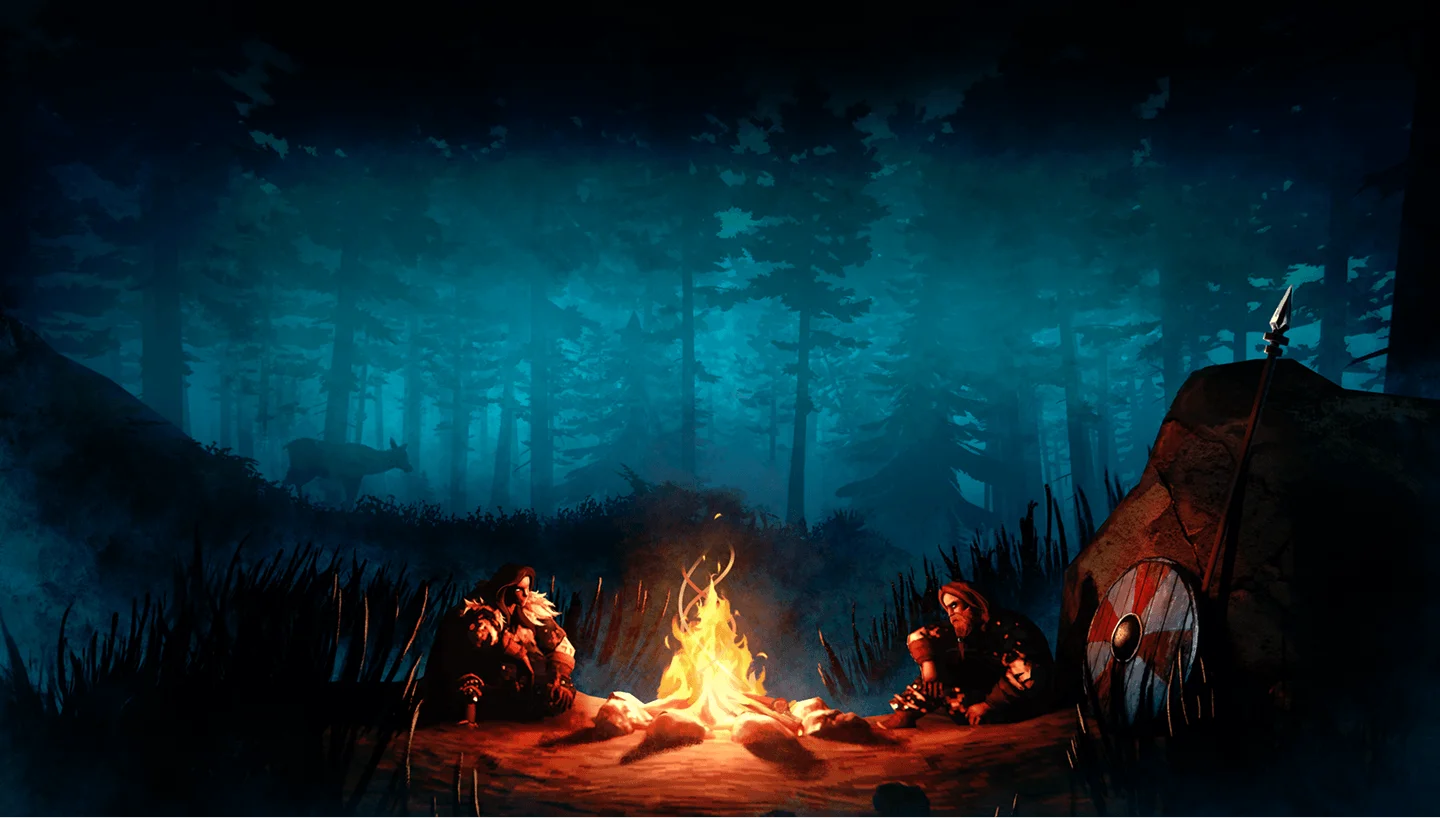
Rent your own Valheim server and take your crew from Eikthyr to Kall Fimbulbringer, on a world you can all rejoin any night.
5GB
$11.57/ 30 days
SAVE ~10%$12.86
Best for small servers & a few friends
Instant activation · Cancel anytime
7GB
$43.04/ 90 days
SAVE ~10%$47.82
Best for medium groups & modded servers
Instant activation · Cancel anytime
9GB
$104.39/ 180 days
SAVE ~10%$115.99
Best for large, busy, heavily-modded servers
Instant activation · Cancel anytime
Same hardware. Your rules.
Instant activation · Cancel anytime
RAM-based pricing · from $1.93 / GB (per 30 days) · pay only for what you need
Launch your private Valheim dedicated server in minutes. Built for multiplayer stability with persistent worlds and dedicated performance.
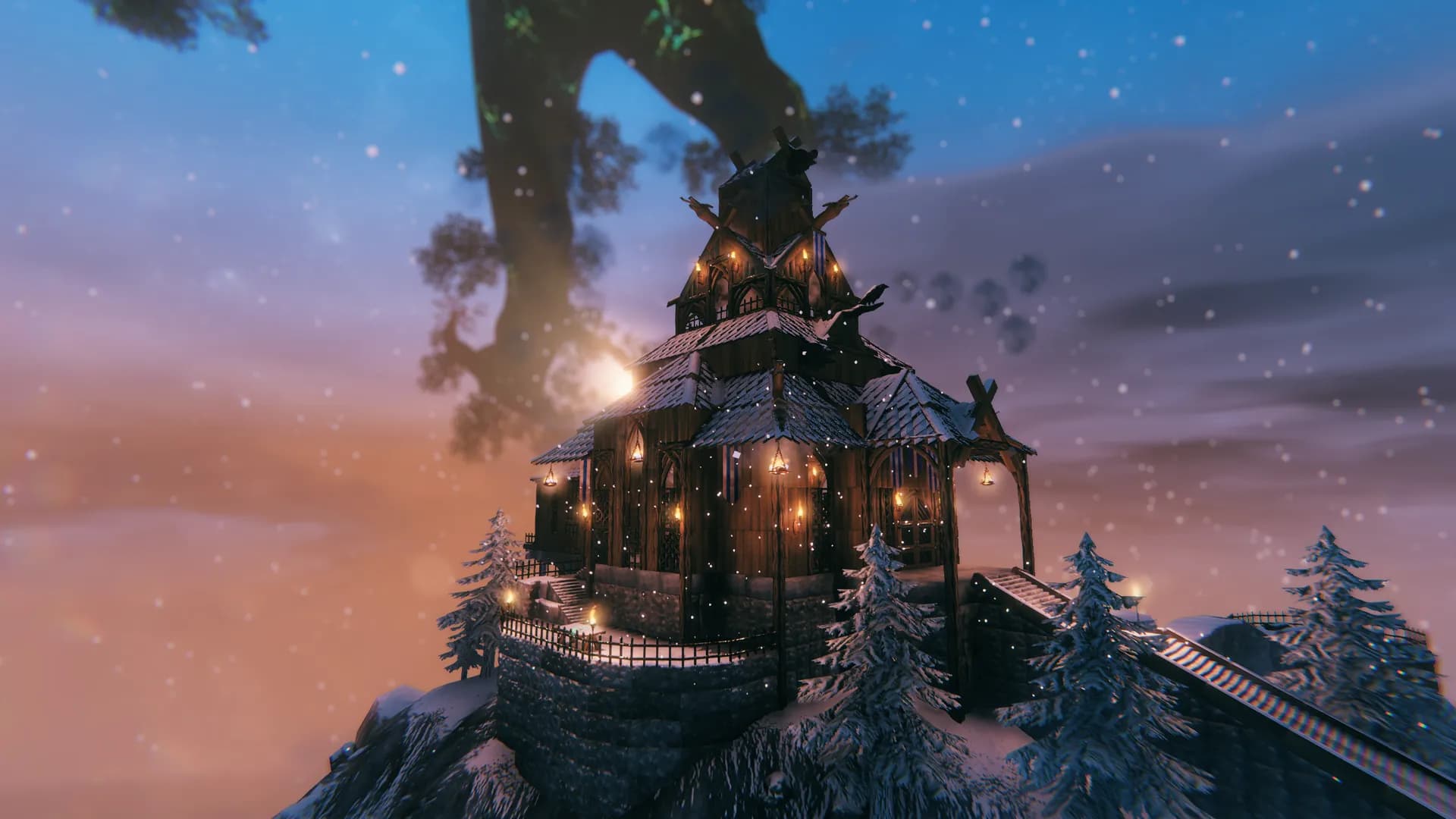
Four short steps in our panel take you from checkout to your crew’s first night in the Meadows.
Each one is a RAM size. Not sure which fits your base? Ask support.
Go for the one nearest to where you all play.
Set a name and a password in Basic Settings, then restart.
Send out the IP and port. Everyone adds the server in Join Game and types the password.
Bring the world you started at home and carry on where you left off.
The live map tests your ping to each location, so you can pick the closest spot before you pay.
Want a different location later? Ask our team, and your world comes along.
See all locationsFrom the first hut in the Meadows to a stone fortress in the Mistlands, your server runs on NVMe drives and DDR5 RAM.
Log in whenever the crew is free, and the world is there to rejoin.
Players connect to the server over 10Gbps uplinks, wherever you host it.
Enterprise DDoS protection sits in front of your server.
The host can switch their PC off whenever they like, and the rest of the crew can still log in and keep sailing.
Stop hosting from your PC.
Give the Tenth World a server of its own.
Cancel anytime
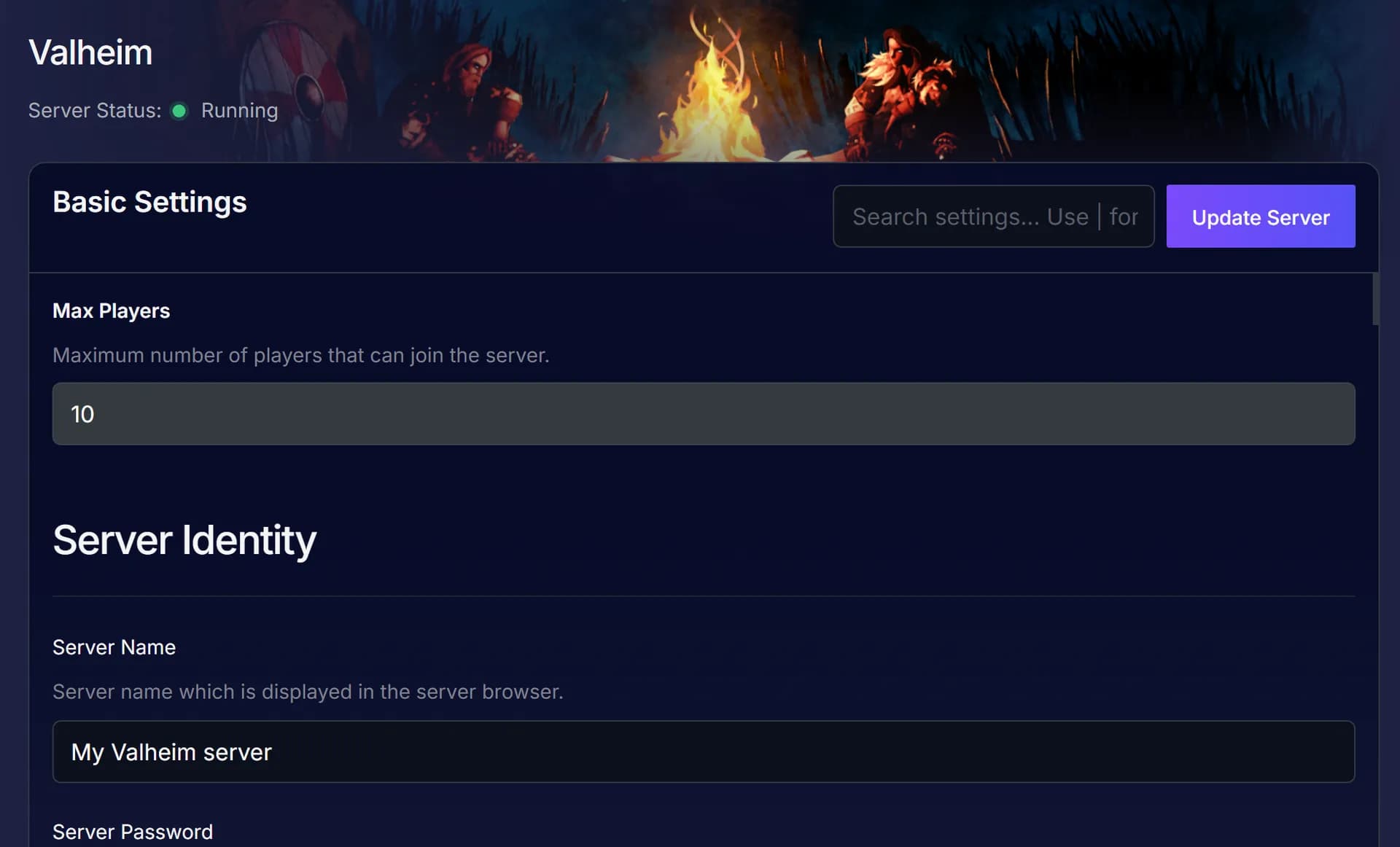
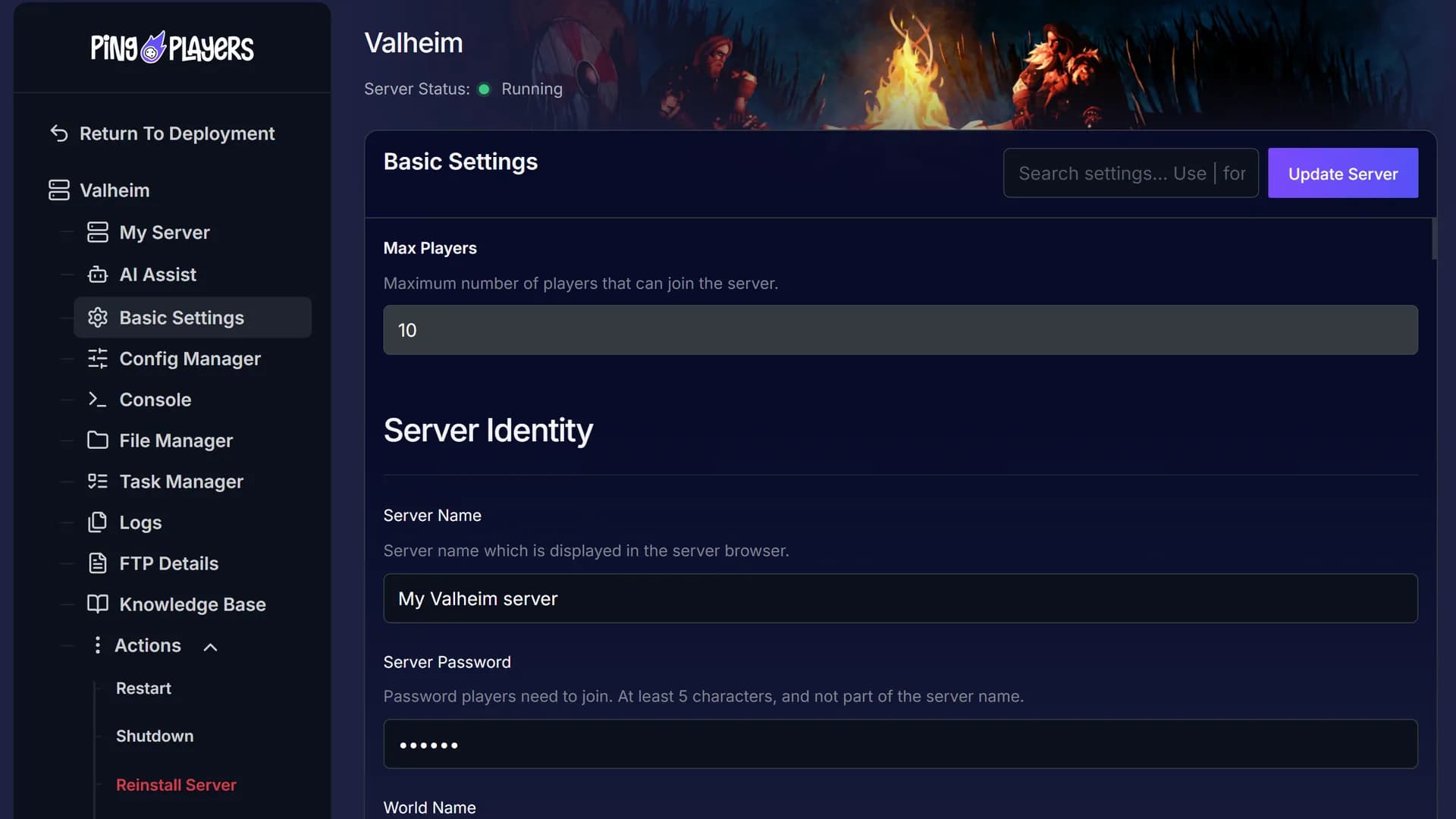
Name the server, set the password and choose the save it loads. Restart to apply.
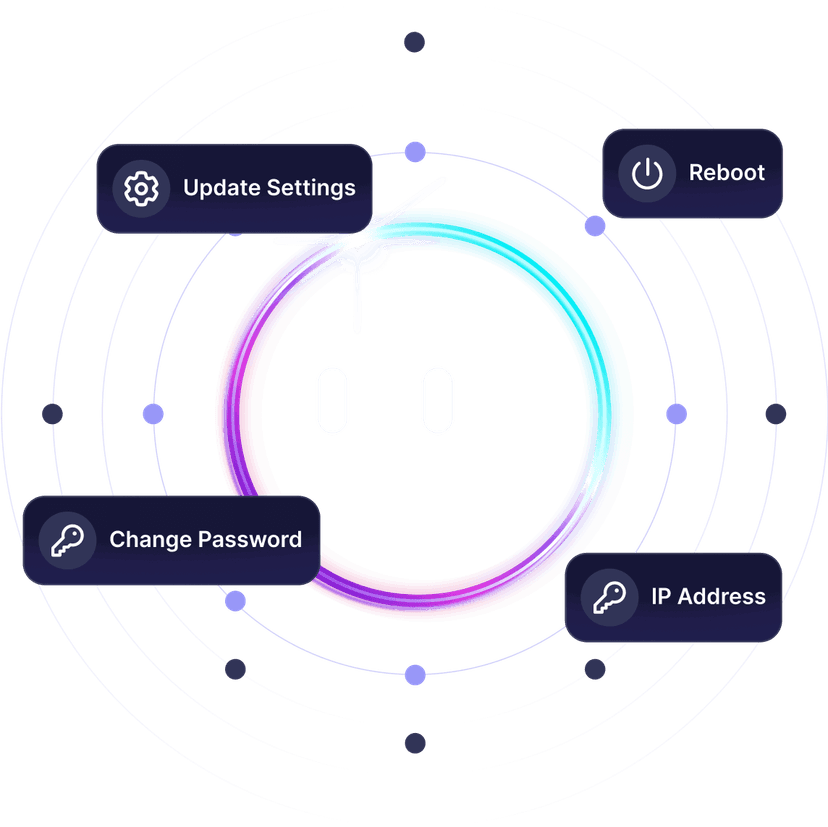
Ask Ping AI to change the password before the next voyage, or to reboot every Sunday night, and it sets that up in your panel for you.

No waiting on one friend’s PC and no stranger choosing the mods. On a dedicated server, the crew calls the shots.
Skål to your own server.
Scroll through and read them yourself: gamers tell you how setup went and how our team helped when they got stuck.
Write in whatever language you think in. Our chat translates both ways, so you and the specialists below understand each other.
 Jonathan Lexne on Trustpilot, Sep 2026
Gaming support specialist
“Nicole was great. She first tried to explain what i needed to do in order to solve my problem. When I couldn't do it, she solved the problem for me. A great customer experience!”
 Justin Olin on Trustpilot, Aug 2026
Gaming support specialist
“Kimmy helped me out and she was very knowledgeable and helped me with all of my questions and answered very quickly.”
 Leonardo salas on Trustpilot, Aug 2026
Gaming support specialist
“Francis helped me resolve a big issue with our server; everything is going great now and it was very quick, thank you!”
 Whitney Thibeaux on Trustpilot, Jul 2026
Gaming support specialist
“Lautaro was such a great help and answered all my questions quickly and help me fix my problems!! Great service!”
 Antreas1 on Trustpilot, Jul 2026
Gaming support specialist
“support was fast Emman was my support aggent he was quick understanding of the problem great experiance overall”
 Matias on Trustpilot, Apr 2025
Gaming support specialist
“German is a great dude. Not only does he fix problems, he is funny and very understanding. Dont be scared to message the live chat!”
1 / 6
Person 1 of 6
Friends on Xbox, PS5 and Switch 2 can join through crossplay, and the scheduler restarts the server while everyone sleeps.
Send friends one link and each pays a share of the server, no account needed.
See SharePayCheck CPU, memory and uptime from the panel while everyone is out sailing.
See live telemetrySet daily or weekly restarts, shutdowns or starts for whatever hour suits you.
See the schedulerWith crossplay on, Xbox, PS5 and Switch 2 join you on the same server. BepInEx mods make it PC only.
See crossplay hostingYour server is not locked to Valheim. Between Iron Gate updates, try another game from our catalogue without paying extra.
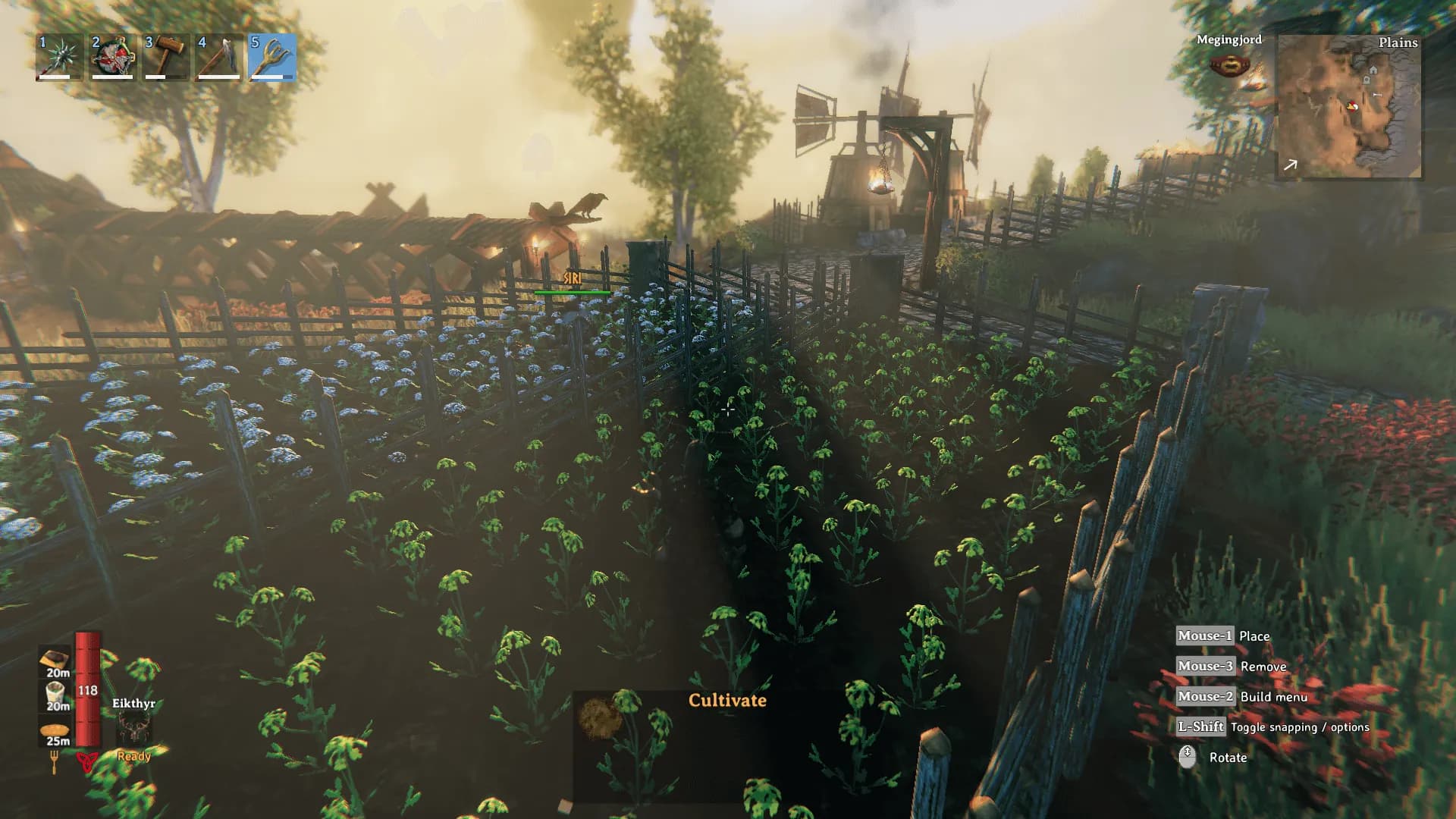
Raise a longhouse and hunt down the Forsaken together, on a server only your group can join.
Valheim is a survival and exploration game for 1 to 10 players from Iron Gate, published by Coffee Stain Publishing. You play a fallen Viking warrior sent to the Tenth World, a procedurally generated afterlife, to prove your worth to Odin. It entered Early Access in February 2021 and reached 1.0 on 9 September 2026 with the Deep North biome.
You build a base from what you gather, then push out from the Meadows into the Black Forest and the Swamp, and set sail for the Mistlands and the Ashlands. Bosses called the Forsaken wait along the way, Eikthyr and Kall Fimbulbringer among them. Up north you can tame and ride a Moose and swing up cliffs with a grappling hook.
Crossplay puts PC, Xbox, PS5 and Switch 2 in the same game. Consoles cannot run a dedicated server of their own, so a rented one keeps them playing even when every PC is switched off.
Adding BepInEx mods or making yourself admin is quick once you know how, and these guides show you each step.
This article explains how to add mods to a Valheim server. It delves into how to install BeplnExPack on it through FTP and on client side. It's also got a troubleshooting tips section.
Read articleBecome an admin on your Valheim server: find your F2 Player ID, add it to adminlist.txt, restart the server and enable the console.
Read articleThis article explains how to connect to a Valheim server through direct connect using the server IP and port.
Read articleManage your Valheim server hassle-free with Ping AI: easy setup, automated restarts, config help, crash fixes, and scheduled maintenance.
Read articleCrossplay with consoles, BepInEx mods, bringing your save from home and billing are all covered in the tabs below.
Pick a plan and a location above and check out. Once it is up, name it and set a password in Basic Settings, restart, and share the join details from your dashboard.
Choose 5 GB, 7 GB or 9 GB, or build a custom size from 2 GB to 12 GB. 7 GB is our most popular Valheim plan, and the table above suggests a size by base and mod list. Not sure? Ask support.
On six continents: North America, South America, Europe, Asia, Oceania and Africa. The map above shows every location, the checkout shows your ping to each one, and the price is the same everywhere.
In Valheim, open Join Game, click Add server and enter the IP and port from your dashboard, then the password. How to connect.
Shut the server down, open File Manager or SFTP and upload the mod files to BepInEx/plugins, then restart. BepInEx comes pre-installed on servers created after December 2025. Most mods also go on each PC that joins, and the versions must match. Mods guide.
Many do, once their authors update them. None are official, and 1.0 moved the game to a newer Unity version, so most needed a patch. Check that each mod supports the current version before you add it. On a modded server you can switch off Auto Update and Update on Boot, so you choose when the server updates.
Join the server, press F2 and note your ID exactly, prefix included. Shut the server down, add the ID on a new line in adminlist.txt with File Manager, and restart. Turn the console on in the game under Settings, then Gameplay, and open it with F5. Admin guide.
Yes. Crossplay works between all platforms, dedicated servers included, so Xbox, PlayStation 5 and Switch 2 play alongside PC. On console, enter the join code from the pause menu (it changes when the server restarts) or the IP and port. A BepInEx server is PC only. If consoles cannot get in on an unmodded server, ask support to check crossplay is on.
Yes. Shut the server down and upload the whole world folder to Server/saves/worlds_local with File Manager or SFTP. Set World Name in Basic Settings to the folder name and restart. Saves from before 1.0 (.db and .fwl files) convert to the new folder format on the next boot.
Yes, free on every plan. Our engineers copy your saves over, check them and hand you the new IP, and your old server keeps running until then. Whether your mods and configs come along depends on the migration method. How free migration works.
Iron Gate supports up to 10 on a dedicated server. Some BepInEx mods raise that on PC, but consoles cannot join a modded server. You choose a plan by RAM only.
Yes. The server stays up after you log off, so anyone can hop on whenever they like.
Yes. Every server comes with a 24-hour money-back guarantee. If the server is not right for you, talk to support on live chat or email.
In My Servers, open the three dots on the server card, choose Billing, then View options next to Renewal settings and cancellation, and click Cancel Subscription. The server stays active until the end of the period you paid for.
Yes, with SharePay. After signup the panel gives you a link, and everyone pays their share without making an account.
Yes, and switching is free on games your plan has the memory for. Ask support before you switch so you know what happens to your Valheim files.
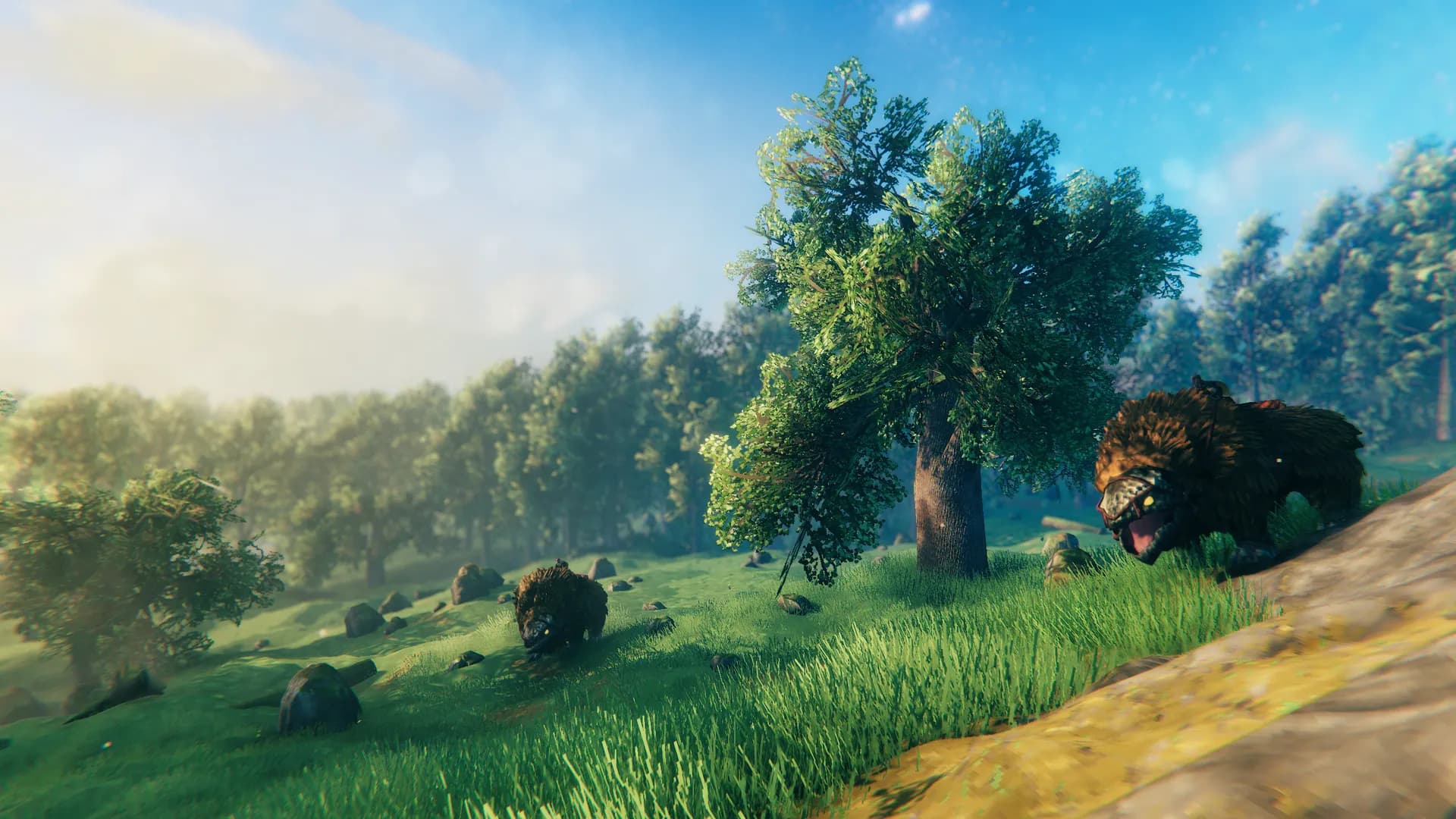
Prove your worth to Odin, together.
Every server is covered by our money-back guarantee. Check out now and you can play about 60 seconds later.
We use cookies to enhance your browsing experience, serve personalized ads or content, and analyze our traffic. By clicking "Accept All", you consent to our use of cookies.