
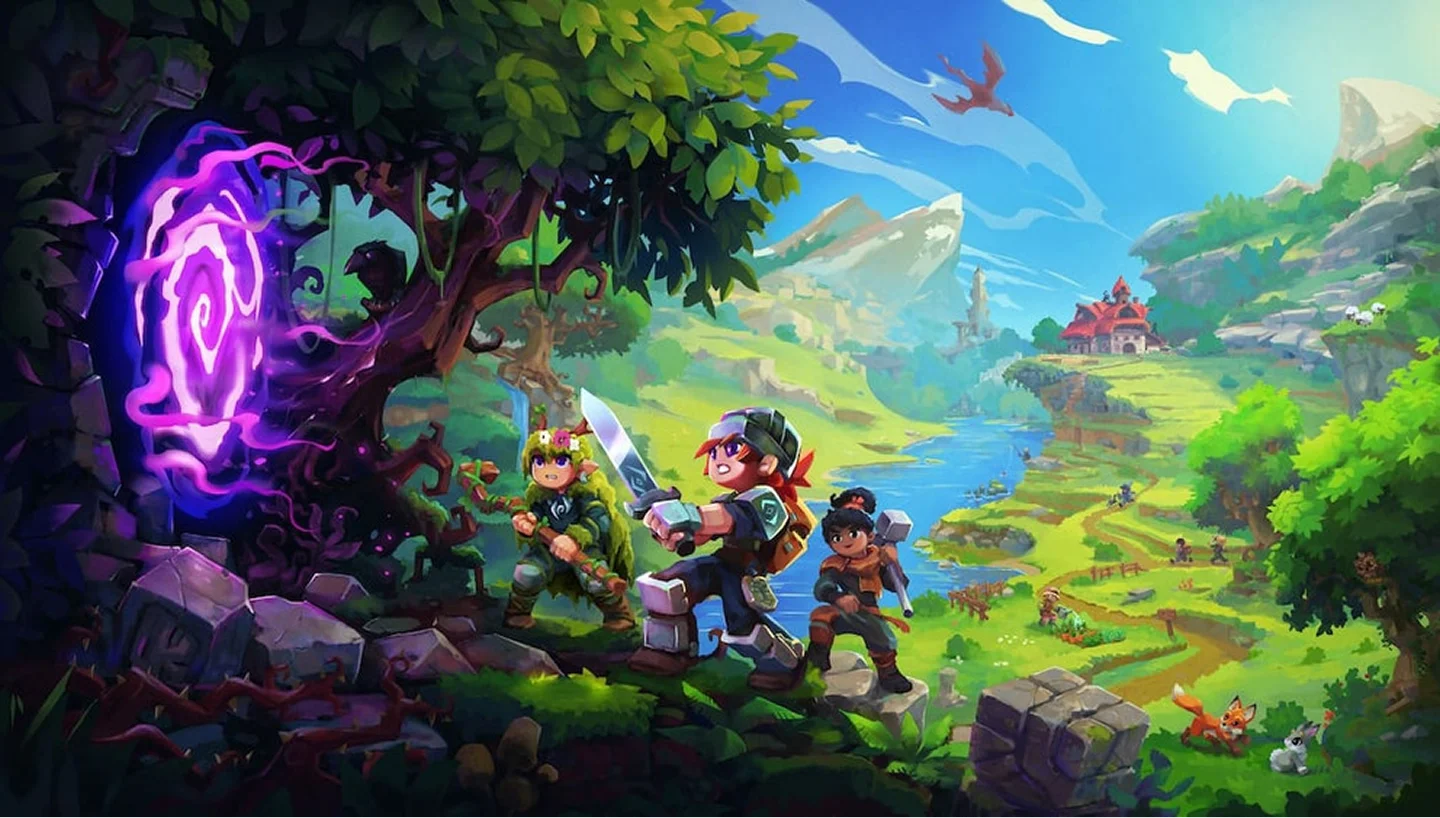
Hytale Server Hosting
Instant setup, activation and scalable hosting built for Hytale worlds, modded servers, and future community expansion.
4GB
4 GB / 30 days
$8.07/ 30 days
SAVE ~25%$10.76
Best for small servers & a few friends
- Unlimited game swap, 80+ games
- Ping AI Assistant
Instant activation · Cancel anytime
8GB
8 GB / 30 days
$16.15/ 30 days
SAVE ~25%$21.53
Best for medium groups & modded servers
- Unlimited game swap, 80+ games
- Ping AI Assistant
Instant activation · Cancel anytime
12GB
12 GB / 30 days
$24.22/ 30 days
SAVE ~25%$32.29
Best for large, busy, heavily-modded servers
- Unlimited game swap, 80+ games
- Ping AI Assistant
Instant activation · Cancel anytime
Build your own
Same hardware. Your rules.
- Everything included +
- Unlimited Players
- Any RAM size you need
Instant activation · Cancel anytime
RAM-based pricing · from $2.02 / GB (per 30 days) · pay only for what you need
- Xeon / Ryzen
- High-frequency CPUs
- DDR5 RAM
- Dedicated, not shared
- NVMe SSD
- Fast world loads
- 10Gbps
- Network uplinks
- DDoS Shield
- Enterprise protection
Launch your private Hytale dedicated server in minutes. Built for multiplayer stability with persistent worlds and dedicated performance.
Why PingPlayers is perfect
for your Hytale server
Everything you need to host, manage, and scale your Hytale server without technical friction.
Instant AI setup
No manual config required. Your Hytale server is ready in seconds.
High-frequency CPUs
Strong single-core performance for smooth Hytale gameplay.
NVMe SSD storage
Fast disk speeds keep large worlds loading quick.
DDR5 RAM
Stable memory for big builds and modded servers.
Enterprise DDoS protection
Always online, always protected from attacks.
Full config control
Adjust all server settings from our control panel.
Automated backups
Protect your world before updates or changes.
Instant upgrades
Scale RAM and slots as your community grows.
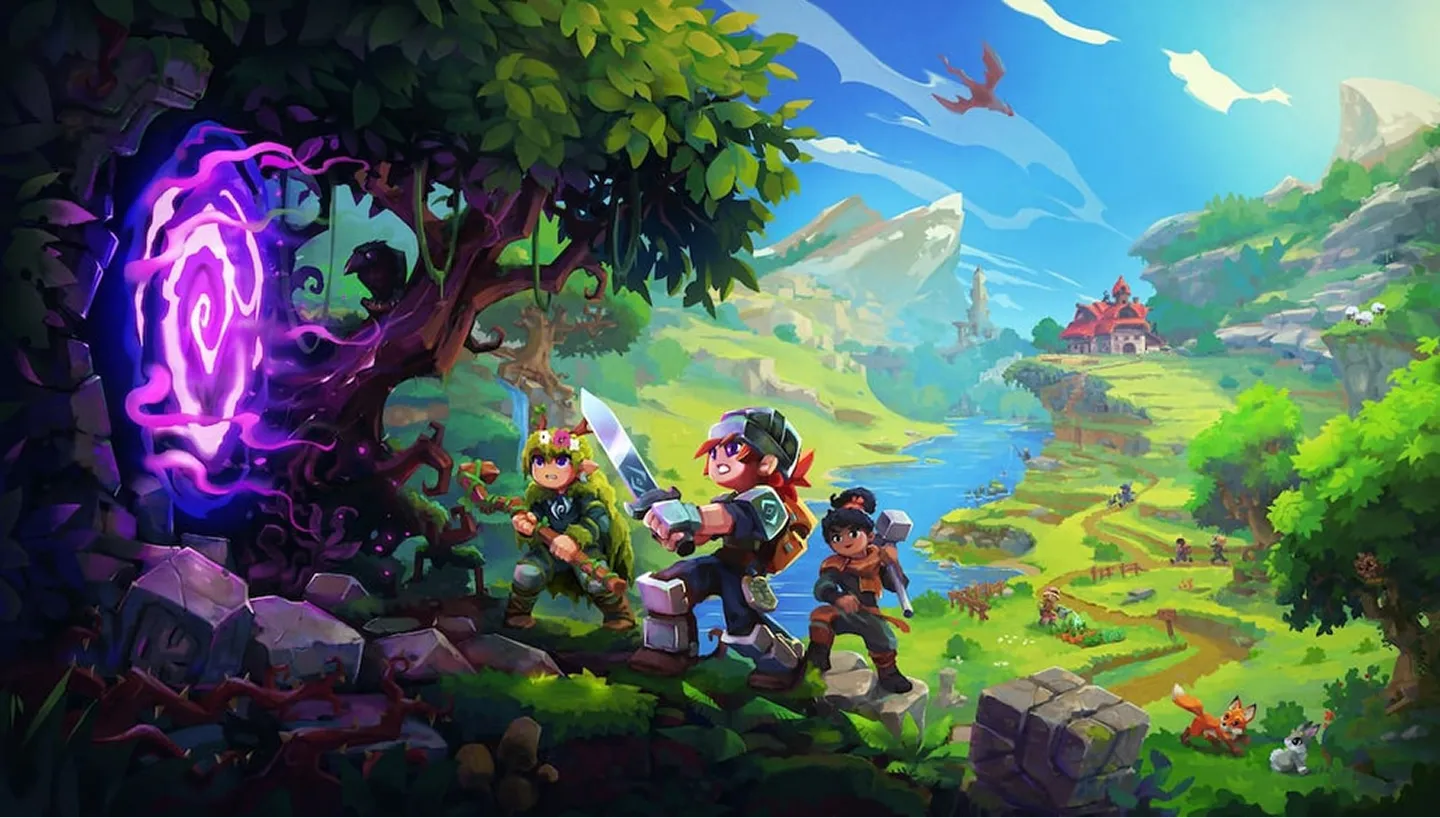
How to launch yourHytale server
Get your server live in under 60 seconds.
Choose your plan
Pick RAM, slots, and the data centre closest to your players.
Configure your server
Set game rules, world settings, and player limits from a clean panel.
Deploy with Ping AI
Live in under 60 seconds, fully ready to play.
Invite and play
Share your server and start building with your community.
No complicated setup. Your server launches in minutes.

Simple yet powerful control panel
for Hytale
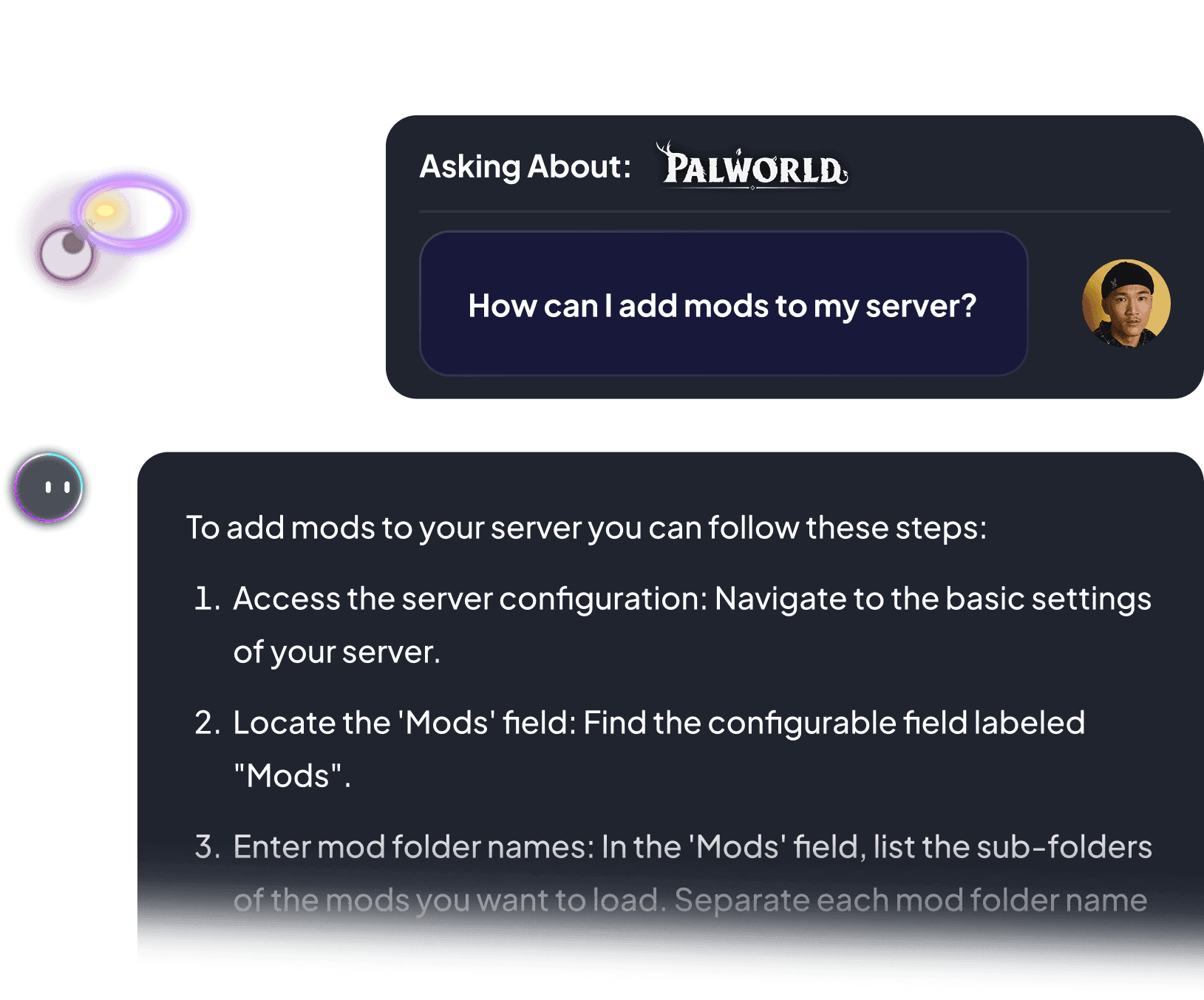
Not sure how to configure your server? Ping AI walks you through every setting so your community can get playing fast.
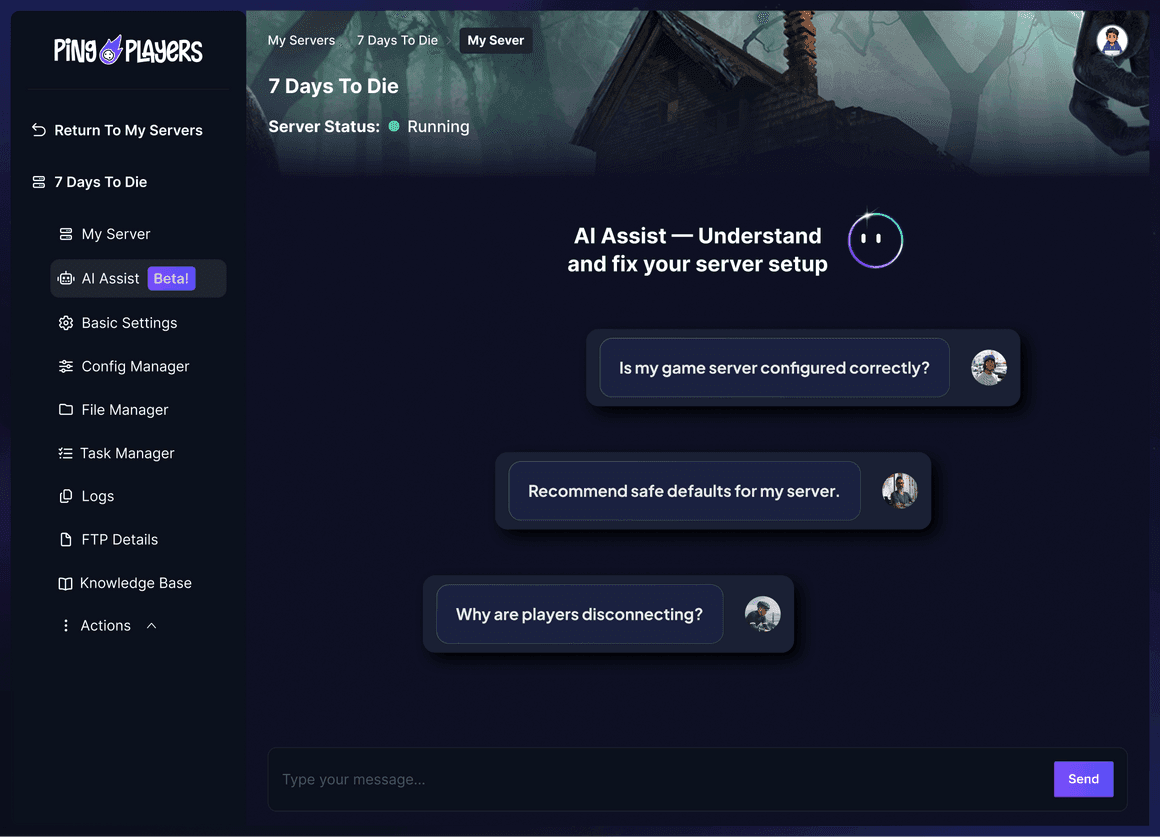
Meet Ping AI,
your Hytale server admin
The first AI built just for gamers.
Tweak world settings, add content, or restart your server. All by chatting.
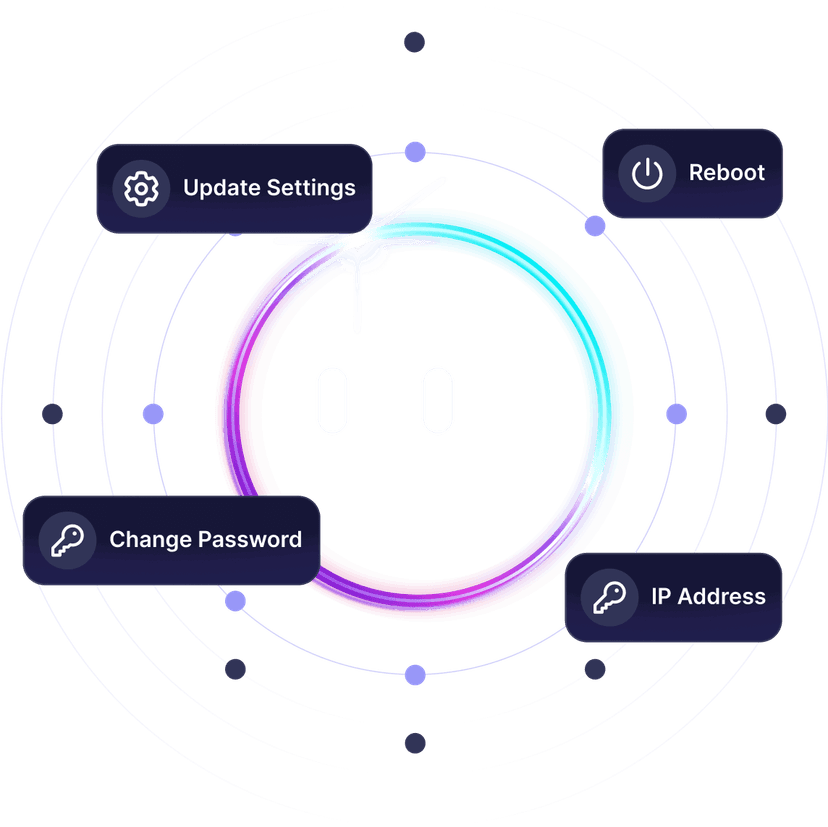


Server setup slowing you down?
Ping AI handles it. Relax.
From world settings to fixing server configs, Ping AI handles it.
Because getting your Hytale community online should not feel like a chore.

Servers built for how
Hytale actually runs
Reliable hosting depends on performance, world persistence, backups, and proper server control.
Dedicated Hytale server
vs self-hosted and public servers
A dedicated server stays online independently from any player.
We prioritize lag free Hytale gameplay
As gamers we hate lag. It ruins the session. That is why we never oversell our servers, so everyone plays Hytale without a hiccup.

Global network for perfect Hytale gameplay
Choose the server location closest to your players to reduce latency during building, exploration, and multiplayer play.

Change games anytime.One server does it all.
Switch between 50+ games without losing progress, paying extra, or setting up again.































































Ready to host your Hytaleprivate server?
Launch your own server in minutes with full control over world settings, content, and performance.
See why Hytale gamers
trust PingPlayers
Trusted by thousands of Hytale players worldwide.
Frequently asked questions
We accept Credit and Debit cards, ApplePay and GooglePay and PayPal.
Each cluster of players can be automatically renewed by enabling Auto Renew on "My Servers->Edit Cluster" if you haven't done so when you ordered it. It will charge the same payment method used originally.
You can disable auto-renew on your cluster and delete all your servers. Your cluster will be removed on its due date.
Select the game and customize the contract length and max player count and you'll be taken to checkout.
No, to cancel you need to go to My servers->Manage Cluster->Disable Auto Renew.
Yes, within the first 24 hours after the initial ordering of the server.
Payment methods are added on checkout; try ordering something or reconfiguring an existing server and the option will show itself.
Google Pay and Apple Pay.
Select the game and customize the contract length and max player count and you'll be taken to checkout.
About Hytale
Hytale is an upcoming sandbox RPG and adventure game from Hypixel Studios, the team that grew out of the Hypixel Minecraft server community. It blends open-ended building with adventure, exploration, and combat across a stylised block-based world.
The game is built to support both creative building and adventure play, with procedurally generated zones, dungeons, and an emphasis on player creativity. Hypixel Studios has long signalled that community content and modding will sit at the centre of the experience, with built-in tools for creators.
Hytale is designed with multiplayer servers in mind from the ground up. On a private dedicated server you control the world settings, the rules, and the player cap, and the server stays live around the clock so your community can build and play whenever they want.

Useful Hytale hosting articles
Essential Admin Commands for Your Hytale Server
Hytale admin command reference: essential server controls for players, security, world, weather, building and utilities to run and moderate.
Read articleHow to Become an Admin on Your Hytale Server
Learn how to grant OP on your Hytale server via PingPlayers console, verify admin commands, and use Admin-UI for visual server control.
Read articleHow to authenticate and make a server discoverable in Hytale
Step-by-step guide to authenticate your Hytale server, create a server profile and link it so staff can review and list it in Discovery.
Read articleHow to Back Up and Restore Your Hytale Server Save
Learn step-by-step how to back up and restore your Hytale save: shutdown, download the universe and mods folders, and troubleshoot issues.
Read articleHow to Add Mods to Your Hytale Server
Install Hytale mods on PingPlayers using the integrated control panel linked to CurseForge. Stop, install, restart, and manage mods.
Read articleHow to Add, Authenticate and Connect to your Hytale Server
Add your Hytale server, get a one-time auth code via the server console, then securely connect and play now.
Read articleLaunch your Hytaleprivate server today.
Build it, mod it, share it with your world.
Full control over world settings, content, and performance.