Europe & Africa
EMEA // 4 locations
NL
AmsterdamEU West
GB
LondonUnited Kingdom
DE
FrankfurtEU Central
ZA
JohannesburgSouthern Africa
Limited-time offer:10% offyour game serverwith code
Ends in 0 days, 0 hours and 0 minutes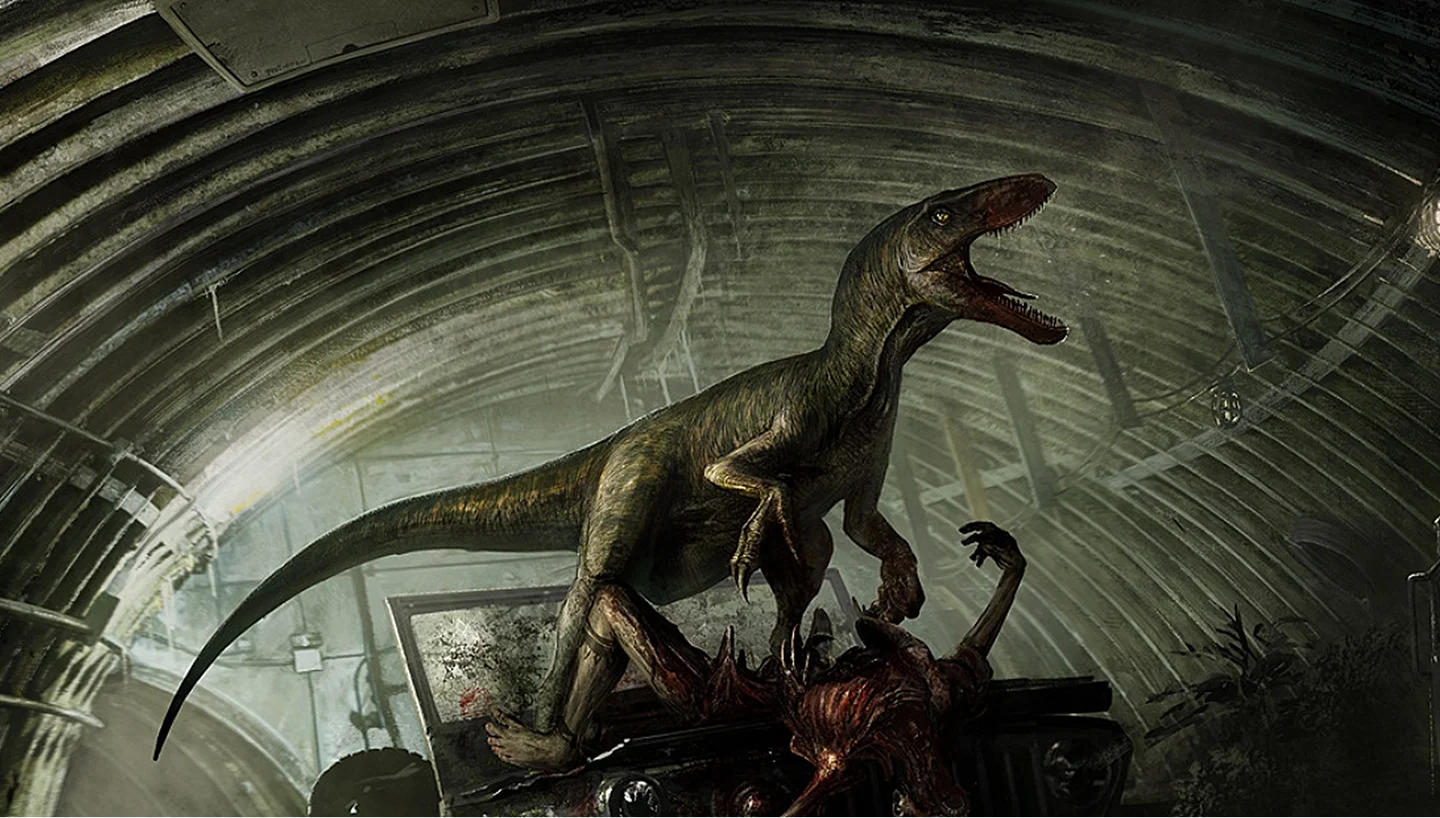
Dinosaur survival with your own rules: you pick the playable roster and the growth speed.
7GB
$16.96/ 30 days
SAVE ~10%$18.84
Best for small servers & a few friends
Instant activation · Cancel anytime
12GB
$29.06/ 30 days
SAVE ~10%$32.29
Best for medium groups & modded servers
Instant activation · Cancel anytime
18GB
$43.60/ 30 days
SAVE ~10%$48.44
Best for large, busy, heavily-modded servers
Instant activation · Cancel anytime
Same hardware. Your rules.
Instant activation · Cancel anytime
RAM-based pricing · from $2.42 / GB (per 30 days) · pay only for what you need
Launch your private The Isle: Evrima dedicated server in minutes. Built for multiplayer stability with persistent worlds and dedicated performance.
Set it up the way your group plays.
Plans are sized by RAM. Not sure which one? Support helps you pick.
Every location costs the same, so choose by ping.
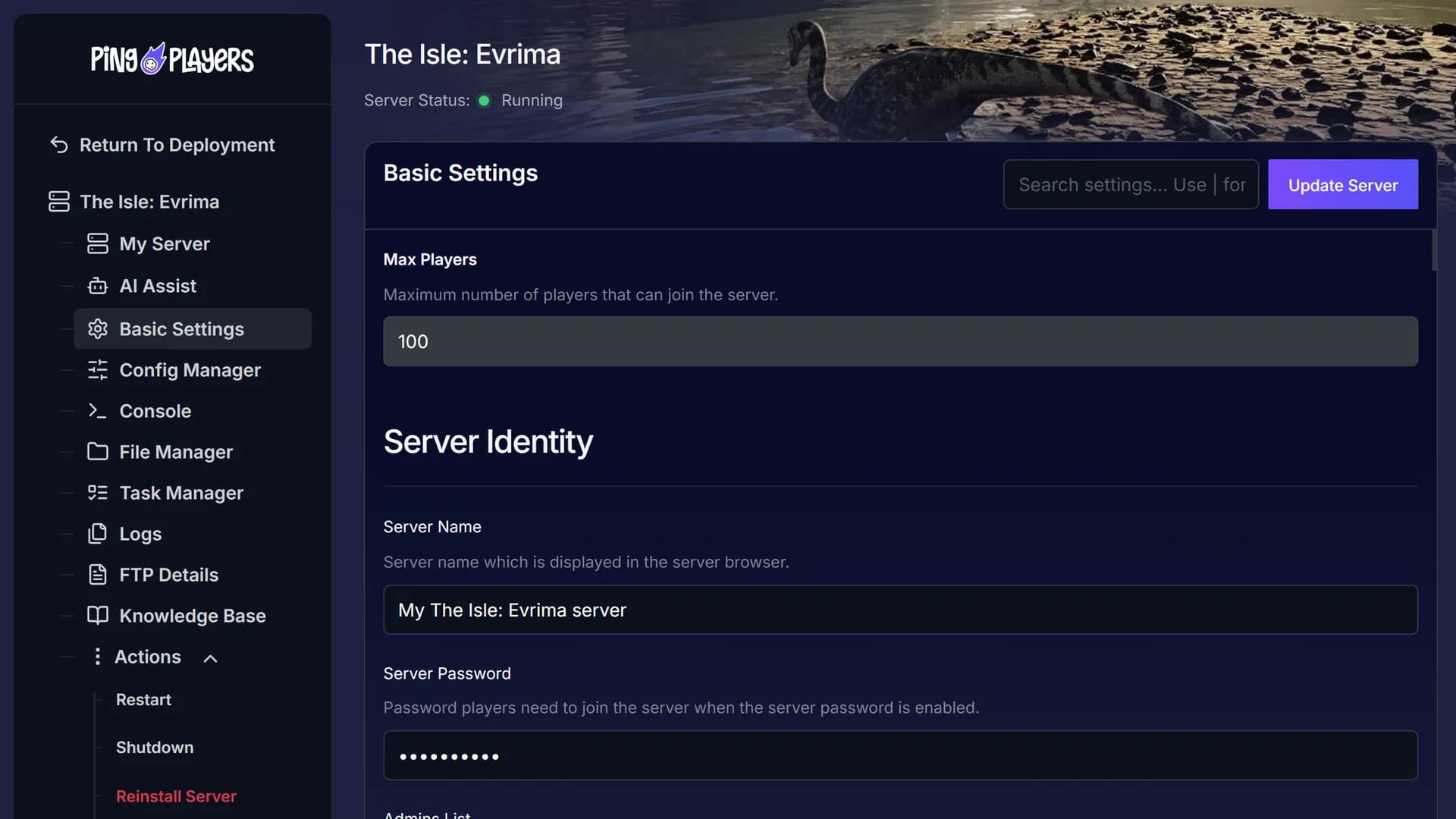
Put your SteamID in the Admins List in Basic Settings, then restart the server.
Everyone switches The Isle to the evrima branch in Steam, then finds your server under Unofficial.
60-second setup on every plan.
The live map shows your ping to each location before checkout.
Moving later? Servers move between locations on request, player saves included.
See all locationsEvery The Isle: Evrima plan, whatever its RAM, runs on the same CPUs, DDR5 memory and NVMe storage, in every location.
Your server stays online between sessions, covered by our SLA.
Your group connects to the server over 10Gbps uplinks, wherever you host it.
Enterprise DDoS protection sits in front of your server.
A dedicated The Isle: Evrima server runs on data centre hardware and network, so your PC only has to run the game.
Stop running the island from your PC.
Give your server its own hardware.
Cancel anytime
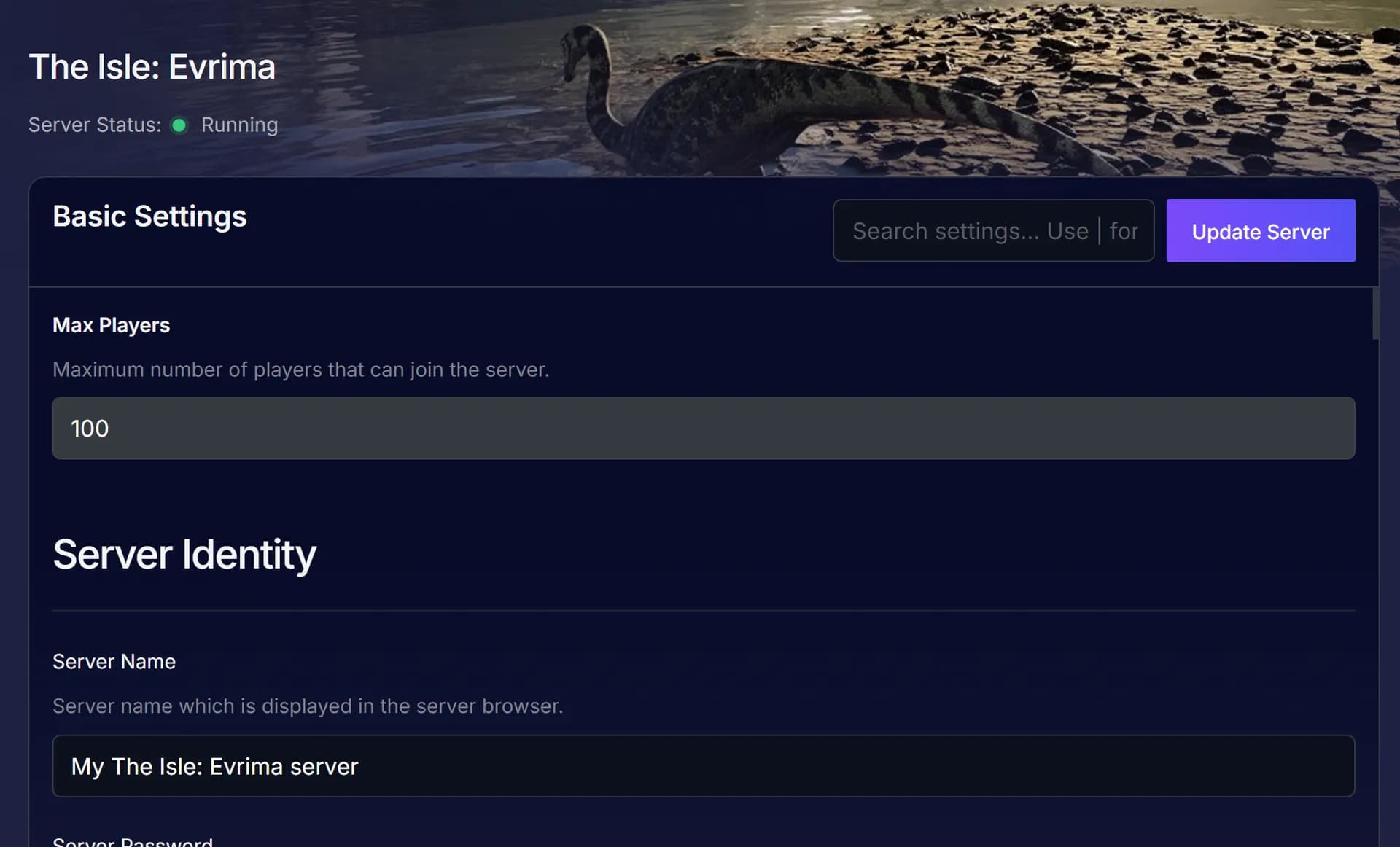
Set the server name your group searches for in the server browser, then hit Update Server.
Ask in plain words in the panel chat.
Ping AI sets up or changes your server for you.
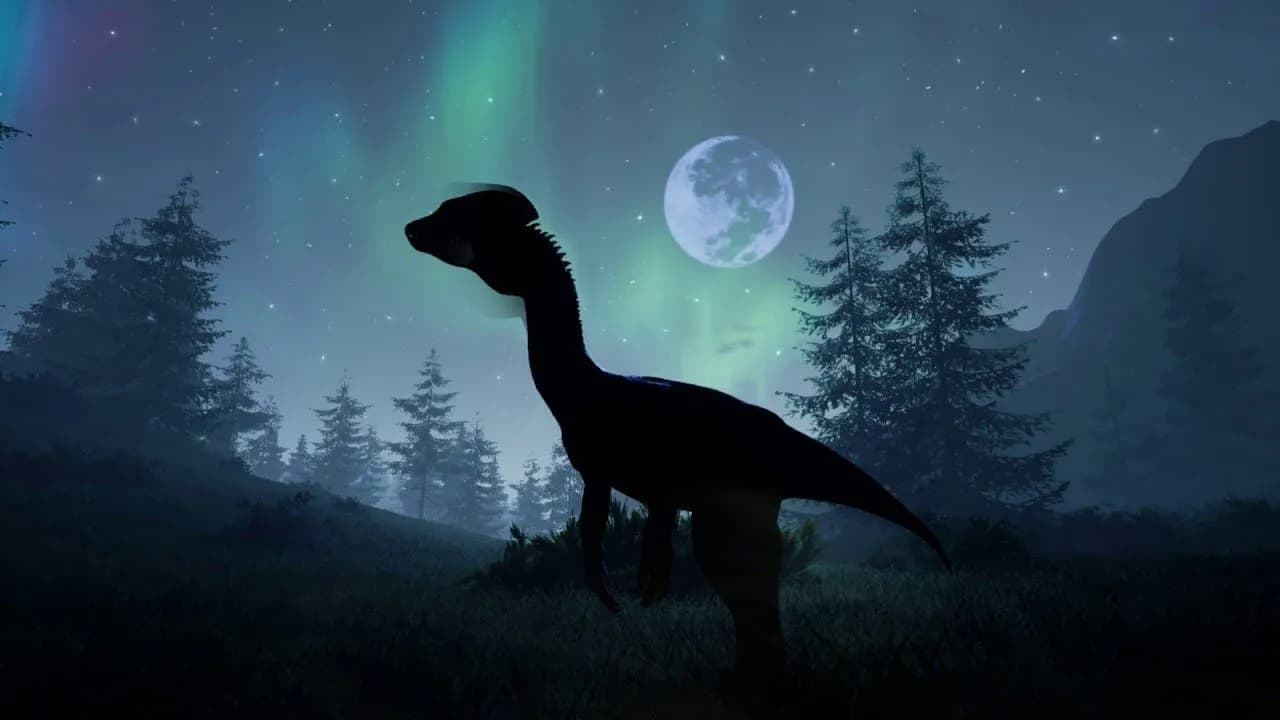
Three ways to play together: your PC, a public server or your own.
The island waits for your group.
This feed loads straight from Trustpilot. Your The Isle: Evrima server gets the same support team the reviews talk about.
Write in any language: every chat is translated both ways.
 Jonathan Lexne on Trustpilot, Sep 2026
Gaming support specialist
“Nicole was great. She first tried to explain what i needed to do in order to solve my problem. When I couldn't do it, she solved the problem for me. A great customer experience!”
 Justin Olin on Trustpilot, Aug 2026
Gaming support specialist
“Kimmy helped me out and she was very knowledgeable and helped me with all of my questions and answered very quickly.”
 Leonardo salas on Trustpilot, Aug 2026
Gaming support specialist
“Francis helped me resolve a big issue with our server; everything is going great now and it was very quick, thank you!”
 Whitney Thibeaux on Trustpilot, Jul 2026
Gaming support specialist
“Lautaro was such a great help and answered all my questions quickly and help me fix my problems!! Great service!”
 Antreas1 on Trustpilot, Jul 2026
Gaming support specialist
“support was fast Emman was my support aggent he was quick understanding of the problem great experiance overall”
 Matias on Trustpilot, Apr 2025
Gaming support specialist
“German is a great dude. Not only does he fix problems, he is funny and very understanding. Dont be scared to message the live chat!”
1 / 6
Person 1 of 6
Three tools in your panel, plus a free move from your old host. The features page has the rest.
One link from your panel, and the group pays their share without making an account.
See SharePaySee players online, uptime, CPU and memory live, without joining the game.
See live telemetryRestart, shut down or start the server daily or weekly, at the hour you pick.
See the schedulerOur engineers copy your saves and configs from your old host and hand you the new IP.
See free migrationSwitch your server to another game in our catalogue for nothing extra, as long as your plan has the memory that game needs.
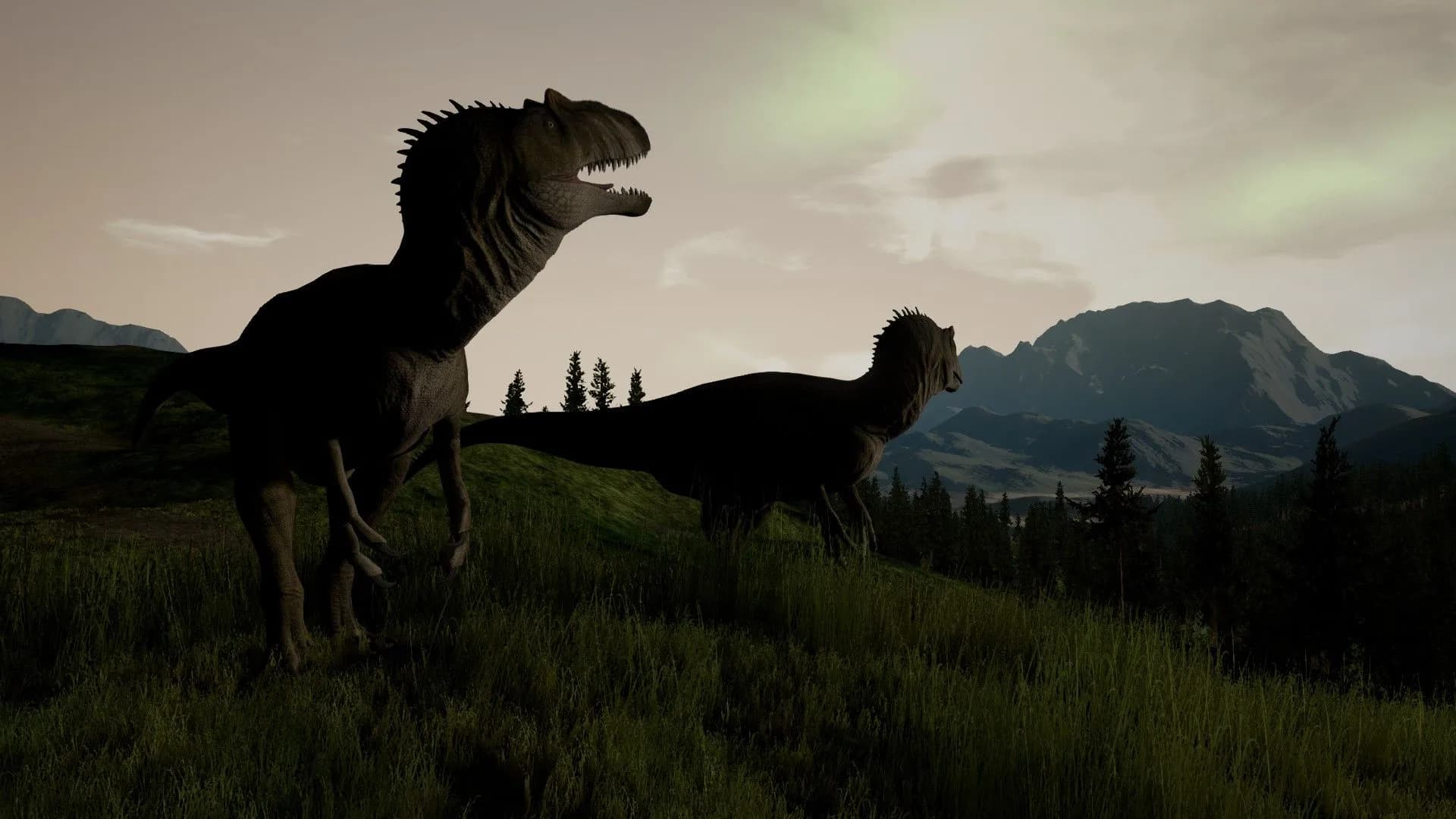
The Isle: Evrima server hosting with instant activation. Pick a plan and a location, then invite your group.
The Isle: Evrima is the evrima branch of The Isle, an open world survival horror game with dinosaurs, by Afterthought LLC, in Early Access on Steam since 1 December 2015. Evrima has had its own Steam branch since June 2020 and gets the updates, while Steam still installs the older legacy build by default.
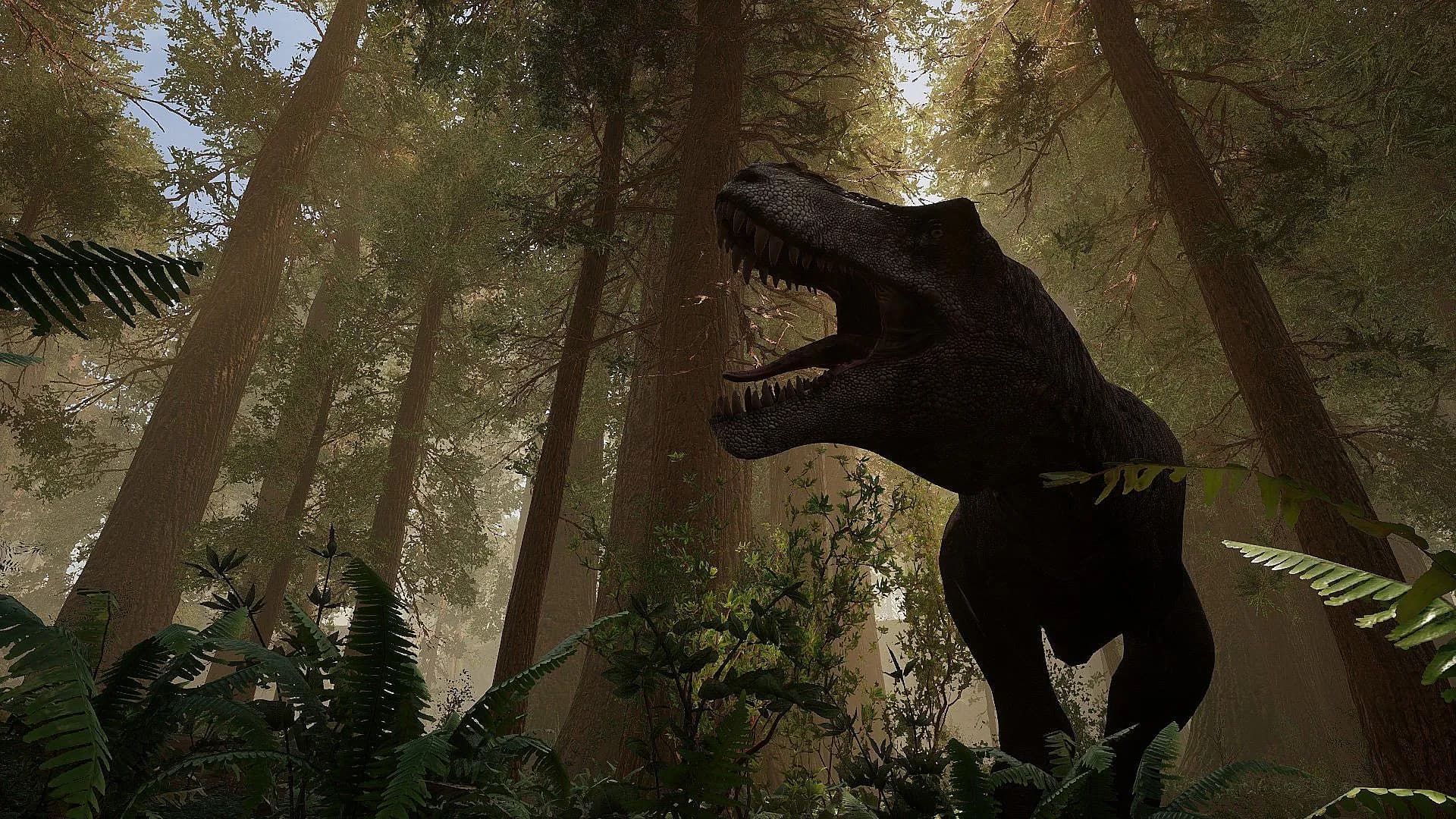
You start as a hatchling and grow through juvenile, subadult and adult toward elder, if you live that long. Each dinosaur carries mutations, and once it reaches full growth you can Entomb it and keep those mutations for its next life. On Gateway, a Mass Migration pulls the herds across the map, and a juvenile drinking at the water’s edge is one pounce away from being dinner.
A dedicated server keeps your island up with nobody hosting at home: no static IP, no forwarded ports. Your group sets the rules: which dinosaurs are playable and how fast everyone grows. Your admins run it from the in-game admin panel or over RCON.
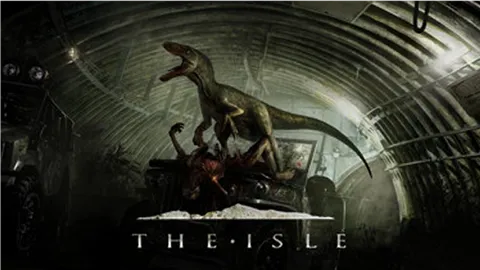
Step-by-step help for setting up and running your The Isle: Evrima server.
This article provides a step-by-step guide on connecting to a The Isle Evrima server. It covers changing the game version, filtering for servers, searching, favoriting, and joining a server, ensuring a smooth gaming experience.
Read articleThis article provides a step-by-step guide on becoming an admin on The Isle Evrima server. It covers obtaining a player's SteamID, adding it to the server's admin list, and using in-game admin commands and admin panel for effective server management.
Read articleThis article provides a step-by-step guide on using RCON (Remote Console) for managing a The Isle Evrima server, downloading and installing the RCON dedicated software for Windows, running it, finding the server details to connect to the RCON software, issuing remote commands and troubleshooting tips on which RCON may not be working.
Read articleAnswers before you rent. Anything else, ask support on live chat.
Pick a plan and a location above and check out. The server is live 60 seconds later. Then add yourself as an admin and tell your group which server name to search for.
Plans come in 7 GB, 12 GB or 18 GB, or a custom plan from 6 to 26 GB. 12 GB is our most popular. Pick by community size and ask support if you are unsure.
On six continents: North America, South America, Europe, Asia, Oceania and Africa. The live map above shows every location, the checkout shows your ping to each one, and every location costs the same.
In Steam, open the Properties of The Isle, go to Betas and choose evrima. Start the game, click Play, set the server filter to Unofficial, search your server name and click Connect. If the server has a password, the game asks for it. How to connect.
Add your SteamID to the Admins List in Basic Settings, one ID per field and up to 10 of them, then update the settings and restart the server. In game, type /adminpanel in chat to open the admin panel. Admin guide.
Growth speed is GrowthMultiplier in Game.ini, one multiplier for every species. Afterthought recommends no higher than 20. Stop the server, edit the file with File Manager or FTP, then start it again.
List them as AllowedClasses in Game.ini, one line per species. The in-game admin panel can change the roster on a running server, and so can the UpdatePlayable command over RCON.
RCON is on by default (Enable RCON in Basic Settings). Take the IP and RCON port from your server info and the password from Basic Settings, then connect an RCON tool to post announcements or kick players without opening the game. RCON guide.
Yes, when the SteamIDs match. Shut the server down with Auto Boot off, then upload the player files to /TheIsle/Saved/PlayerData with File Manager or FTP. Migration data sits in /TheIsle/Saved/SaveGames. Start the server again when the upload is done.
No. The Isle runs on PC only, through Steam on Windows, so your server is for PC players.
Yes, free on every plan. Our engineers do the transfer, check it and hand you the new IP, and your old server keeps running until then. How free migration works.
Gateway, the Evrima map (MapName=Gateway in Game.ini). Afterthought keeps adding to it: Redwoods and Mangroves arrived as work in progress in 2026. Isla Spiro, Evrima’s earlier map, gave way to Gateway in November 2023.
No. HordeTest is a test branch for the game client only, and the dedicated server has no HordeTest build, so your server runs evrima. Test content reaches evrima once Afterthought releases it there.
Every plan comes with a 24-hour money-back guarantee. If the server is not right for your group, talk to support on live chat or email.
In My Servers, open the three dots on the server card, choose Billing, then View options next to Renewal settings and cancellation, and click Cancel Subscription. The server stays active until the end of the period you paid for.
Yes, with SharePay. After signup the panel gives you a link, and your group pays their share without making an account. It works on any plan, for any group size.
Yes, and switching is free on games your plan has the memory for. Ask support before you switch so you know what happens to your The Isle: Evrima files.
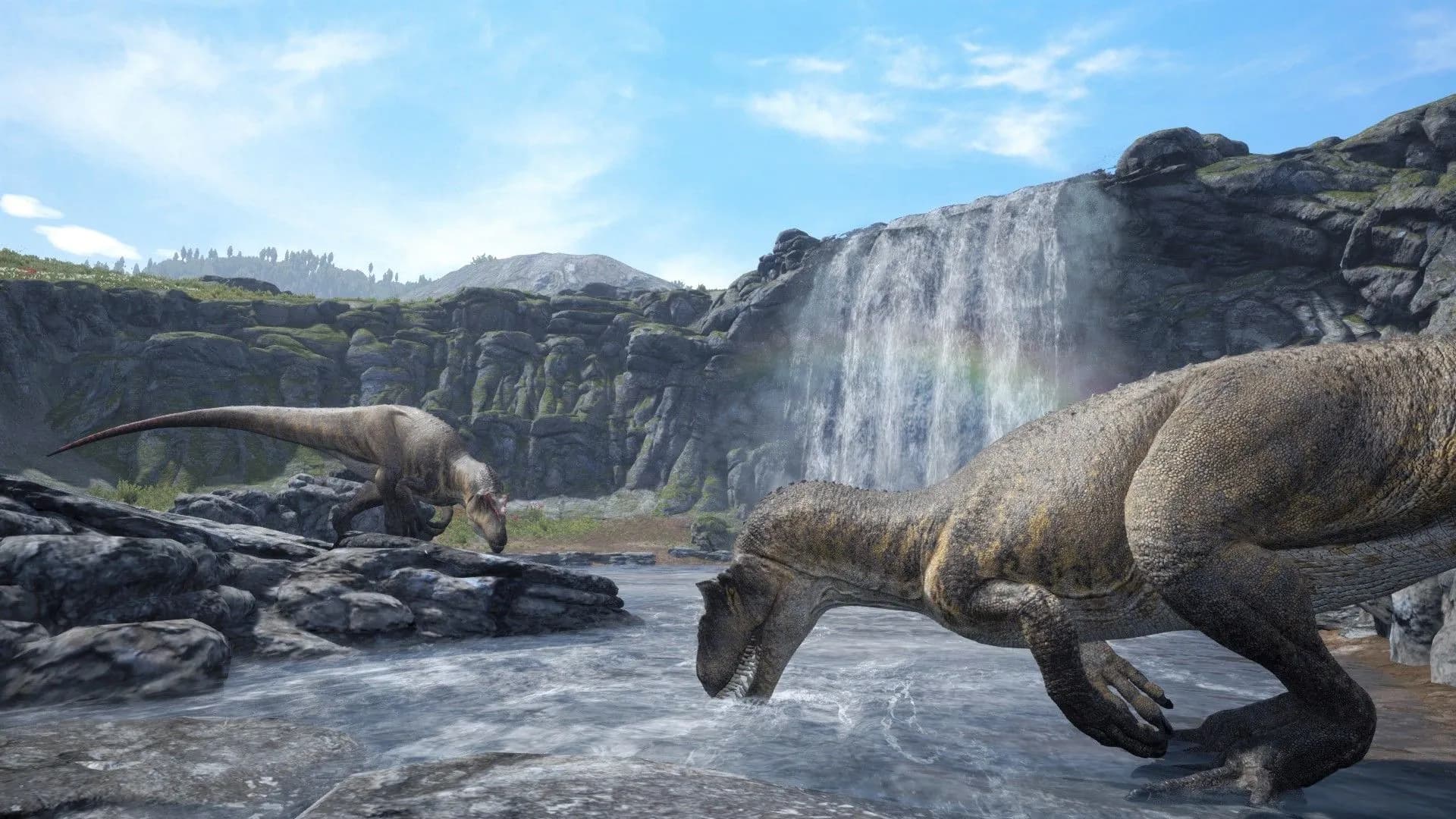
Grow and survive on a server of your own.
Live 60 seconds after checkout.
We use cookies to enhance your browsing experience, serve personalized ads or content, and analyze our traffic. By clicking "Accept All", you consent to our use of cookies.