
The worry
Every panel is different, so each new game means learning one more.
The answer
One sidebar across all 90+ games and every plan. Learn it once and the next server opens the same way.
90+ games, one panel
One browser tab runs the whole server: settings, files, console, mods and scheduled restarts, with AI Assist in the sidebar and nothing to install.
From $3/month · 24/7 human support · 24-hour money-back guarantee
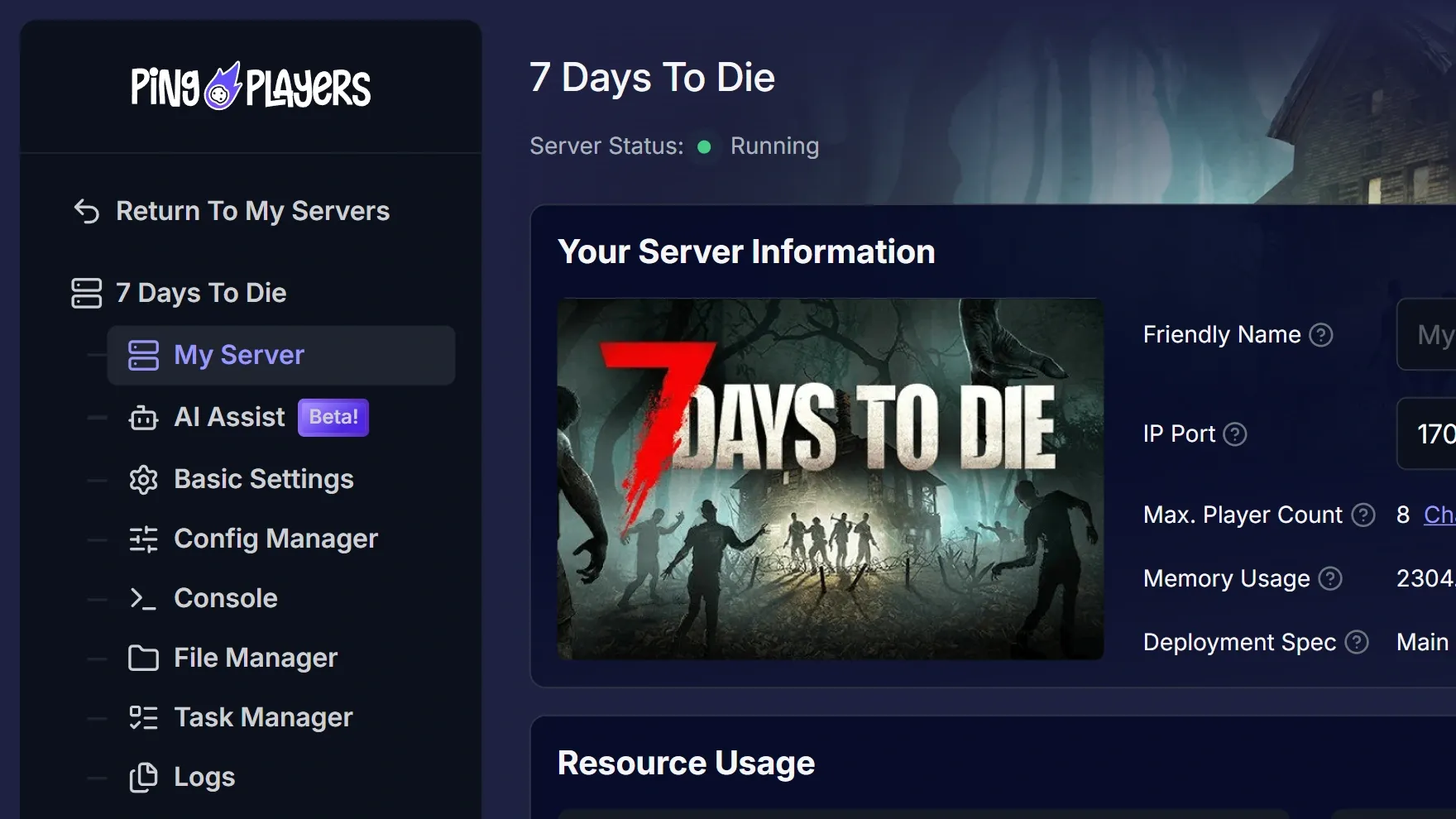
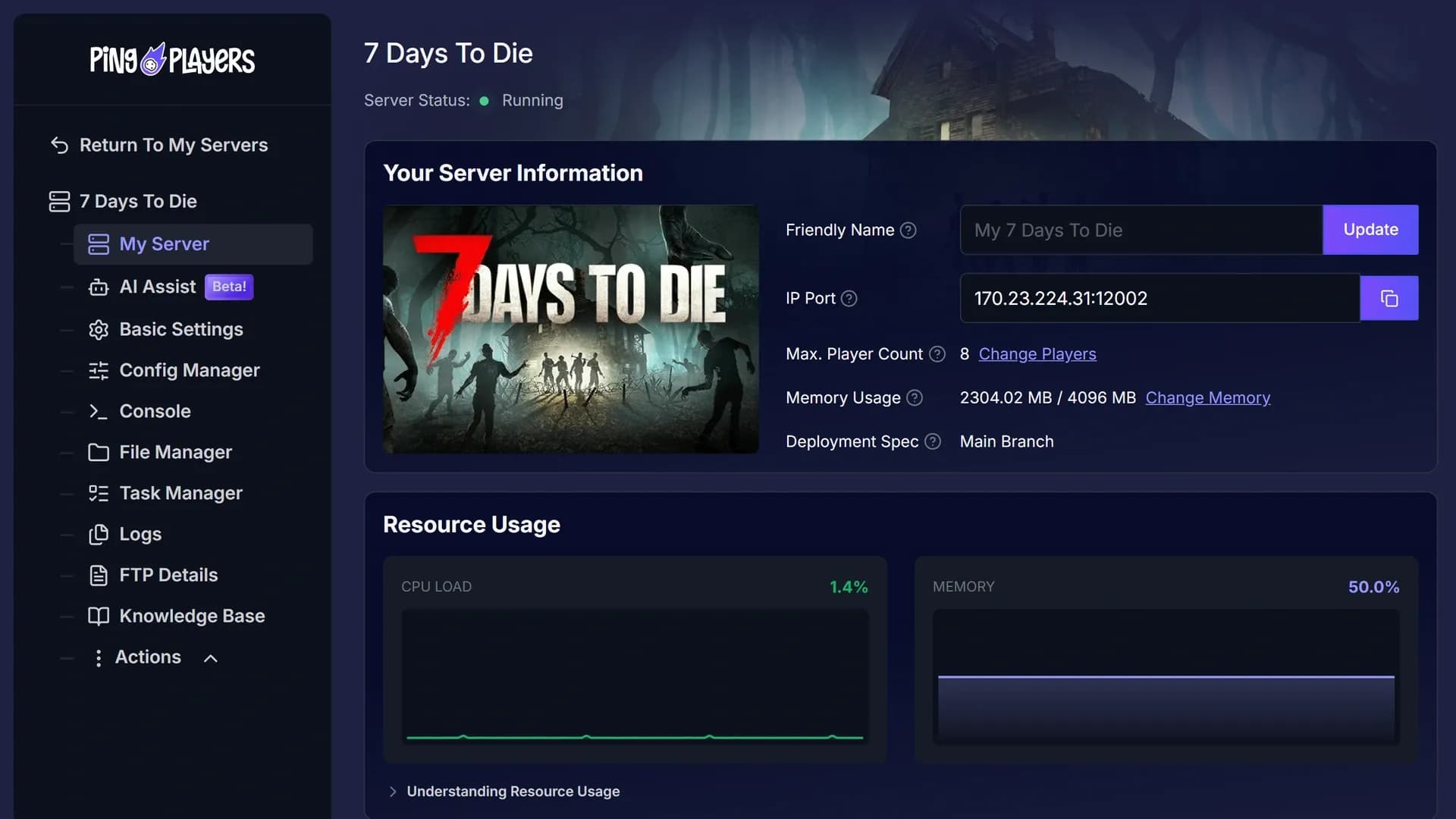
Name, IP and port, player slots, memory and branch on one card, with live CPU, memory and server telemetry below.
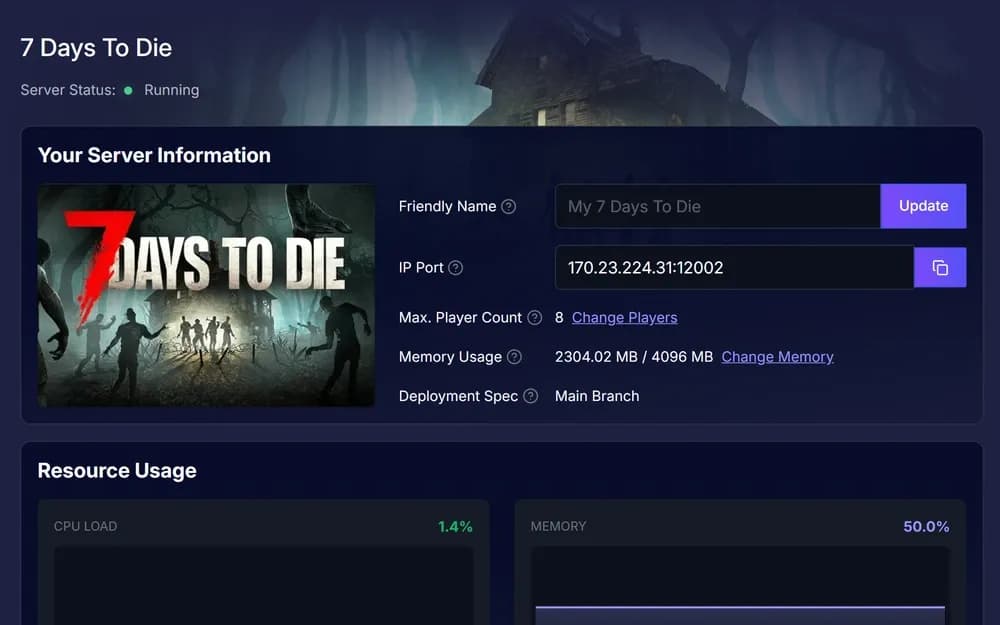
Order, let it build, open My Server and share the IP. Nothing to download or configure by hand, and live chat is one click away.
90+ games and 12 locations in one order, with nothing important hidden behind an add-on.
Live in 60 seconds, while you are still reading the confirmation. No queue, no ticket.
The whole server on one screen, from status and slots to the live console.
Paste the address into the game and everyone lands on the same world.
Expectations from another panel, or from doing it all by hand, and what each one turns into here.
Every panel is different, so each new game means learning one more.
One sidebar across all 90+ games and every plan. Learn it once and the next server opens the same way.
Changing a setting means opening a config file and getting it right.
Config Manager shows those settings as fields you fill in, with Basic Settings above it. Nothing to download.
When something breaks I am back to a forum thread and a ticket queue.
Live chat is open 24/7 and a person answers in your language. The Knowledge Base sits in the same sidebar.
Away from my desk, there is nothing I can do about the server.
The panel is a web page that fits your phone. A setting, a file, the console, all from anywhere.
Six reviews on the panel, AI Assist and the people behind the chat, quoted as written.
The server manager is pretty easy to use but also provides a lot of more advanced settings like modding and accessing files with or without FTP alongside thorough knowledge bases to show you how to do this.
Server customization is really easy with the built in ai model. Customer service is great! I had trouble with server startup files that i cannot edit and the team handled it fast and professionaly! Would recommend 5/5 service!
Kimmy was absolutely amazing!! Very kind and professional. Also brilliant. 4 people spent 3 hours trying to fix a fubar config file before calling for help. In less then an hour she had it up and running and restored to its original glory. Thank you so much for your help and brilliance
Very Quick and easy to use, very fast service when using the website chat function, get a response almost immediately. I had great help from Nicole who answered all my questions and went above and beyond to provide me with extra relevant info related to my query which she believed was worth me knowing!
Very helpful customer service (Nicole B.) who is quick to respond and actually commits to assist all the way until we get it fixed. The hosting website also had AI (in beta) for daily self-help and config of your server setup.
Nicole was fast and helpful after their excellent AI assistant recommended I contact support for a more complicated issue.
4.9 Excellent on Trustpilot from 900+ reviews.
What the panel does, and what it never asks of you.
No. Every screen is buttons, fields and lists. The Console is there if you like typing commands, and nothing forces you to use it.
My Server, AI Assist, Basic Settings, Config Manager, Console, File Manager, Task Manager, Logs, FTP Details, Mods, Knowledge Base and Actions. A game without mod support has no Mods screen.
Yes. File Manager handles uploads, folders and files in the browser. FTP Details are in the sidebar if you prefer your own client.
Yes. Resource Usage on My Server draws CPU load and memory live, and Server Telemetry, powered by PingQuery, shows the hostname, players online, map and version.
Yes. Ask AI Assist in the sidebar and it changes the setting for you, recommends mods that match your loader and installs them on request.
Yes, on supported games. The Mods tab installs from CurseForge and Modrinth for Minecraft Java and Hytale, and from the Steam Workshop for DayZ, Palworld, Arma 3 and Terraria, checking your version and loader first. Other games use File Manager or FTP.
Yes. Task Manager reboots, shuts down or starts the server daily or weekly at the hour you pick, and can boot it with a saved Config Manager setup. Ping AI can set tasks up for you.
Every screen on this page ships with every server, from the smallest plan up. Pick a game and the panel is waiting.
We use cookies to enhance your browsing experience, serve personalized ads or content, and analyze our traffic. By clicking "Accept All", you consent to our use of cookies.