Europe & Africa
EMEA // 4 locations
NL
AmsterdamEU West
GB
LondonUnited Kingdom
DE
FrankfurtEU Central
ZA
JohannesburgSouthern Africa
Limited-time offer:10% offyour game serverwith code
Ends in 0 days, 0 hours and 0 minutes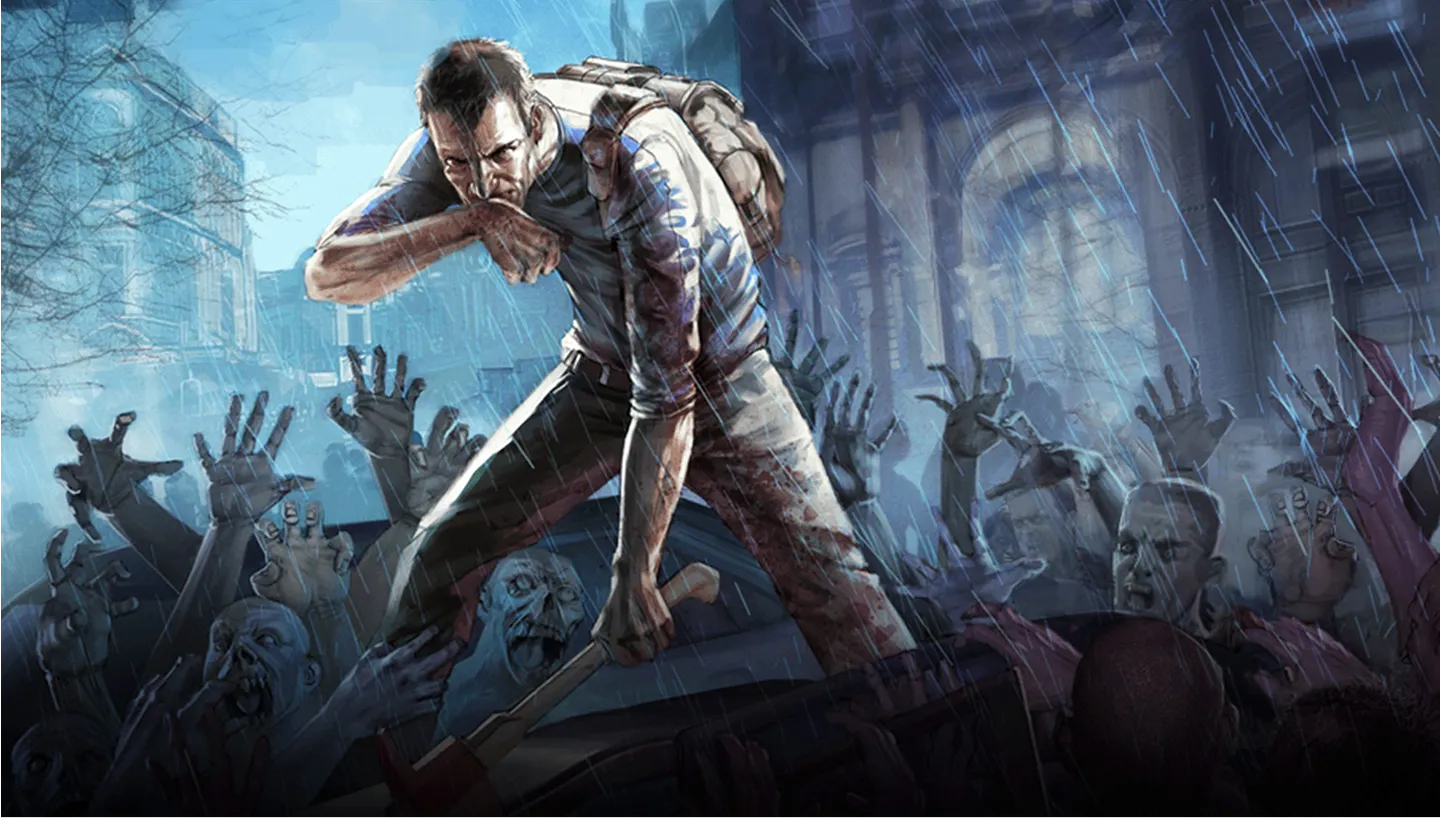
Your own Project Zomboid server for co-op survival, Workshop mods and sandbox rules you set.
5GB
$12.79/ 30 days
SAVE ~10%$14.21
Best for small servers & a few friends
Instant activation · Cancel anytime
10GB
$25.57/ 30 days
SAVE ~10%$28.41
Best for medium groups & modded servers
Instant activation · Cancel anytime
16GB
$40.91/ 30 days
SAVE ~10%$45.46
Best for large, busy, heavily-modded servers
Instant activation · Cancel anytime
Same hardware. Your rules.
Instant activation · Cancel anytime
RAM-based pricing · from $2.56 / GB (per 30 days) · pay only for what you need
Launch your private Project Zomboid dedicated server in minutes. Built for multiplayer stability with persistent worlds and dedicated performance.
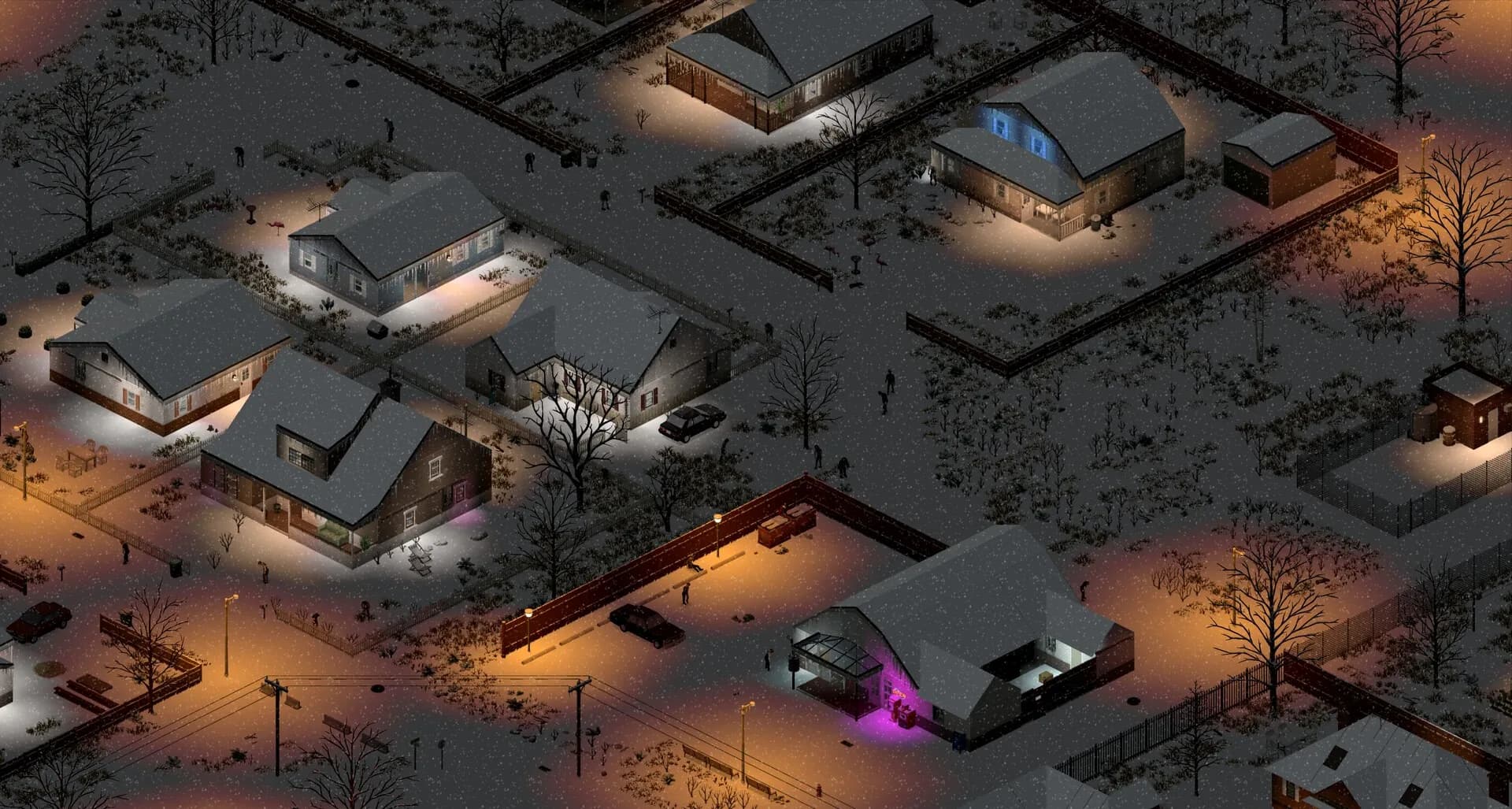
Set it up the way your group plays.
Plans are sized by RAM. Not sure which one? Support helps you pick.
Every location costs the same, so choose by ping.
Tune zombie count and speed in the sandbox file, then restart to apply it.
Share the IP and port. Friends enter them under Multiplayer in the main menu.
60-second setup on every plan.
Put your Project Zomboid server near your group. The map tests your ping to every location live, before you pay.
Moving later? Servers move between locations on request, world and mods included.
See all locationsEvery Project Zomboid plan, whatever its RAM, runs on the same CPUs, DDR5 memory and NVMe storage, in every location.
Your world stays online between sessions, covered by our SLA.
Your group connects to the server over 10Gbps uplinks, wherever you host it.
Enterprise DDoS protection sits in front of your server.
A dedicated Project Zomboid server runs on data centre hardware and network, so your PC only has to run the game.
Stop hosting Knox Country from your PC.
Give your world its own hardware.
Cancel anytime
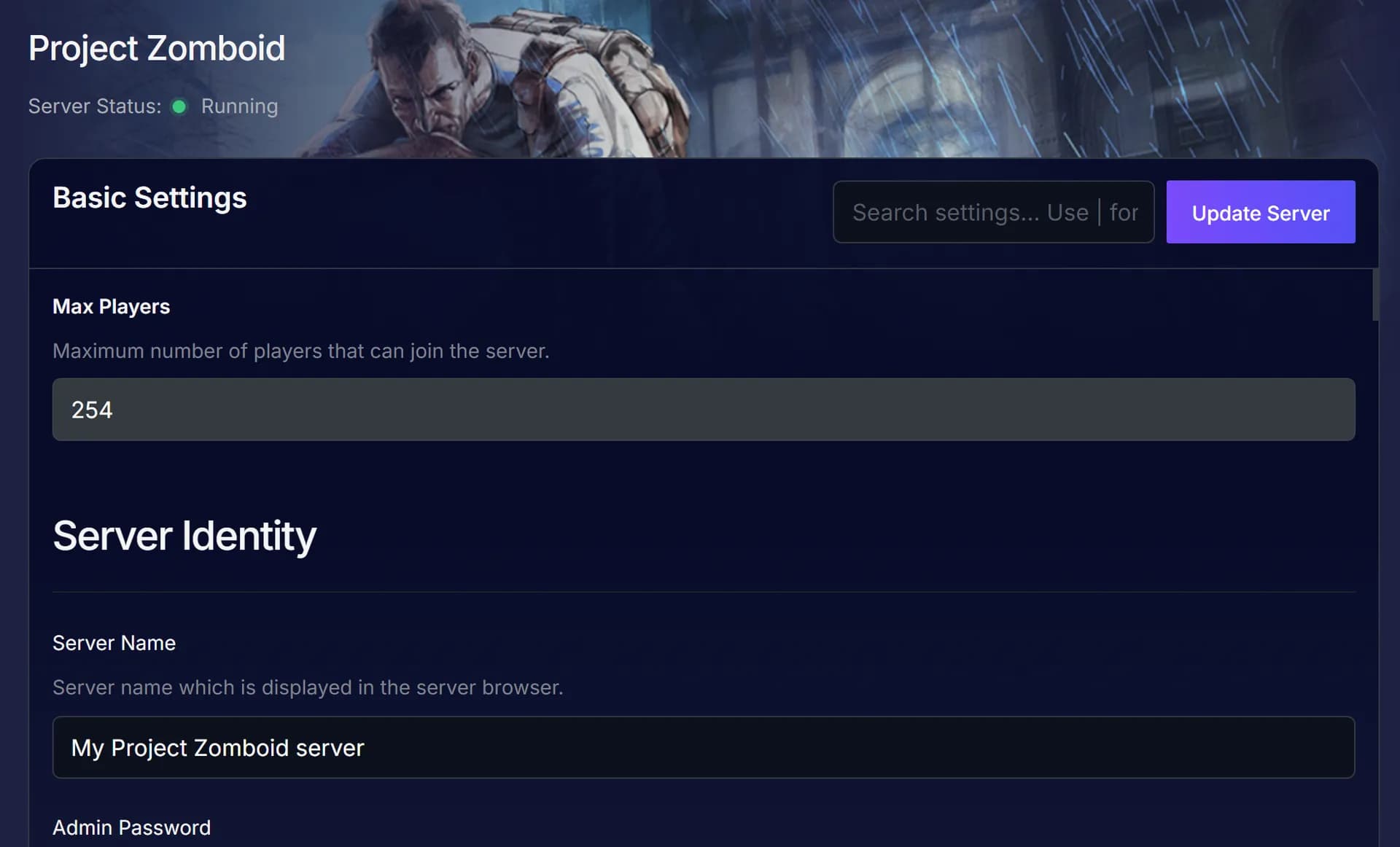
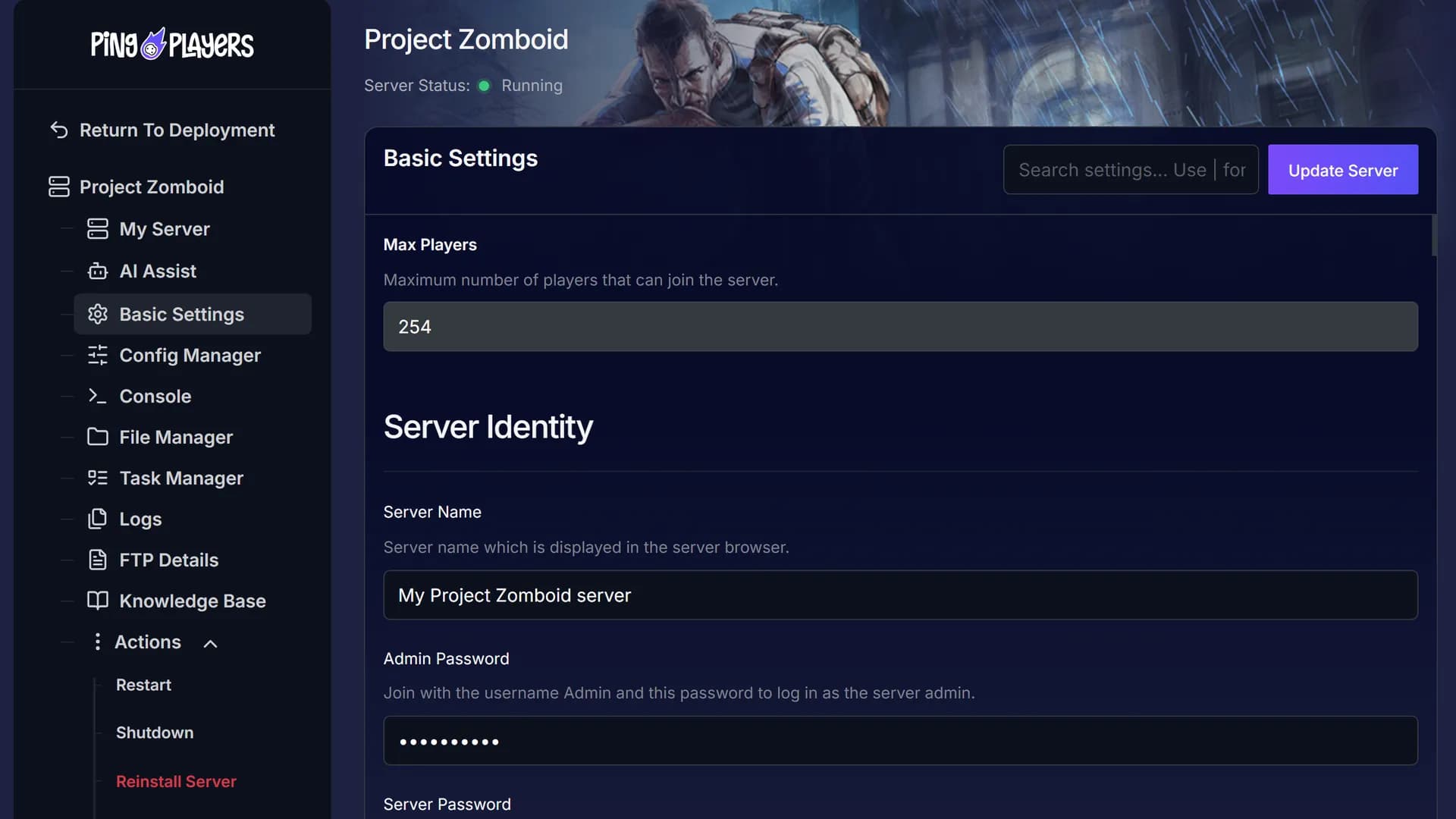
Set the server name and admin password, then log in as Admin in game. Click Update Server and restart after a change.
Ask in plain words in the panel chat.
Ping AI sets up or changes your server for you.
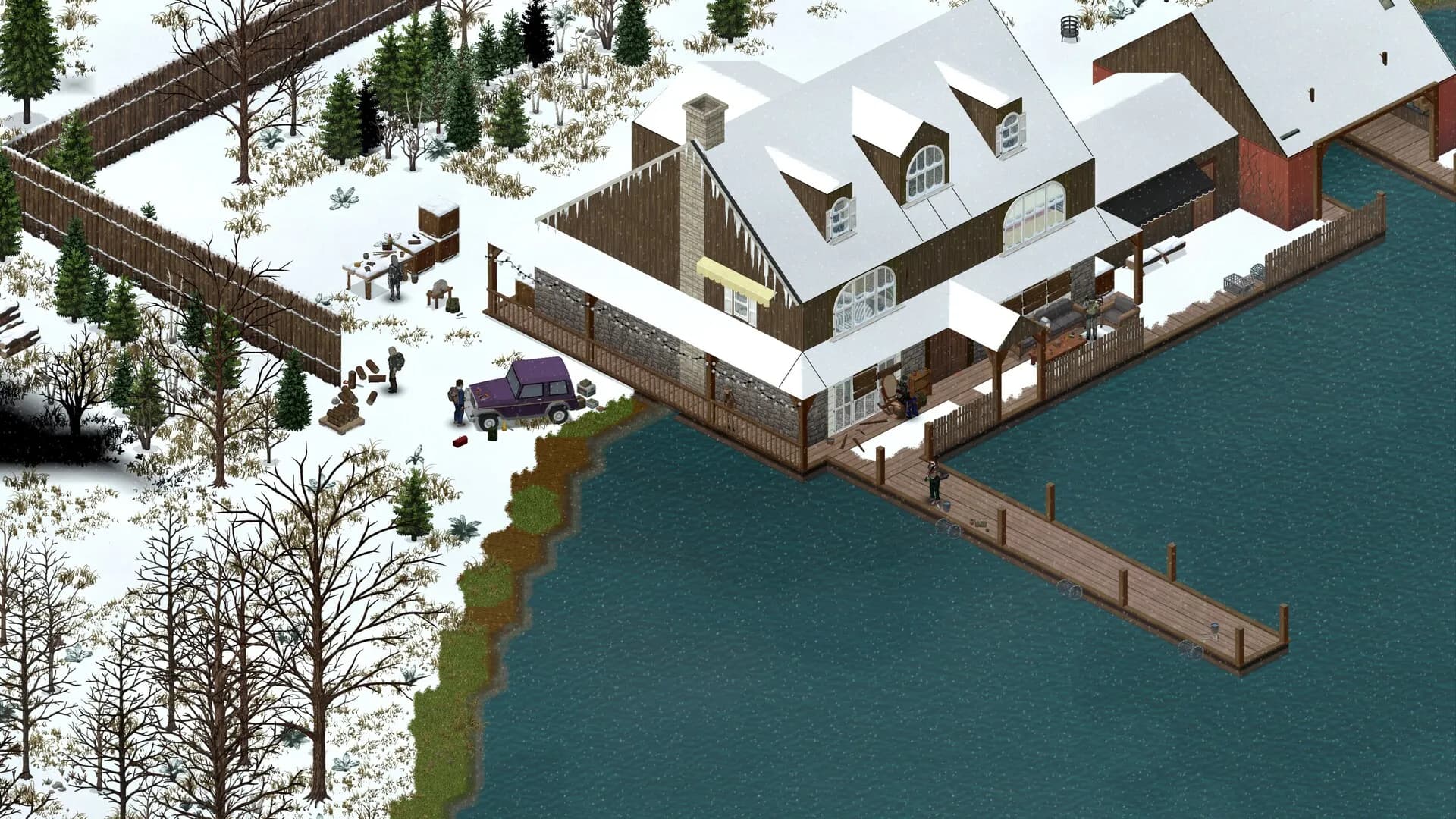
Three ways to play together: your PC, a public server or your own.
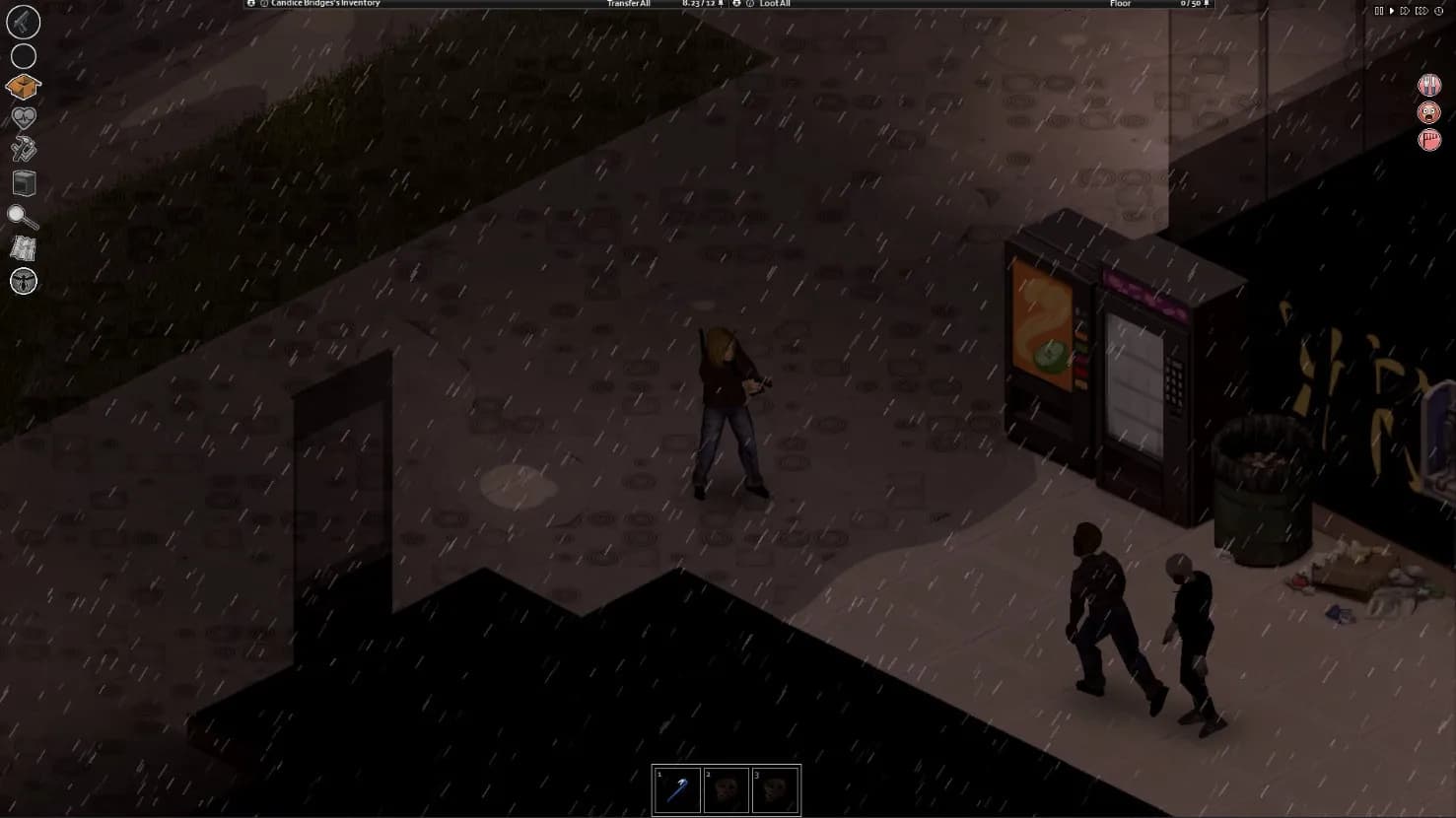
Your world, your sandbox rules.
This feed loads straight from Trustpilot. Your Project Zomboid server gets the same support team the reviews talk about.
Write in any language: every chat is translated both ways.
 Jonathan Lexne on Trustpilot, Sep 2026
Gaming support specialist
“Nicole was great. She first tried to explain what i needed to do in order to solve my problem. When I couldn't do it, she solved the problem for me. A great customer experience!”
 Justin Olin on Trustpilot, Aug 2026
Gaming support specialist
“Kimmy helped me out and she was very knowledgeable and helped me with all of my questions and answered very quickly.”
 Leonardo salas on Trustpilot, Aug 2026
Gaming support specialist
“Francis helped me resolve a big issue with our server; everything is going great now and it was very quick, thank you!”
 Whitney Thibeaux on Trustpilot, Jul 2026
Gaming support specialist
“Lautaro was such a great help and answered all my questions quickly and help me fix my problems!! Great service!”
 Antreas1 on Trustpilot, Jul 2026
Gaming support specialist
“support was fast Emman was my support aggent he was quick understanding of the problem great experiance overall”
 Matias on Trustpilot, Apr 2025
Gaming support specialist
“German is a great dude. Not only does he fix problems, he is funny and very understanding. Dont be scared to message the live chat!”
1 / 6
Person 1 of 6
Three tools in your panel, plus a free move from your old host. The features page has the rest.
One link from your panel, and the group pays their share without making an account.
See SharePaySee players online, uptime, CPU and memory live, without joining the game.
See live telemetryRestart, shut down or start the server daily or weekly, at the hour you pick.
See the schedulerComing from another host? We move your Knox Country world and mods over for free.
See free migrationSwitch your server to another game in our catalogue for nothing extra, as long as your plan has the memory that game needs.
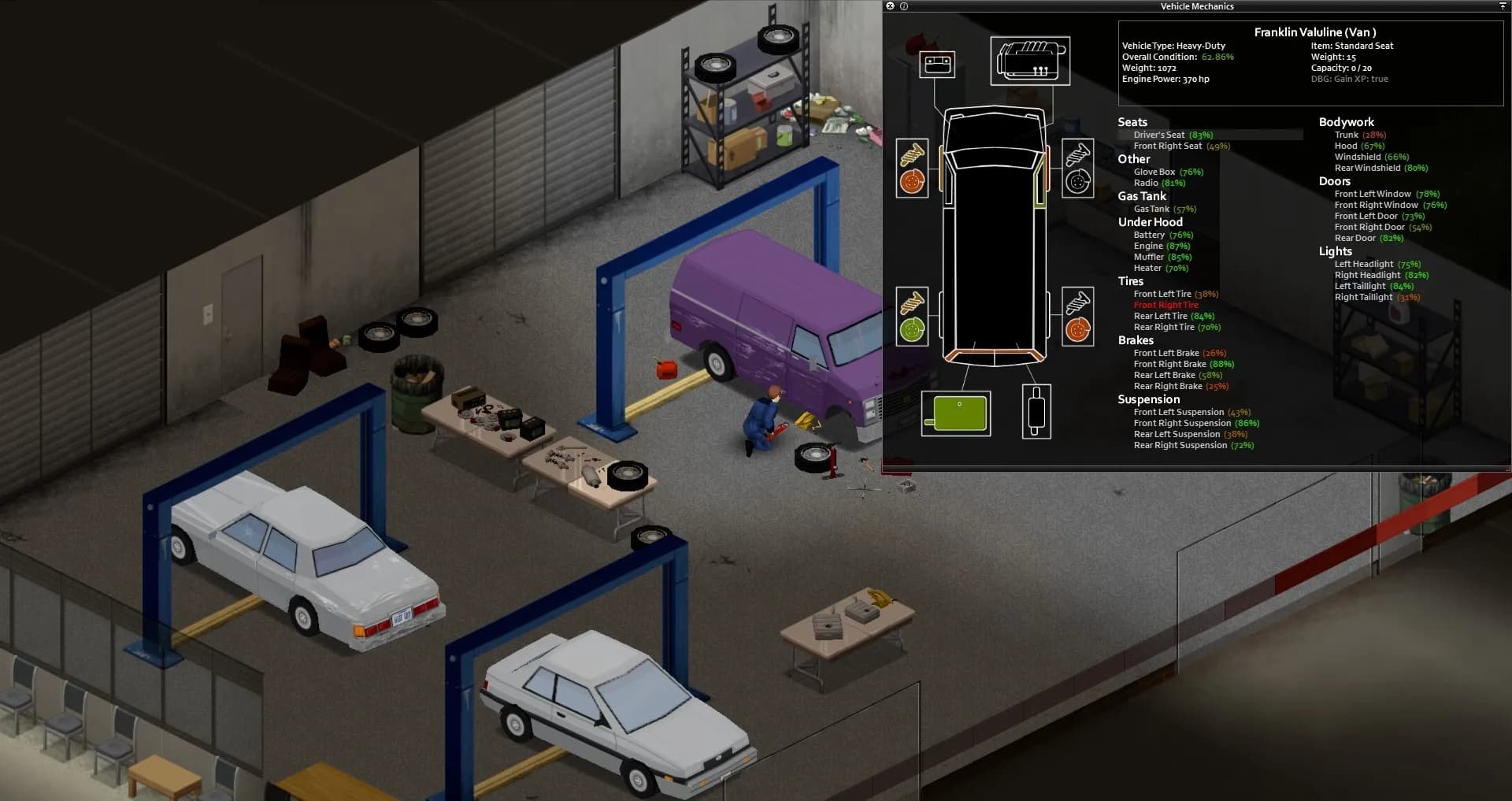
Pick a plan and a location, then head into Knox Country.
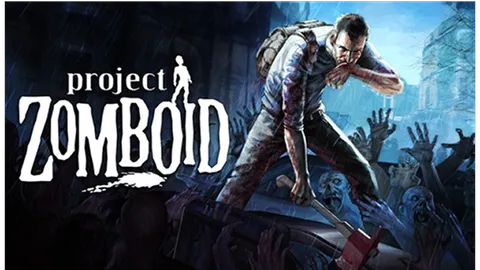
Project Zomboid is a zombie survival RPG from The Indie Stone, on Steam in Early Access since 8 November 2013. You play in Knox Country, Kentucky, inside the Exclusion Zone after the Knox Event, and the game is upfront about how it ends: all it takes is a bite.
Until then you scavenge and build, and every noise counts. A smashed window can bring a crowd to your door in Muldraugh. Sooner or later the water and power shut off, and the group needs a generator. Build 42, on the stable branch since July 2026, added basements and animals, plus three new towns: Ekron, Irvington and Brandenburg.
Hosting from the main menu runs the server on the host PC, so the world is only up while they are. A dedicated server keeps the world up after the host logs off. Players drop in on their own schedule and pick up where they left off, safehouses and all, and the host can finally switch their PC off.
Step-by-step help for setting up and running your Project Zomboid server.
How to add mods to a Project Zomboid server, covering workshop mod syntax, settings configuration, and troubleshooting
Read articleThis article provides a comprehensive guide for Project Zomboid server owners on how to configure Sandbox Settings. It details three methods—using File Manager, FTP/FileZilla, and in-game tools—for tailoring gameplay parameters like zombie behavior and loot rarity.
Read articleThis article explains how to connect to a Project Zomboid server using the server IP and port, generate an user and pasword and adding it as a favorite in-game.
Read articleLearn how to become an admin on Project Zomboid: console and login methods, permissions, key admin commands and troubleshooting tips.
Read articleThis article provides a comprehensive guide on adding a custom map to a Project Zomboid server, detailing the necessary steps, common map sources, and troubleshooting tips to enhance the gaming experience. It also describes how to set the map path and its spawnpoints to work.
Read articleThis article provides a comprehensive guide on connecting to a game server's RCON (Remote Console). It explains RCON's functionality, prerequisites, and detailed steps to establish a connection, along with troubleshooting tips for effective server management.
Read articleAnswers before you rent. Anything else, ask support on live chat.
Pick a plan and a location above and check out. The server is live 60 seconds later. Then set a server name and an admin password in Basic Settings, restart, and share the IP and port from your dashboard.
Small vanilla group: 5 GB. Bigger group or a few mods: 10 GB, our most popular plan. Modded world or map mods: 16 GB. Custom plans run 5 to 26 GB. The Indie Stone publishes no per-player figure, so these sizes are our suggestion, and support can help you pick.
On six continents: North America, South America, Europe, Asia, Oceania and Africa. The live map above shows every location, the checkout shows your ping to each one, and every location costs the same.
In the game, open Multiplayer from the main menu and enter the IP and port from your dashboard, plus any username and password you like. Save it and the server sits in your Favorites. If the map download times out, turn on Steam Relay. How to connect.
Find the mod on the Steam Workshop and note its Mod ID (the name) and its Workshop ID (the number in the URL). Add both in Basic Settings under Mods and Workshop Item, separated by semicolons with no spaces. On Build 42, put a backslash before each Mod ID. Click Update Server, then restart from Actions. Mods guide.
Shut the server down, open servertest_SandboxVars.lua in File Manager or over FTP, edit the values and save, then restart. Changes made in game go back to the file values after a restart, so edit the file. Sandbox guide.
Yes. Upload the map folder to media/maps over FTP, add its names in Basic Settings (Mods, Map and Workshop Item), and create a spawn regions file in Config Manager so players spawn on the new map. Custom map guide.
While you are in the game, open the Console tab in your panel and type setaccesslevel, then your username, then admin. Or join with the username Admin and the admin password from Basic Settings. Admin guide.
Yes. The server runs on its own hardware, covered by our 99.9% uptime SLA, so anyone in the group can join when they like. By default, Project Zomboid pauses game time while nobody is online: that is the PauseEmpty line in servertest.ini.
No. The Indie Stone has said Build 41 saves are not compatible with Build 42, and the same goes for Build 41 mods. Start a fresh world and check that each mod supports Build 42.
Yes, free on every plan. Our engineers copy your saves, mods and configs, check them and hand you the new IP, and your old server keeps running until then. How free migration works.
The Indie Stone added support for up to 254 players in a Build 42 hotfix, along with admin access when a server is full. A bigger group needs more memory, so size the plan to your group and mods.
New builds usually go to the Unstable branch first and reach stable after testing. Players need the same game version as the server, mods included, so check your mods for updates before you restart. If a mod stops loading, ask support.
Every plan comes with a 24-hour money-back guarantee. If the server is not right for your group, talk to support on live chat or email.
In My Servers, open the three dots on the server card, choose Billing, then View options next to Renewal settings and cancellation, and click Cancel Subscription. The server stays active until the end of the period you paid for.
Yes, with SharePay. After signup the panel gives you a link, and your group pays their share without making an account. It works on any plan, for any group size.
Yes, and switching is free on games your plan has the memory for. Ask support before you switch so you know what happens to your Project Zomboid files.
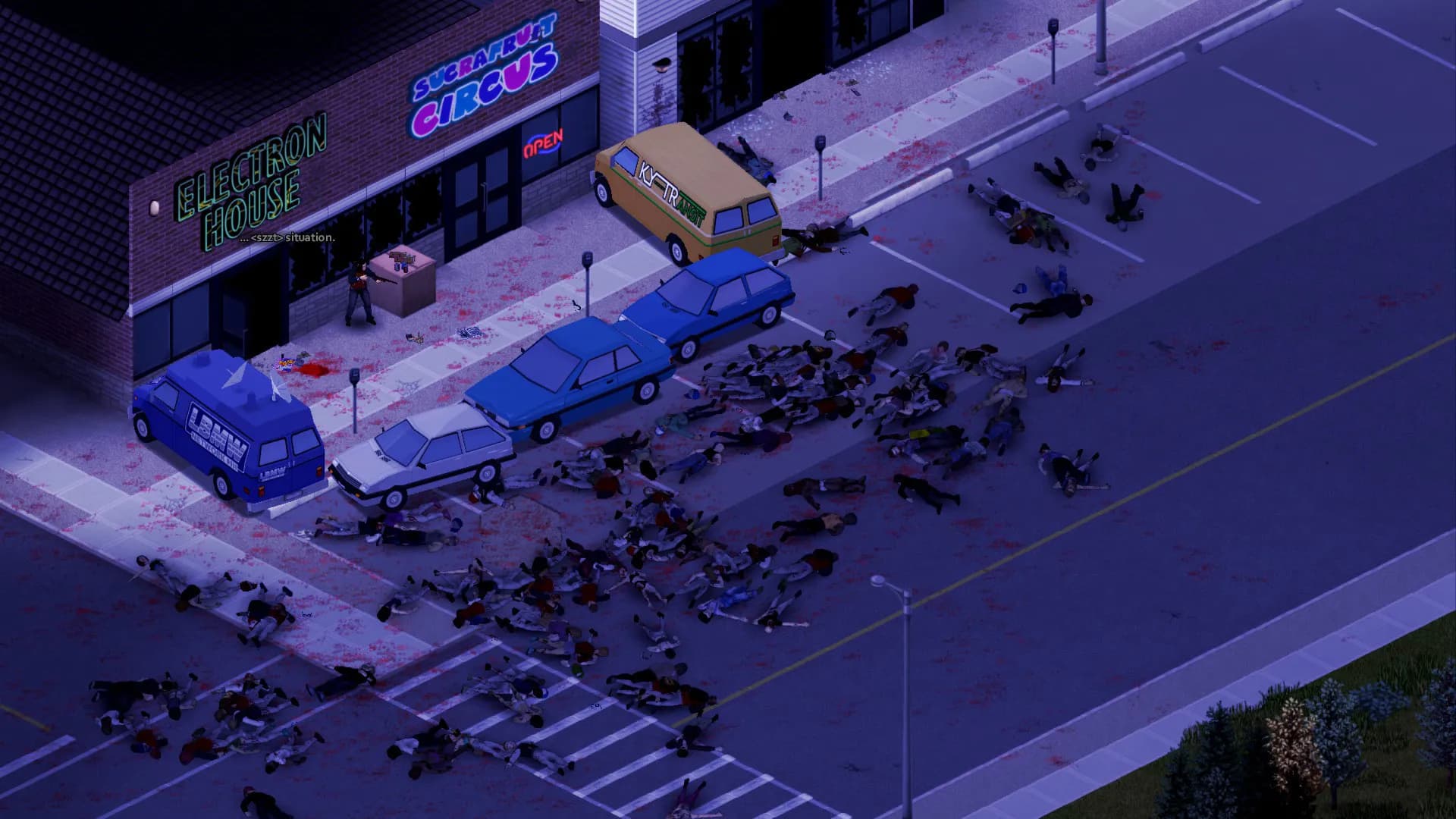
Hold out in Knox Country on a server of your own.
Live 60 seconds after checkout.
We use cookies to enhance your browsing experience, serve personalized ads or content, and analyze our traffic. By clicking "Accept All", you consent to our use of cookies.