Use GAMER10 Claim 10% Off

Smart Mod Manager for game servers. Install mods with 1 click.

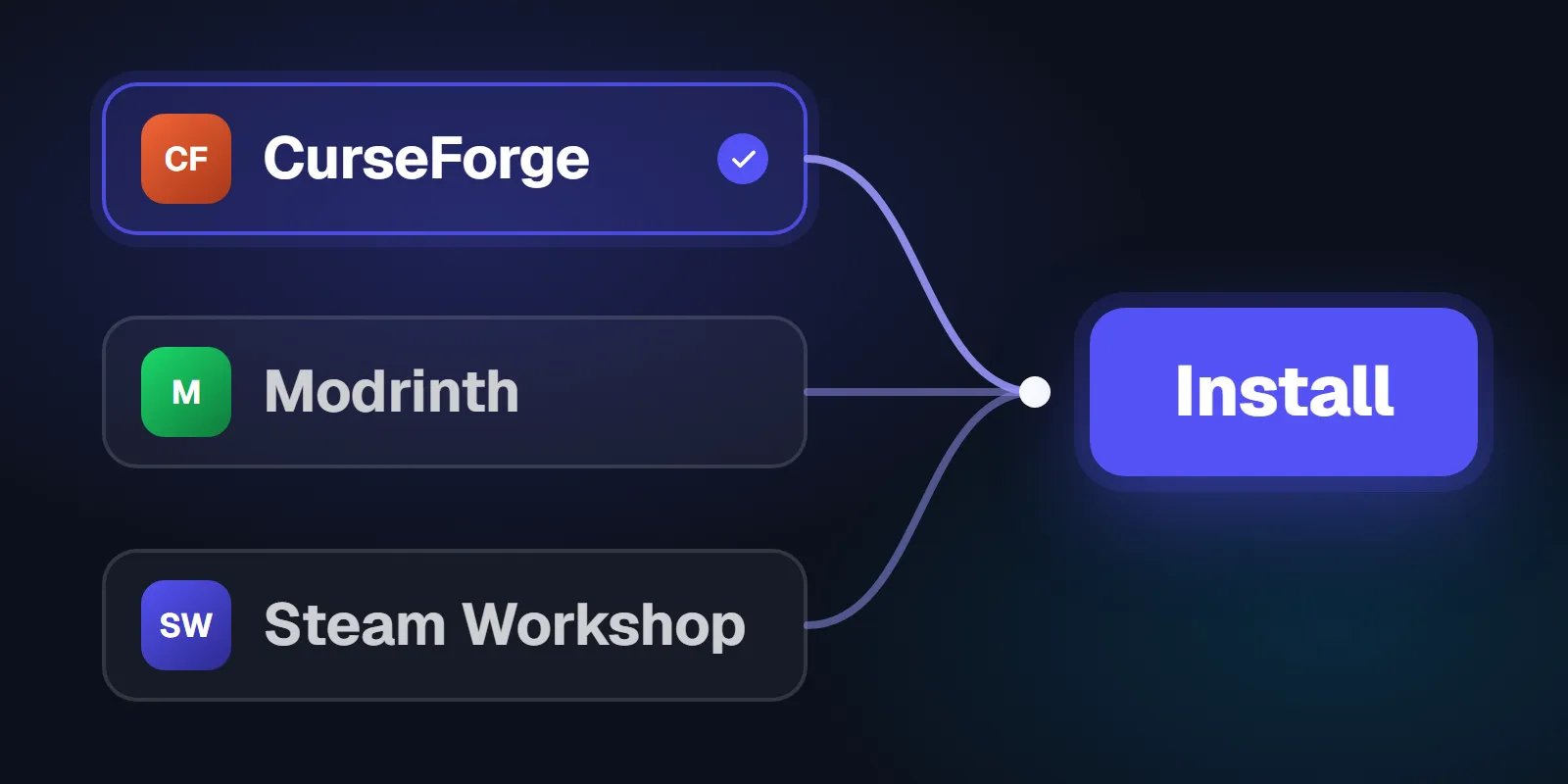
Search CurseForge, Modrinth or the Steam Workshop from your control panel, click Install, and the mod lands on the server, checked against its version first.

Included on every plan · 60-second setup · 24-hour money-back guarantee

  • Search by name
  • CurseForge, Modrinth, Steam Workshop
  • Compatibility checked
  • 24/7 human support
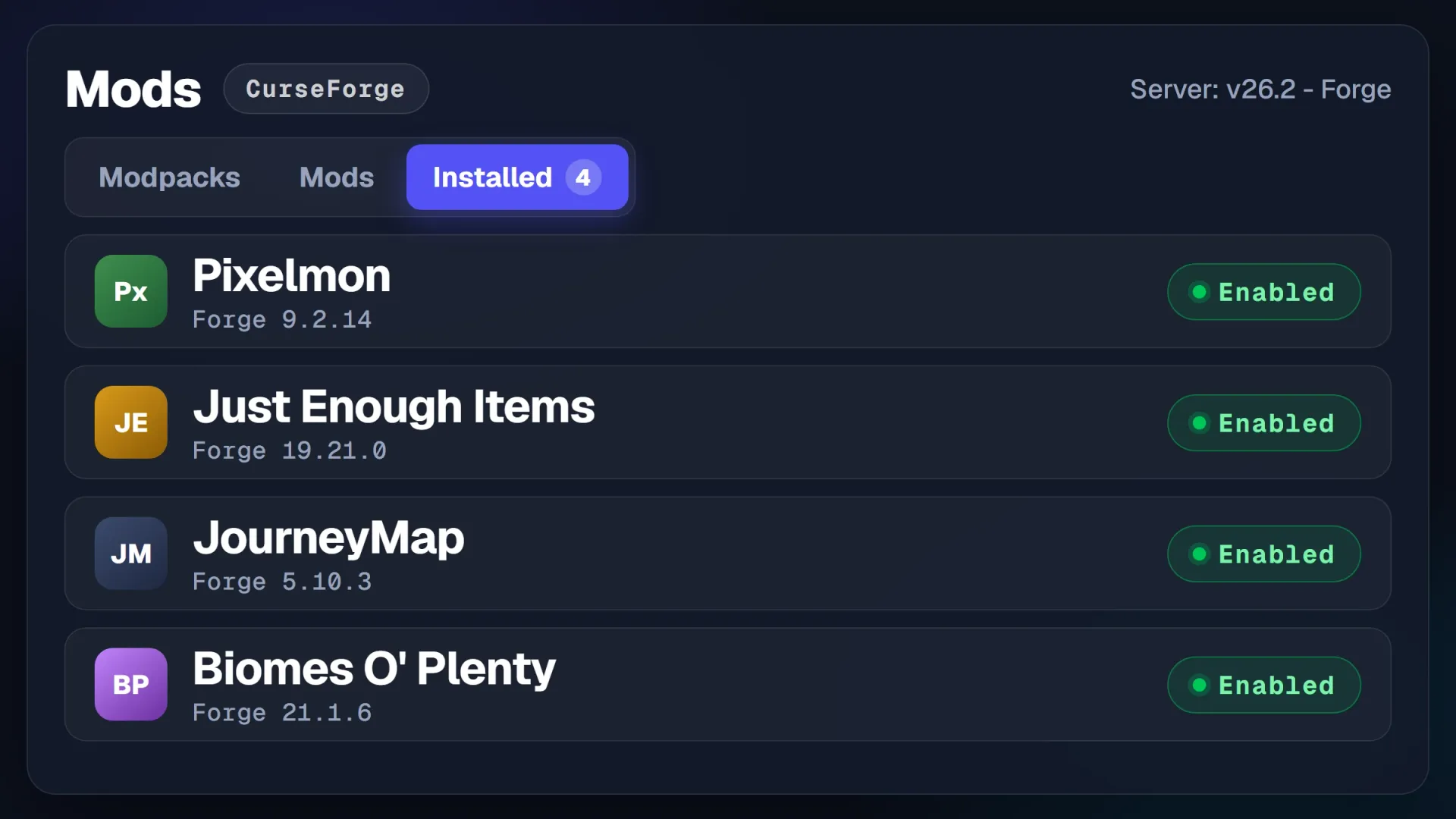
The Mods tab of the PingPlayers control panel on the Installed tab, four Minecraft mods installed and enabled
How it works

How the Smart Mod Manager works: search, check, install, restart.

Open the Mods tab, search the mod by name, read the compatibility check, click Install and restart. The mod shows on the Installed tab.

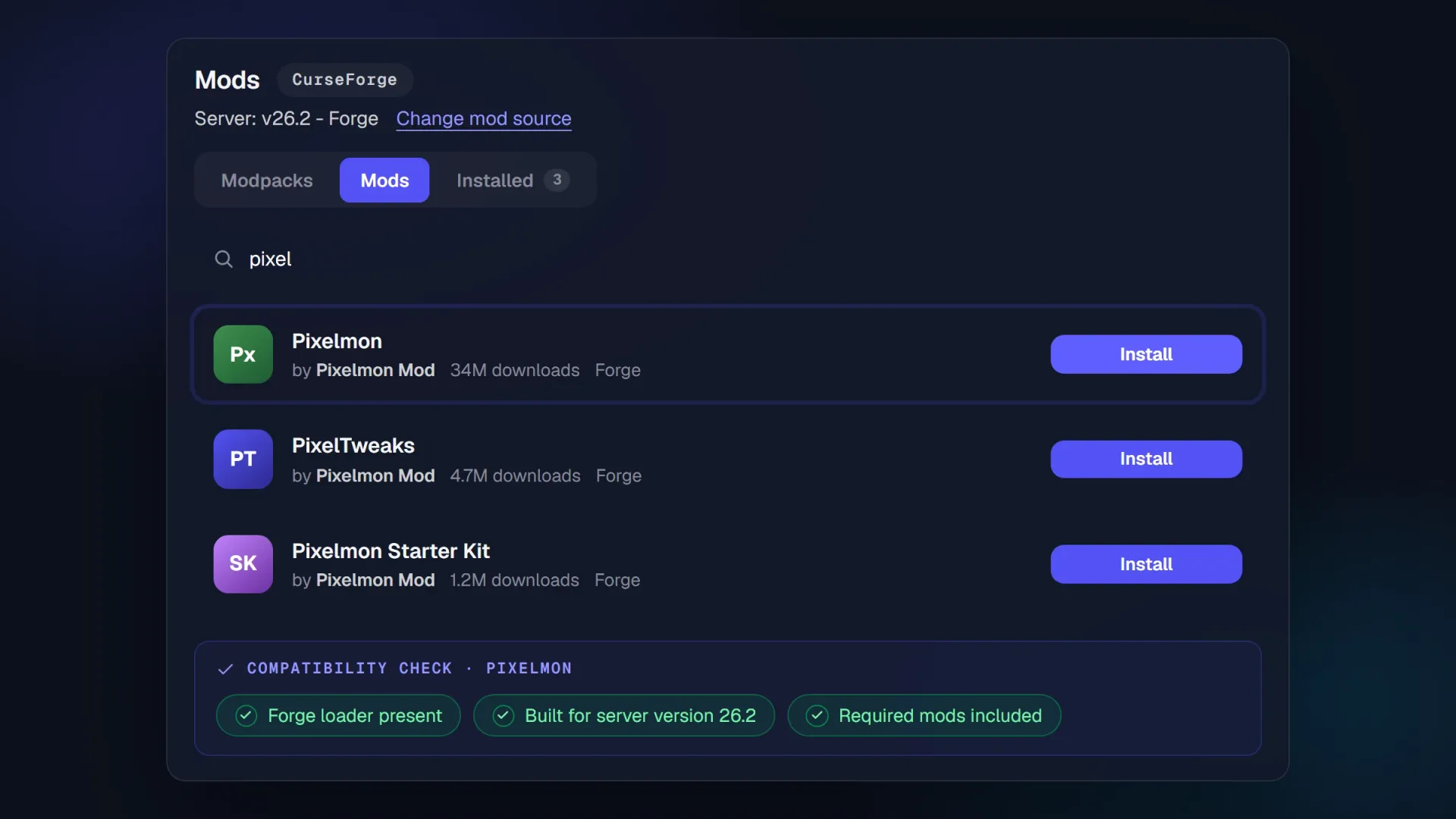
The Mods tab of the PingPlayers control panel searching CurseForge for Pixelmon, the compatibility check cleared and the Install button ready

The Mods tab in your control panel, mid-install

Search by name on CurseForge, Modrinth or the Steam Workshop. Install checks the mod against your server before anything lands.

3
sourcesCurseForge, Modrinth, Workshop
0
uploadsnothing through your PC
Click to install1then restart from Actions
Mods tab
Listed on the Installed tab the moment it lands
Step 1

Search the mod by name

Pick the source, type the mod's name and it is in the list. No project ID, no download link.

Step 2

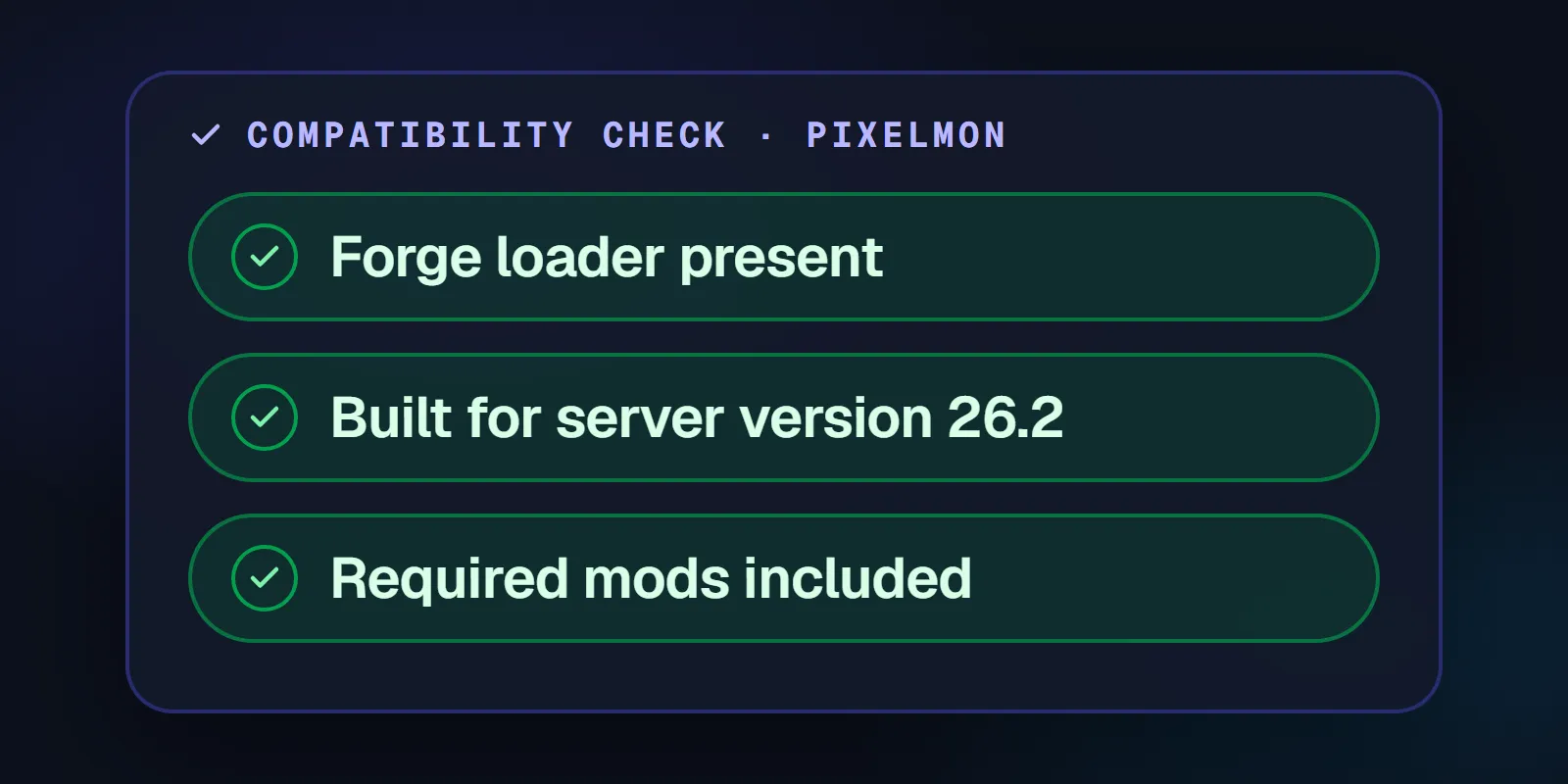
Compatibility checked before install

The panel reads the loader and version the mod needs and says so when your server does not match.

Step 3

Install, restart, play

The files land in the server's mods folder. Restart from Actions and the mod shows under Installed.

Modding questions

Questions about modding a game server, answered before you switch host.

Straight answers on your saves, project IDs, version mismatches and the games that are not Minecraft.

The worry

A bad mod eats my world and the save is gone.

The answer

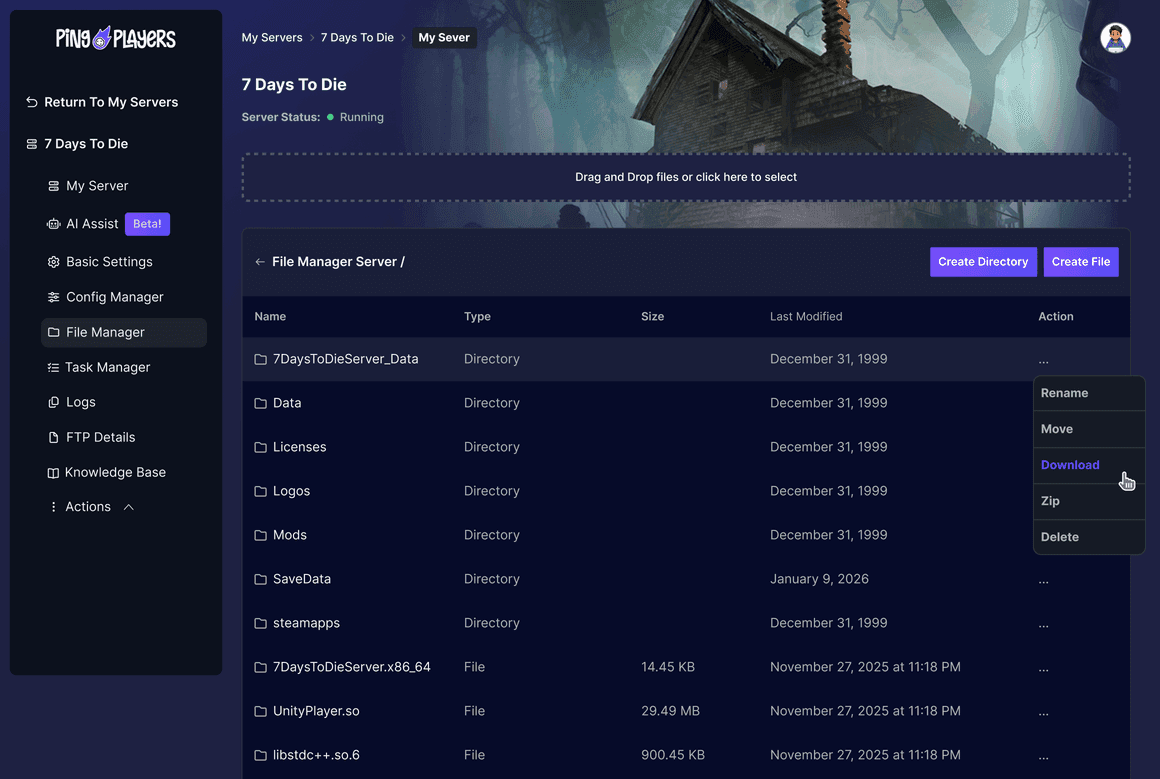
The world folder sits in the File Manager next to the mods folder: pull a copy down before you touch anything. When it goes sideways, live chat is open around the clock to help you put your copy back.

Full file access on every plan
The worry

Do I need a project ID or a download link first?

The answer

No. Type the name. CurseForge, Modrinth and the Steam Workshop are wired into the Mods tab, so the search that finds the mod is the same click that installs it. Nothing to copy, nothing to paste, nothing to unzip.

Search by name in the panel
The worry

It will install something my server version cannot run.

The answer

The panel checks the mod against your server before it installs. When the loader or version does not line up it says so on screen, and you change the version under My Server instead of breaking the next boot.

Compatibility shown at install
The worry

My game is not Minecraft. Is modding still this easy?

The answer

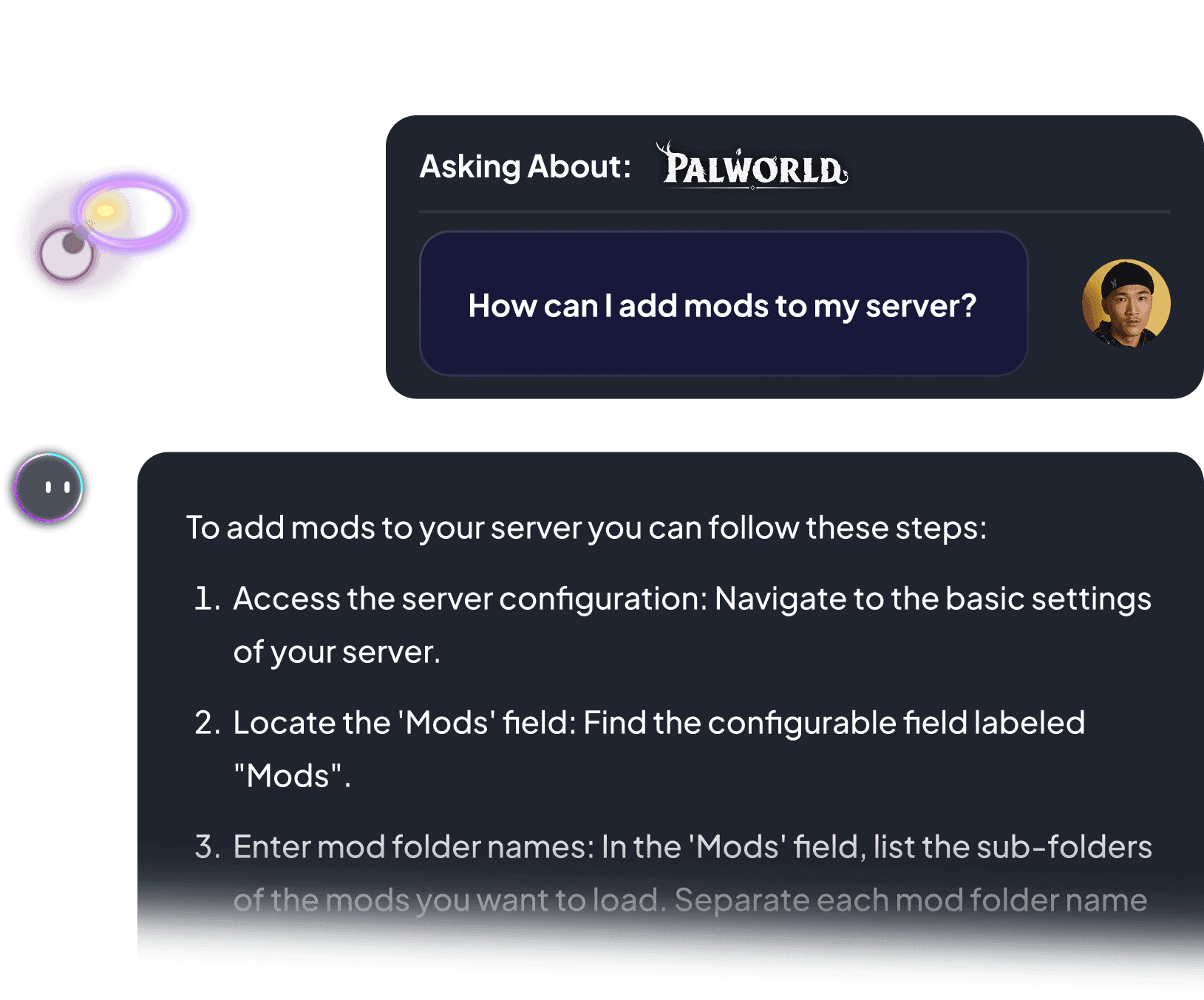
The Mods tab runs Steam Workshop mods too: DayZ, Palworld, Arma 3 and Terraria pull required mods in with them. Every other game mods through the File Manager and FTP in the same panel, with live chat a click away.

Workshop, File Manager or FTP on 90+ games
Launch Game Server
Verified reviews

Mods, files and support, in the reviewers' own words.

4.9 Excellent on Trustpilot from 900+ reviews. Six of them from people who came for the modding, quoted as written.

Great and cheap game server hosting website, It has great variety, and works pretty well. I also had a really great ticket experience with Kimmy, who helped me setup a mod and solved my problem. Really great website!!!
finesseMod setup · 15 Aug 2026
All my servers have run very well so far even with some of the cheaper resources. The server manager is pretty easy to use but also provides a lot of more advanced settings like modding and accessing files with or without FTP alongside thorough knowledge bases to show you how to do this.
James Smith LinksModding and files · 19 Jul 2026
Server customization is really easy with the built in ai model. Customer service is great! I had trouble with server startup files that i cannot edit and the team handled it fast and professionaly! Would recommend 5/5 service!
elikas kapaviciusServer files · 18 Aug 2026
Nicole helped with my intro to coding in mods to my server, will definitely continue using this service
Michael MeikleFirst mods · 5 Sep 2026
Kimmy was absolutely amazing!! Very kind and professional. Also brilliant. 4 people spent 3 hours trying to fix a fubar config file before calling for help. In less then an hour she had it up and running and restored to its original glory. Thank you so much for your help and brilliance
Denim HenryConfig file rescue · 21 Aug 2026
Quick and helpful response that saved my game files.
jared kingGame files saved · 7 Sep 2026

Quoted word for word from Trustpilot, names and dates as published.

Start modding

Your modded game server,
live in 60 seconds.

Pick a game, launch the server, open the Mods tab and install. If a mod fights back, live chat is open around the clock.

  • Mods included on every plan
  • 24-hour money-back
  • 99.9% uptime SLA
  • 24/7 human support

This website uses cookies

We use cookies to enhance your browsing experience, serve personalized ads or content, and analyze our traffic. By clicking "Accept All", you consent to our use of cookies.