Live game server telemetry. See your server as it runs.
One screen in your panel: who is online right now, which map is loaded, how the week went and how hard the hardware is working.
From $3/month · live in 60 seconds · 24-hour money-back guarantee
- Players, map and version
- Peak players and uptime
- CPU and memory graphs
- Included on every plan
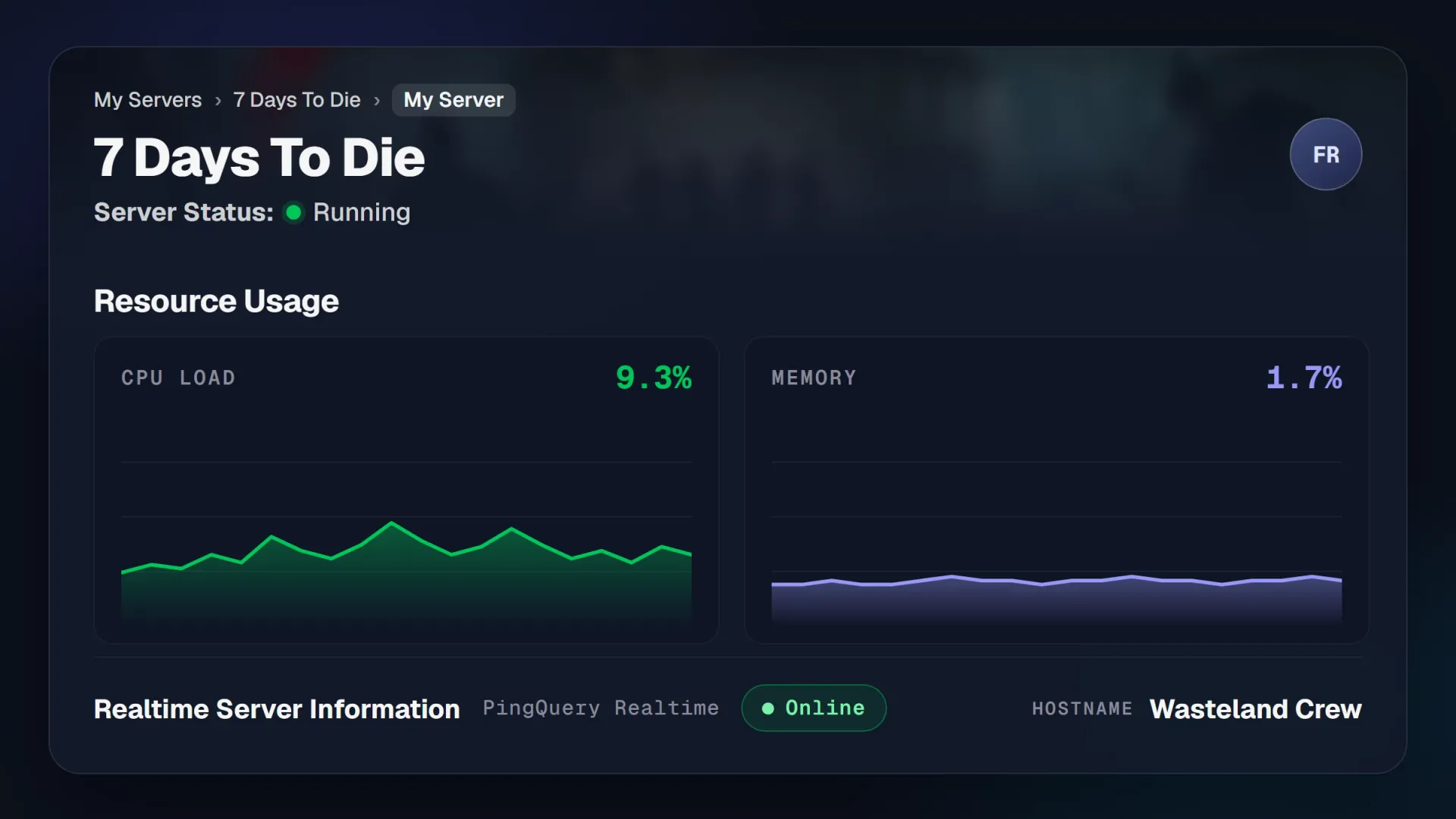
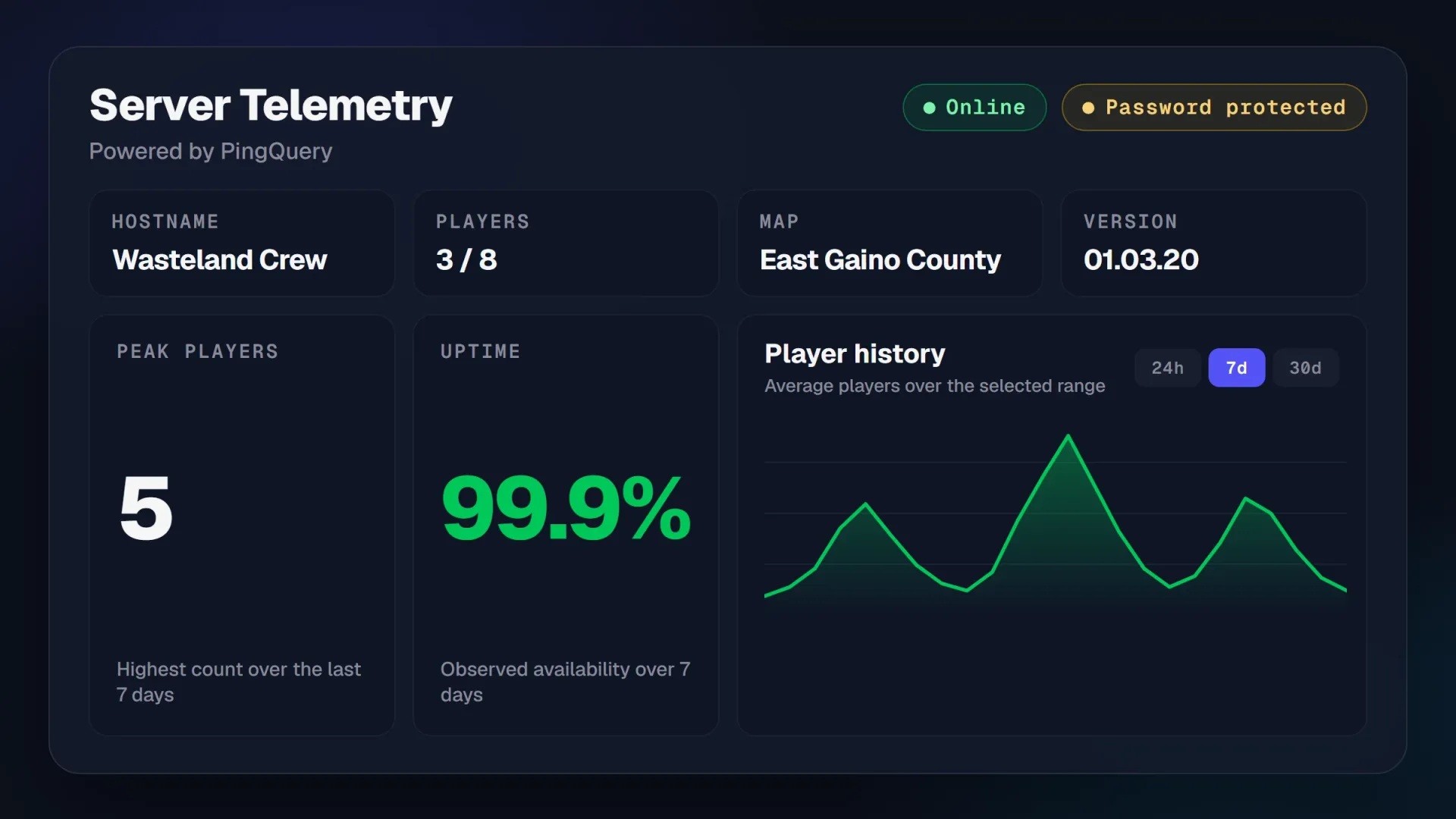
Check on your server without joining the game.
Every PingPlayers server has a Server Telemetry screen in its control panel: who is playing, which map is loaded, how the week went, live in your browser. It reads the server from outside the game, so watching costs your players nothing.
- Online status and password protection, at a glance
- Players online right now, against your slot count
- The loaded map and the game version, so nobody joins the wrong world
- Peak players and observed uptime over the last seven days
- Player history over the last day, week or month, so you see when the server is busy
What the dashboard shows you, and what to do with it.
Every reading is in the control panel of every server, from the smallest plan up. Here is what each one tells you.
Hostname and version
The name players see in the server browser and the exact build you run, so a version mismatch is obvious.
See it on the dashboardPlayers and capacity
Who is in the world this second, and how many slots are left. Check it without asking in Discord.
See it on the dashboardLoaded map
Which world the server has open, so your squad joins the right save every time.
See it on the dashboardPeak players
The highest count over the last seven days: the honest answer to whether you need more slots.
See it on the dashboardObserved uptime
Availability measured over the last seven days, next to the 99.9% uptime SLA that backs it. Proof, not a promise.
See what backs it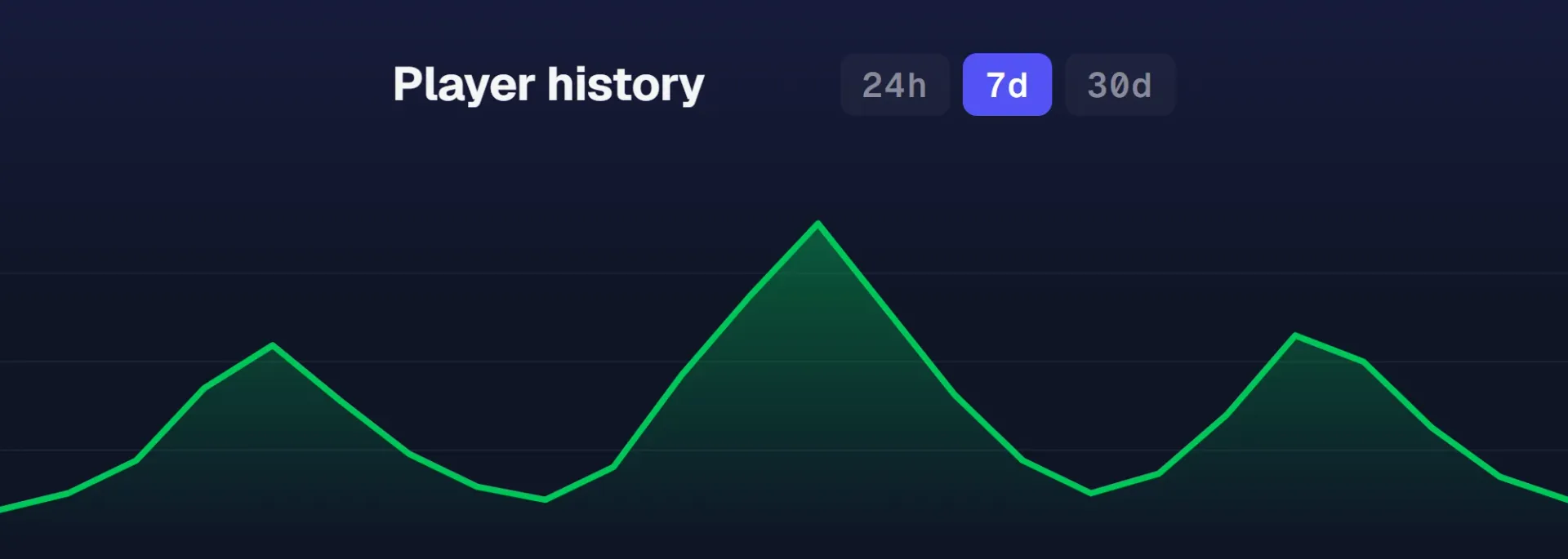
Player history
Average players over 24 hours, seven days or thirty days. Put restarts and wipes where nobody is playing.
See it on the dashboard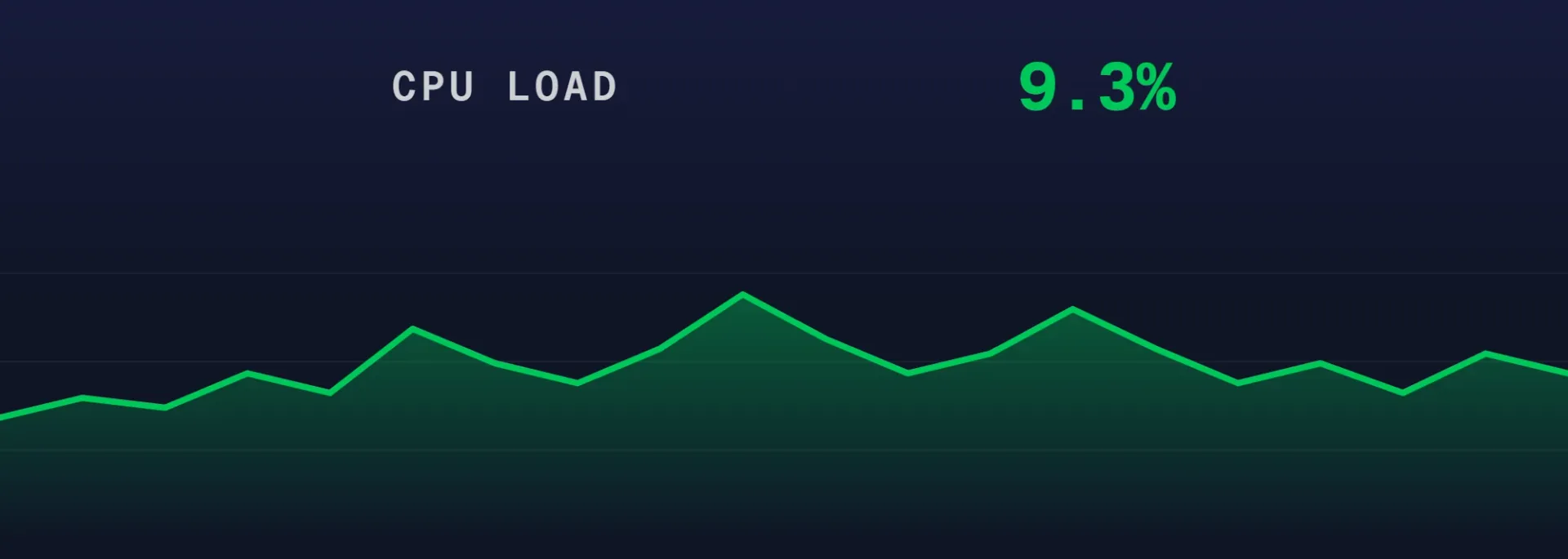
CPU load graph
How hard the AMD Ryzen 9 9950X is working for your world, live. If the server stutters, look here first.
See the control panel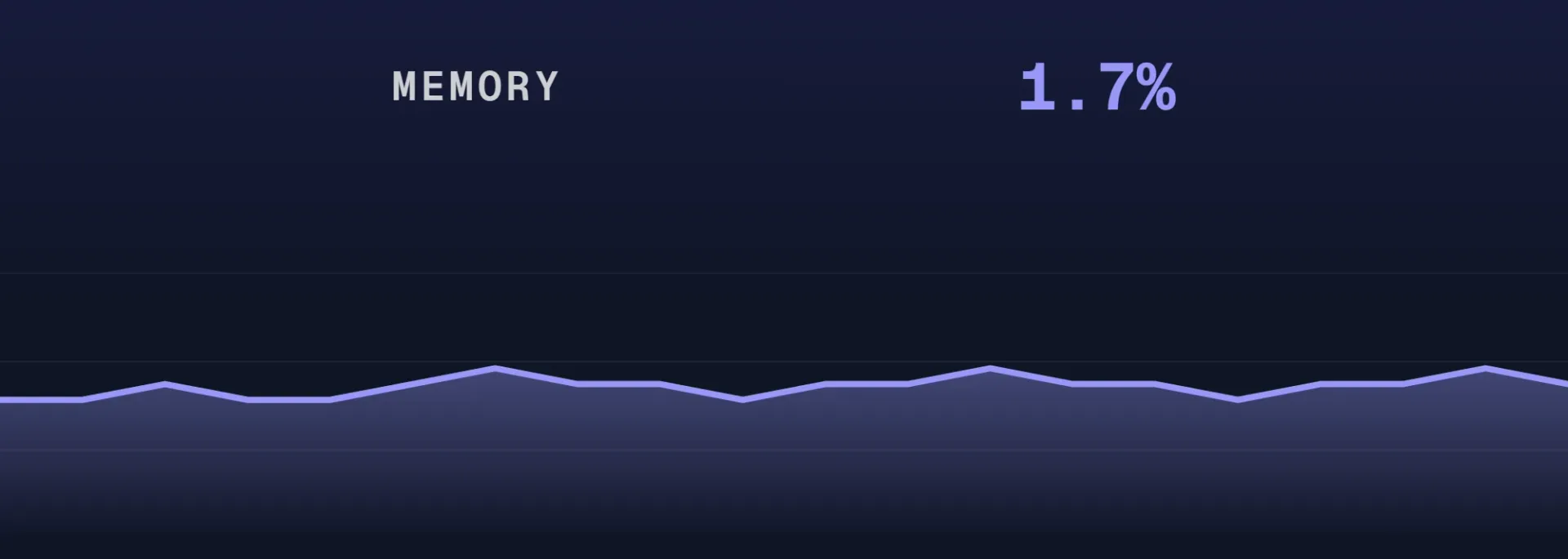
Memory graph
Memory in use against your allocation, live. Catch a mod-heavy world creeping up before it hurts.
See the control panelRated 4.9 on Trustpilot. By people who looked.
Six of the 900+ reviews, from owners who opened the panel instead of guessing.
Had a few questions about how the servers work and player count. Spoke to Kimmy on the chat and they were super helpful. All my question were answered. I'll be setting up the annual plan.
Customer service team was extremely fast and effective with fixing server issue that could not be resolved on users end. What was supposed to be a server wipe was resolved without any data lost. Big thanks to the engineering team and Nicole!
Nicole was able to pinpoint the issue very fast and was able to resolved it and provided the reason why my server was not running!
Kimmy was incredibly helpful with finding a way to get enough memory to run our game. She was knowledgeable about our game (7 Days to Die) and made some great recommendations. Thank you so much for great customer support!
All my servers have run very well so far even with some of the cheaper resources. The server manager is pretty easy to use but also provides a lot of more advanced settings like modding and accessing files with or without FTP alongside thorough knowledge bases to show you how to do this.
Five stars for Nicole's incredible support. I recently encountered the frozen time issue in The Isle, and she handled it with a wonderful approach and great efficiency. I truly appreciate her help in resolving this problem!
Quoted as written on Trustpilot, names and dates as published.
Before you trust it.
What the dashboard reads, how often, and what it costs your players. Which is nothing.
Included, on every plan, from the smallest server up. The Server Telemetry screen is in your panel from the moment the server goes live, about 60 seconds after you order. No bigger plan unlocks a better version of it.
Online status and whether the server is password protected, the hostname, players against your slot count, the loaded map, the game version, peak players and observed uptime over the last seven days, and a player history chart over 24 hours, seven days or thirty. The My Server screen adds the live CPU load and memory graphs.
On its own, while the page is open. PingQuery keeps asking the server and the cards redraw as the answers come back. There is no refresh button and nothing to set up first.
No. PingQuery asks the server the way a public server browser does, from outside the game, and the resource graphs are read from the host. Leaving the dashboard open all night takes nothing from the people playing.
The Online badge stops being green and the observed uptime over the last seven days reflects it. The 99.9% uptime SLA stands behind that number, and 24/7 human support is one click away in the same panel.
Yes. AI Assist sits in the same sidebar, inspects your server and answers in plain words, so you can ask what it sees instead of reading the cards yourself.

Stop guessing.Start looking.
Order a server and the dashboard is already drawing by the time you finish reading this line.