

 Jiggy on Trustpilot, 8 Sep 2026
Nicole
Gaming Support Specialist
Nicole was very helpful and as a first time server host she help guide me into finding the right server for me and now me and my buddies are having a blast fighting monsters together!
Limited-time offer:10% offyour game serverwith code
Ends in 0 days, 0 hours and 0 minutesRent a supported racing server with Racing Panel included and game-specific controls for setup and server management.
Included with supported racing servers.
Watch the running order and race feed as sessions unfold, then open Live Timing to check individual drivers.
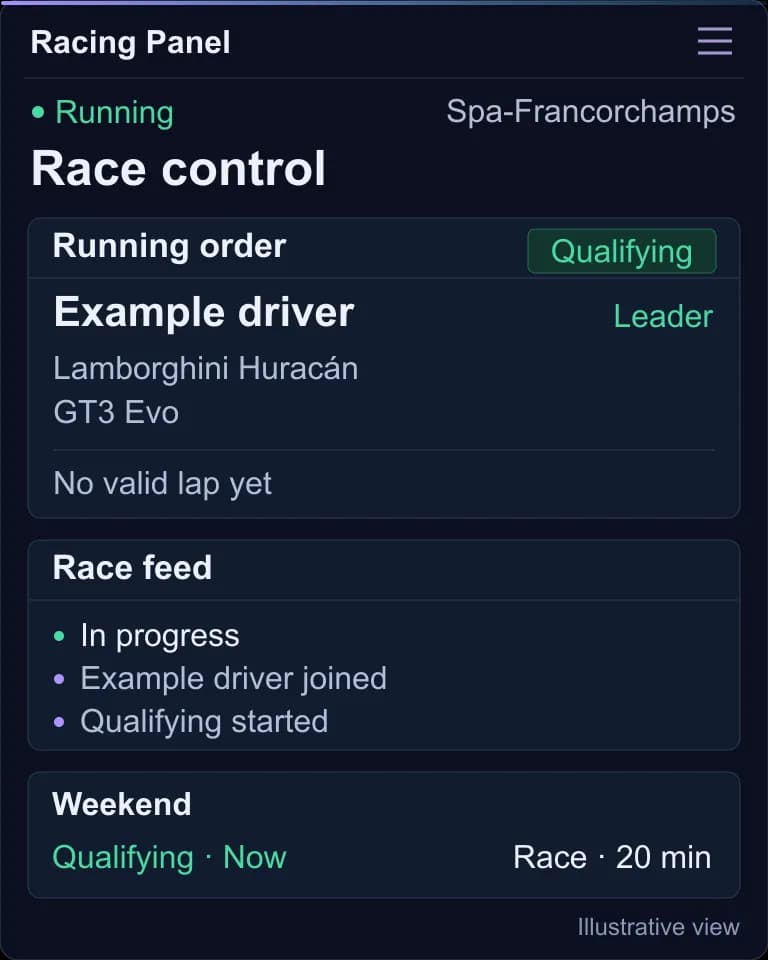
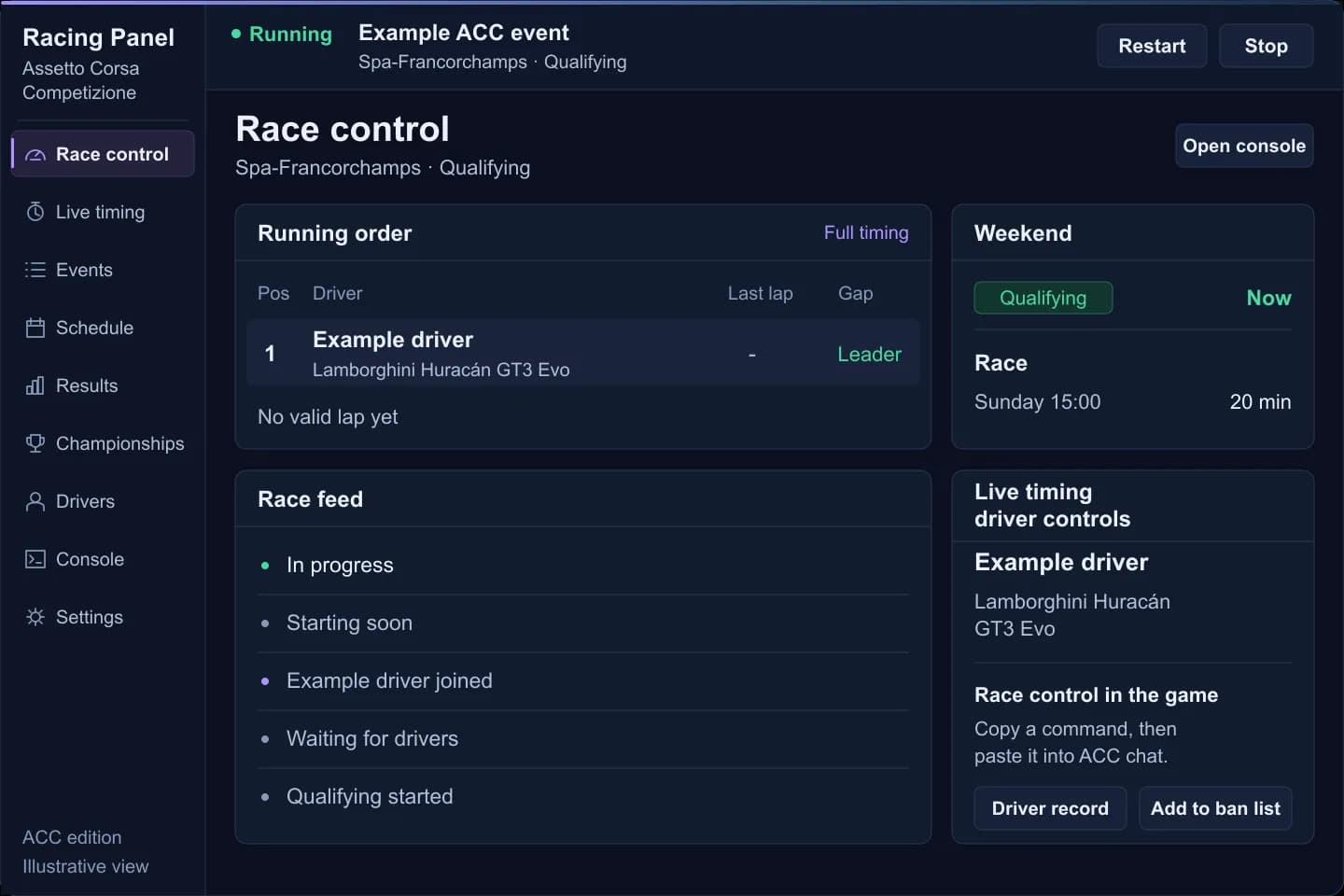
Set up your Assetto Corsa Competizione race in Racing Panel, then share the server name with your drivers.
Start your service in the main PingPlayers panel, then select Open Racing Panel.
Choose your track, sessions and race rules, then save them together as a reusable Event.
Start your saved Event now, or schedule it for the next time your group races.
Share the server name for the in-game server browser, plus the Join Password if you set one.
Choose a supported game and hosting plan, with controls built for the racing server you want to set up and run.

Add custom cars and tracks through the Racing Panel for your server.
View Assetto Corsa plans
Create race Events and follow live timing, with championship tools for your league.
View ACC plans
Racing Panel is available now; contact us to find the plan for your server.

Choose a hosting plan with Racing Panel included to manage your game server.
View Wreckfest plans
Get your next Wreckfest 2 server with Racing Panel and game-specific controls included.
View Wreckfest 2 plansControls vary by game. The panel views below illustrate the ACC edition.
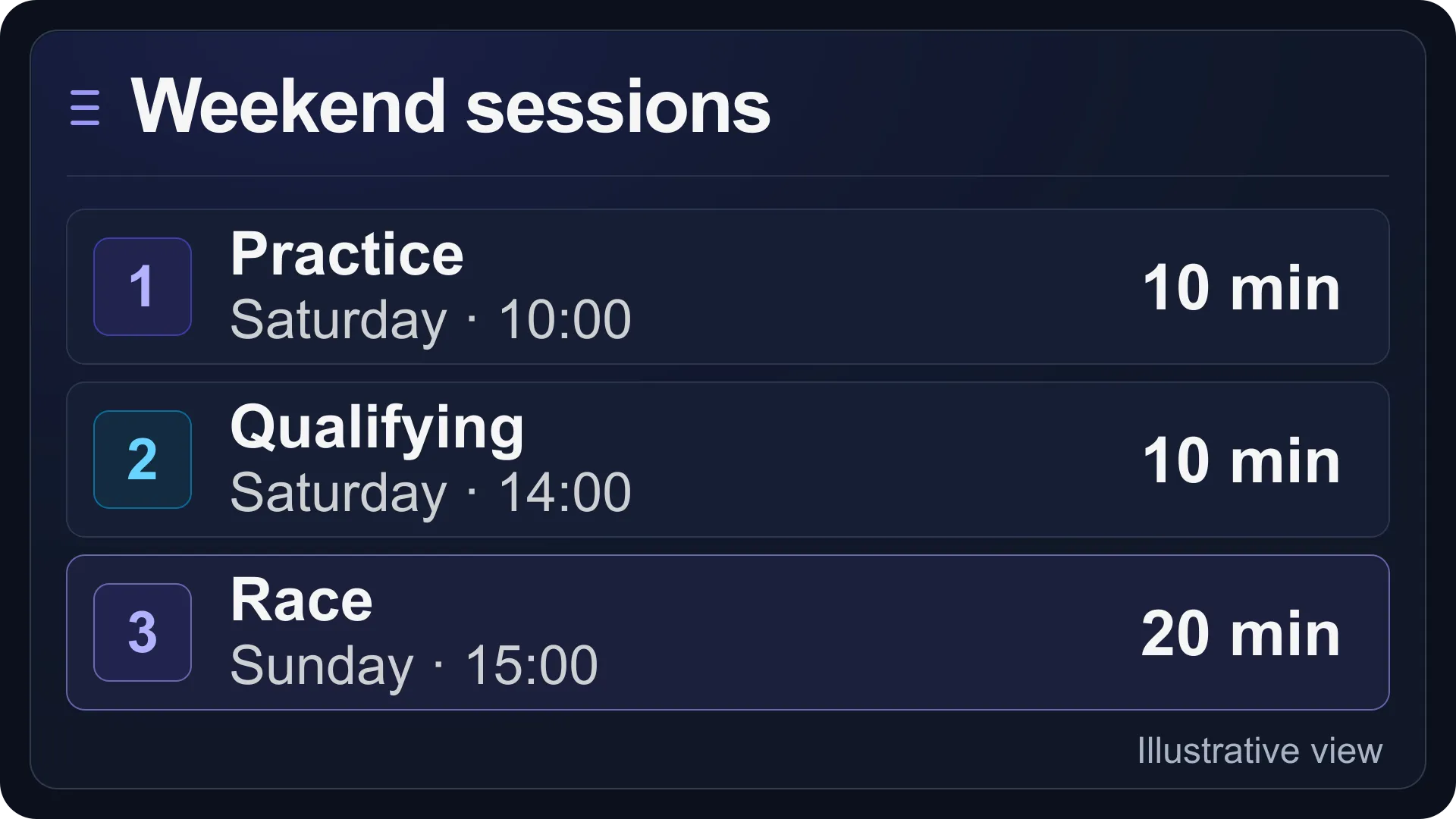
Build reusable Events with the sessions and entry rules your races need, then inspect or export the generated configuration.
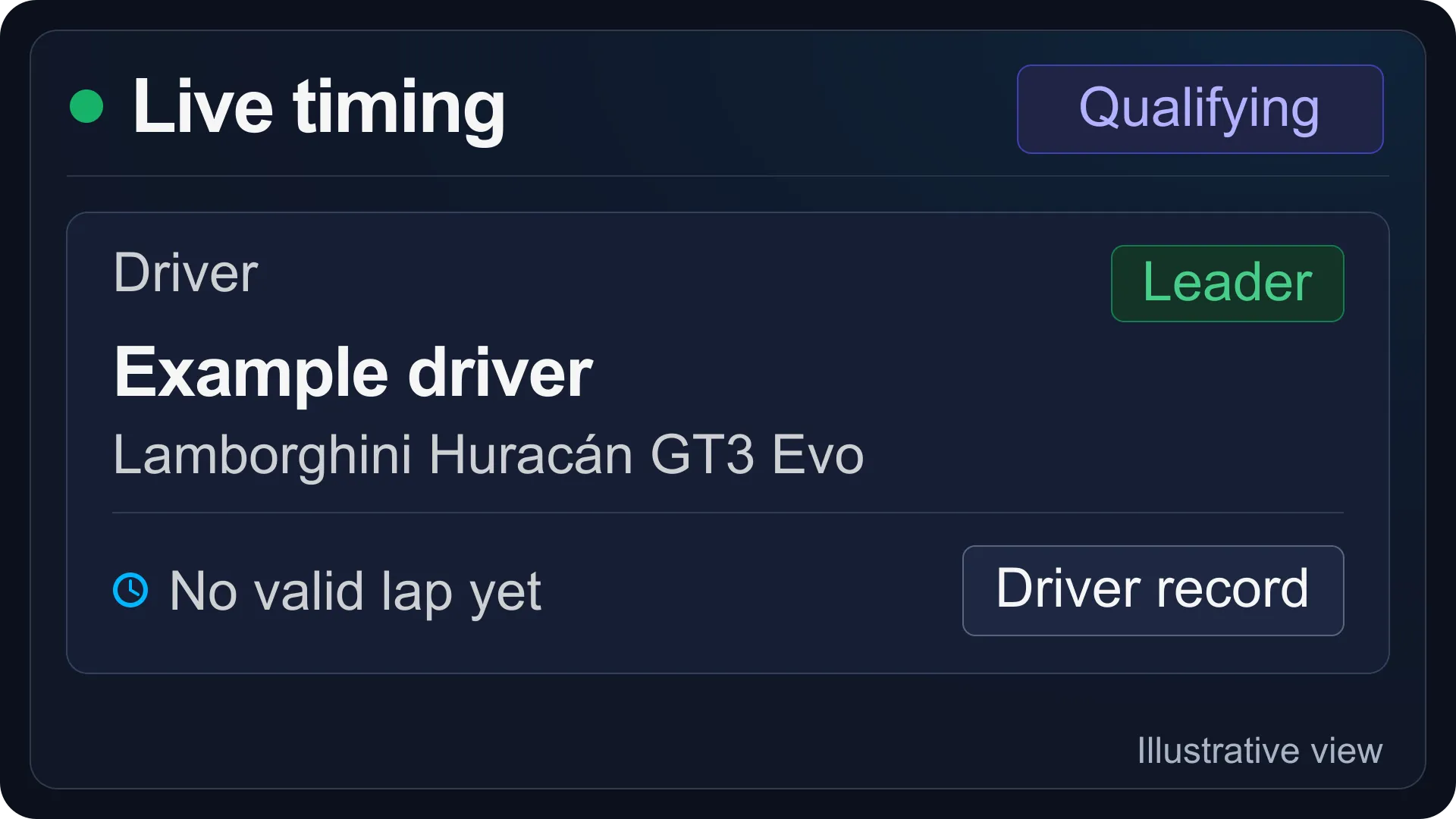
Follow the running order as drivers compete, with sector times and pit status to help you keep track of the field.
Plan when saved Events start and rotate, with recurring schedules that keep your regular racing sessions organised.
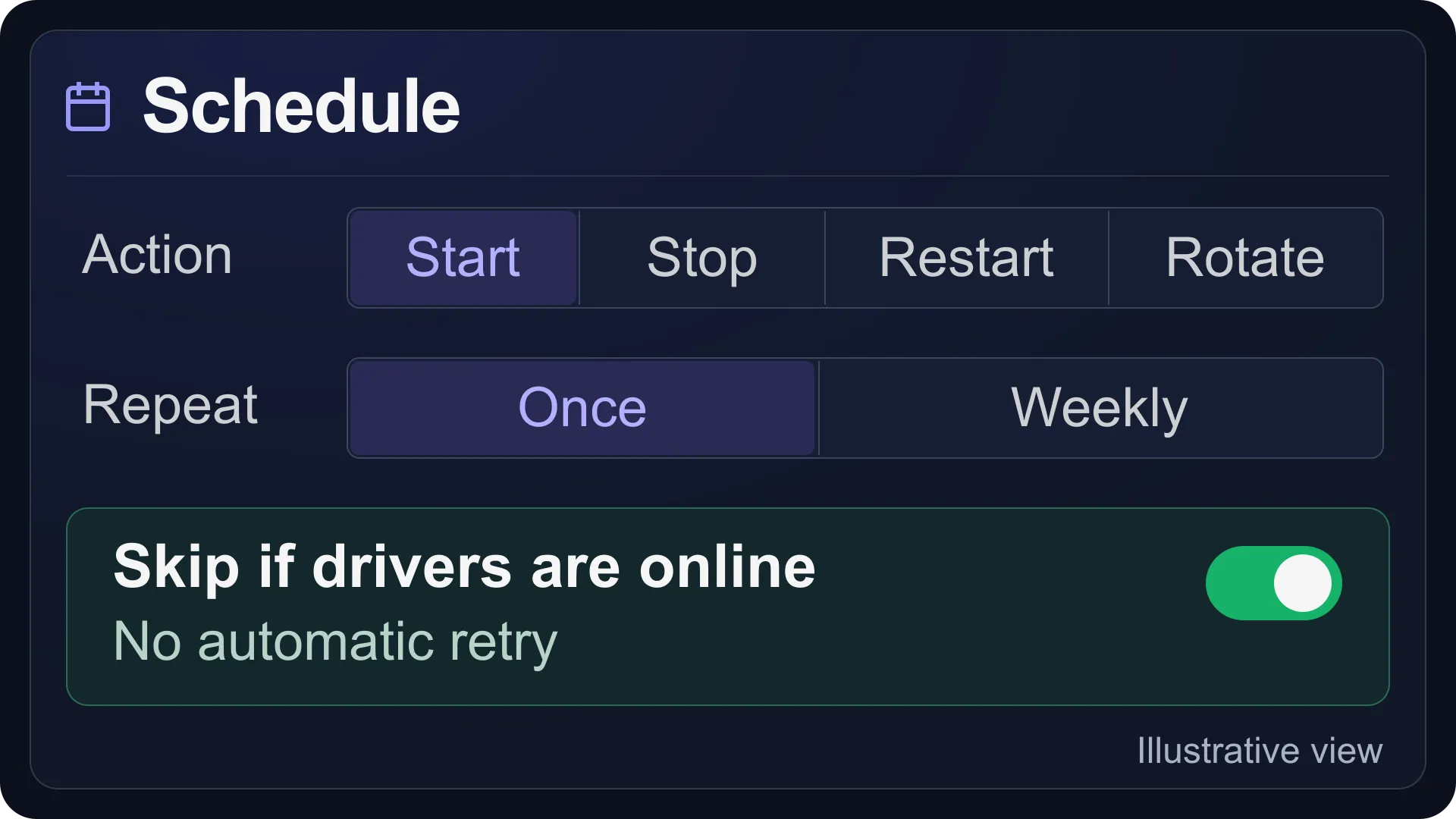
Run saved Events once or weekly, and skip scheduled actions when drivers are online.
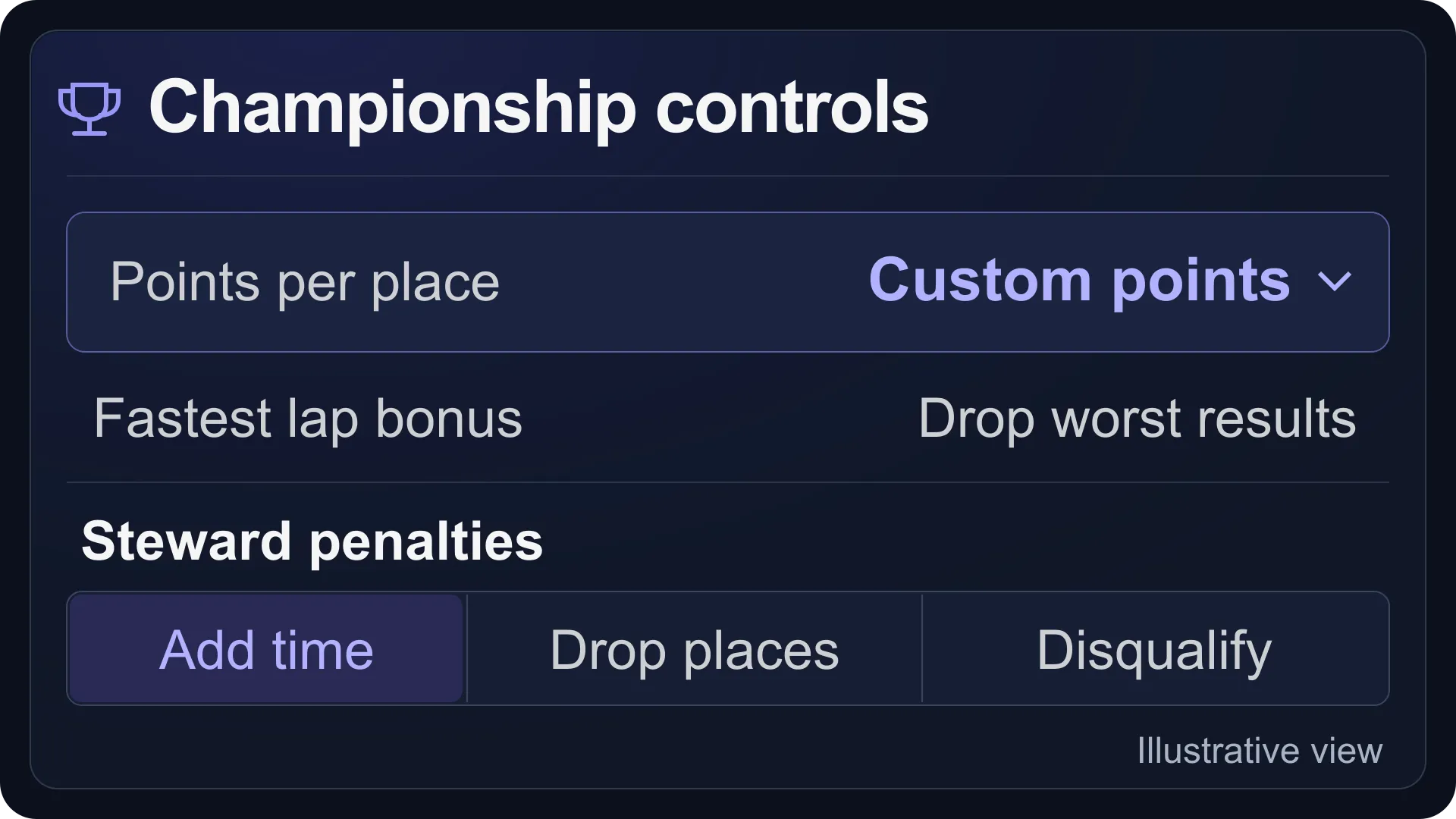
Turn recorded race results into driver standings, with custom points and stewarding decisions for each championship round.
Bring your chosen cars and circuits into the panel, so your next event can use the custom content your group wants to race.
Give your organisers the access they need, and use driver records and the audit log to manage a growing racing community.
Find returning drivers, prepare entries and manage the panel ban list.
Give viewers, stewards and admins the access their jobs need.
See who changed what, when it happened and whether the action succeeded.
Send Event reminders, starts, crash alerts and results to Discord or a generic webhook.
Share selected timing, schedules, results and standings through a read-only page with no sign-in.
Read live ACC server output and revisit saved Event logs.
Download and restore panel configuration from Settings > Backup. Staff accounts, audit history and ACC result files are excluded.
Keep practice, qualifying and race results in the panel, then filter by Event, track or date.
Panel-side ACC bans apply when the Event next starts or restarts.

Read what customers across our games say about PingPlayers before you choose a host for your next racing server.
Talk through setup or server settings with our support specialists, and get help in your own language before the next session.
Jiggy on Trustpilot, 8 Sep 2026Gaming Support Specialist
Nicole was very helpful and as a first time server host she help guide me into finding the right server for me and now me and my buddies are having a blast fighting monsters together!
 Whitney Thibeaux on Trustpilot, 22 Jul 2026
Gaming Support Specialist
Lautaro was such a great help and answered all my questions quickly and help me fix my problems!! Great service!
 Walter Mecham on Trustpilot, 30 Jul 2026
Gaming Support Specialist
Kimmy was super helpful. I am new to using a server and they got me connected super easy. Thanks
 Matias on Trustpilot, 25 Apr 2025
Gaming Support Specialist
German is a great dude. Not only does he fix problems, he is funny and very understanding. Dont be scared to message the live chat!
 Alvin Hommel on Trustpilot, 15 Jul 2026
Gaming Support Specialist
Francis was extremely nice and knowledgeable about the server hosting and the game itself (palworld) would definitely recommend this server hosting platform
 Nathan Howerton on Trustpilot, 15 May 2026
Gaming Support Specialist
Emman made this process as easy as it could ever be, even for a slow guy like me. Would choose pingplayers again and again strictly for emman!
1 / 6
Person 1 of 6
Use the main panel chat for help with server settings and logs when running your races; available actions depend on your game.
Check which games are supported and how panel access works, with practical answers about setting up and running your races.
Racing Panel is available for Assetto Corsa, Assetto Corsa Competizione, Assetto Corsa Evo, Wreckfest and Wreckfest 2. Controls and features depend on the game.
Racing Panel is included with supported PingPlayers racing servers. Choose your game above to see its plans or ask about Evo.
Custom car and track uploads through Racing Panel are available for Assetto Corsa only.
Yes. Save tracks, sessions and race rules together as Events. You can keep multiple configurations, then start a saved Event again or schedule it for another race.
Yes. Link Events to championship rounds and set points by finishing position, plus fastest-lap and pole-position bonuses. The panel calculates driver standings from recorded race results.
Each ACC service runs one Event at a time. You can save multiple Events; switching to another stops the current Event and disconnects its drivers after confirmation.
These special rules apply to private ACC servers. ACC Public Multiplayer ignores them; the Event editor labels the relevant sections Private Only.
The ACC console is read-only. Racing Panel shows copyable commands where useful; run them in ACC chat while authenticated as an in-game administrator.
The action is skipped completely and is not retried later. It runs again at its next configured repeat or through another scheduled entry.
Yes. In the ACC Racing Panel, add Viewer, Steward or Admin accounts under Settings > Staff. Each role has different permissions, while the Owner retains full access.
Yes. Enable the ACC Racing Panel's optional Public Page and choose which timing, schedule, results and championship sections to share. Anyone with the link can view it without signing in.
Start the ACC service in your main PingPlayers panel, then click Open Racing Panel. The panel is unavailable while that service is stopped.
The ACC Racing Panel currently uses HTTP, so your browser may show a connection warning. Open it using the button or exact address shown for your server.
Import the native ACC JSON files or a ZIP as an Event. Review and save it; PingPlayers supplies the networking settings. Staff, schedules and championships are set up separately.
The manual export includes Events, schedules, championships, drivers and panel settings. It excludes staff accounts, audit history and ACC results. Keep it private: it can contain passwords and webhook secrets.
Pick the game your group wants to race, get Racing Panel with your server, and start planning the sessions you want to host.
We use cookies to enhance your browsing experience, serve personalized ads or content, and analyze our traffic. By clicking "Accept All", you consent to our use of cookies.