Europe & Africa
EMEA // 4 locations
NL
AmsterdamEU West
GB
LondonUnited Kingdom
DE
FrankfurtEU Central
ZA
JohannesburgSouthern Africa
Limited-time offer:10% offyour game serverwith code
Ends in 0 days, 0 hours and 0 minutes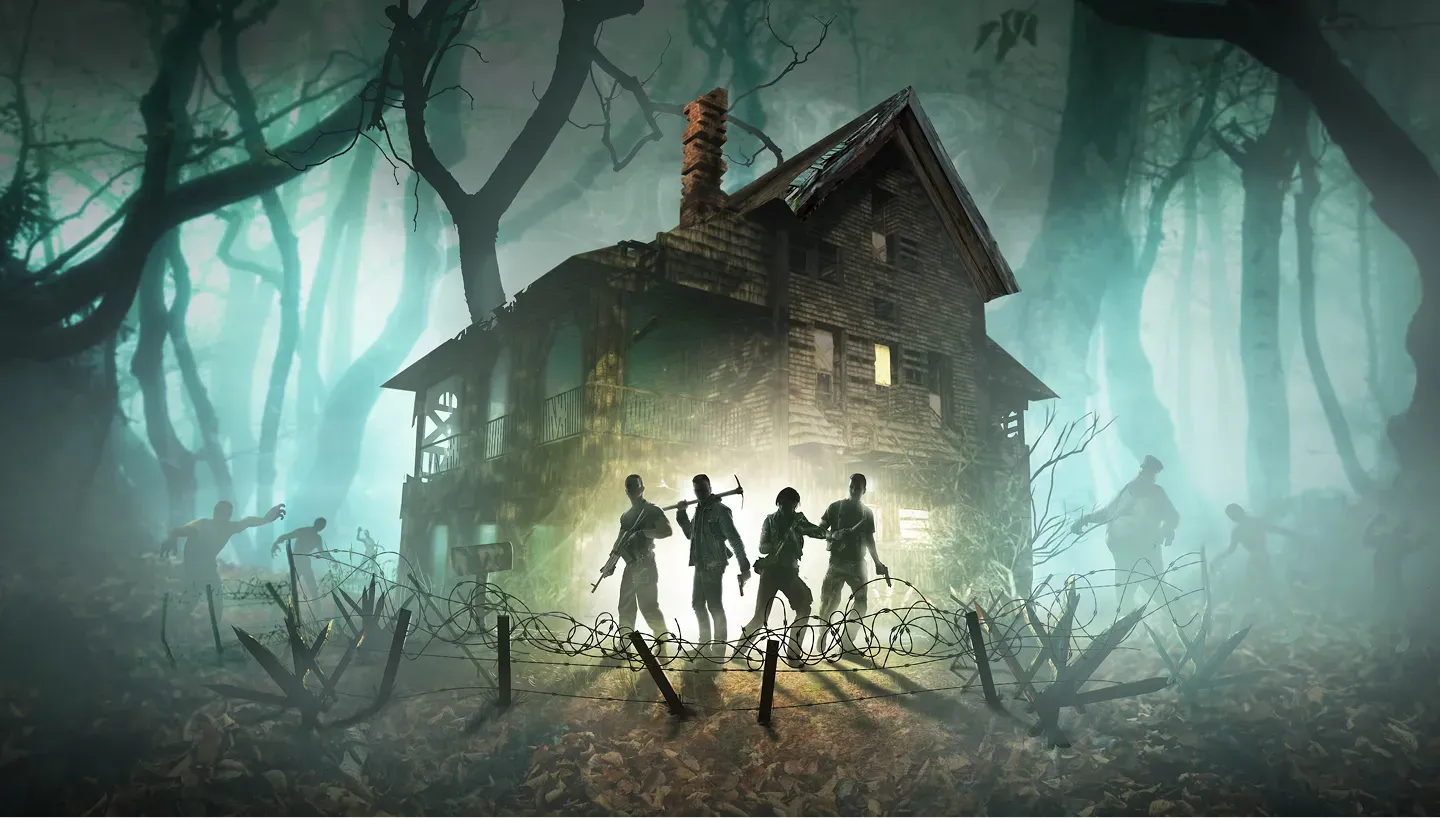
Your own 7 Days to Die server for co-op, Blood Moon nights and modded worlds.
4GB
$9.68/ 30 days
SAVE ~10%$10.76
Best for small servers & a few friends
Instant activation · Cancel anytime
8GB
$19.38/ 30 days
SAVE ~10%$21.53
Best for medium groups & modded servers
Instant activation · Cancel anytime
16GB
$38.75/ 30 days
SAVE ~10%$43.06
Best for large, busy, heavily-modded servers
Instant activation · Cancel anytime
Same hardware. Your rules.
Instant activation · Cancel anytime
RAM-based pricing · from $2.42 / GB (per 30 days) · pay only for what you need
Launch your private 7 Days To Die dedicated server in minutes. Built for multiplayer stability with persistent worlds and dedicated performance.
Set it up the way your group plays.
Plans are sized by RAM. Not sure which one? Support helps you pick.
Every location costs the same, so choose by ping.
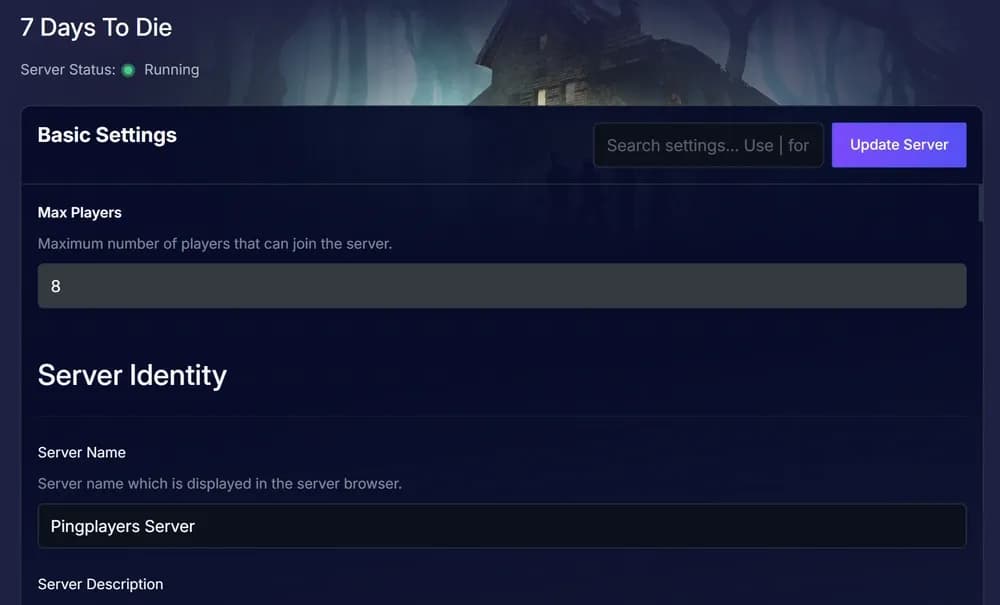
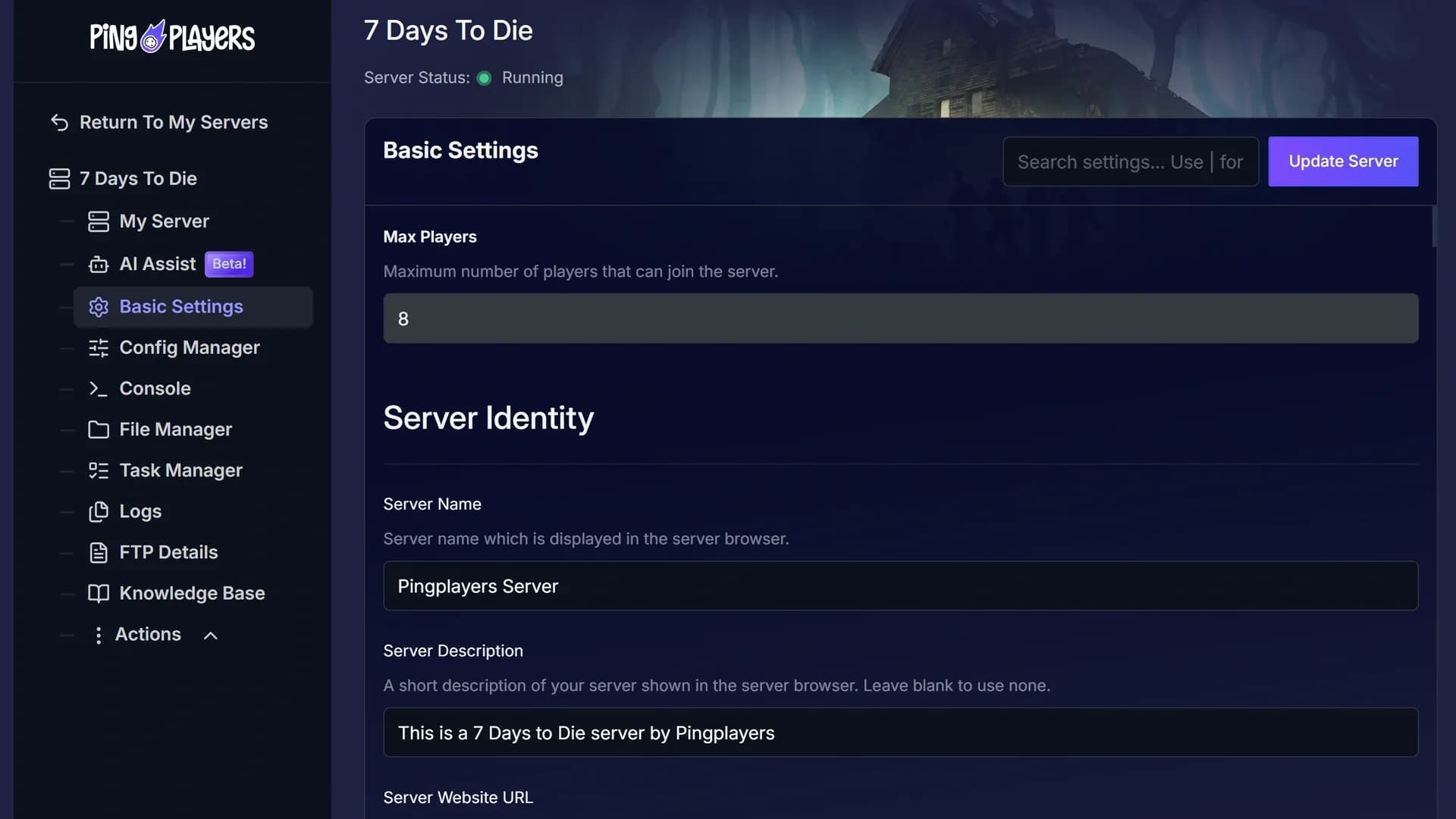
Choose the Game World and drop your Sandbox Code into Basic Settings.
Share the IP and port and everyone joins the same world.
60-second setup on every plan.
Put your 7 Days To Die server near your group. The map tests your ping to every location live, before you pay.
Moving later? Servers move between locations on request, world and mods included.
See all locationsEvery 7 Days To Die plan, whatever its RAM, runs on the same CPUs, DDR5 memory and NVMe storage, in every location.
Your world stays online between sessions, covered by our SLA.
Your group connects to the server over 10Gbps uplinks, wherever you host it.
Enterprise DDoS protection sits in front of your server.
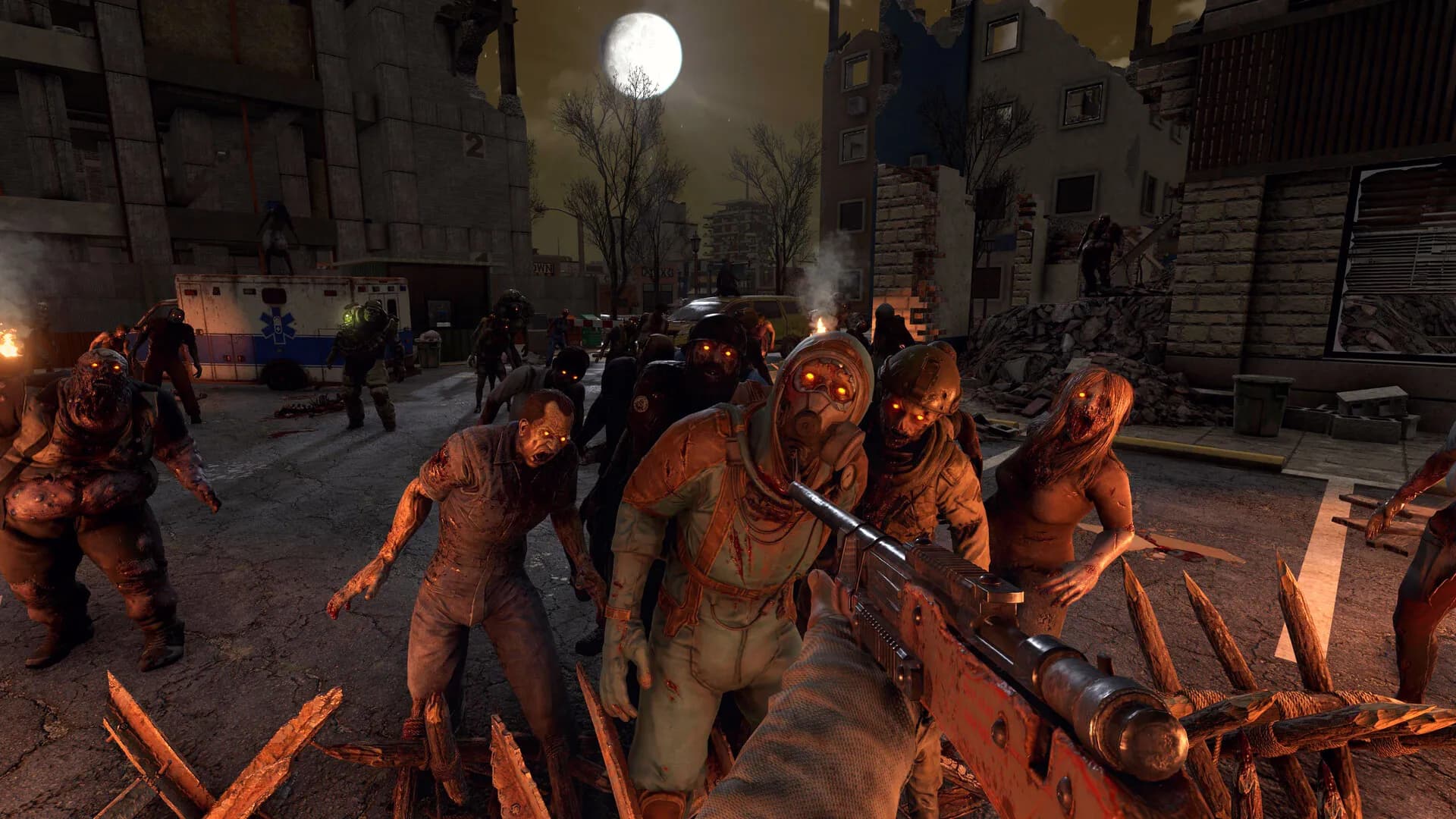
A dedicated 7 Days To Die server runs on data centre hardware and network, so your PC only has to run the game.
Stop hosting horde night from your PC.
Give the horde its own hardware.
Cancel anytime
Pick the world and paste your Sandbox Code on the same form as your admin ID.
Ask in plain words in the panel chat.
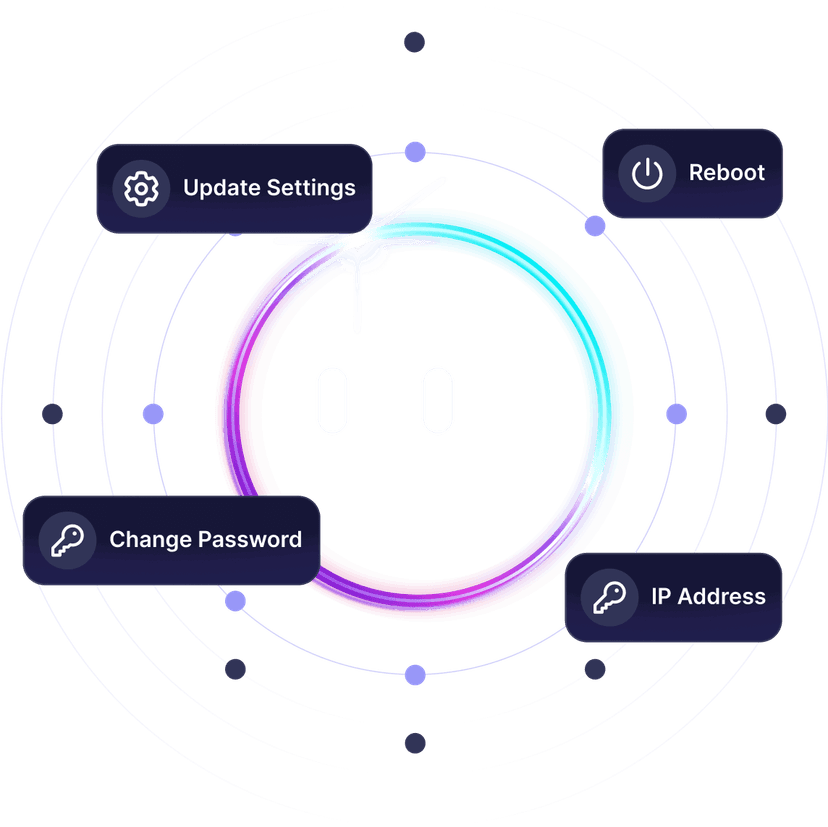
Ping AI sets up or changes your server for you.
Three ways to play together: your PC, a public server or your own.
The world waits for your group.
This feed loads straight from Trustpilot. Your 7 Days To Die server gets the same support team the reviews talk about.
Write in any language: every chat is translated both ways.
 Jonathan Lexne on Trustpilot, Sep 2026
Gaming support specialist
“Nicole was great. She first tried to explain what i needed to do in order to solve my problem. When I couldn't do it, she solved the problem for me. A great customer experience!”
 Justin Olin on Trustpilot, Aug 2026
Gaming support specialist
“Kimmy helped me out and she was very knowledgeable and helped me with all of my questions and answered very quickly.”
 Leonardo salas on Trustpilot, Aug 2026
Gaming support specialist
“Francis helped me resolve a big issue with our server; everything is going great now and it was very quick, thank you!”
 Whitney Thibeaux on Trustpilot, Jul 2026
Gaming support specialist
“Lautaro was such a great help and answered all my questions quickly and help me fix my problems!! Great service!”
 Antreas1 on Trustpilot, Jul 2026
Gaming support specialist
“support was fast Emman was my support aggent he was quick understanding of the problem great experiance overall”
 Matias on Trustpilot, Apr 2025
Gaming support specialist
“German is a great dude. Not only does he fix problems, he is funny and very understanding. Dont be scared to message the live chat!”
1 / 6
Person 1 of 6
Four tools waiting in your panel. The features page has the rest.
One link from your panel, and the group pays their share without making an account.
See SharePaySee players online, uptime, CPU and memory live, without joining the game.
See live telemetryRestart, shut down or start the server daily or weekly, at the hour you pick.
See the schedulerPC, PS5 and Xbox players on one server of up to 8, with no mods.
See crossplay hostingSwitch your server to another game in our catalogue for nothing extra, as long as your plan has the memory that game needs.
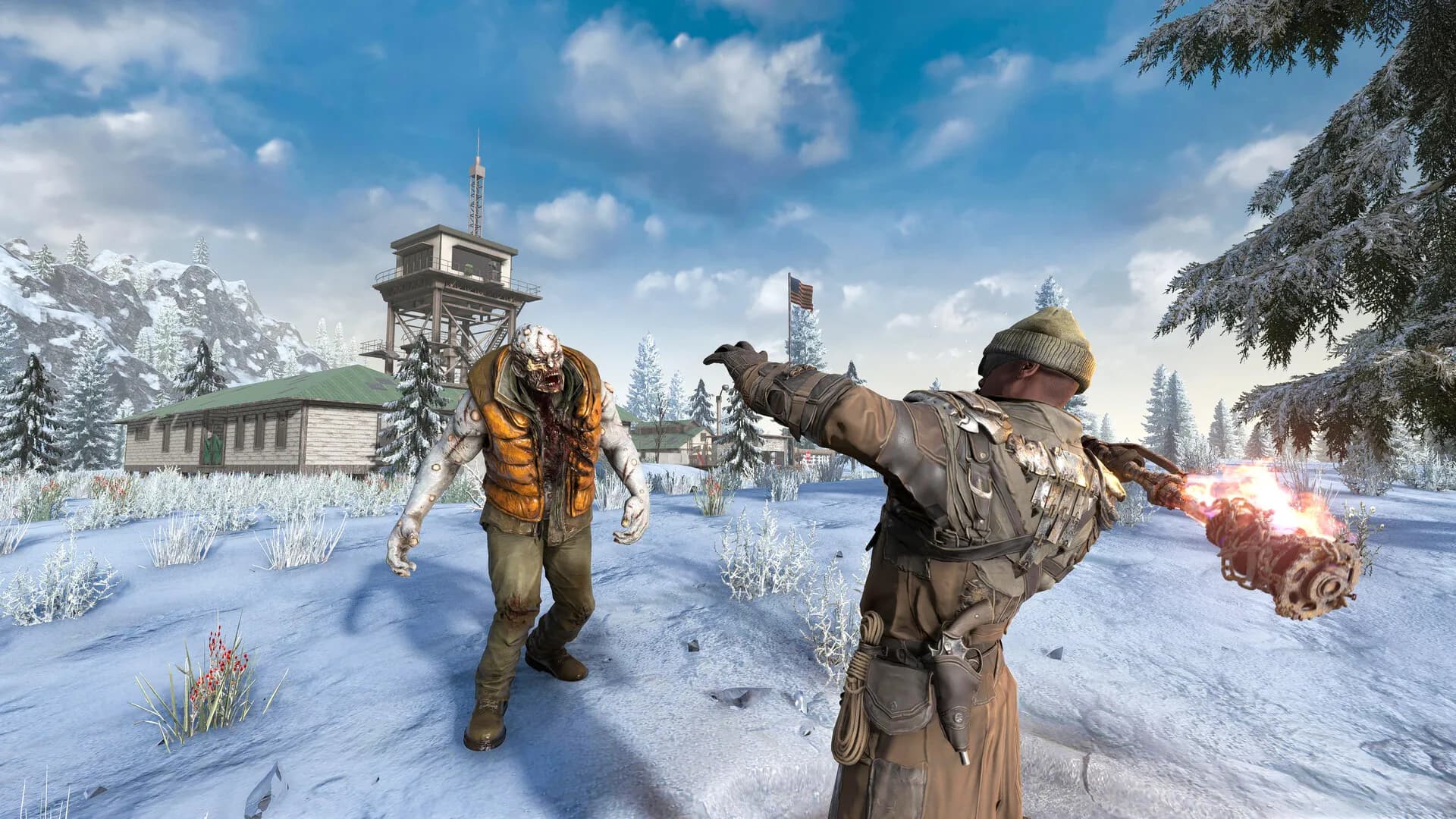
7 Days to Die server hosting with instant activation. Pick a plan and a location, then play.
7 Days to Die is a first-person zombie survival game from The Fun Pimps: part survival horror, part tower defense. It left Early Access with version 1.0 on 25 July 2024, after an Early Access launch in December 2013. The handmade map is Navezgane, and worlds are built from five biomes: Pine Forest, Burnt Forest, Desert, Snow and Wasteland.
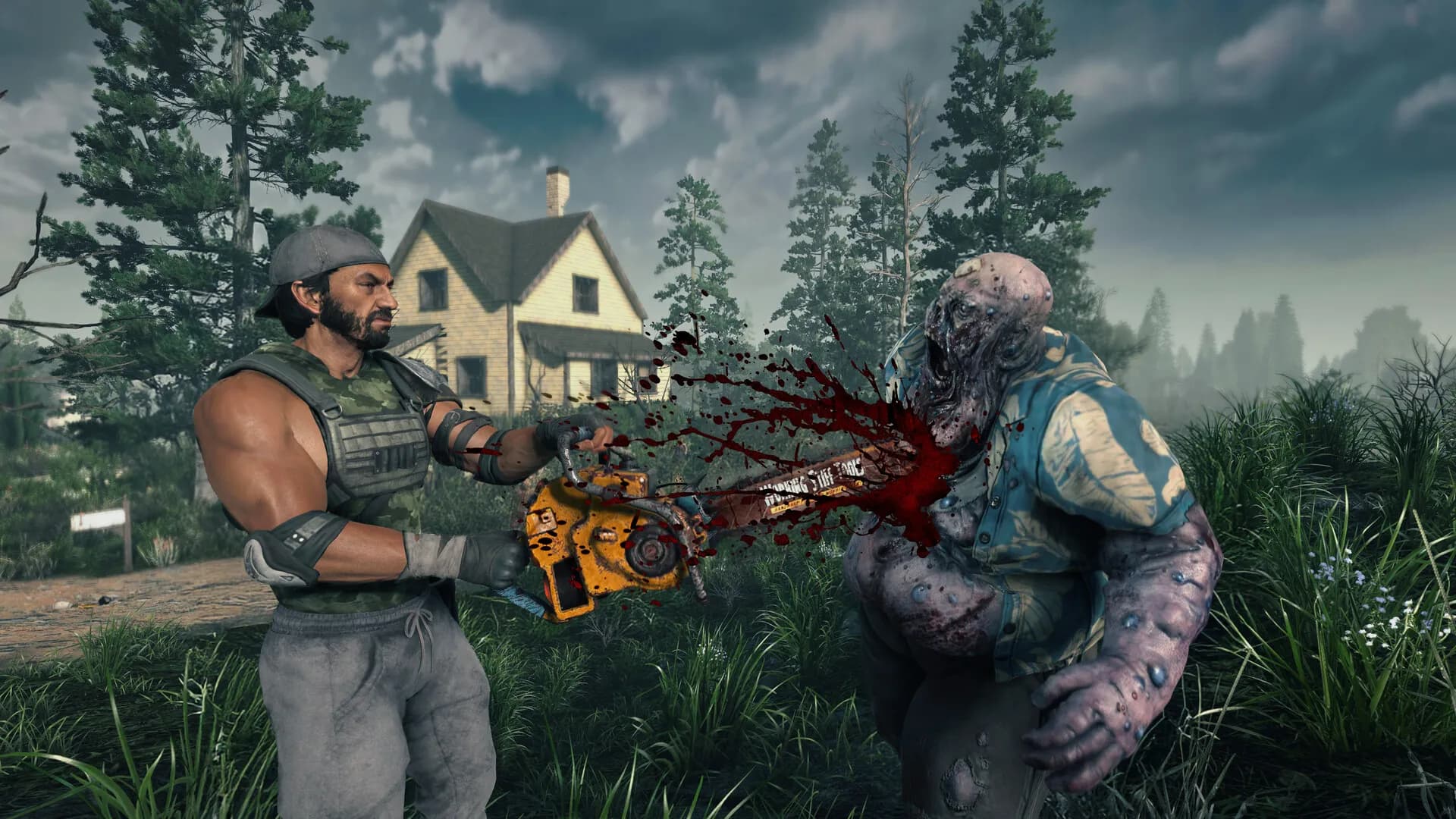
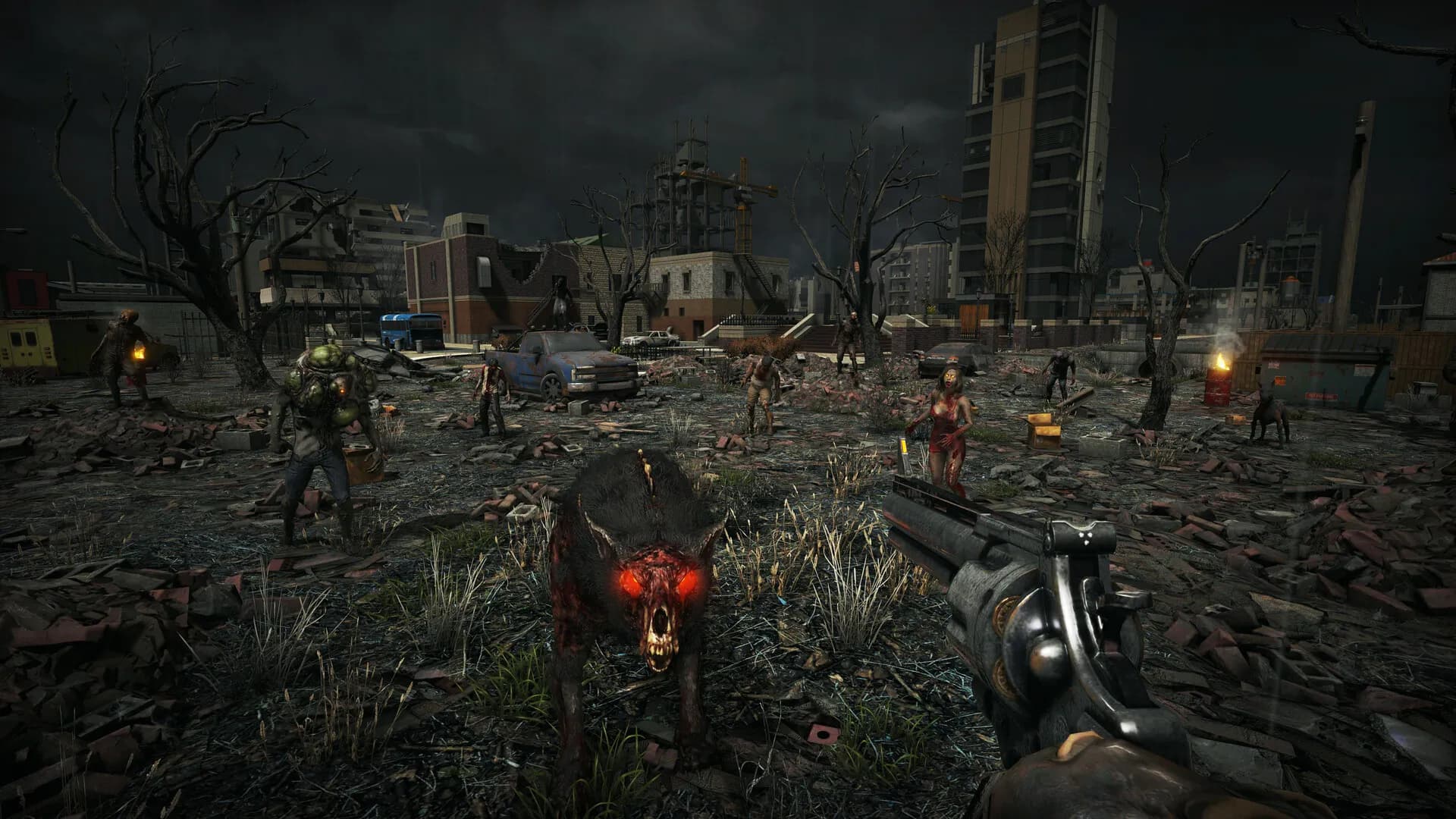
Days are for scavenging. You clear POIs, take jobs from traders such as Rekt and Jen, and haul loot home before dark, when the dead start to run. Then there is the Blood Moon Horde: by default every seventh in-game day, from 22:00 to 04:00, with waves that grow with your game stage. You build a separate horde base for that night, finish it before 22:00 and find out at 04:00 whether the design held.
On a 7 Days to Die dedicated server the world stays online with nobody's PC switched on, so anyone can jump in and work on the horde base while the others sleep. Everyone plays under the same settings, and with crossplay switched on, PC and console players can share the same world.
Step-by-step help for setting up and running your 7 Days To Die server.
Configure V3.0 sandbox on your 7 Days to Die server: generate code in-game, paste into server panel, restart to apply custom horde rules.
Read articleThis article provides a step-by-step guide on how to install and run mods on a 7 Days to Die game server. It covers downloading mods, extracting files, transferring them to a local game folder, uploading to the server, and troubleshooting common issues.
Read articleThis article provides a step-by-step guide on how to upload your local 7 Days to Die world save to a server. It covers preparing files, transferring them, configuring server settings, and restarting the server, ensuring a smooth transition for multiplayer gameplay.
Read articleThis article guides gamers on selecting the world type for their 7 Days to Die server, explaining options like Navezgane, pregenerated maps, and RWG (Random World Generation). It highlights how each impacts gameplay and provides steps to change the world type.
Read articleThis article explains how to be an admin in a 7 Days to Die server. It explains how to do it through FTP to edit a file. It grants admin permissions to the player corresponding with the inserted ID.
Read articleThis article provides a step-by-step guide for configuring a 7 days to die server with compatible values for consoles like PS5 or Xbox to join the server and prevent the join error message stating that values are modified
Read articleAnswers before you rent. Anything else, ask support on live chat.
Pick a plan and a location above and check out. The server is live 60 seconds later. Then choose your Game World in Basic Settings, restart, and share the IP and port from your dashboard.
It depends on the map, the mods and the size of your group. Plans come in 4 GB, 8 GB or 16 GB, or a custom plan up to 25 GB. The 8 GB plan is the most popular for 7 Days to Die, and support will help you size it if you are not sure.
On six continents: North America, South America, Europe, Asia, Oceania and Africa. The live map above shows every location, the checkout shows your ping to each one, and every location costs the same.
In the game, open Join a Game and use Connect to IP with the IP and port from your dashboard. You can also find the server by its name in the server browser. How to connect.
Upload each mod folder into the server's Mods folder with the File Manager or FTP, then restart from the panel. Mods for this game are not on the Steam Workshop, so there is no Mods tab for it: mods go in by hand. Read the mods guide.
Big overhauls each target a specific game version, which can lag behind the current stable one. Check the version a mod lists before you upload it, and ask support if you are unsure.
Since V3.0, horde size and frequency sit in the Sandbox Code along with loot and zombie speed. Build the code in the game's Sandbox Options, enter it in the Sandbox Code field and restart. A typo can reset some or all settings to default, so copy it exactly. Read the sandbox settings guide.
Put your SteamID, PSN ID or Xbox ID in the Admin Player ID field in Basic Settings, then restart. For several admins, create a serveradmin.xml template in Config Manager. Read the admin guide.
Yes, on a crossplay server. Console crossplay needs EAC on, crossplay on, no mods, no more than 8 players and game settings that consoles accept. Set Server Visibility to 2 so consoles can see the server in their browser. Crossplay guide.
Shut the server down, upload your save and generated world folders with the File Manager or FTP, set the Game World, world size and game name to match in Basic Settings, then restart. For some updates the studio recommends a new game, so a save from an older version may not carry over cleanly. Read the world upload guide.
Yes, free on every plan. Our engineers copy your saves, mods and configs, check them and hand you the new IP, and your old server keeps running until then. How free migration works.
Both. In Basic Settings, pick Navezgane, one of the official pregenerated worlds, or RWG for a fresh world. You can change the world later with a restart.
Yes, on a fresh server. The experimental branch needs a new world, so the server is recreated on the Experimental Branch, and everyone switches their Steam copy to latest_experimental under Properties, Betas. Read the experimental branch guide.
Every plan comes with a 24-hour money-back guarantee. If the server is not right for your group, talk to support on live chat or email.
In My Servers, open the three dots on the server card, choose Billing, then View options next to Renewal settings and cancellation, and click Cancel Subscription. The server stays active until the end of the period you paid for.
Yes, with SharePay. After signup the panel gives you a link, and your group pays their share without making an account. It works on any plan, for any group size.
Yes, and switching is free on games your plan has the memory for. Ask support before you switch so you know what happens to your 7 Days to Die files.

Survive the next Blood Moon by your own rules.
Live 60 seconds after checkout.
We use cookies to enhance your browsing experience, serve personalized ads or content, and analyze our traffic. By clicking "Accept All", you consent to our use of cookies.