
Running a successful multiplayer server in Night City requires top-tier cyberware. For OPEN77, that essential upgrade is Warden. Warden is a powerful browser-based administration panel that gives you complete control over your Cyberpunk 2077 server without needing to dig into complex text files.
From moderating your players to hot-reloading Lua scripts on the fly, this tool acts as your ultimate netrunner deck. This guide will walk you through the core features of the Warden panel and how to utilize them to manage your Cyberpunk 2077 community.
Warden Control Panel Features
Once you have your initial admin account set up, you can dive in and start managing your server features.
Open your web browser and navigate to your Warden control panel using your server IP and Warden port (format:
http://IP:WARDEN_PORT), then log in.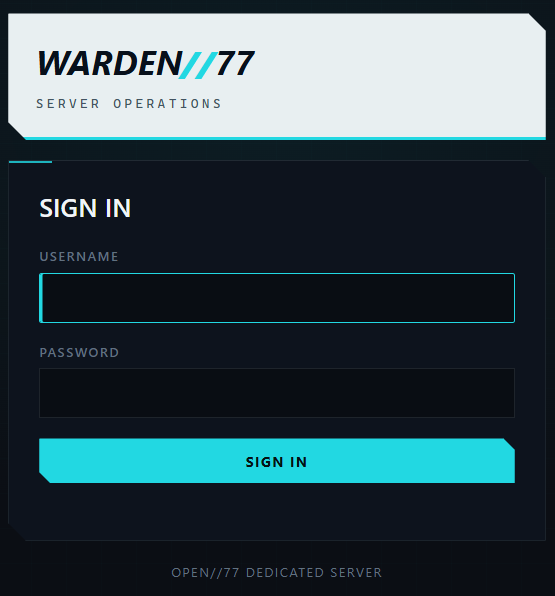
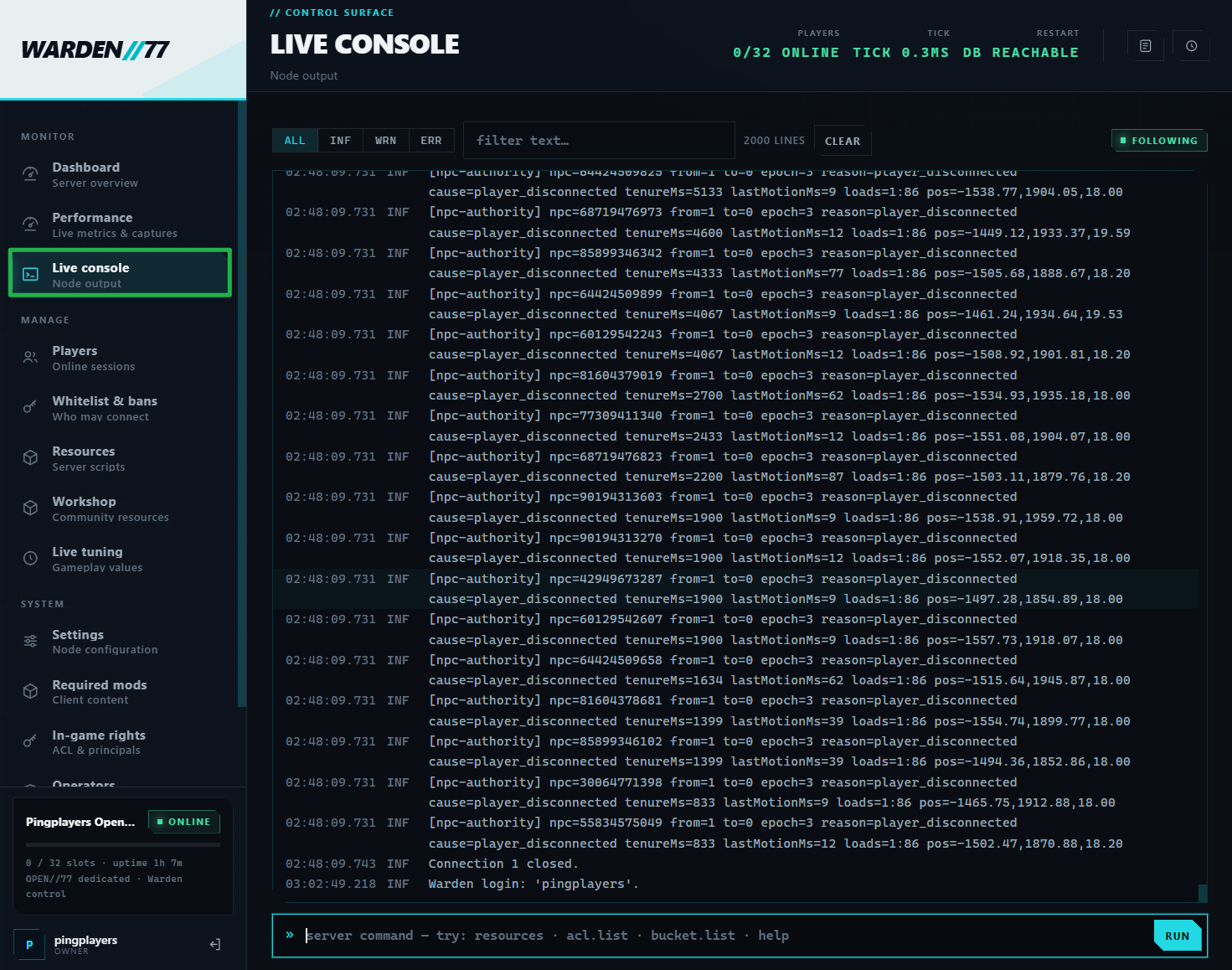
Access the Live Console feature. This acts as your direct terminal into the server, allowing you to monitor real-time output, track player connections, and execute OPEN77 server commands effortlessly.
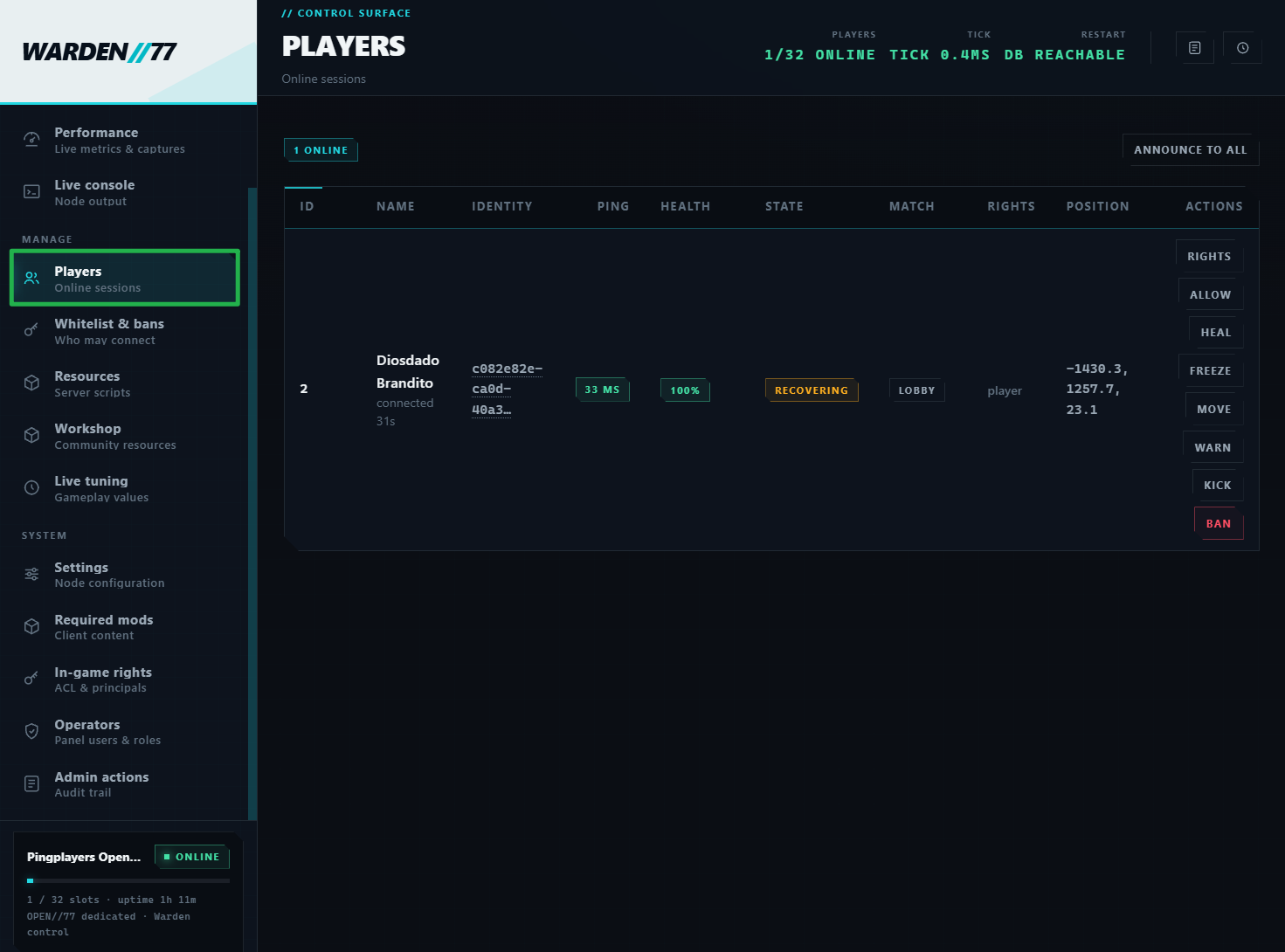
Navigate to the Players tab (Player Moderation) to keep the streets safe. This feature allows you to view all currently connected players, issue warnings, send server-wide announcements, and manage your kick and ban lists.
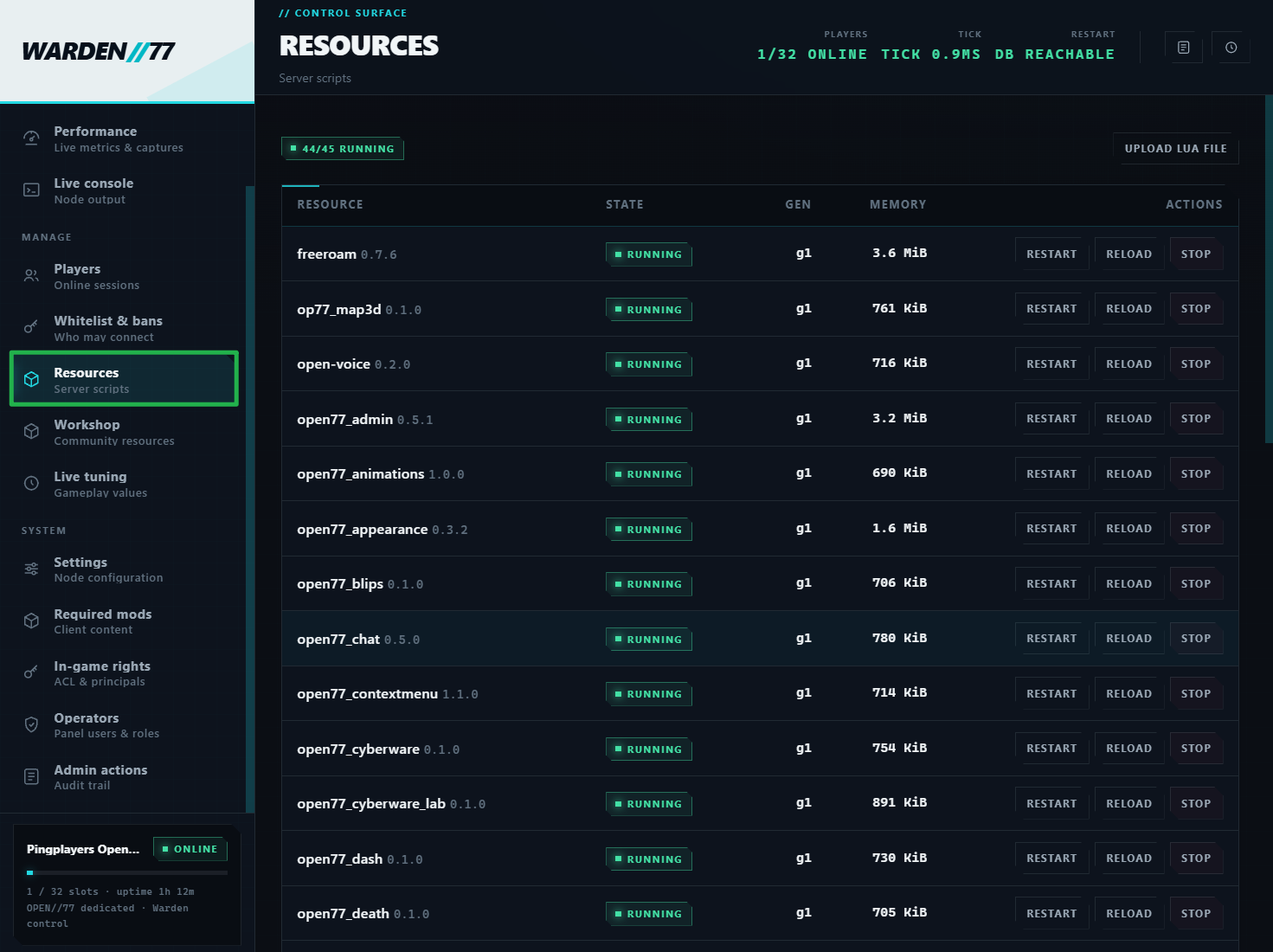
Open the Resource section to control your custom content. Here, you can start, stop, restart, or reload individual Lua resources (such as custom game modes, wardrobes, or UI scripts) instantly without disconnecting your players.
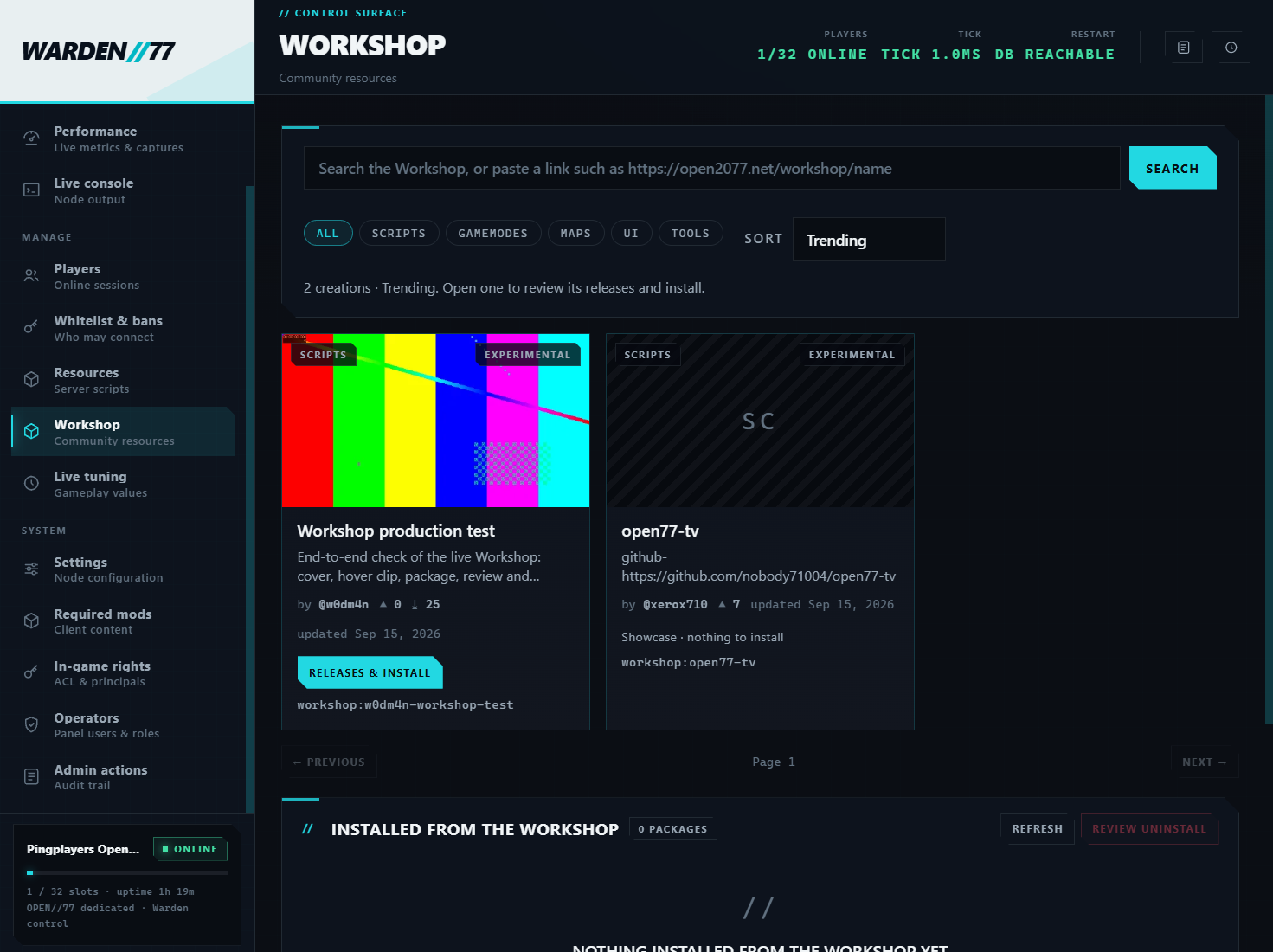
Warden includes a Workshop management tab to install compatible community creations. Because OPEN77 is in Open Alpha, the ecosystem is still growing quickly. Always review a creation's compatibility and dependencies before applying the installation plan through Warden.
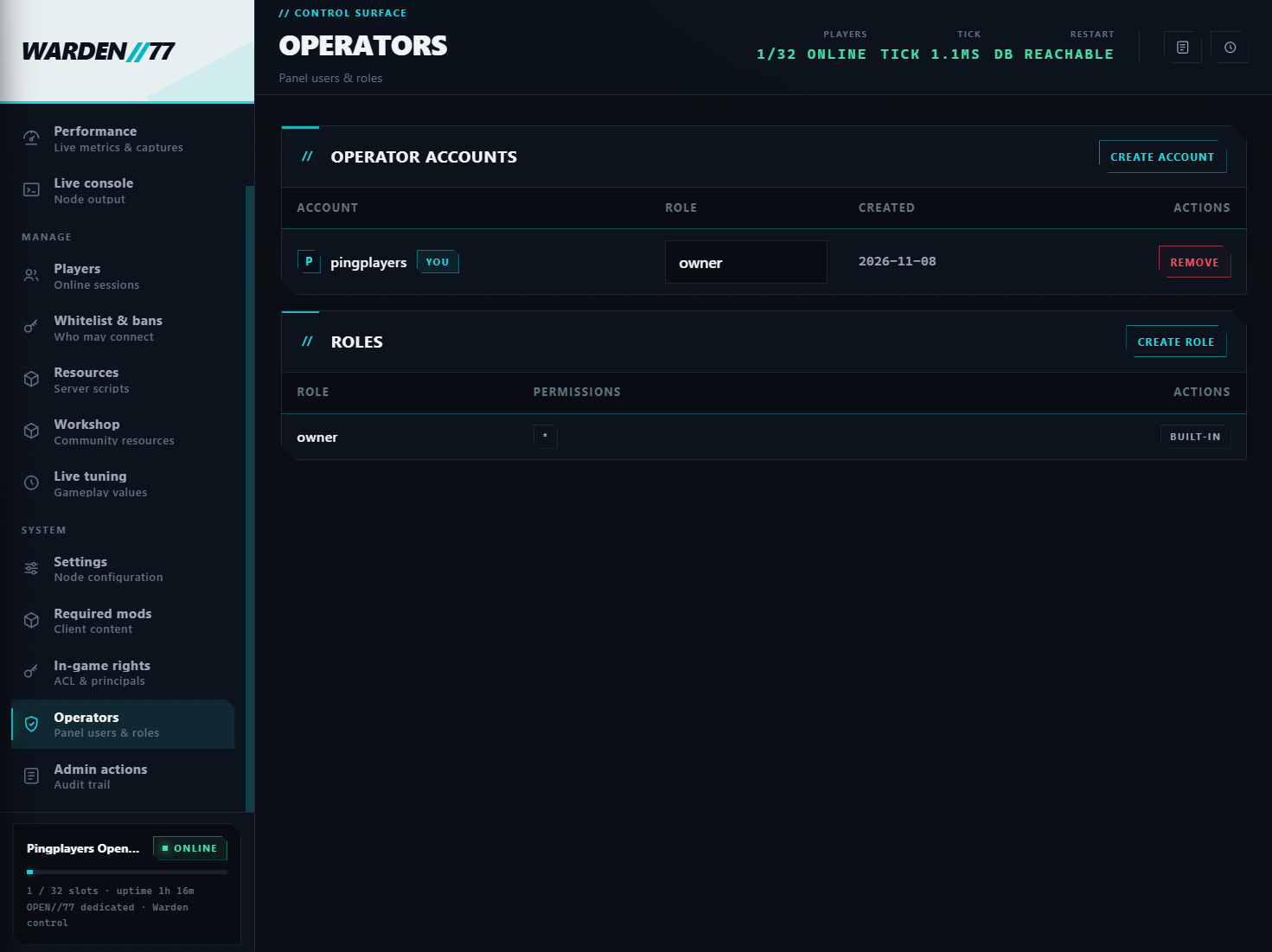
Visit the Operators tab to build your moderation crew. Warden allows you to create additional operator accounts and assign scoped roles, so you can give your friends moderation powers without giving them full access to core server configurations.
Troubleshooting and Tips
If you run into any glitches in the system while using Warden, check these troubleshooting tips:
- Resource Reloads vs Core Configurations: While the Warden panel is fantastic for reloading Lua resources instantly, major changes to your core
server.jsoncfile (like database settings or identity changes) will not take effect on the fly. To apply core changes, navigate to Actions > Shutdown on your main dashboard to bring the server offline, and then click Action > Restart to boot it back up. - Warden Console vs Main Dashboard Console: You can actually run server commands from both the Warden console and the live console on your main dashboard. While Warden is much more convenient for daily community management, your main dashboard console remains highly useful for deep troubleshooting and reviewing initial startup logs.
Conclusion
With Warden fully operational, you have all the tools you need to run a flawless OPEN77 multiplayer experience. Whether you are adding new cyberware resources, managing your community, or building custom game modes, Warden keeps you in total control. Grab your gear, hit the streets, and start building your legacy in Night City!
If you encounter any issues or have further questions, feel free to contact our support team for assistance!