How to become an Admin on your Project Zomboid server.
Learn how to become an admin on Project Zomboid: console and login methods, permissions, key admin commands and troubleshooting tips.
Welcome to the apocalypse! Taking control of your Project Zomboid server gives you the power to manage your community, spawn essential loot, and curate the perfect Knox Event experience. Whether you want to help players survive or unleash a massive zombie horde, becoming an admin is your first step. This guide will show you the exact steps to get full admin privileges on your PZ server.
Step-by-Step Guide
Method 1: The Console Method (Recommended)
This is the absolute easiest way to become an admin because you do not need to log out of your character.
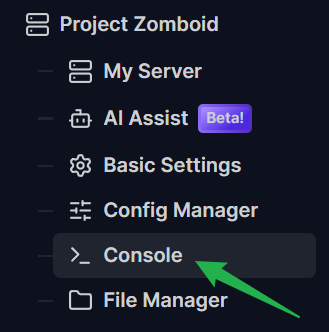
Open your server panel and navigate to the Console tab on the left side menu.
While your character is logged into the game, type the following command directly into the console box:
setaccesslevel YourUsername admin(make sure to replace "YourUsername" with your exact in-game character name) then, press Enter.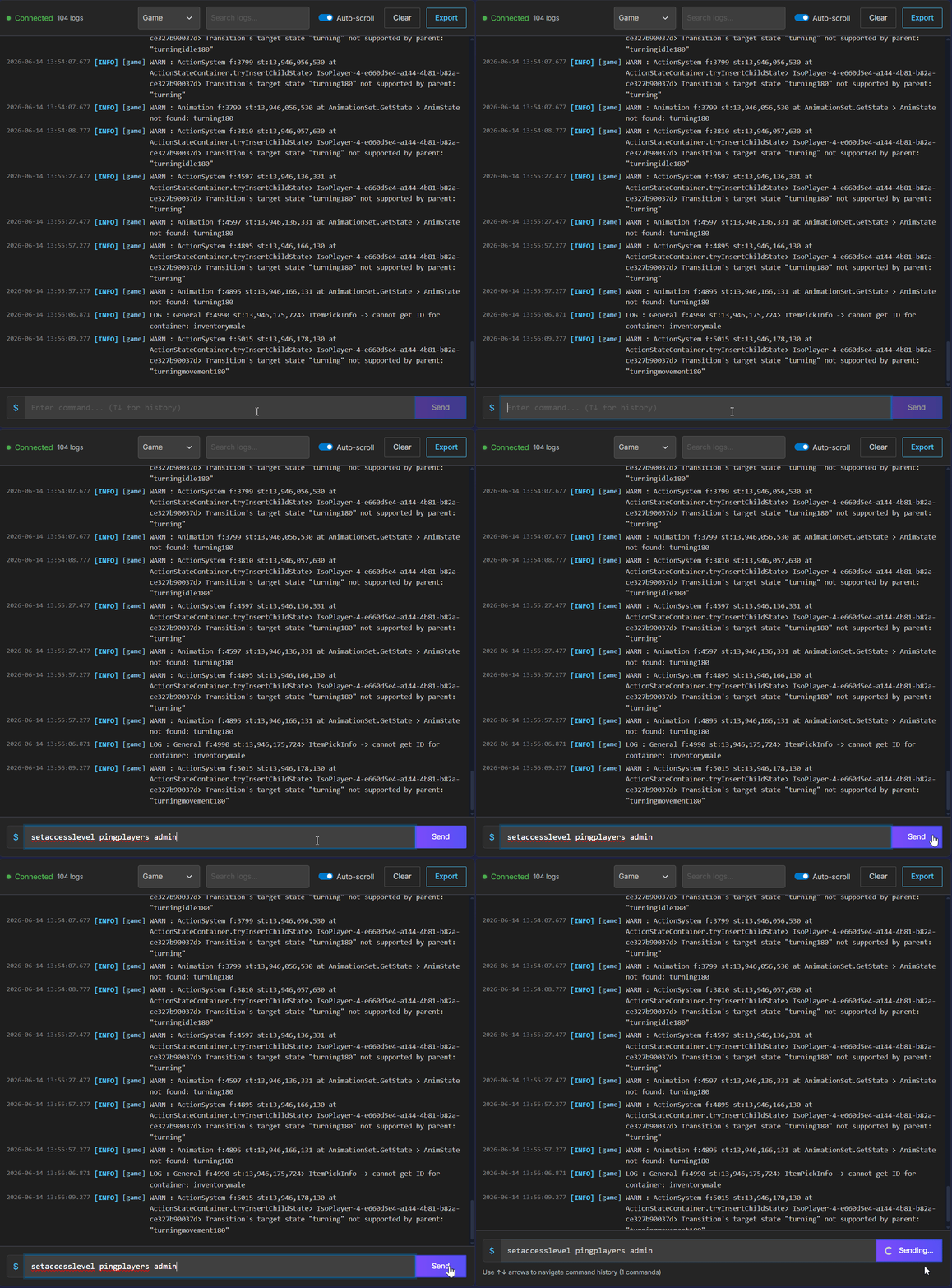
A message should appear on the console saying your player now has an admin role, and you will immediately see an admin icon appear next to your name in the game!

Method 2: The Default Admin Login
If you prefer to log into the master admin account directly from the main menu, you can use this traditional method.
- Write down or remember your Admin Password from the Basic Settings.

- On the Join Game menu, enter your server details as usual but enter "Admin" as the username and your Admin password from Step 1.

Access Levels and Permissions
The different types of permissions are noted in the following chart:
| Access Level | God Mode | Invisibility | Teleport | Ban/Unban | Whitelisting | Modify Player Stats | Join Server when Full |
|---|---|---|---|---|---|---|---|
| Observer | ✔ | ✔ | ✔ | ✔ | |||
| GM | ✔ | ✔ | ✔ | ✔ | |||
| Overseer | ✔ | ✔ | ✔ | ✔ | ✔ | ||
| Moderator | ✔ | ✔ | ✔ | ✔ | ✔ | ✔ | |
| Admin | ✔ | ✔ | ✔ | ✔ | ✔ | ✔ | ✔ |
Enjoy Your Admin Privileges
As an admin, you can use various commands to enhance your gameplay experience. Some helpful commands include:
/additem- adds items to your inventory./noclip- allows you to walk through walls and objects./help- displays a full list of commands/help "command"to see help for a specific command.
Troubleshooting
If you encounter any issues, consider the following:
- Double-check your admin password if you cannot log in as an admin. If you change it on the website, remember to restart the server to apply it to the server.
- Ensure you are using the correct server IP address and port number.
If you are unable to grant admin rights to another player, confirm that their username is correct. The “” should go in the command.
If you have any questions or need assistance, feel free to reach out to our customer care agents through our live chat or email at support@pingplayers.com.