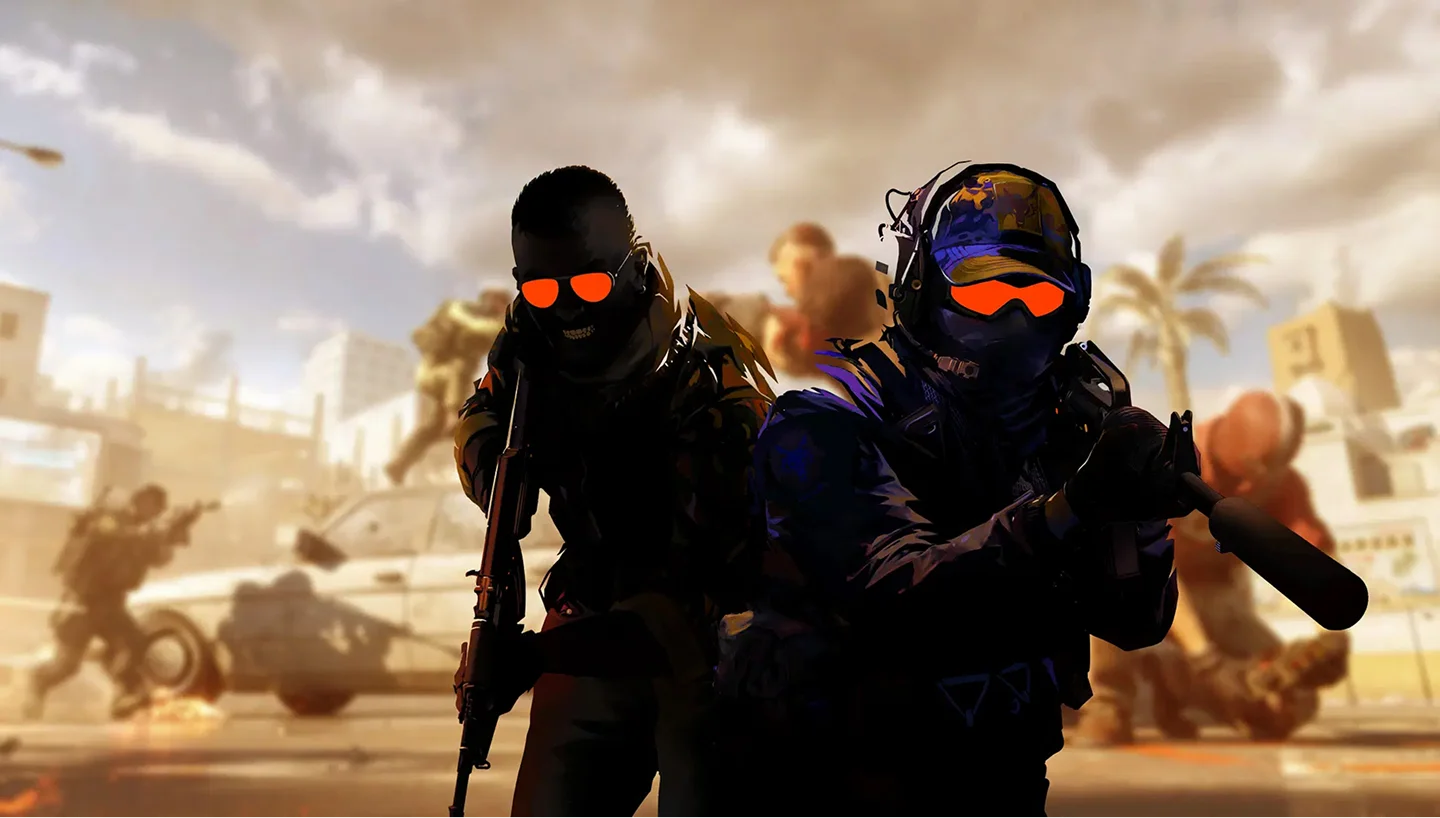
Counter Strike 2 is a tactical first-person shooter developed by Valve and built on the Source 2 engine, released in September 2023. It replaced CS:GO entirely as the definitive installment of the Counter-Strike franchise, bringing upgraded visuals, reworked map layouts, and the new sub-tick architecture that processes player inputs at the exact moment they occur.
Competitive play centers on 5v5 bomb defusal across a rotating map pool including de_dust2, de_mirage, de_inferno, de_nuke, de_ancient, de_anubis, and de_vertigo. The Premier rating system uses ELO-based matchmaking to pit players against equal opponents. Wingman (2v2), Deathmatch, and casual modes cover warm-up and low-stakes sessions.
Serious teams run private Counter Strike 2 servers for scrims, practice configs, 5v5 PUG leagues, and knife-round customs. A dedicated server hands your squad full RCON access, plugin control, and custom map cycles with no interference from random admins or unexpected mid-match restarts.
Counter Strike 2 runs on Source 2, which means the Source 1 plugin framework SourceMod is not compatible. The correct ecosystem is CounterStrikeSharp (CSSharp), a C#-based plugin framework, paired with MetaMod:Source. Common plugin setups include grenade practice configs, bhop servers, bot difficulty presets, aim training maps, and Steam Workshop map rotation. The CS2 Workshop adds hundreds of community maps for retakes, surf, aim training, and minigames.
Counter Strike 2 is CPU-bound. The sub-tick system processes each player input at the exact moment it occurs, so strong single-core CPU frequency matters more than raw multi-core throughput. Map loading is heavier than in CS:GO, making NVMe SSD storage a meaningful upgrade for faster map rotations. Larger servers running workshop maps or plugin stacks benefit from DDR5 RAM for a responsive game state throughout the session.
| Server type | RAM needed | Players | Recommended plan |
|---|
| Vanilla 5v5 competitive | 6 GB | 10–16 | 6 GB plan |
| Practice + plugins (CSSharp) | 12 GB | 10–37 | 12 GB plan |
| Large community / workshop maps | 18 GB+ | 37–57 | 18 GB plan or custom |
A dedicated Counter Strike 2 server gives your squad full ownership of the experience: sub-tick configuration, RCON access, custom map cycle, complete plugin control via CounterStrikeSharp and MetaMod, workshop map support, server password, slot count, friendly fire, and round timers. No random admin decisions, no unexpected kicks mid-match.
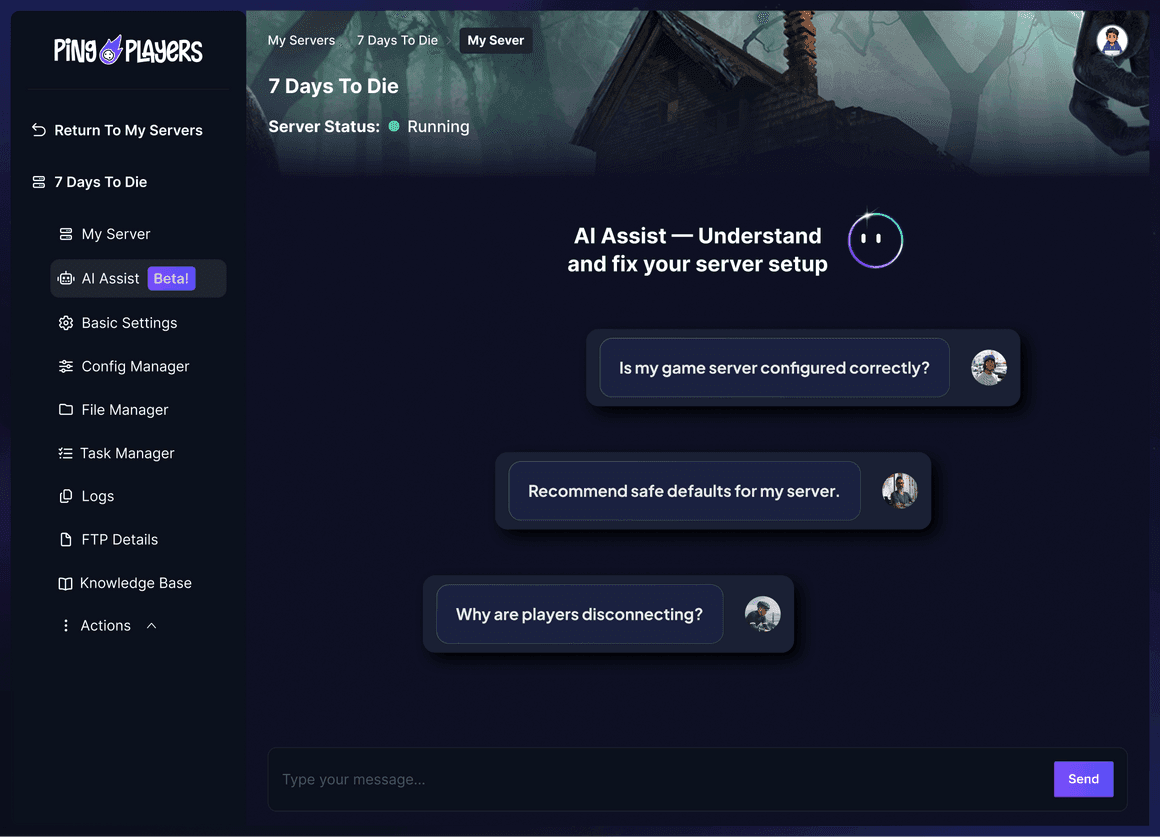
PingPlayers eliminates host advantage and handles full 5v5 scrims and back-to-back Premier practice without performance drops. High-frequency CPUs, full SFTP and config access, automated backups, 24/7 human support, and integrated Ping AI handle plugin installs, config setup, and RCON help without needing to dig through forum threads.