

Sons Of The Forest Server Hosting
Instant setup hosting for Sons Of The Forest co-op survival, horror, and multiplayer gameplay.
10GB
10 GB / 30 days
$26.92/ 30 days
SAVE ~10%$29.91
Best for small servers & a few friends
- Unlimited game swap, 80+ games
- Ping AI Assistant
Instant activation · Cancel anytime
12GB
12 GB / 30 days
$32.30/ 30 days
SAVE ~10%$35.89
Best for medium groups & modded servers
- Unlimited game swap, 80+ games
- Ping AI Assistant
Instant activation · Cancel anytime
14GB
14 GB / 30 days
$37.68/ 30 days
SAVE ~10%$41.87
Best for large, busy, heavily-modded servers
- Unlimited game swap, 80+ games
- Ping AI Assistant
Instant activation · Cancel anytime
Build your own
Same hardware. Your rules.
- Everything included +
- Unlimited Players
- Any RAM size you need
Instant activation · Cancel anytime
RAM-based pricing · from $2.69 / GB (per 30 days) · pay only for what you need
- Xeon / Ryzen
- High-frequency CPUs
- DDR5 RAM
- Dedicated, not shared
- NVMe SSD
- Fast world loads
- 10Gbps
- Network uplinks
- DDoS Shield
- Enterprise protection
Launch your private Sons Of The Forest dedicated server in minutes. Built for multiplayer stability with persistent worlds and dedicated performance.
Why PingPlayers is perfect
for your Sons Of The Forest server
Everything you need to host, manage, and scale your Sons Of The Forest server without technical friction.
Instant AI setup
No manual config required. Your Sons Of The Forest server is ready in seconds.
High-frequency CPUs
Strong single-core performance for smooth Sons Of The Forest gameplay.
NVMe SSD storage
Fast disk speeds reduce save lag and corruption risk.
DDR5 RAM
Stable memory for cave systems and dense world geometry.
Enterprise DDoS protection
Always online, always protected from attacks.
Full config control
Adjust difficulty, enemy settings, and save options from our control panel.
Automated backups
Protect your camp and progress before updates or changes.
Instant upgrades
Scale RAM and slots as your co-op group grows.

How to launch yourSons Of The Forest server
Get your server live in under 60 seconds.
Choose your plan
Pick RAM, slots, and the data centre closest to your group.
Configure your server
Set difficulty, enemy aggression, and player limits from a clean panel.
Deploy with Ping AI
Live in under 60 seconds, fully ready to play.
Invite and play
Share your IP and drop into the forest with your group.
No complicated setup. Your server launches in minutes.

Simple yet powerful control panel
for Sons Of The Forest
Not sure how to configure your server? Ping AI walks you through every setting so your group can get in fast.
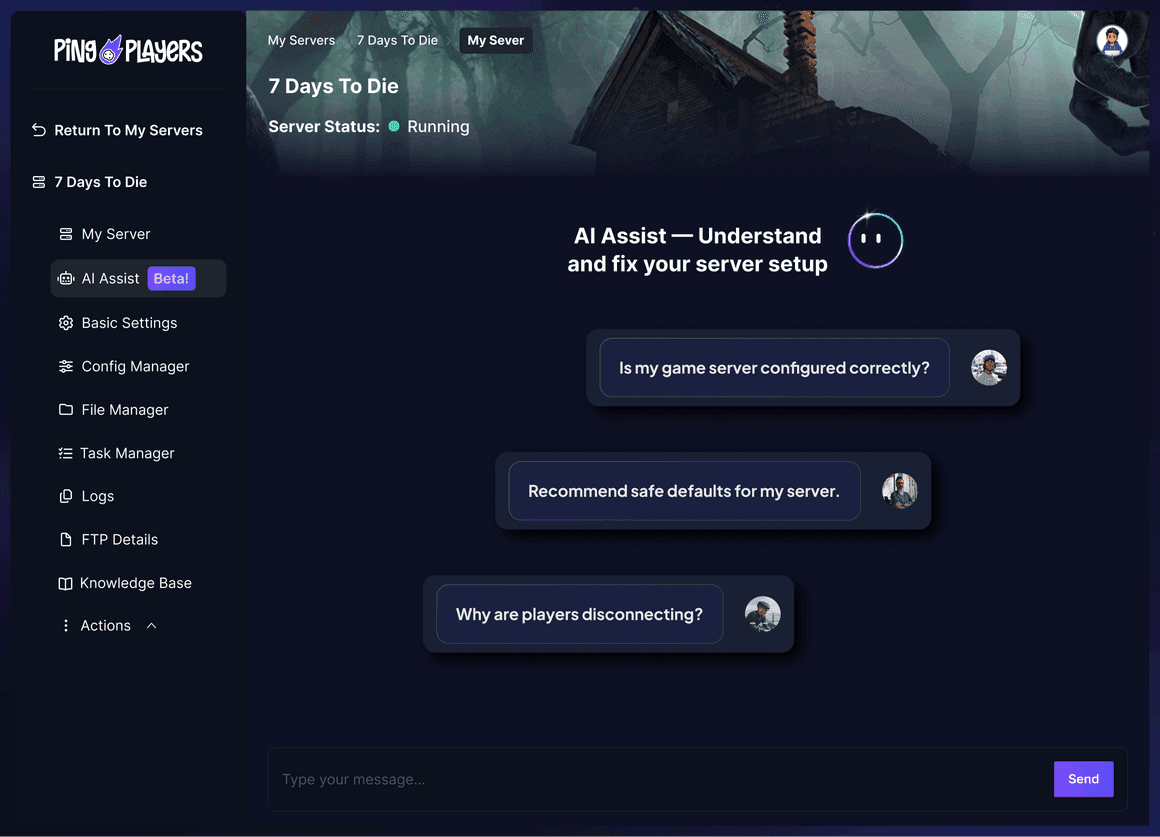
Meet Ping AI,
your Sons Of The Forest server caretaker
The first AI built just for gamers.
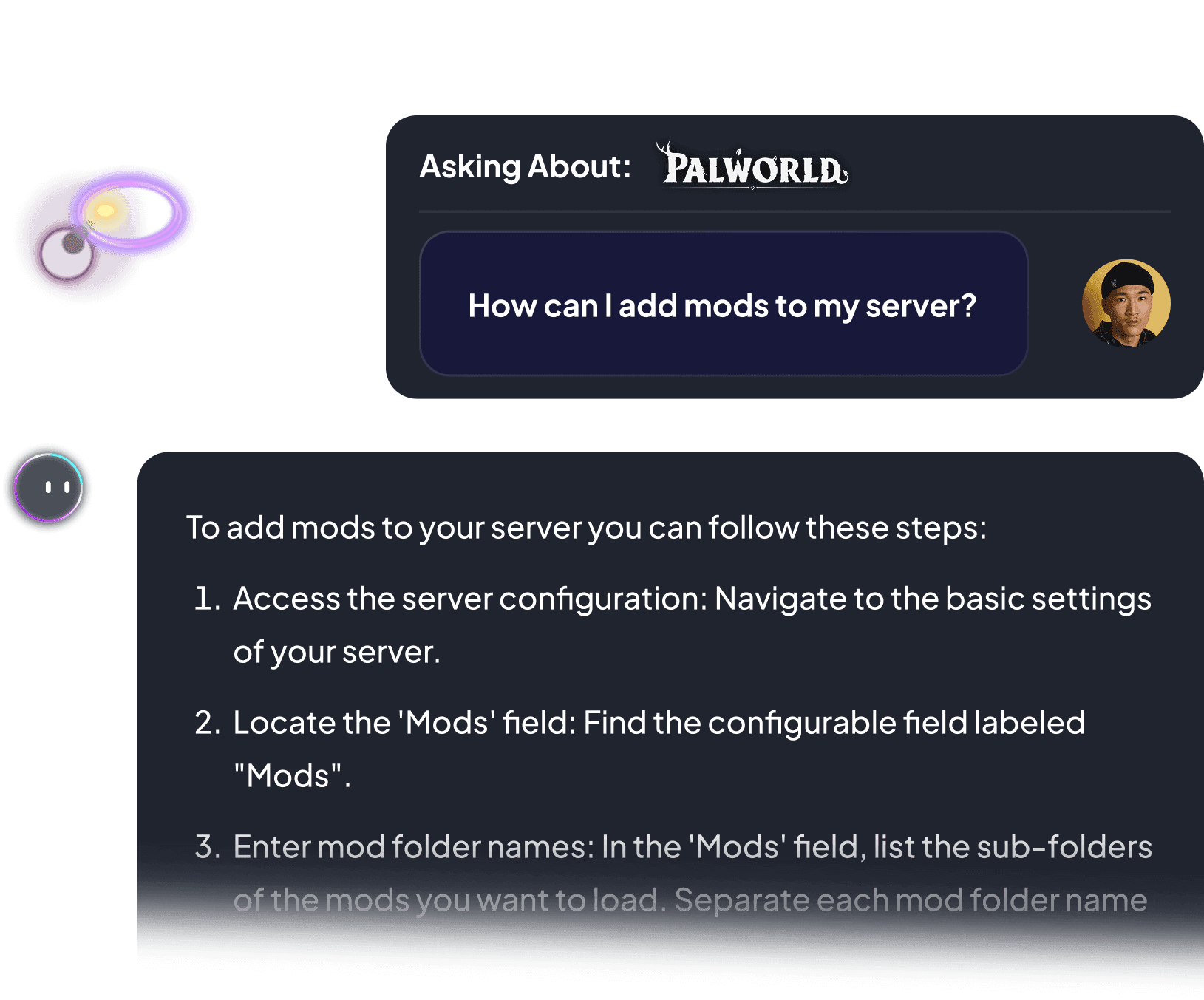
Set the difficulty, adjust enemy settings, or restart your server. All by chatting.
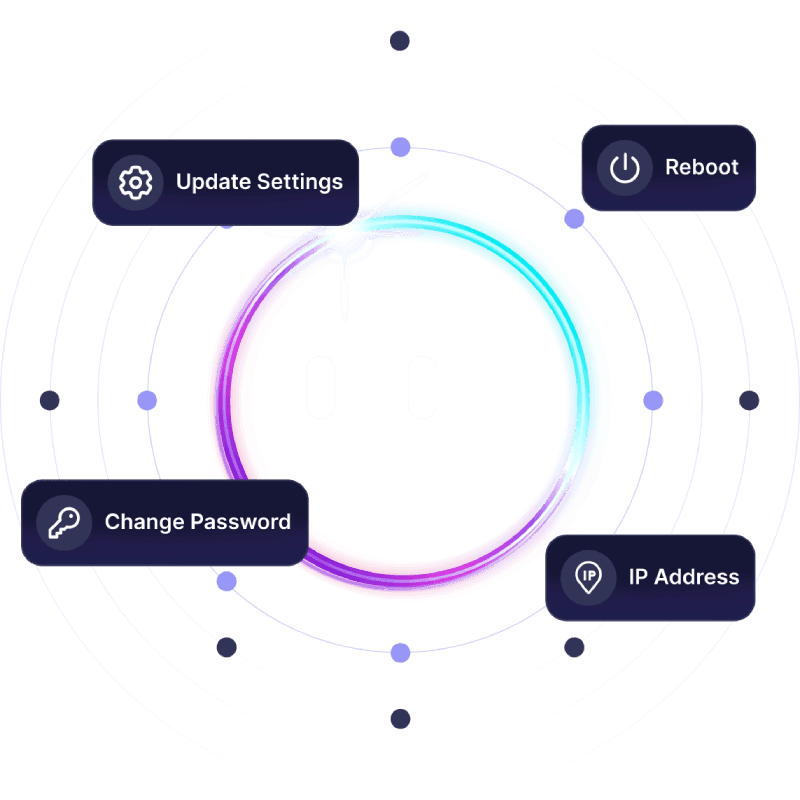


Not sure how to set up your server?
Ping AI handles it. Relax.
From tuning difficulty to fixing server configs, Ping AI takes care of it.
Because getting your Sons Of The Forest group into the forest should not feel like a chore.

Servers built for how
Sons Of The Forest actually runs
Reliable hosting depends on performance, save stability, backups, and proper server control.
Dedicated Sons Of The Forest server
vs self-hosted and public servers
A dedicated server stays online independently from any player.
We prioritize lag free Sons Of The Forest gameplay
As gamers we hate lag. It ruins the session. That is why we never oversell our servers, so everyone plays Sons Of The Forest without a hiccup.

Global network for perfect Sons Of The Forest gameplay
Choose the server location closest to your group to reduce latency during cannibal raids, cave exploration, and base building.

Change games anytime.One server does it all.
Switch between 50+ games without losing progress, paying extra, or setting up again.




















































Ready to host your Sons Of The Forestprivate server?
Launch your own server in minutes with full control over difficulty, enemy settings, and performance.
See why Sons Of The Forest gamers
trust PingPlayers
Trusted by thousands of Sons Of The Forest players worldwide.
Frequently asked questions
We accept Credit and Debit cards, ApplePay and GooglePay and PayPal.
Each cluster of players can be automatically renewed by enabling Auto Renew on "My Servers->Edit Cluster" if you haven't done so when you ordered it. It will charge the same payment method used originally.
You can disable auto-renew on your cluster and delete all your servers. Your cluster will be removed on its due date.
Select the game and customize the contract length and max player count and you'll be taken to checkout.
No, to cancel you need to go to My servers->Manage Cluster->Disable Auto Renew.
Yes, within the first 24 hours after the initial ordering of the server.
Payment methods are added on checkout; try ordering something or reconfiguring an existing server and the option will show itself.
Google Pay and Apple Pay.
Select the game and customize the contract length and max player count and you'll be taken to checkout.
About Sons Of The Forest
Sons Of The Forest is a survival horror game developed and published by Endnight Games. The sequel to The Forest, it launched into Early Access in February 2023 and reached its 1.0 release in 2024, building on the original with a larger world and far smarter enemies.
The core loop centres on surviving a hostile island overrun by cannibal mutants. You gather resources, craft tools and weapons, build a shelter against the cold and the night, and explore eerie cave systems for story clues and gear. The companion character Kelvin and the recruitable Virginia add a unique twist to solo and co-op play.
Sons Of The Forest is built for co-op with up to eight players, and that is where it shines. On a private dedicated server, your group sets the difficulty and rules, and the world stays live around the clock so anyone can log in and keep building without waiting for a host.

Useful Sons Of The Forest hosting articles
How to Back up your Sons of the Forest server
This article explains how to backup the data of a Sons of the Forest server. It includes clarifications of the save data and how to download/upload it through FTP. It has a section that explains how to restore data.
Read articleHow to connect to my server
This article explains how to connect to a Sons of the Forest server through direct connect using the server IP and port and how to find the server through name and filtering in the server list in-game.
Read articleHow to add mods to your Sons of the Forest server
This article explains how to add mods to a The Forest server. It gives a step-by-step guide and provides help with FTP and uploading mods as well as some possible issues. The mods require a mod loader (red loader) installed on both the client and server files.
Read articleConsole commands for Sons of the Forest and How to use them.
This article explains how to enable admin/cheat commands on a Sons of the Forest server. It has a list of all the commands and troubleshooting tips.
Read articleHow to change manage advanced configuration on your Sons of the Forest server
This article guides users on customizing advanced configurations for their Sons of the Forest server. It covers game modes (especially custom mode), step-by-step setup, variable adjustments, and troubleshooting common issues to enhance gameplay experience.
Read articleHow to Set a Custom Sons of the Forest Game Mode on Your Server
The article provides a step-by-step guide for setting a custom game mode on a Sons of the Forest server. It outlines two methods for creating new worlds, adjusting server settings, and troubleshooting common issues to enhance the gaming experience.
Read articleLaunch your Sons Of The Forestprivate server today.
Survive the forest, build your camp, make it out together.
Full control over difficulty, enemy settings, and performance.