We use cookies to enhance your browsing experience, serve personalized ads or content, and analyze our traffic. By clicking "Accept All", you consent to our use of cookies.

Instant setup and high-performance hosting built for Rust PvP, modded servers, and wipe-ready communities.
Suggested for ~4 players
10.0 GB Memory Included
Suggested for ~217 players
16.0 GB Memory Included
Suggested for ~500 players
24.0 GB Memory Included
Create
your own
Configuration
Launch your private Rust dedicated server in minutes. Built for multiplayer stability with persistent worlds and dedicated performance.

Everything you need to host, manage, and scale your Rust server without technical friction.
No manual config required. Your Rust server is ready in seconds.
Strong single-core performance for smooth Rust gameplay.
Fast disk speeds reduce save lag and corruption risk.
Stable memory for demanding game worlds.
Always online, always protected from attacks.
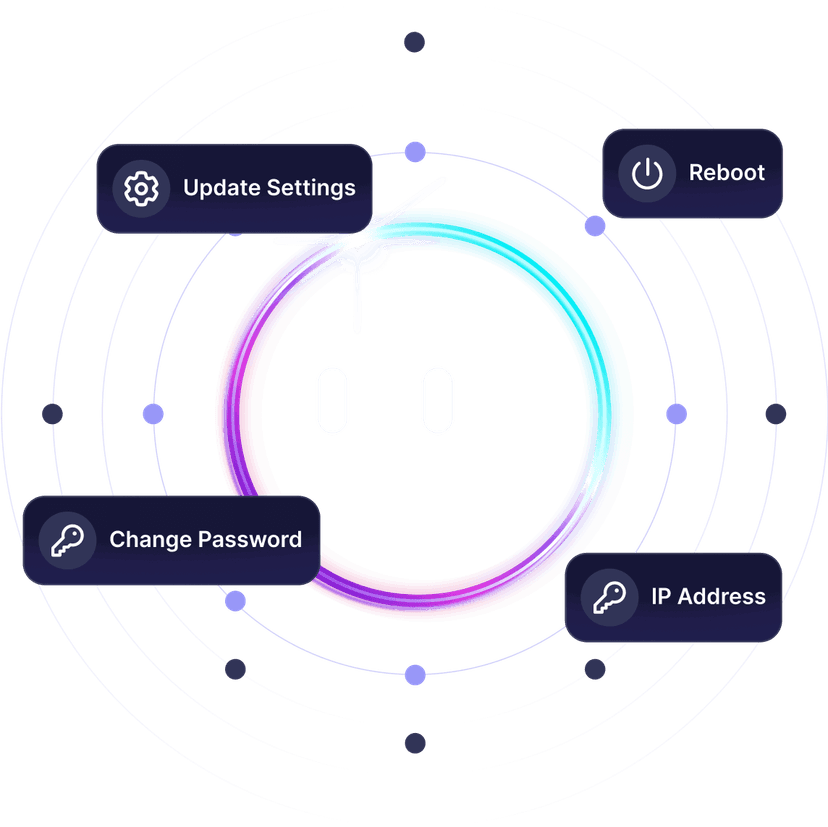
Adjust all server settings from our control panel.
Protect your world before updates or changes.
Scale RAM and slots as your community grows.
Prepare your Rust dedicated server in just a few steps.
Choose your plan
Select RAM and the closest data center for low latency.
Configure your server
Set game mode, difficulty, player limits, and world rules.
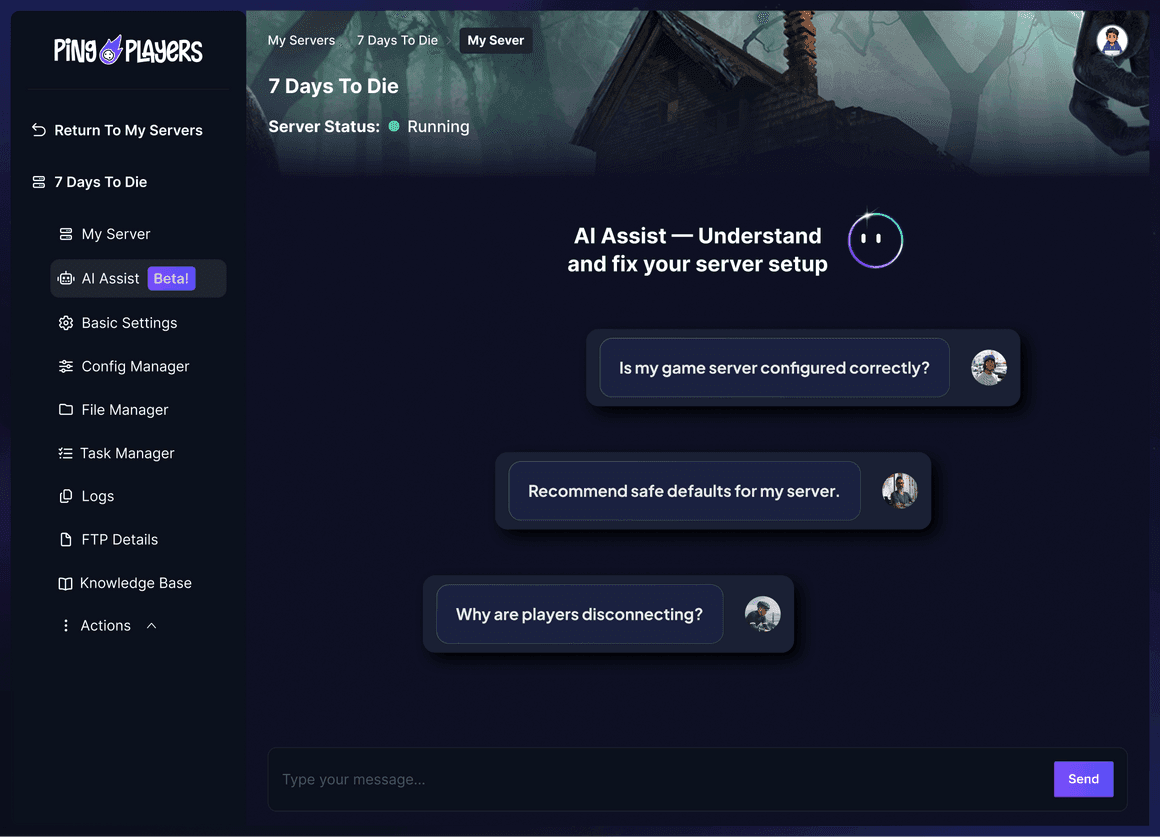
Deploy with Ping AI
Your server goes live in under 60 seconds.
Invite and play
Share your server IP and start playing with friends.
Restart, monitor uptime, access logs, and manage automated backups — all from one clean dashboard with real-time console access.


Focus on playing Rust — not fighting server lag.
Stable performance under heavy load.
High clock speeds maintain stable tick rates.
Persistent 24/7 world with continuous progression.
No overselling, no throttling, no shared load.
Choose the server location closest to your players to reduce latency during combat, exploration, and multiplayer interactions.

Dedicated hosting prevents lag, rollback, and save corruption in persistent multiplayer worlds. Modern game servers demand high CPU performance, fast RAM, and NVMe storage for world simulation, AI processing, and multiplayer synchronization.
A dedicated Rust server runs independently from any player and stays online 24/7.
Launch instantly, customize your world, and keep your Rust server online 24/7 with full persistence and dedicated performance.

Cancel anytime · 24-hour money-back guarantee

Reliable hardware is essential for smooth Rust gameplay and stable multiplayer performance.
High-frequency enterprise processors.
Latest generation memory.
Ultra-fast storage.
High-speed network.
Dedicated resources per server.
Guaranteed performance.

Start instantly with optimized hosting built for Rust multiplayer stability.
A dedicated Rust server provides stability, scalability, and full control over your world.
Helpful knowledge base guides to configure, optimize, and protect your Rust dedicated server.
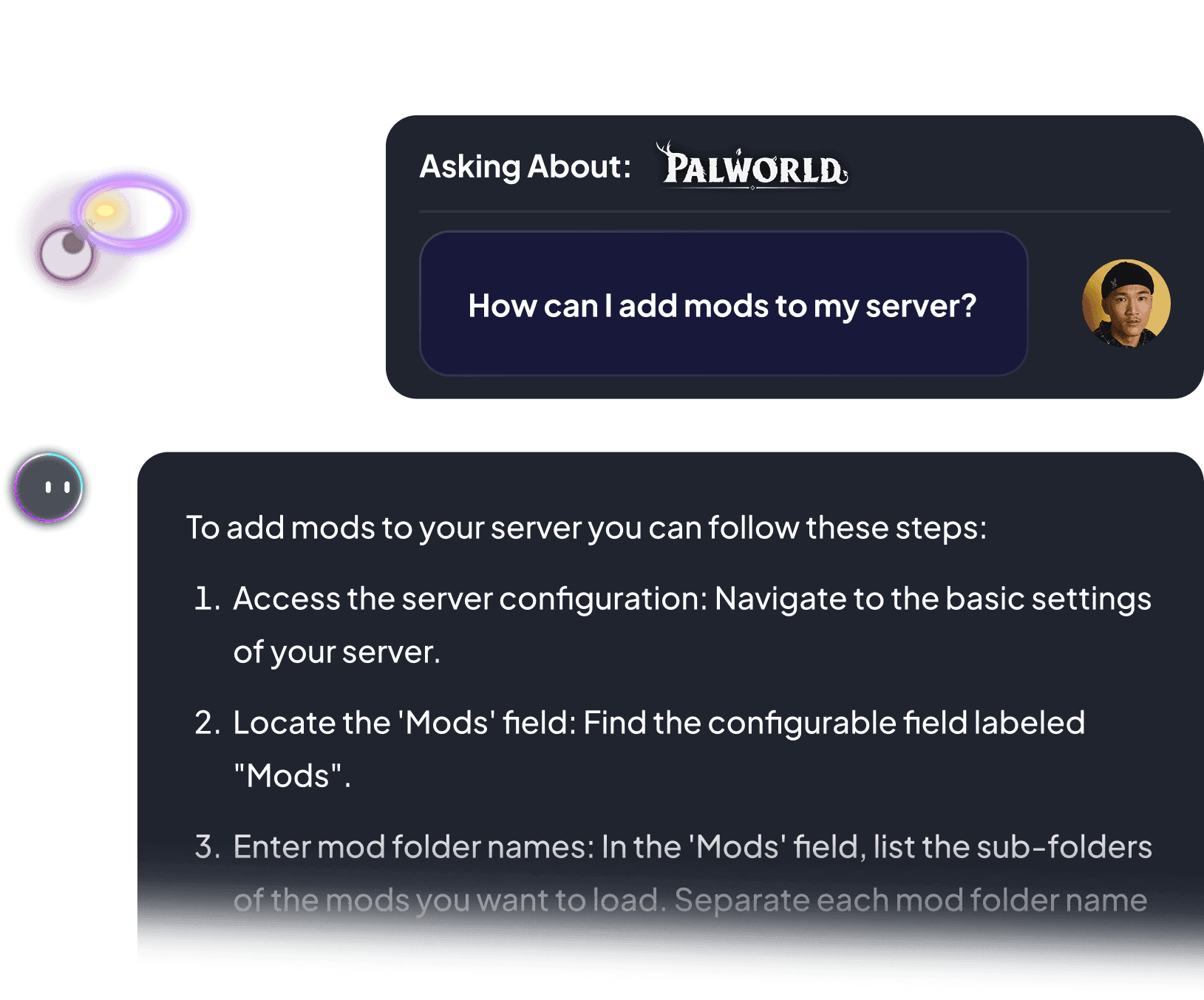
This article explains how to add mods to a Rust server. It explains how to download and transfer mod files from uMod to the server using FileZilla. The server comes installed with Oxide.
Read more →This article explains how to manage permissions for mods and users in Oxide. This allows players to have admin tools and modify mods as well as grant or remove mod permissions to other players.
Read more →This article explains how to connect to a Rust server through direct connect using the server IP and port in the command console in-game or by searching in the server list with its name.
Read more →This article explains how to backup the data of a Rust server. It includes clarifications of the save data and how to download/upload it through FTP. It has a section that explains how to restore data.
Read more →This article simplifies managing game server permissions using uMod and the Permissions Manager's user-friendly interface. It guides users through installation and in-game management of player permissions, ensuring a balanced gaming environment.
Read more →This article outlines how to become an admin on a Rust server using RustAdmin, manage player permissions via RCON tools like RustAdmin, and create user groups for efficient permissions management with Oxide Mod, enhancing gameplay experience.

Read more →


We accept Credit and Debit cards, ApplePay and GooglePay.
Each cluster of players can be automatically renewed by enabling Auto Renew on "My Servers->Edit Cluster" if you haven't done so when you ordered it. It will charge the same payment method used originally.
You can disable auto-renew on your cluster and delete all your servers. Your cluster will be removed on its due date.

Select the game and customize the contract length and max player count and you'll be taken to checkout.

No, to cancel you need to go to My servers->Manage Cluster->Disable Auto Renew.

Yes, within the first 24 hours after the initial ordering of the server.
Payment methods are added on checkout; try ordering something or reconfiguring an existing server and the option will show itself.
Google Pay and Apple Pay.
Select the game and customize the contract length and max player count and you'll be taken to checkout.