We use cookies to enhance your browsing experience, serve personalized ads or content, and analyze our traffic. By clicking "Accept All", you consent to our use of cookies.
Instant setup hosting for Terraria co-op, modded gameplay, and persistent worlds.
Suggested for ~26 players
3.0 GB Memory Included
Suggested for ~70 players
6.0 GB Memory Included
Suggested for ~100 players
8.0 GB Memory Included
Create your own
Configuration
Launch your private Terraria dedicated server in minutes. Built for multiplayer stability with persistent worlds and dedicated performance.
Everything you need to host, manage, and scale your Terraria server without technical friction.
No manual config required. Your Terraria server is ready in seconds.
Strong single-core performance for smooth Terraria gameplay.
Fast disk speeds for quick world loading and save writes.
Stable memory for large modded worlds and busy event nights.
Always online, always protected from attacks.
Adjust all server settings from our control panel.
Protect your world before updates or boss fights.
Scale RAM and slots as your build crew grows.

Get your server live in under 60 seconds.
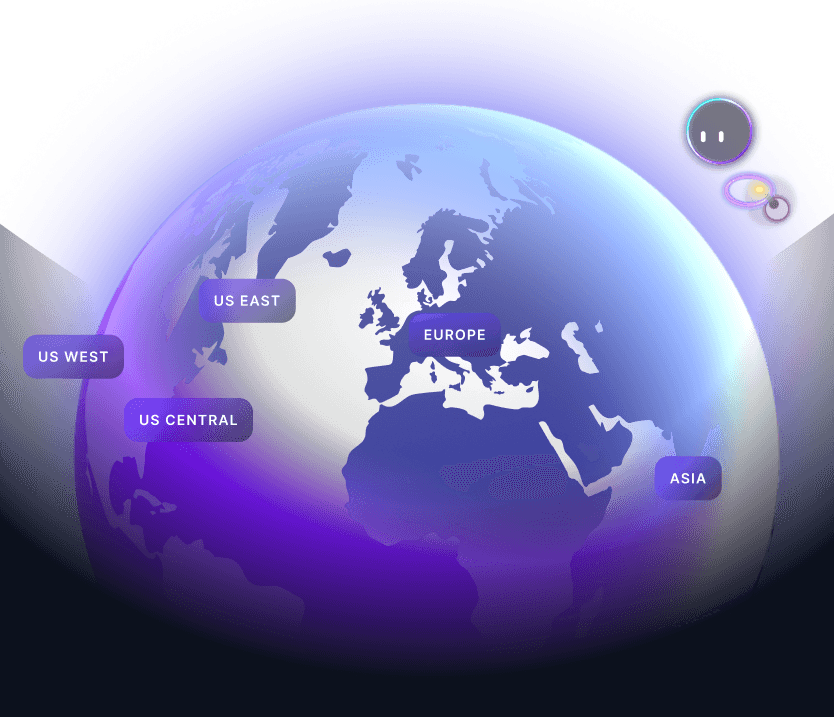
Pick RAM, slots, and the data centre closest to your crew.
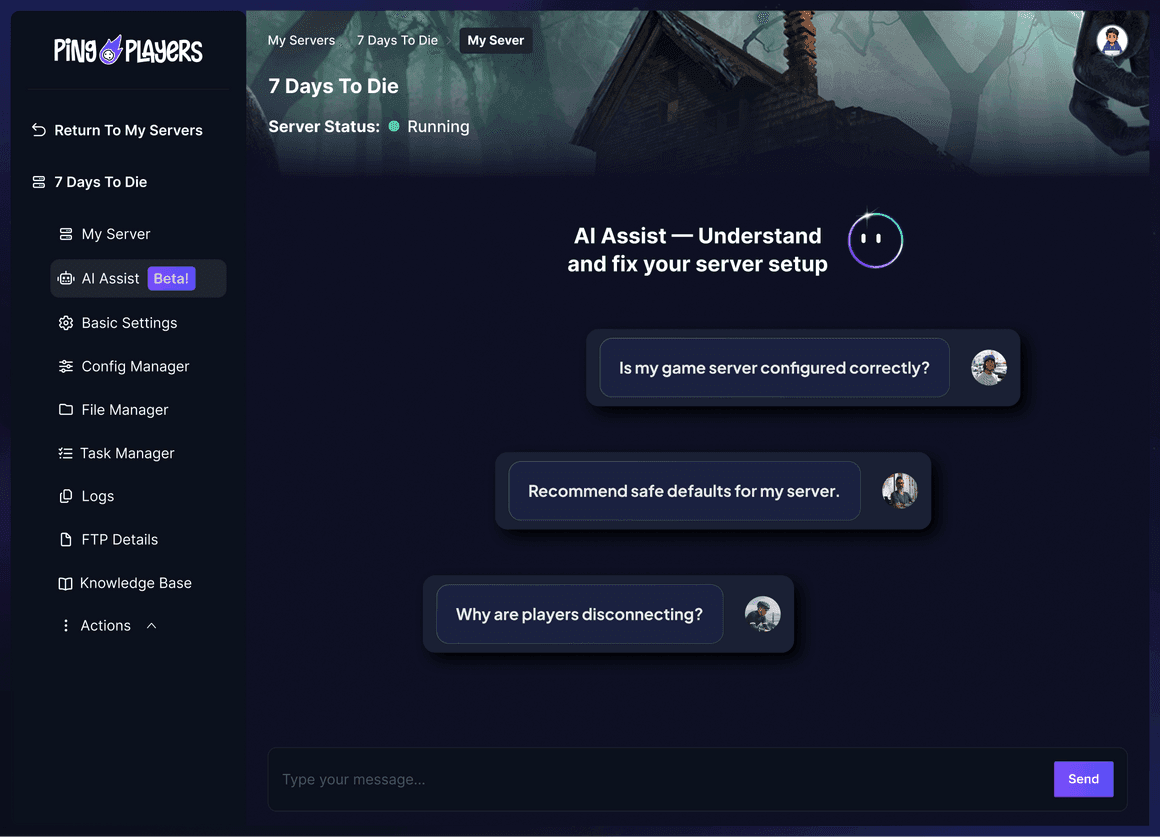
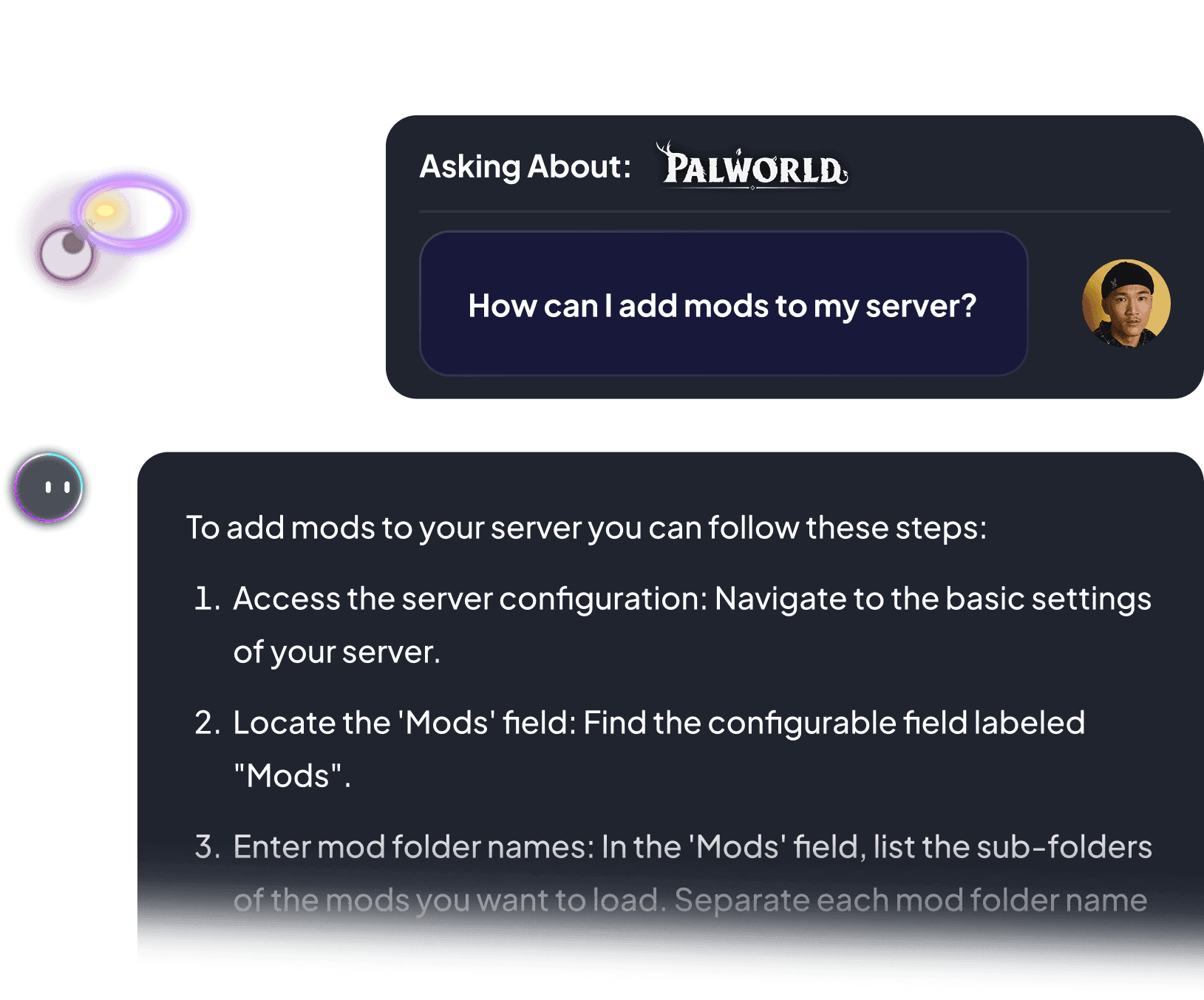
Not sure how to configure your server? Ping AI walks you through every setting so your crew can get building fast.


The first AI built just for gamers.
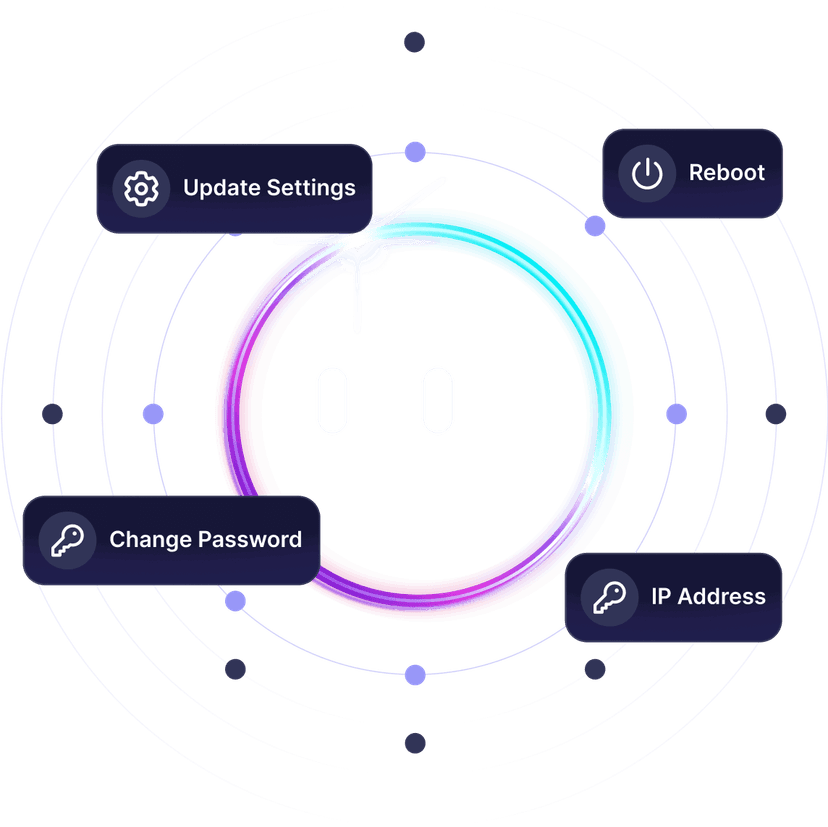
Install tModLoader, set world difficulty, or restart your server. All by chatting.

From installing mods to fixing server errors, Ping AI takes care of it.
Because getting your Terraria crew online should not feel like a chore.


Reliable hosting depends on performance, mod stability, backups, and proper server control.
A dedicated server stays online independently from any player.
As gamers we hate lag. It ruins the session. That is why we never oversell our servers, so everyone plays Terraria without a hiccup.

Choose the server location closest to your crew to reduce latency during boss fights, exploration, and co-op building.

Trusted by thousands of Terraria players worldwide.
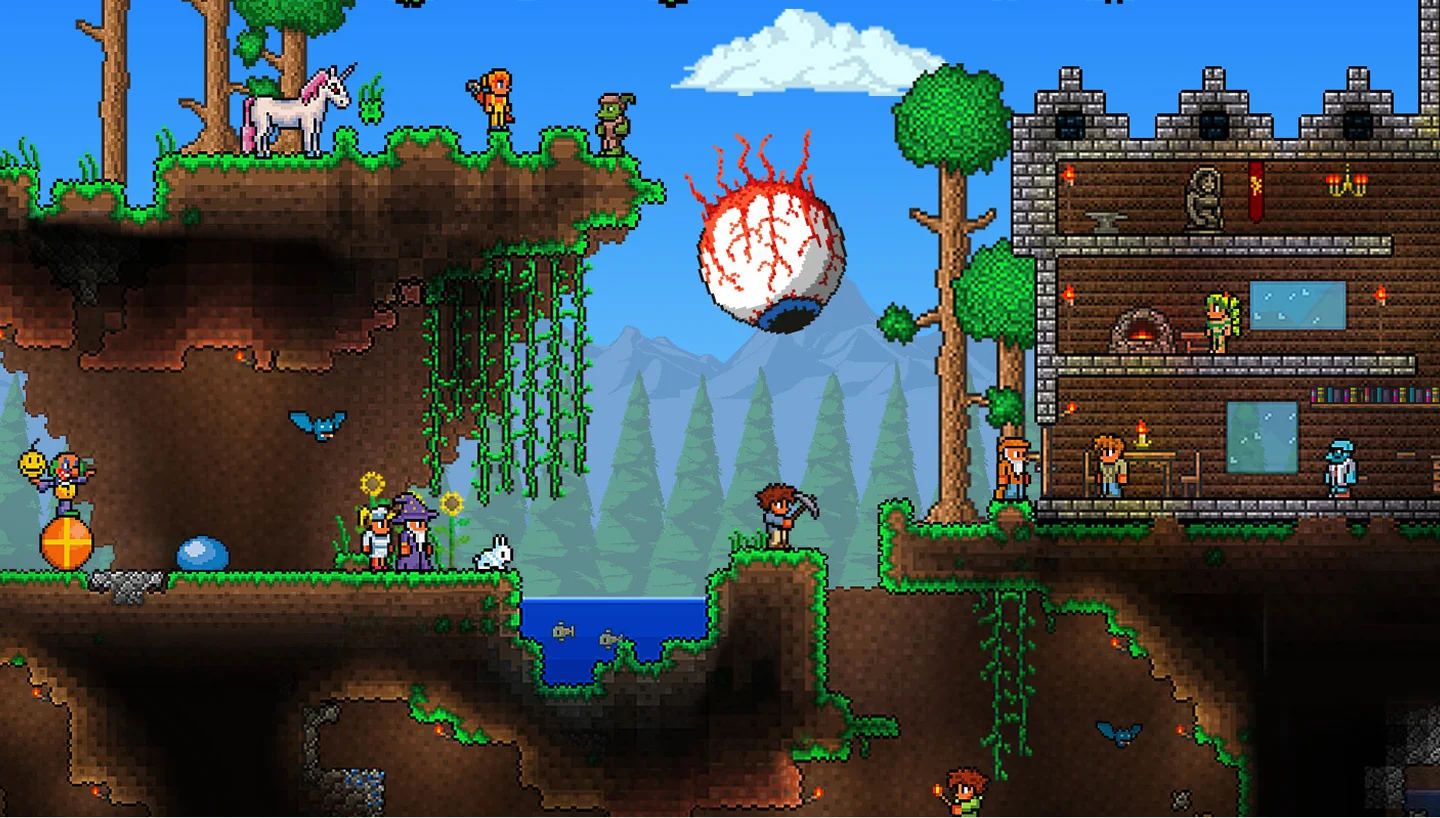
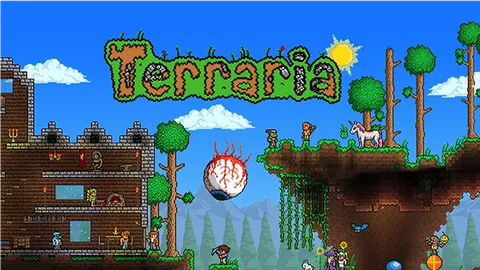
Terraria is a 2D sandbox adventure game developed and published by Re-Logic. It launched in 2010 and has grown into one of the best-selling games of all time, mixing exploration, crafting, building, and boss fights into a single handcrafted world.
The core loop has you digging through layered biomes, gathering ore, crafting gear, and building bases while fighting your way toward tougher bosses. Beating the Wall of Flesh flips the world into hardmode, which raises the stakes with stronger enemies and rarer loot. In co-op, a crew can split the work: one player mines, another builds, another hunts bosses together.
Terraria plays solo or in online multiplayer with friends. Worlds are persistent, so your base, chests, and progress carry over between sessions. On a private dedicated server, the world stays live around the clock so any player can hop in and keep building without waiting for the host.


Dig, build, fight, and host it all your way.
Full control over settings, mods, and performance.
Set difficulty, world size, and player limits from a clean panel.
Live in under 60 seconds, fully ready to play.
Share your IP and start digging with your crew.
No complicated setup. Your server launches in minutes.
This article provides a step-by-step guide on how to add and enable mods on your T-Mod server, including connecting via FTP, uploading mod files, editing the enabled.json file, and troubleshooting common issues.
Read articleThis article explains how to connect to a Terraria server through direct connect using the server IP and port in-game.
Read articleThis article provides a step-by-step guide on how to back up and migrate world saves for T-Mod Terraria. It emphasizes the importance of shutting down the server before making changes and details the processes for locating, downloading, uploading,verifying save files and setting the right world name to load.
Read articleThis article explains the pylon system in Terraria's update 1.4, detailing how to acquire and use pylons for fast travel across biomes, the importance of NPC happiness, and server admin controls for managing permissions and spawning pylons.
Read articleHow to add config files to tModLoader Terraria server mods using SFTP, including ModConfigs setup and common troubleshooting tips.
Read articleThis article provides a comprehensive guide for managing world generation in T-Mod Terraria servers. It covers key server settings, file types (.wld and .twld), and common pitfalls to avoid, ensuring players can create and load their desired modded worlds effectively.
Read articleSwitch between 50+ games without losing progress, paying extra, or setting up again.
We accept Credit and Debit cards, ApplePay and GooglePay.
Each cluster of players can be automatically renewed by enabling Auto Renew on "My Servers->Edit Cluster" if you haven't done so when you ordered it. It will charge the same payment method used originally.
You can disable auto-renew on your cluster and delete all your servers. Your cluster will be removed on its due date.
Select the game and customize the contract length and max player count and you'll be taken to checkout.
No, to cancel you need to go to My servers->Manage Cluster->Disable Auto Renew.
Yes, within the first 24 hours after the initial ordering of the server.
Payment methods are added on checkout; try ordering something or reconfiguring an existing server and the option will show itself.
Google Pay and Apple Pay.
Select the game and customize the contract length and max player count and you'll be taken to checkout.

Launch your own server in minutes with full control over settings, mods, and performance.