Europe & UK
EU // 3 locations
NL
AmsterdamEU West
GB
LondonUnited Kingdom
DE
FrankfurtEU Central
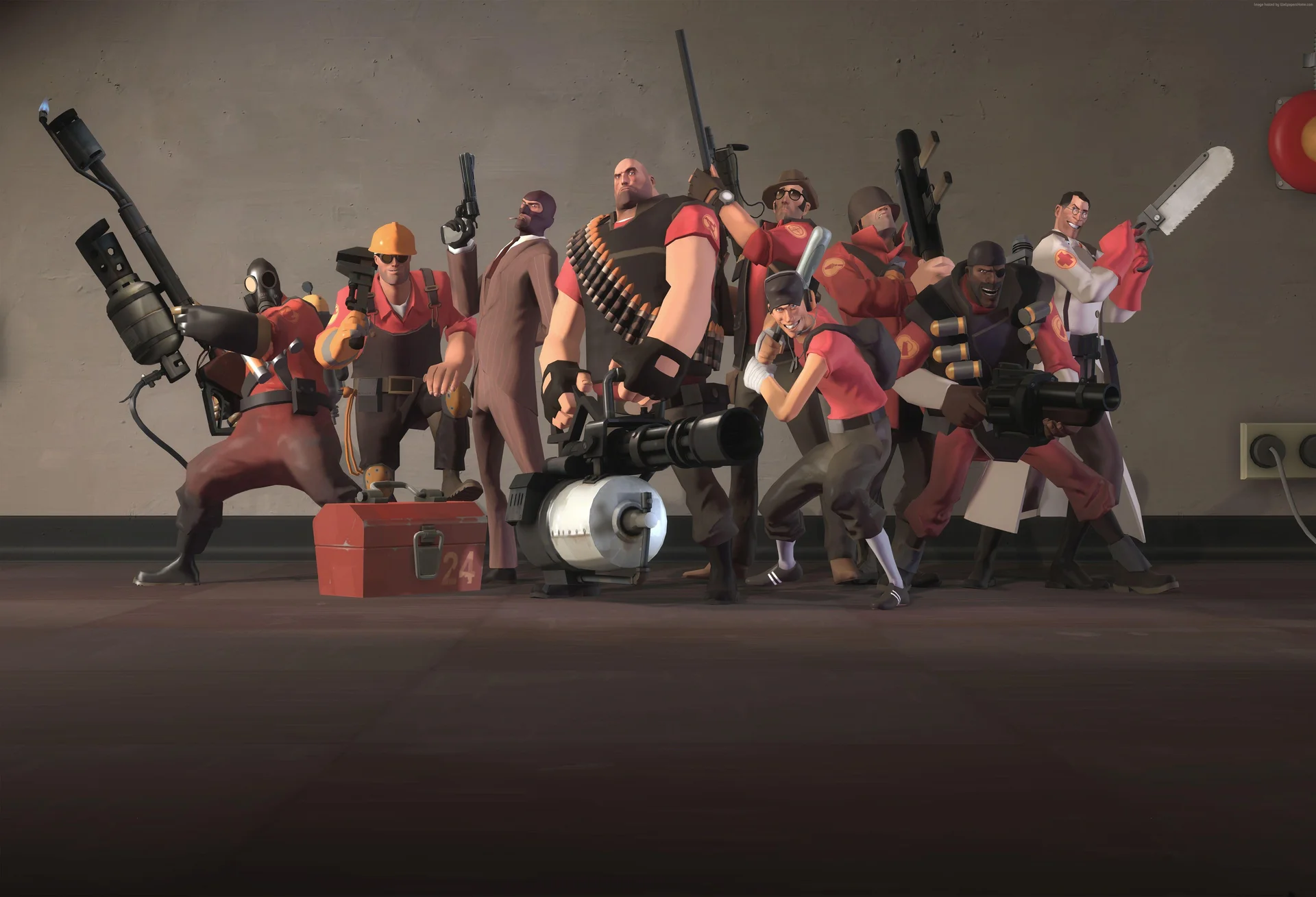
Low-latency hosting for Team Fortress 2 Payload battles, Mann vs Machine co-op, and modded community servers.
2GB
$5.38/ 30 days
SAVE ~10%$5.98
Best for small servers & a few friends
Instant activation · Cancel anytime
4GB
$10.76/ 30 days
SAVE ~10%$11.96
Best for medium groups & modded servers
Instant activation · Cancel anytime
6GB
$16.16/ 30 days
SAVE ~10%$17.95
Best for large, busy, heavily-modded servers
Instant activation · Cancel anytime
Same hardware. Your rules.
Instant activation · Cancel anytime
RAM-based pricing · from $2.69 / GB (per 30 days) · pay only for what you need
Launch your private Team Fortress 2 dedicated server in minutes. Built for multiplayer stability with persistent worlds and dedicated performance.
Everything you need to host, manage, and scale your Team Fortress 2 server without technical friction.
No manual config required. Your Team Fortress 2 server is ready in seconds.
Strong single-core performance for smooth Team Fortress 2 gameplay.
Fast disk speeds load big custom maps without stalls.
Stable memory for plugin-heavy community servers.
Always online, always protected from attacks.
Adjust all server settings from our control panel.
Protect your configs and maps before updates or changes.
Scale RAM and slots as your community grows.
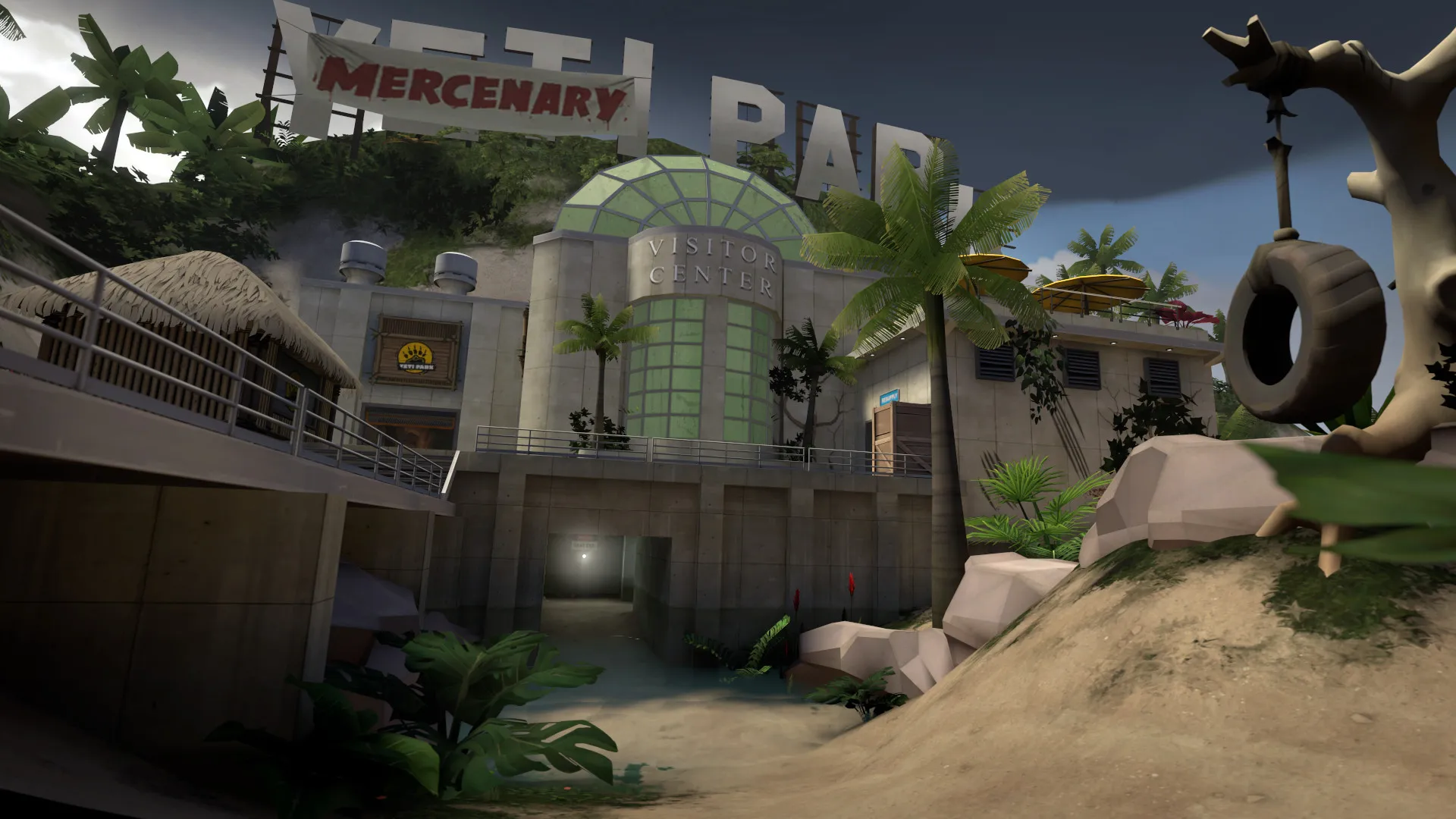
Get your server live in under 60 seconds.
Pick RAM, slots, and the data centre closest to your players.
Set your game mode, maps, player slots, and plugins from a clean panel.
Live in under 60 seconds, fully ready to play.
Share your server IP with friends and start fragging together.
No complicated setup. Your server launches in minutes.
Don't know how to setup your server? Ping AI will help ensure you've configured what you want correctly.
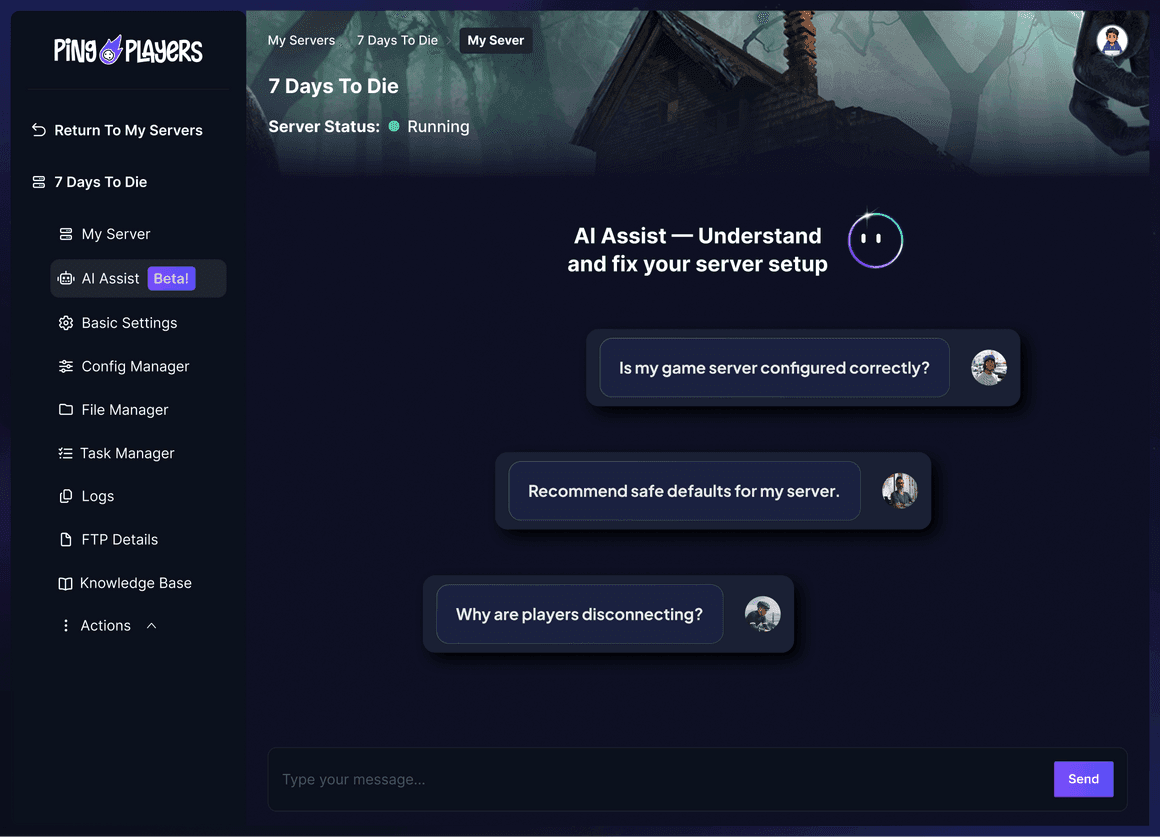
Our global network spans data centres worldwide and keeps growing, so your Team Fortress 2 squad always gets a low-ping server close to home.
Switch your server between any region free, anytime.
The first AI built just for gamers.
Install SourceMod plugins, swap to a Payload map rotation, or restart your server. All by chatting.
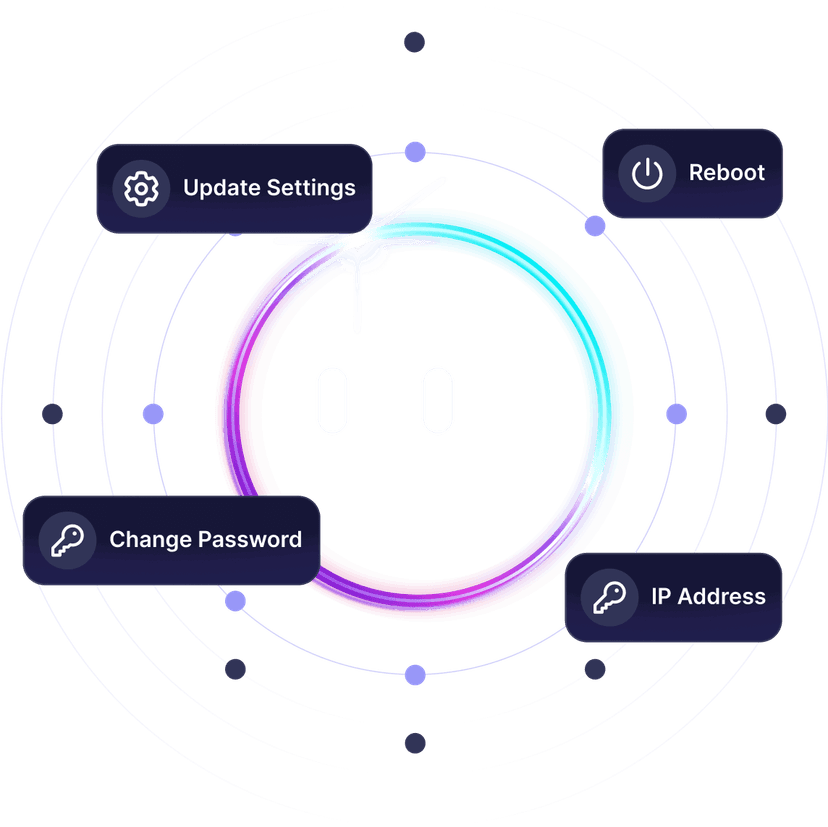
From installing plugins to fixing map rotations, Ping AI takes care of it.
Because setting up a Team Fortress 2 server should not feel like homework.
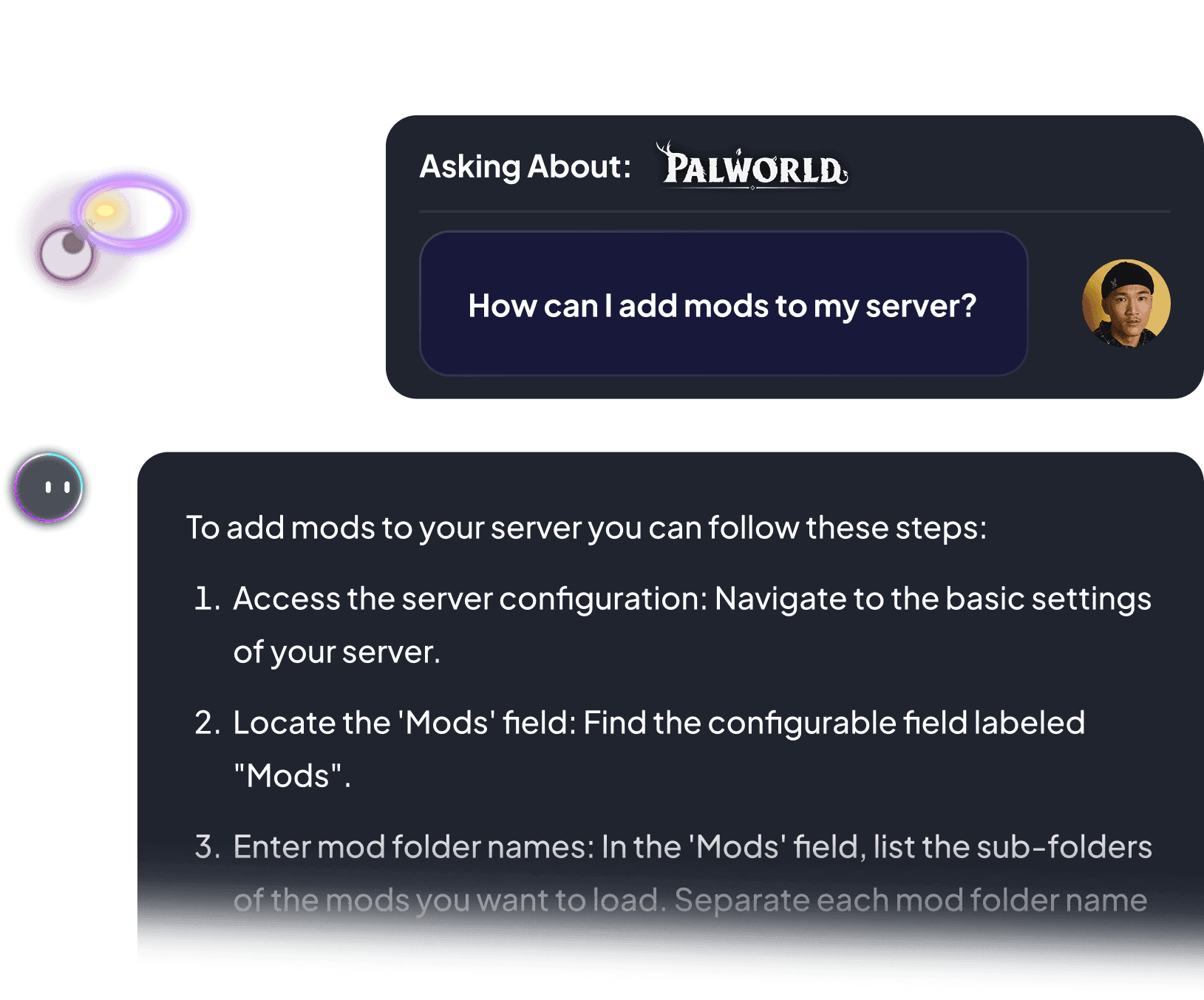

Every number here is measured on live Team Fortress 2 servers, mid-match with a full server pushing the payload. This is what your server should be doing.
Not a single lag spike across thousands of Team Fortress 2 matches. Zero.
Maximum tick rate. Your shots and every enemy register in real time.
The server never drops. Your community map is always up when you log back in.
A server that posts these numbers plays nothing like one that does not. Here is the difference the moment a full push kicks off in Team Fortress 2.
Stop blaming your ping.
Start owning your server.
60-second setup · No lag guarantee · Cancel anytime
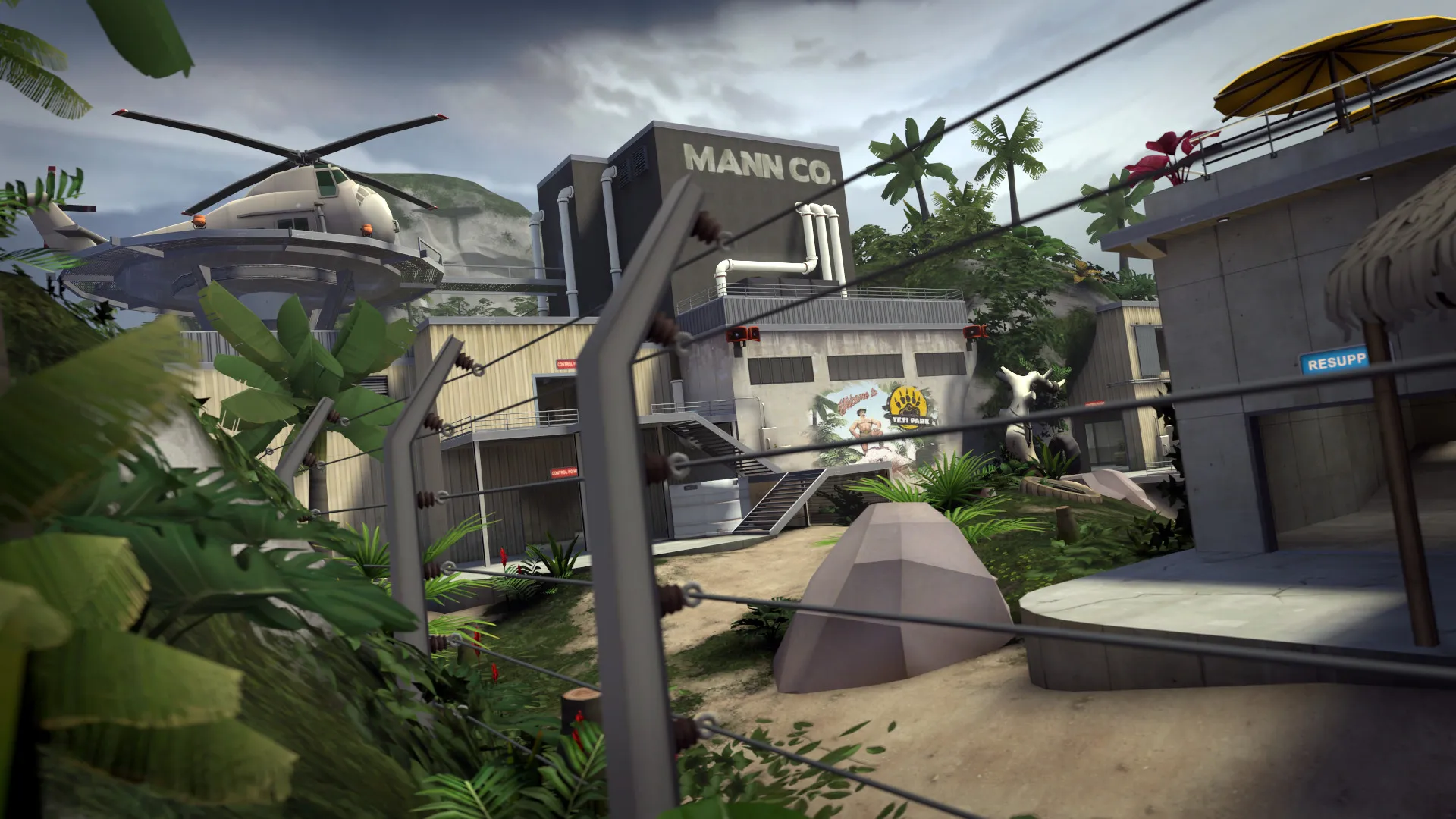
Reliable hosting depends on performance, mod stability, backups, and proper server control.
A dedicated server stays online independently from any player.
Switch between 50+ games without losing progress, paying extra, or setting up again.
Trusted by thousands of Team Fortress 2 players worldwide.
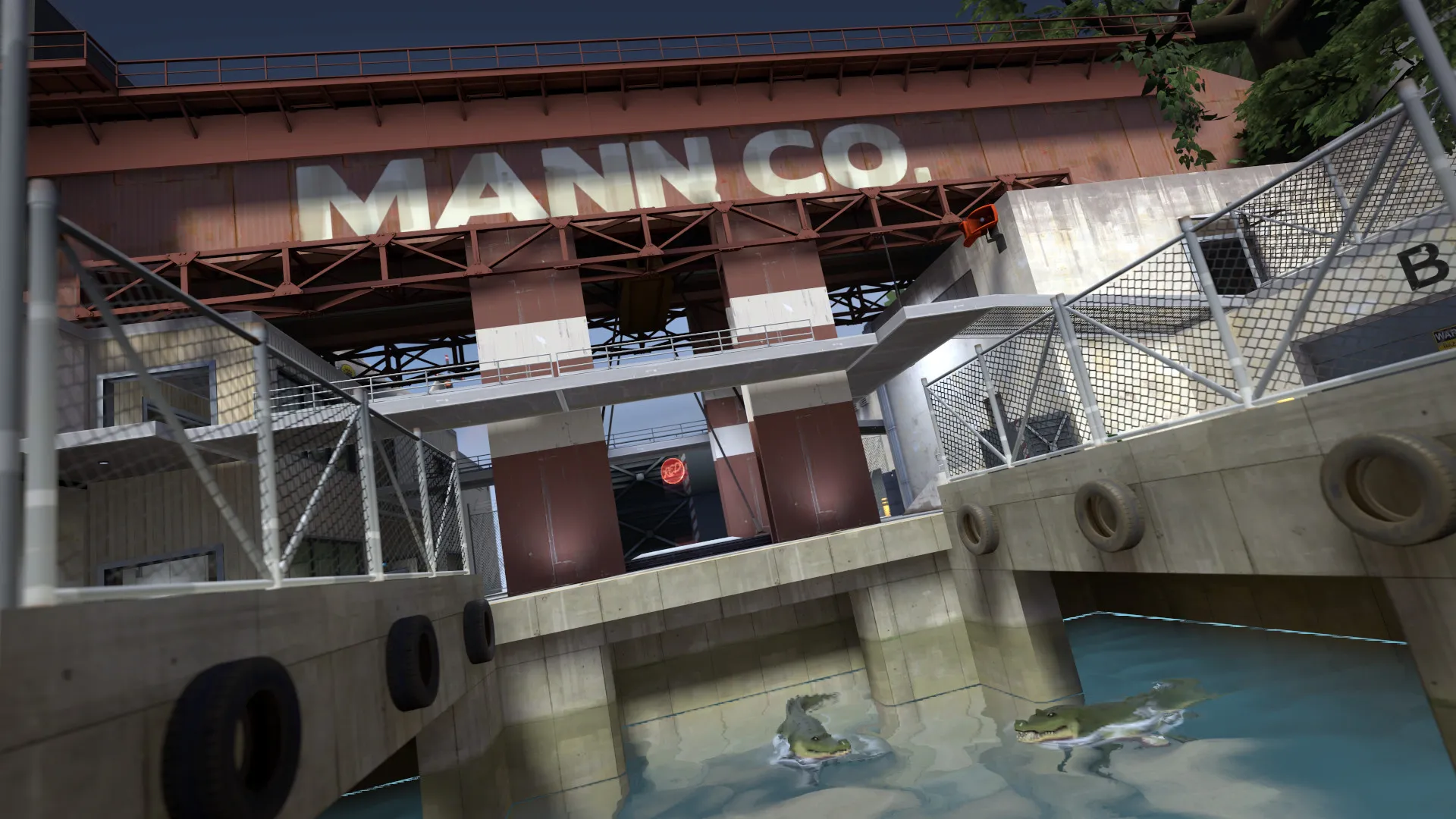
Launch your own server in minutes with full control over maps, plugins, and performance.
Team Fortress 2 is a class-based multiplayer shooter developed and published by Valve, released in October 2007 as part of The Orange Box and made free-to-play in 2011. It pits two teams, RED and BLU, across nine distinct classes in a fast, cartoonish war that has stayed alive and active for well over a decade.
Every match is built around the nine classes: Scout, Soldier, Pyro, Demoman, Heavy, Engineer, Medic, Sniper, and Spy, each with its own weapons, pace, and counters. Game modes range from Payload and Capture the Flag to King of the Hill and the co-op Mann vs Machine, where a team holds back waves of robots. Coordinating an uber push, locking down a point with a sentry nest, or backstabbing your way through the enemy line is where the game comes alive.
What keeps Team Fortress 2 alive is its community servers. Players run 24/7 2Fort pubs, Highlander and 6s competitive lobbies, jump and surf maps, MGE arenas, and chaos modes like Saxton Hale and x10 servers. From a small friends-only pub to a packed 32-slot community server, a private dedicated Team Fortress 2 server keeps your maps, plugins, and player slots exactly the way your crew wants them.
We accept Credit and Debit cards, ApplePay and GooglePay and PayPal.
Each cluster of players can be automatically renewed by enabling Auto Renew on "My Servers->Edit Cluster" if you haven't done so when you ordered it. It will charge the same payment method used originally.
You can disable auto-renew on your cluster and delete all your servers. Your cluster will be removed on its due date.
Select the game and customize the contract length and max player count and you'll be taken to checkout.
No, to cancel you need to go to My servers->Manage Cluster->Disable Auto Renew.
Yes, within the first 24 hours after the initial ordering of the server.
Payment methods are added on checkout; try ordering something or reconfiguring an existing server and the option will show itself.
Google Pay and Apple Pay.
Select the game and customize the contract length and max player count and you'll be taken to checkout.
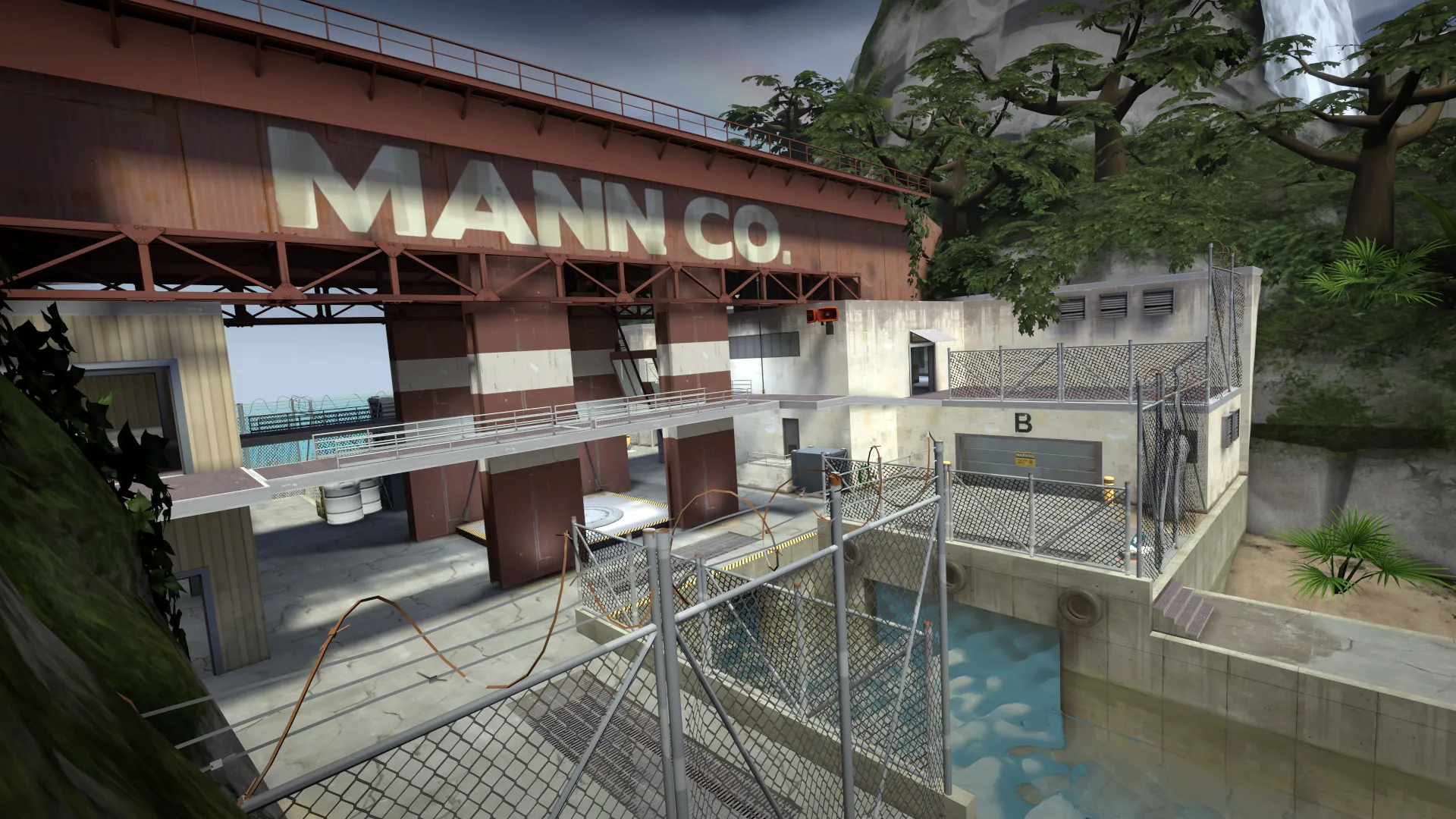
Nine classes. One server. All yours.
Full control over maps, plugins, and player performance.
We use cookies to enhance your browsing experience, serve personalized ads or content, and analyze our traffic. By clicking "Accept All", you consent to our use of cookies.