
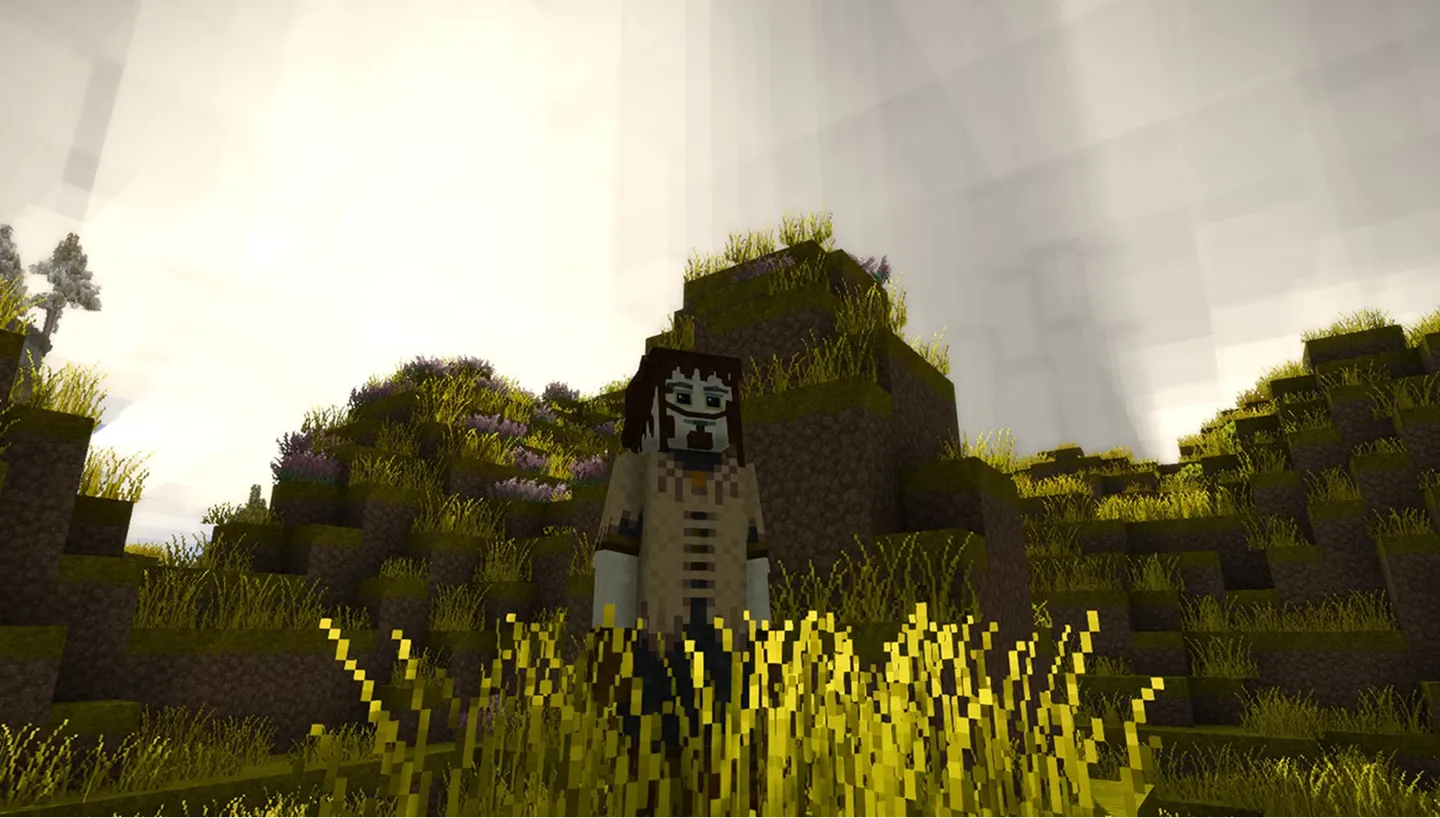
Vintage Story Server Hosting
Launch a dedicated Vintage Story server in seconds. Persistent worlds, full mod control, and 24/7 uptime.
3GB
3 GB / 30 days
$8.07/ 30 days
SAVE ~10%$8.97
Best for small servers & a few friends
- Unlimited game swap, 80+ games
- Ping AI Assistant
Instant activation · Cancel anytime
6GB
6 GB / 30 days
$16.16/ 30 days
SAVE ~10%$17.95
Best for medium groups & modded servers
- Unlimited game swap, 80+ games
- Ping AI Assistant
Instant activation · Cancel anytime
10GB
10 GB / 30 days
$26.92/ 30 days
SAVE ~10%$29.91
Best for large, busy, heavily-modded servers
- Unlimited game swap, 80+ games
- Ping AI Assistant
Instant activation · Cancel anytime
Build your own
Same hardware. Your rules.
- Everything included +
- Unlimited Players
- Any RAM size you need
Instant activation · Cancel anytime
RAM-based pricing · from $2.69 / GB (per 30 days) · pay only for what you need
- Xeon / Ryzen
- High-frequency CPUs
- DDR5 RAM
- Dedicated, not shared
- NVMe SSD
- Fast world loads
- 10Gbps
- Network uplinks
- DDoS Shield
- Enterprise protection
Launch your private Vintage Story dedicated server in minutes. Built for multiplayer stability with persistent worlds and dedicated performance.
Why PingPlayers is perfect
for your Vintage Story server
Everything you need to host, manage, and scale your Vintage Story server without technical friction.
Instant AI setup
No manual config required. Your Vintage Story server is ready in seconds.
High-frequency CPUs
Strong single-core performance for smooth Vintage Story world simulation.
NVMe SSD storage
Fast disk speeds reduce save lag and corruption risk.
DDR5 RAM
Stable memory for big procedurally generated worlds.
Enterprise DDoS protection
Always online, always protected from attacks.
Full config control
Adjust world gen, difficulty, and mods from our control panel.
Automated backups
Protect your world before updates or new seasons.
Instant upgrades
Scale RAM and slots as your community grows.
How to launch yourVintage Story server
Get your server live in under 60 seconds.
Choose your plan
Pick RAM, slots, and the data centre closest to your group.
Configure your world
Set world gen, survival difficulty, season length, and player limits from a clean panel.
Deploy with Ping AI
Live in under 60 seconds, fully ready to play.
Invite and play
Share your server IP with friends and start surviving together.
No complicated setup. Your server launches in minutes.

Simple yet powerful control panel
for Vintage Story
Not sure how to configure your server? Ping AI walks you through every setting so your players can get started fast.
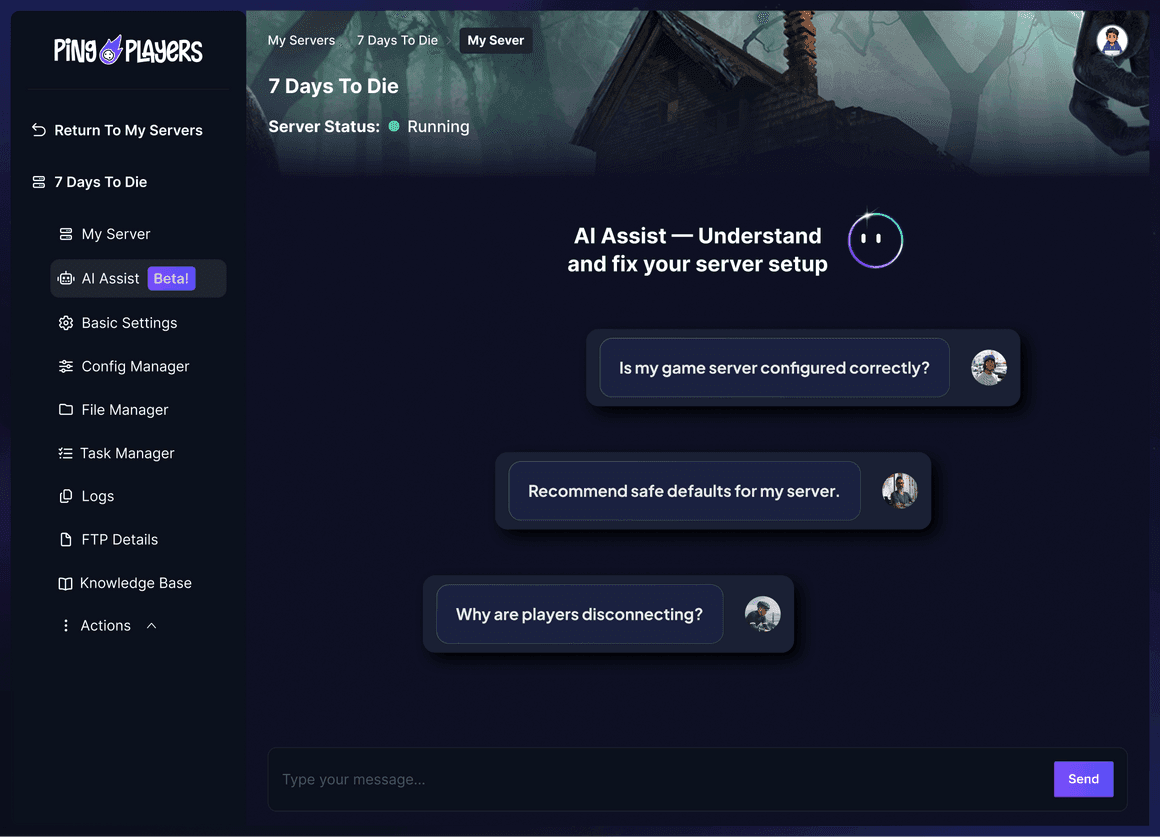
Meet Ping AI,
your Vintage Story server steward
The first AI built just for gamers.
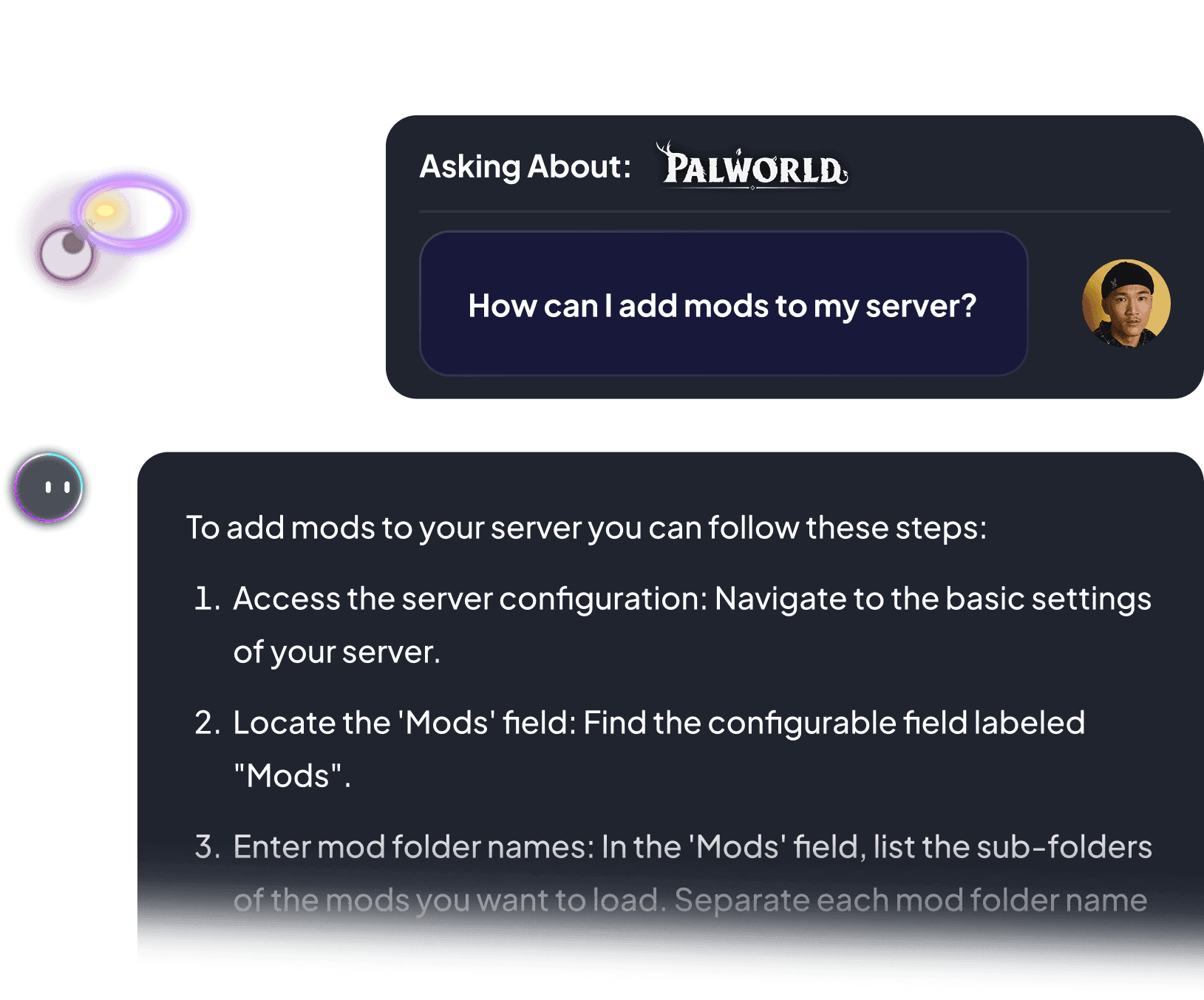
Install mods, tune survival difficulty, or restart your server. All by chatting.
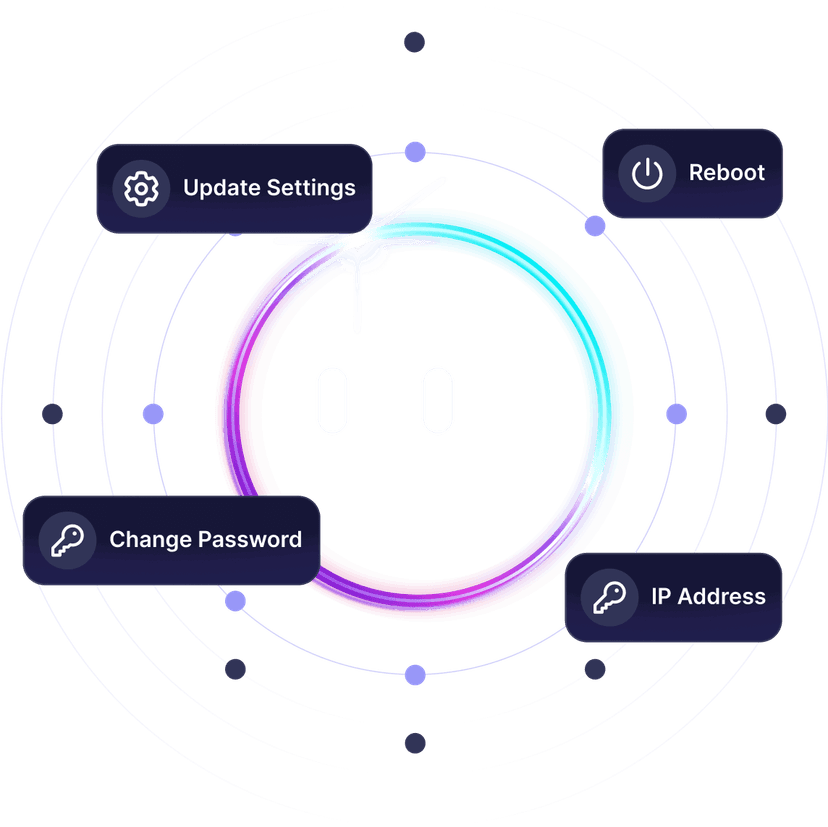


Server config feels like a temporal storm?
Ping AI weathers it. Relax.
From installing mods to fixing connection issues, Ping AI takes care of it.
Because running a Vintage Story server should not feel like surviving your first winter.

Servers built for how
Vintage Story actually runs
Reliable hosting depends on performance, world persistence, backups, and proper server control.
Dedicated Vintage Story server
vs self-hosted and public servers
A dedicated server stays online independently from any player.
We prioritize lag free Vintage Story gameplay
As gamers we hate lag. It ruins the session. That is why we never oversell our servers, so everyone plays Vintage Story without a hiccup.

Global network for perfect Vintage Story gameplay
Choose the server location closest to your players to reduce latency during exploration, building, and multiplayer survival.

Change games anytime.One server does it all.
Switch between 50+ games without losing progress, paying extra, or setting up again.




































Ready to host your Vintage Storyprivate server?
Launch your own server in minutes with full control over world gen, mods, and player performance.
See why Vintage Story gamers
trust PingPlayers
Trusted by thousands of Vintage Story players worldwide.
Frequently asked questions
Games servers are vanilla when set up, but they can be modded without restrictions. We even have articles in our Knowledge Base on how to mod them. We have a Mod Manager for select games that handles mod installation, removal and updating.
Of course, you can delete your game server and add another game as long as you have enough player slots for the remaining time.
Your game server will be online in a matter of minutes.
Yes, as long as the save is compatible with latest version, data can be migrated from other server or, in most cases, single player. We have articles on how to do it for each game and we can help you should you need to.
Memory is managed by the system depending on the amount ordered in the contract. Maximum RAM per server can be upgraded or downgraded at any time by extending the period for the cluster of servers.
About Vintage Story
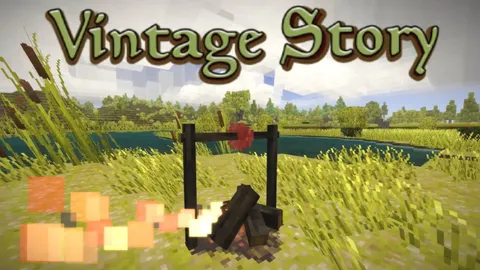
Vintage Story is an uncompromising voxel sandbox survival game developed and published by Anego Studios, in Early Access since its 2016 debut. You wake as a seraph in a ruined world reclaimed by nature and unsettled by eerie temporal disturbances, then relive the advent of human civilization or carve your own path through the wilderness.
The loop runs on craft, survive, and advance. Start empty-handed in the stone age: knap flint tools, shape clay, forage and hunt, then work your way up by smelting copper, alloying bronze, forging iron, and building mechanical power. A deep world simulation drives every session, with 27-day seasons, rock strata and prospecting, food spoilage, body temperature, and animal husbandry. Multiplayer is built in, with anti-grief mechanics out of the box so a shared world stays yours.
A Vintage Story world is a long game. Seasons turn, settlements grow, and the temporal storms keep the wilderness dangerous for months of real time. Whether you run a four-player homestead, a twenty-person community, or a heavily modded overhaul, a private dedicated Vintage Story server keeps one persistent world online so the seasons keep turning whether you are logged in or asleep.
Useful Vintage Story hosting articles
How to Back Up and Restore Saves on Your Vintage Story Server
Step-by-step guide to back up, restore, migrate & manage Vintage Story server saves: manual downloads, console backups, troubleshooting.
Read articleHow to Make it Pass Time Without Players in a Vintage Story Server
Toggle 'Pass Time When Empty' on your Vintage Story server: pause the world when offline or keep time running for a persistent living world.
Read articleHow to join your Vintage Story Server
Join your Vintage Story server via server browser or direct IP:Port. Step-by-step setup, connection tips and troubleshooting for mods, ports.
Read articleHow to become an Admin on your Vintage Story server
Learn how to add and manage admins on your Vintage Story server via the PingPlayers panel use op commands, StartupCommands, roles, and troubleshooting.
Read articleHow to Add Mods to Your Vintage Story Server
Step-by-step guide to safely find, upload and install Vintage Story mods on your server, with backups, troubleshooting tips and dep checks.
Read articleLaunch your Vintage Storyprivate server today.
Survive the ages on your own rules.
Full control over world gen, mods, and player performance.