Europe & Africa
EMEA // 4 locations
NL
AmsterdamEU West
GB
LondonUnited Kingdom
DE
FrankfurtEU Central
ZA
JohannesburgSouthern Africa
Limited-time offer:10% offyour game serverwith code
Ends in 0 days, 0 hours and 0 minutes
Host a private DeadPoly server, then loot Garden City with friends and plant a claim flag at your new base.
Coming soon — stay tuned!
Launch your private Deadpoly dedicated server in minutes. Built for multiplayer stability with persistent worlds and dedicated performance.
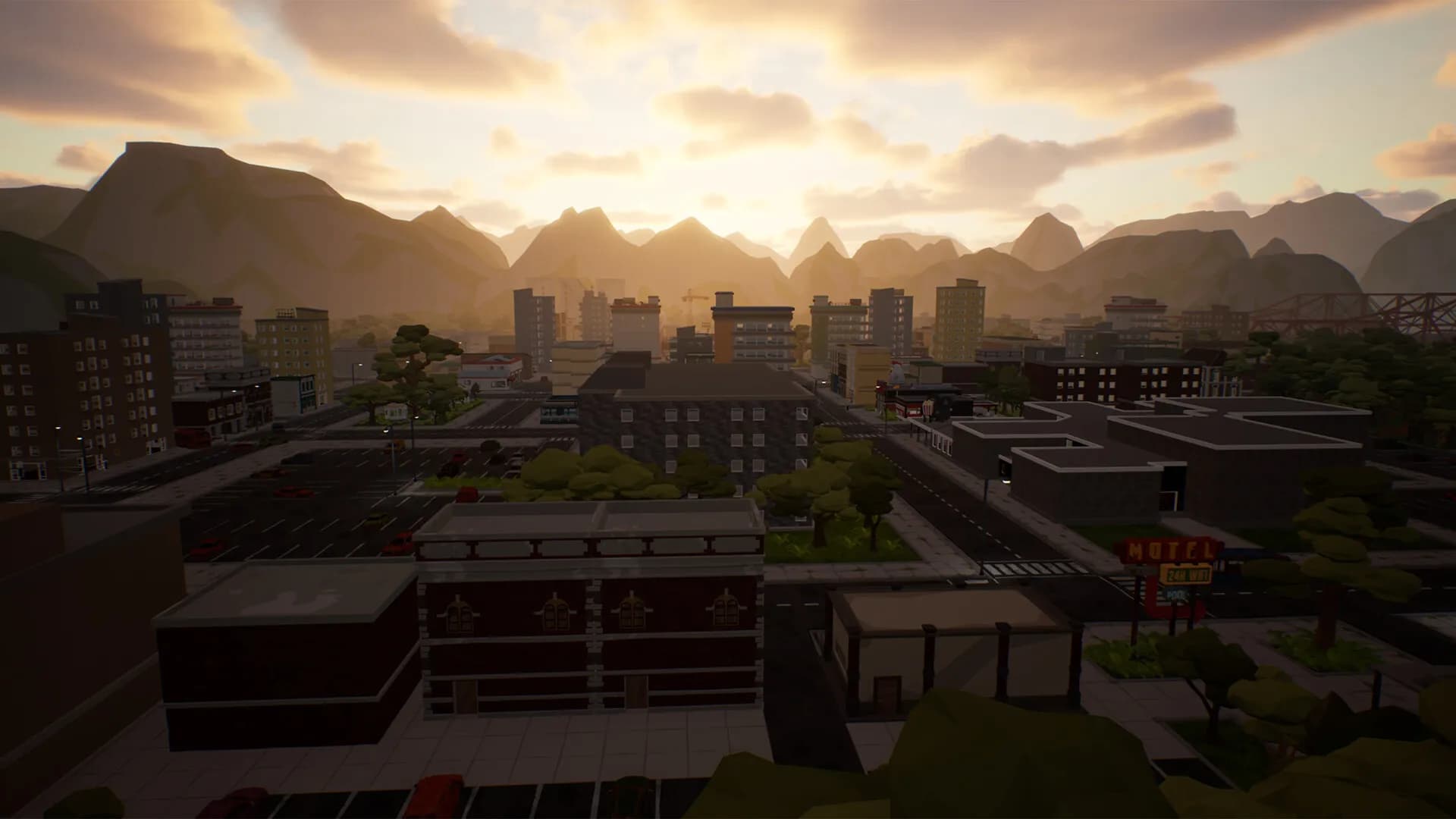
Four steps and the server is up. Your next scavenging run through Garden City starts there.
Every plan has its own RAM size, and support is there to help you decide.
Same price everywhere, so go by ping.
Tune zombie health and damage, plus the day and night cycle, in the server’s config file.
Everyone finds your server by name in the in-game server browser and joins from there.
Gameplay options stay editable, and the next restart loads them.
Gunfights with Raiders need quick reactions, so host on the location where your own ping is lowest.
Location changes go through our support team on request, and the world save goes too.
See all locationsLarge bases and zombies that notice you both add load, so the server sits in a data centre on DDR5 memory.
Join the server whenever you want to play, with our SLA covering uptime.
Your server connects over 10Gbps uplinks in every location.
Enterprise DDoS protection guards your server in every location.
Whoever hosted before gets their whole PC back for the game itself, while the server runs somewhere else.
You loot and build.
We look after the hosting.
Cancel anytime
Core server options live here, and a change you save loads on the next restart.
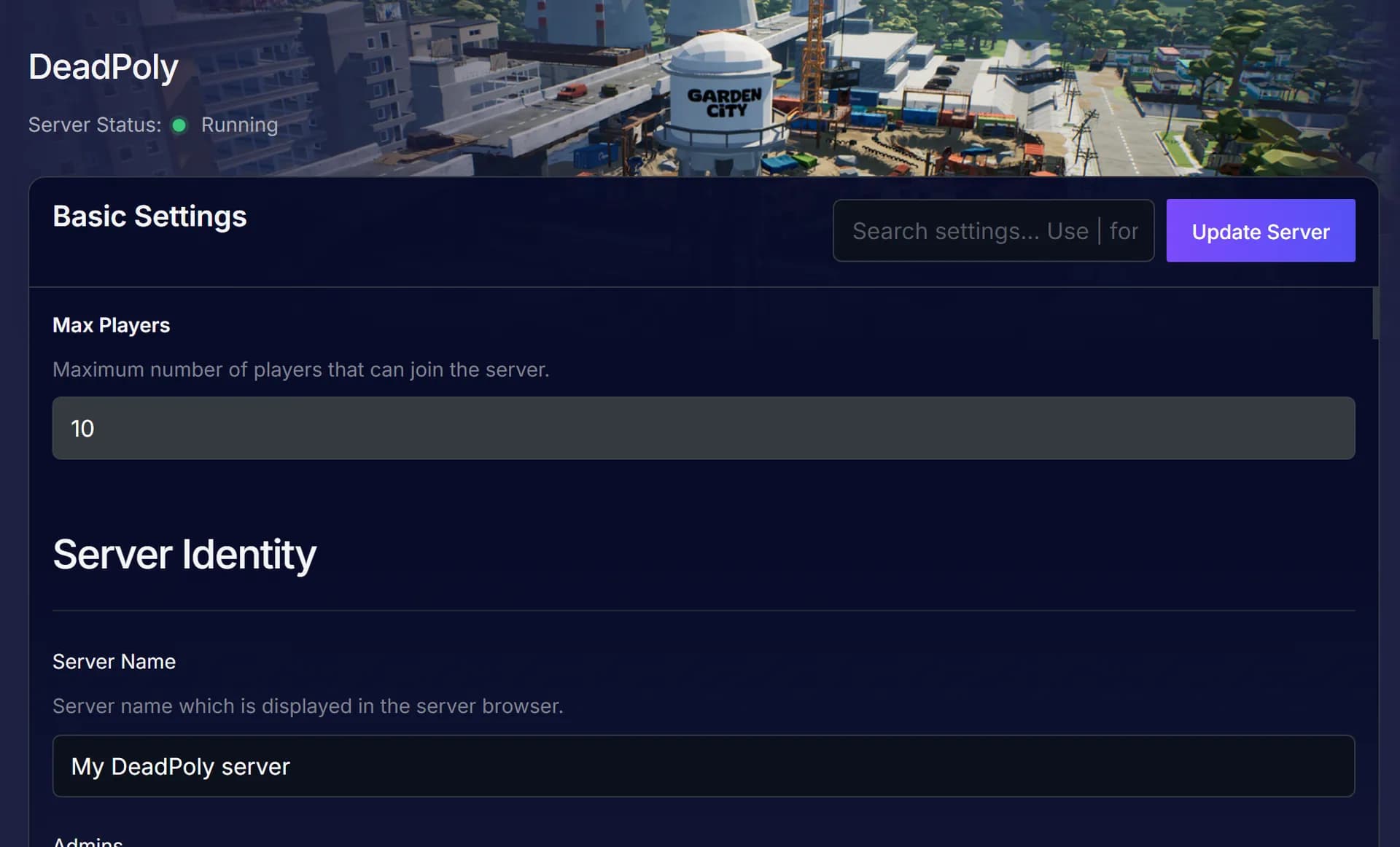
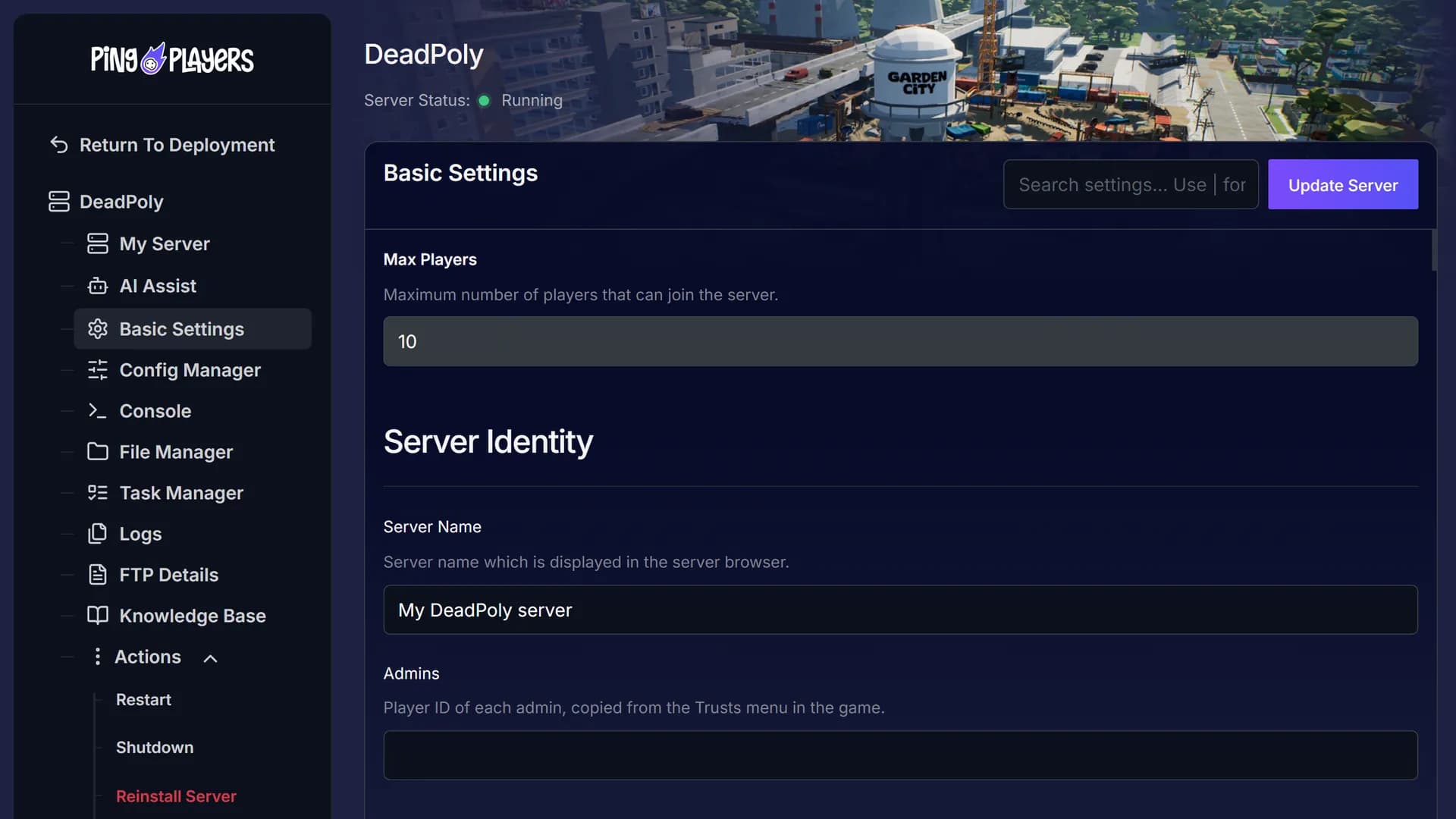
Between loot runs, tell Ping AI to restart the server and it does. Ask about a line in the console and it walks you through what it means.

Home worlds close once the host goes offline, and the studio’s No Travel PvP servers wipe monthly.
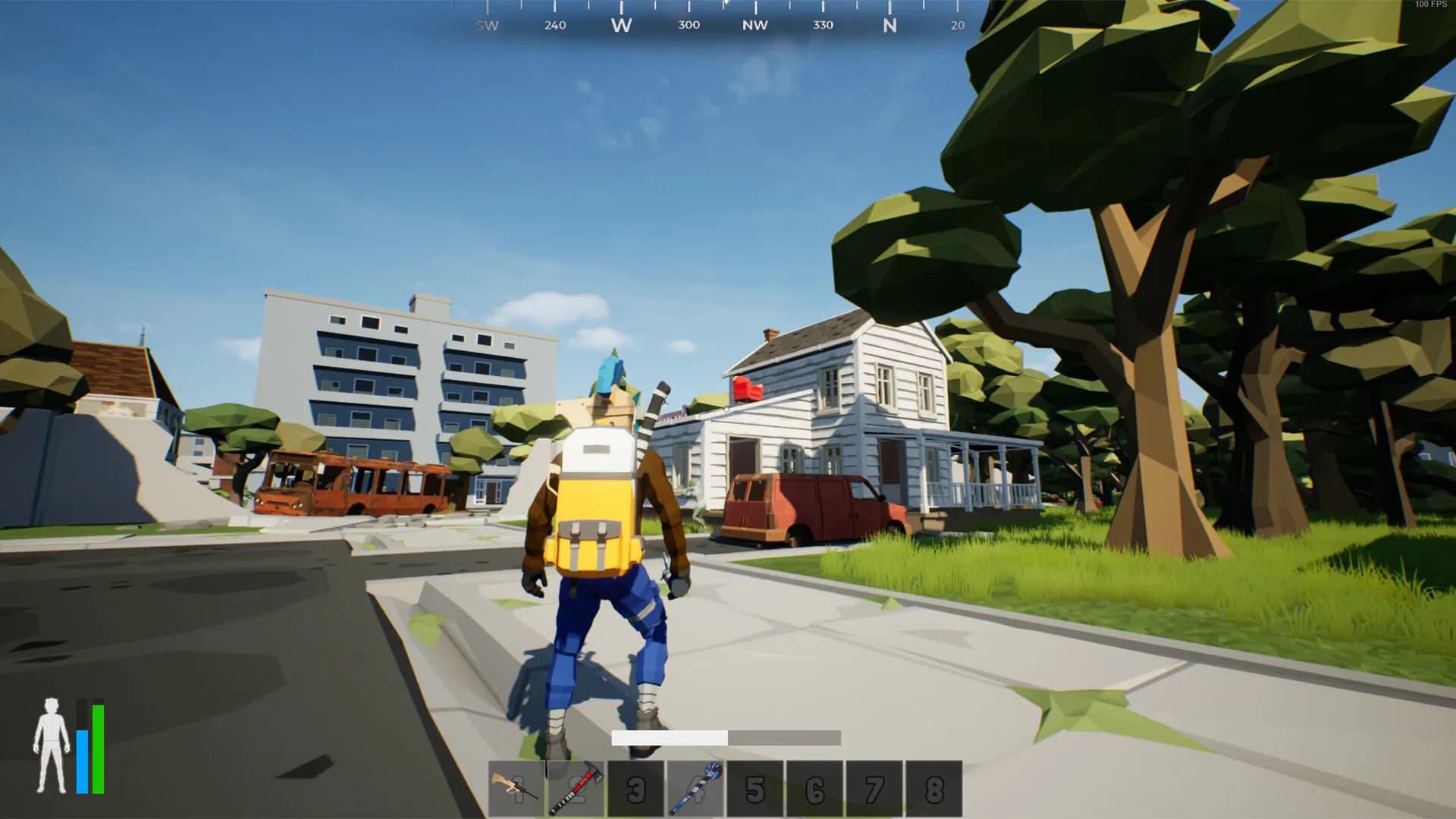
Plant your claim flag and leave it there.
See what they had to say, then choose the RAM plan that fits the server you want to run.
Every message is translated, so ask our specialists about admins or a private server in your own language.
 Jonathan Lexne on Trustpilot, Sep 2026
Gaming support specialist
“Nicole was great. She first tried to explain what i needed to do in order to solve my problem. When I couldn't do it, she solved the problem for me. A great customer experience!”
 Justin Olin on Trustpilot, Aug 2026
Gaming support specialist
“Kimmy helped me out and she was very knowledgeable and helped me with all of my questions and answered very quickly.”
 Leonardo salas on Trustpilot, Aug 2026
Gaming support specialist
“Francis helped me resolve a big issue with our server; everything is going great now and it was very quick, thank you!”
 Whitney Thibeaux on Trustpilot, Jul 2026
Gaming support specialist
“Lautaro was such a great help and answered all my questions quickly and help me fix my problems!! Great service!”
 Antreas1 on Trustpilot, Jul 2026
Gaming support specialist
“support was fast Emman was my support aggent he was quick understanding of the problem great experiance overall”
 Matias on Trustpilot, Apr 2025
Gaming support specialist
“German is a great dude. Not only does he fix problems, he is funny and very understanding. Dont be scared to message the live chat!”
1 / 6
Person 1 of 6
SharePay splits the server bill between everyone, and live stats show its CPU and memory whenever you check in.
Everyone pays toward the server bill from one shared link, and nobody else needs an account.
See SharePayLive CPU, memory and uptime readings, with no need to log in to the game.
See live telemetryPlan a daily or weekly restart for an hour when nobody is playing.
See the schedulerMoving from another host is free for most persistent-world games. Support checks how yours moves.
See free migrationSwitch the server to any game in our catalogue that fits your RAM, whenever you want a change.
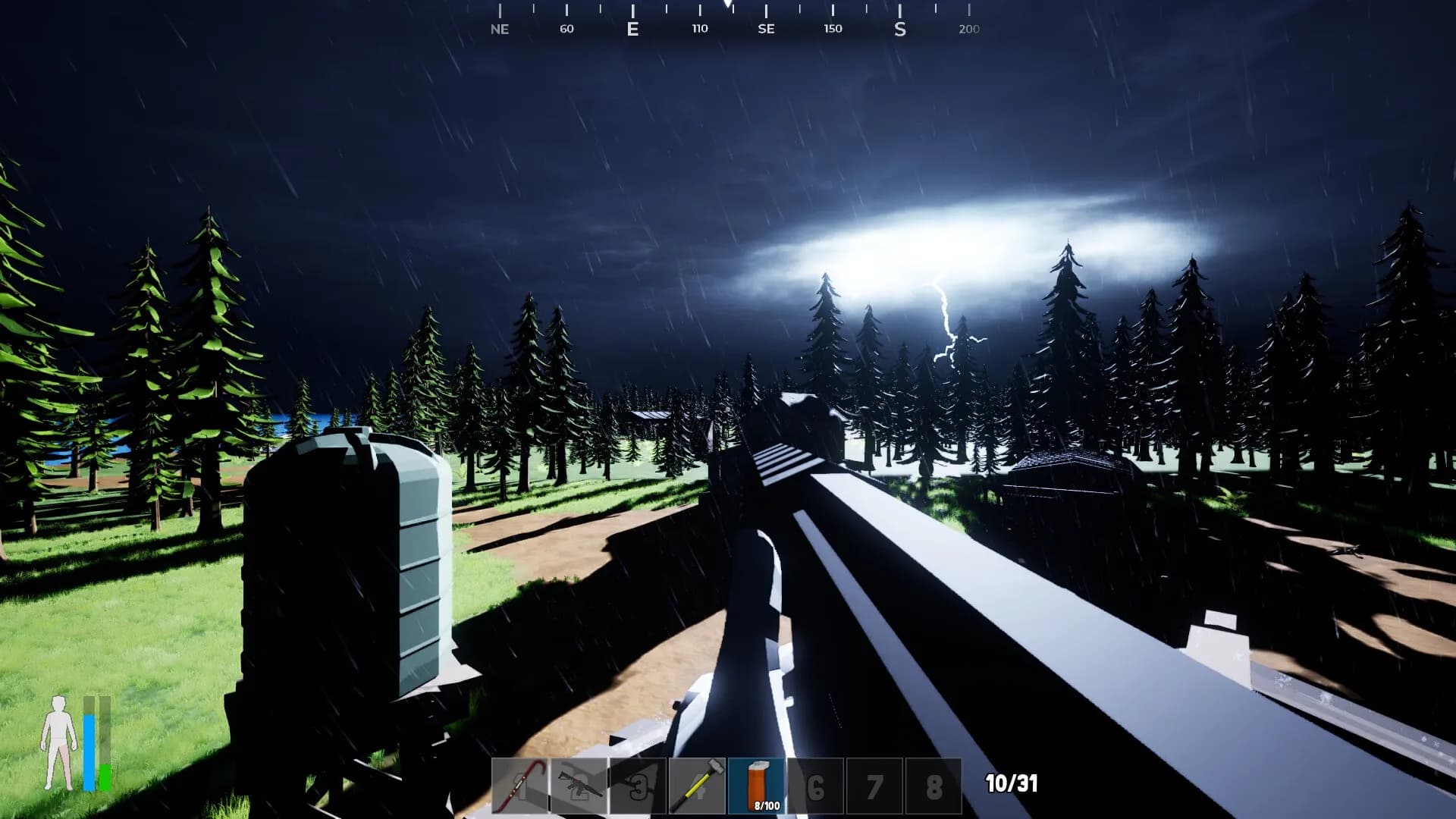
Clear bunkers and build a base, then make the server private so only your allow list gets in.
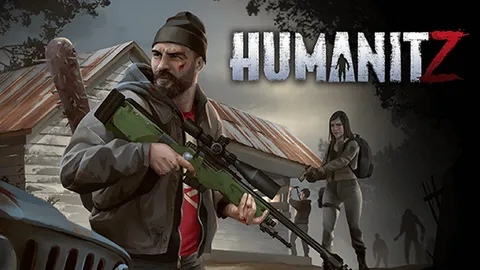
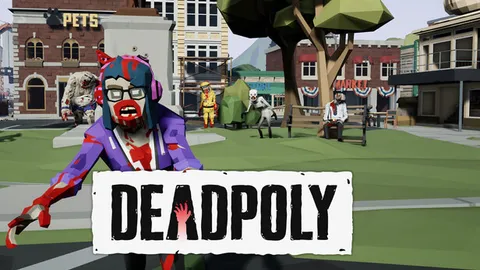
DeadPoly is a polygon zombie survival looter shooter from TFL Games, a one-person studio. It has been in Early Access on Steam since 12 January 2022, and in the studio’s words, your only goal is survival and everything else is optional.
You scavenge Garden City for loot, craft your gear and build a base, then claim it with a claim flag. Zombies, Raiders and Hunters roam the map, along with a boss called Big Boy, and there are airdrops and bunkers to raid. You can drive vehicles, customise guns, fish and farm.
On a DeadPoly dedicated server you set the gameplay options yourself and choose the admins. You can also make it private, so only the people on its allow list get in.
Guides for giving a friend access to help run the server, and for moving big files over SFTP.
Guide to My Team: invite friends, manage servers, assign permissions, add/remove members, server control panel access, billing, restarts, roles, teamwork.
Read articleThis article explains and shows a step-by-step guide on how to use FTP and SFTP. Mosltly focues on Filezilla client and its features but differentiates between FTP and SFTP
Read articleAccess and easily tweak game server basics with PingPlayers. Adjust difficulty, respawn rates, and other options to customize gameplay.
Read articleThe questions people ask most before they rent, from setting up admins to how wipes work.
Pick a plan and a location above and check out. Your server is usually running within 60 seconds. Then set the server name and your gameplay rules and restart. Everyone finds it in the in-game server browser.
Choose 3 GB, 5 GB or 8 GB. 5 GB is the size most people pick, and the table above suggests a size by how big your base is. Not sure? Ask support.
On six continents: North America, South America, Europe, Asia, Oceania and Africa. The map above shows every location, the checkout shows your ping to each one, and the price is the same everywhere.
Open the server browser in DeadPoly and look for your server name. You can also connect manually, and since patch 0.6.7 the game saves those connection settings, which makes a private server easier to rejoin.
Edit the server’s config file, which has held every gameplay option since patch 0.6.4. Save it and restart to load the changes, and ask support if one does not stick.
Your player ID shows in the Trusts menu of your inventory. Add it to the admin list in the config file and restart the server.
Set the server to private in the config file and put the ID of everyone you want to let in on its allow list, then restart. Only those IDs get in.
Yes. Add people in the Trusts menu of your inventory, and they can use the base you have claimed.
Not as such: the developer has said there is no really good way to move a solo or co-op world. Your character’s levels and inventory travel with you between modes, though, except on servers with travel turned off.
The studio’s official No Travel PvP servers wipe on the first of each month. On your own server, you decide when to begin again.
Our free migration service covers most games with a persistent world, so ask support first how a DeadPoly server comes over. Our engineers copy the files, check them and hand you the new IP, and your old server keeps running until then. How free migration works.
TFL Games names no maximum for dedicated servers. You set the limit with Change Max Players in the panel, which restarts the server. Your plan is a RAM size, not a headcount.
Yes. The server stays up after you log off, so anyone you play with can hop on whenever they like.
Yes. Every server comes with a 24-hour money-back guarantee. If the server is not right for you, talk to support on live chat or email.
In My Servers, open the three dots on the server card, choose Billing, then View options next to Renewal settings and cancellation, and click Cancel Subscription. The server stays active until the end of the period you paid for.
Yes, with SharePay. After signup the panel gives you a link, and everyone pays their share without making an account.
Yes, and switching is free on games your plan has the memory for. Ask support before you switch so you know what happens to your DeadPoly files.
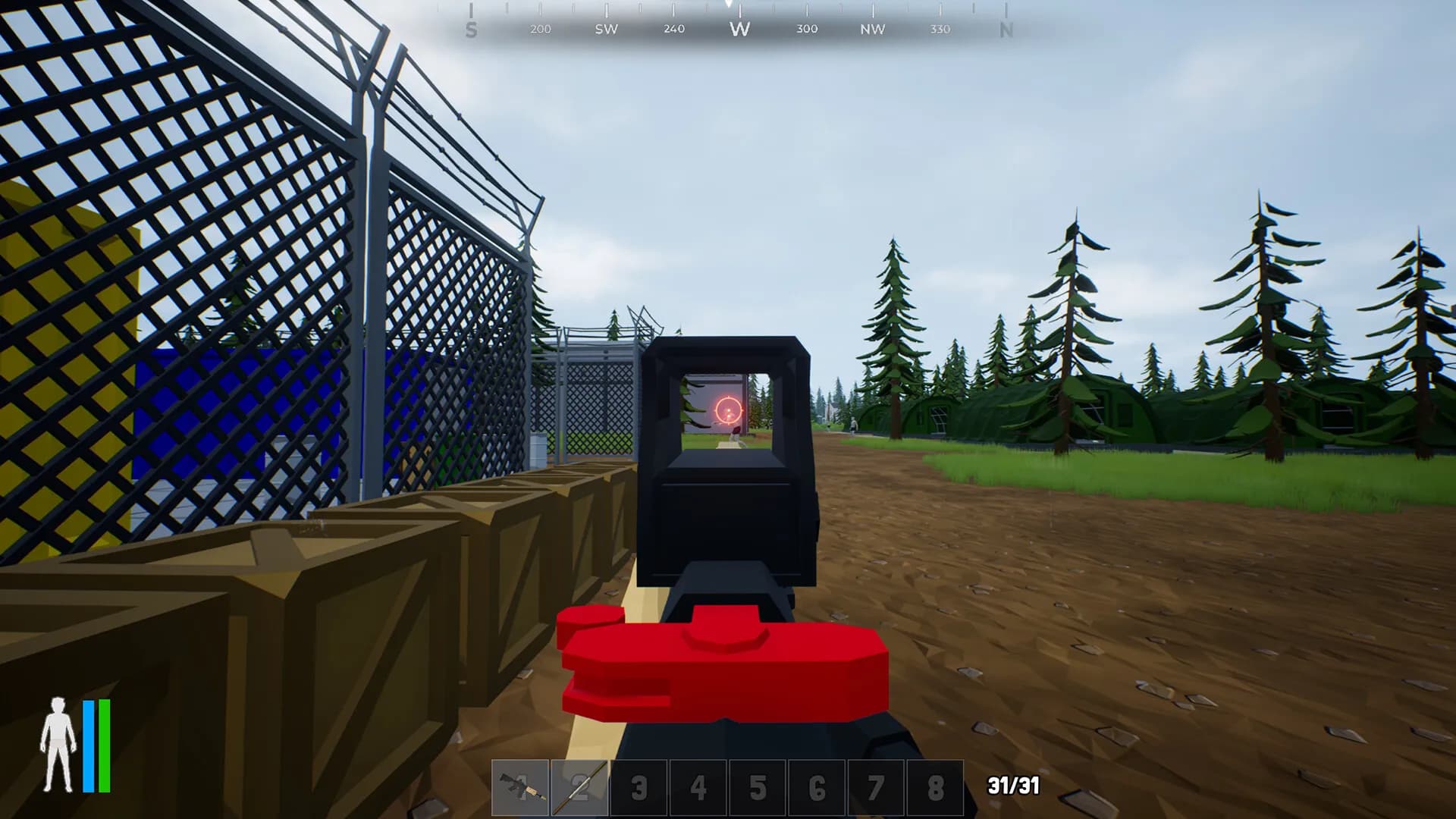
Shore up your base before the sun goes down.
Most servers are running within a minute of checkout, ready for whoever logs on first tonight.
We use cookies to enhance your browsing experience, serve personalized ads or content, and analyze our traffic. By clicking "Accept All", you consent to our use of cookies.