Europe & Africa
EMEA // 4 locations
NL
AmsterdamEU West
GB
LondonUnited Kingdom
DE
FrankfurtEU Central
ZA
JohannesburgSouthern Africa
Limited-time offer:10% offyour game serverwith code
Ends in 0 days, 0 hours and 0 minutes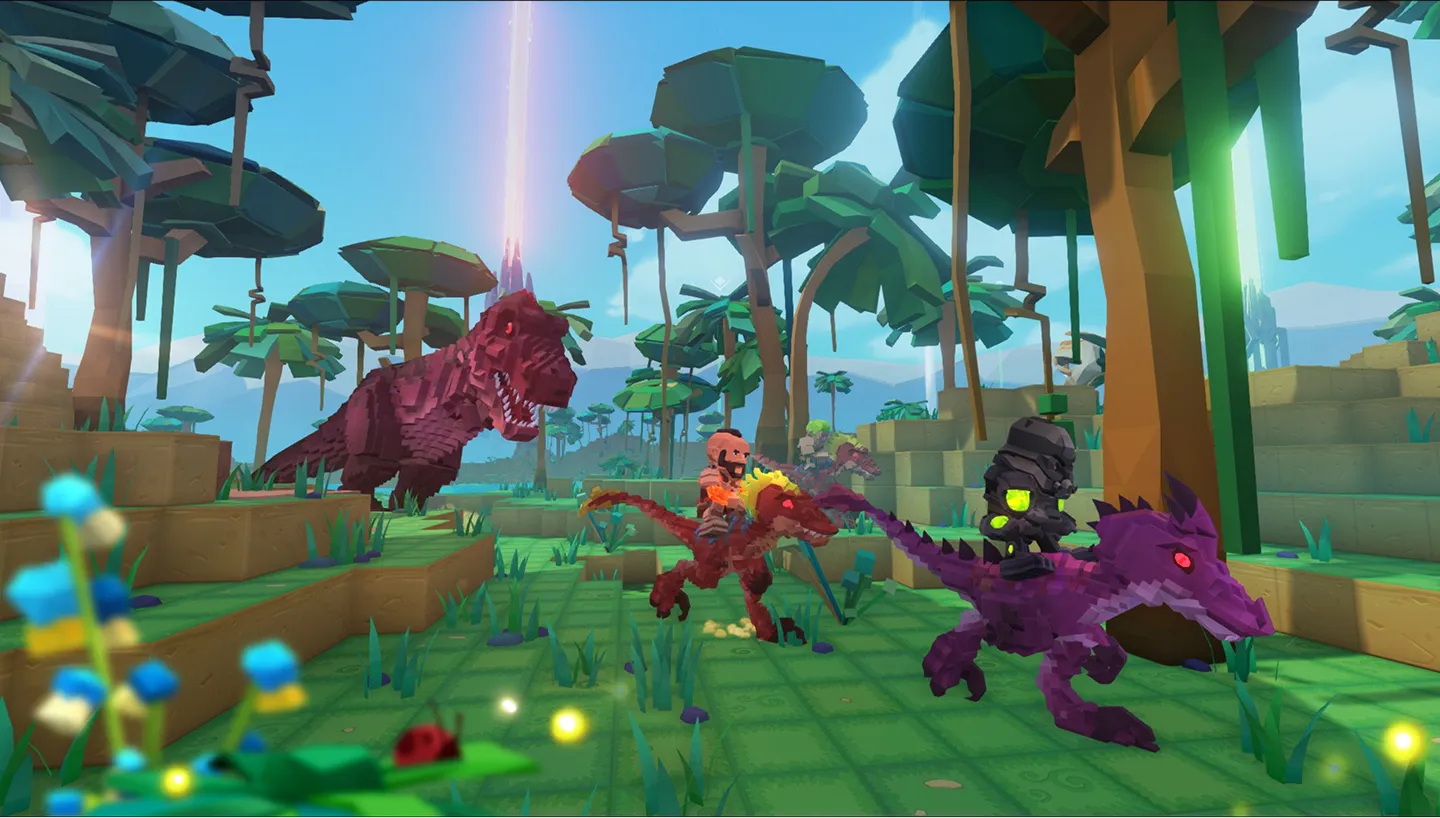
Low-latency hosting for PixARK taming runs, voxel base builds, and boss dungeon raids.
6GB
$16.16/ 30 days
SAVE ~10%$17.95
Best for small servers & a few friends
Instant activation · Cancel anytime
8GB
$21.54/ 30 days
SAVE ~10%$23.93
Best for large, busy, heavily-modded servers
Instant activation · Cancel anytime
8GB
$57.22/ 90 days
SAVE ~10%$63.58
Best for large, busy, heavily-modded servers
Instant activation · Cancel anytime
Same hardware. Your rules.
Instant activation · Cancel anytime
RAM-based pricing · from $2.38 / GB (per 30 days) · pay only for what you need
Launch your private PixARK dedicated server in minutes. Built for multiplayer stability with persistent worlds and dedicated performance.
Everything you need to host, manage, and scale your PixARK server without technical friction.
No manual config required. Your PixARK server is ready in seconds.
Strong single-core speed keeps voxel terrain edits and taming ticks smooth.
Fast chunk loading and world saves, even on a sprawling voxel map.
Stable memory for big tribes and heavy terrain builds.
Always online, always protected from attacks.
Adjust taming rates and every server setting from our panel.
Protect your world before an update or a risky dungeon run.
Scale RAM and slots as your tribe grows.
Get your server live in under 60 seconds.
Pick RAM, slots, and the data centre closest to your tribe.
Set taming rates, difficulty, and player slots from a clean panel.
Live in under 60 seconds, fully ready to play.
Share your IP and drop your tribe into the voxel world.
No complicated setup. Your server launches in minutes.
Not sure how to configure your server? Ping AI walks you through every setting so your tribe can get playing fast.
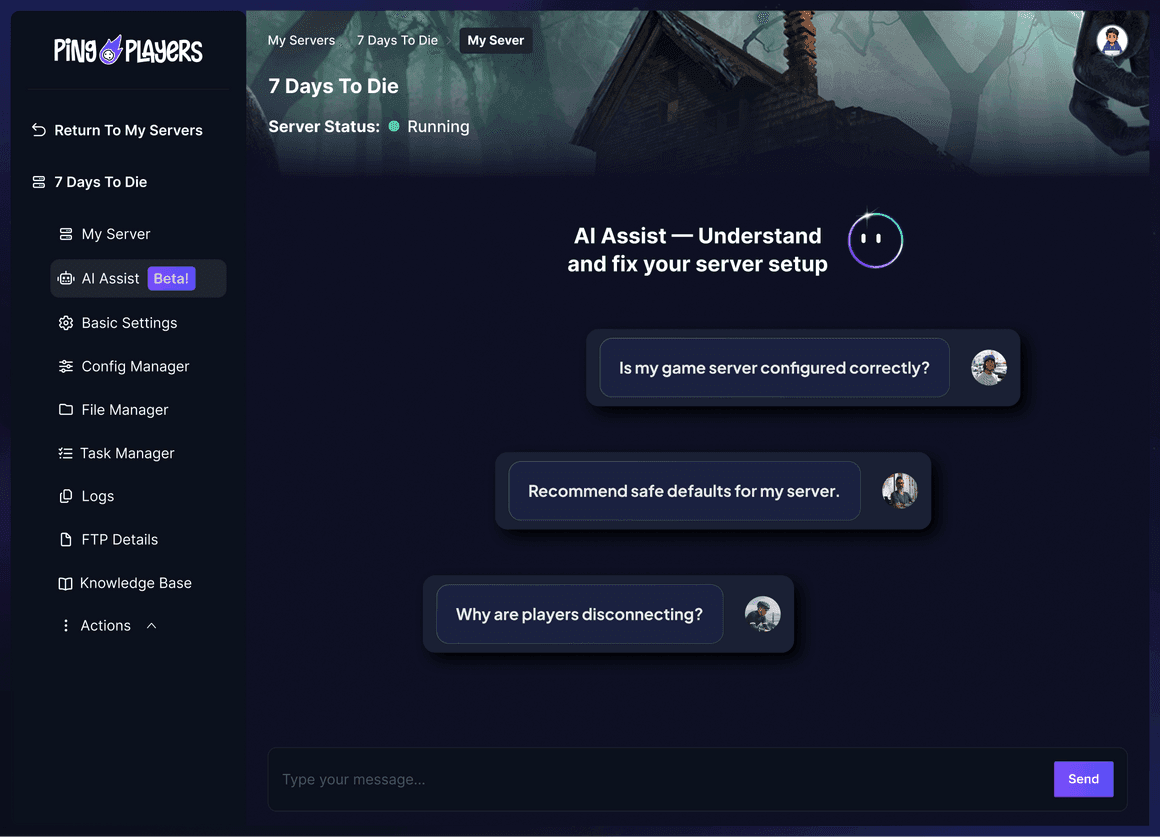
Our global network spans data centres worldwide and keeps growing, so your PixARK tribe always gets a low-ping server close to home.
Switch your server between any region free, anytime.
The first AI built just for gamers. Install Workshop maps, tune taming rates, or restart your server. All by chatting.
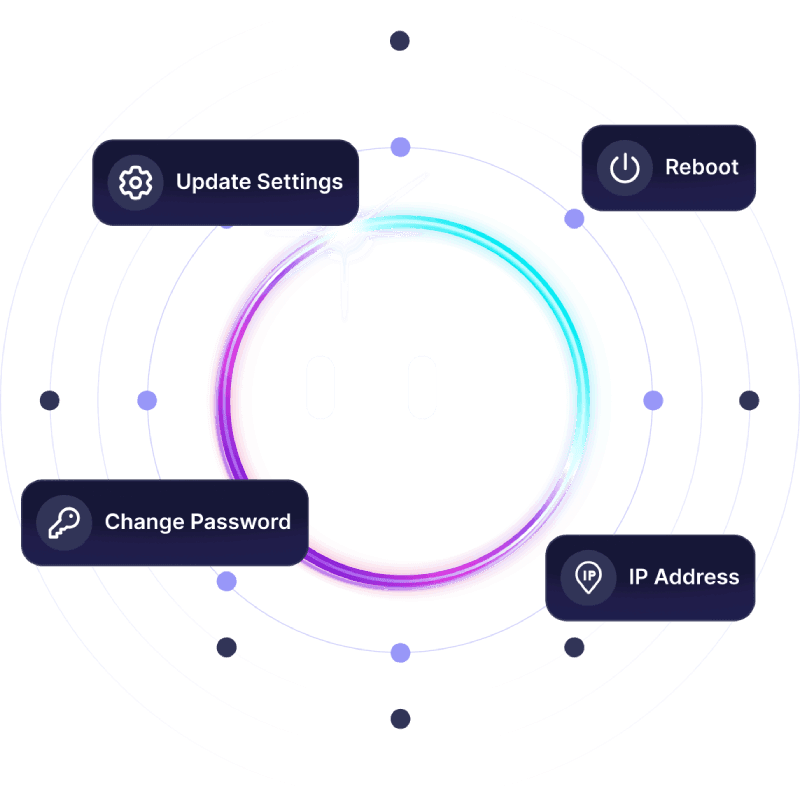
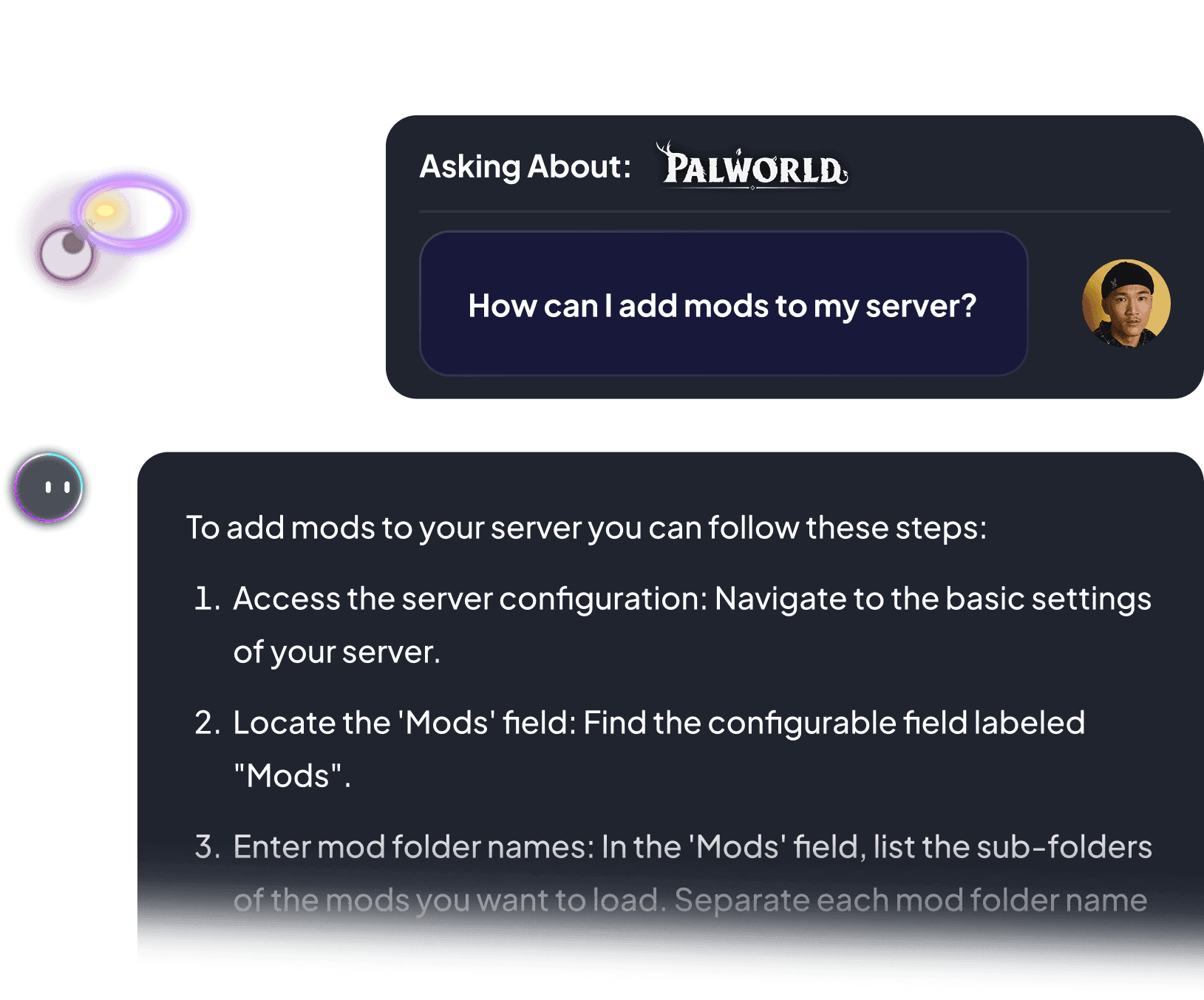
From taming rates to Workshop maps, Ping AI handles the setup. Because getting your PixARK server running shouldn't feel like a grind.

Every number here is measured on live PixARK servers, under real load with full tribes online. This is what your server should be doing.
Not a single lag spike across thousands of PixARK taming runs and raids. Zero.
Maximum tick rate. Every dino, dig, and build response lands in real time.
The world never stops. Your base and tamed creatures are always there when you log back in.
A server that posts these numbers plays nothing like one that does not. Here is the difference the moment a dungeon boss fight peaks in PixARK.
Stop blaming your ping.
Start owning your server.
60-second setup · No lag guarantee · Cancel anytime
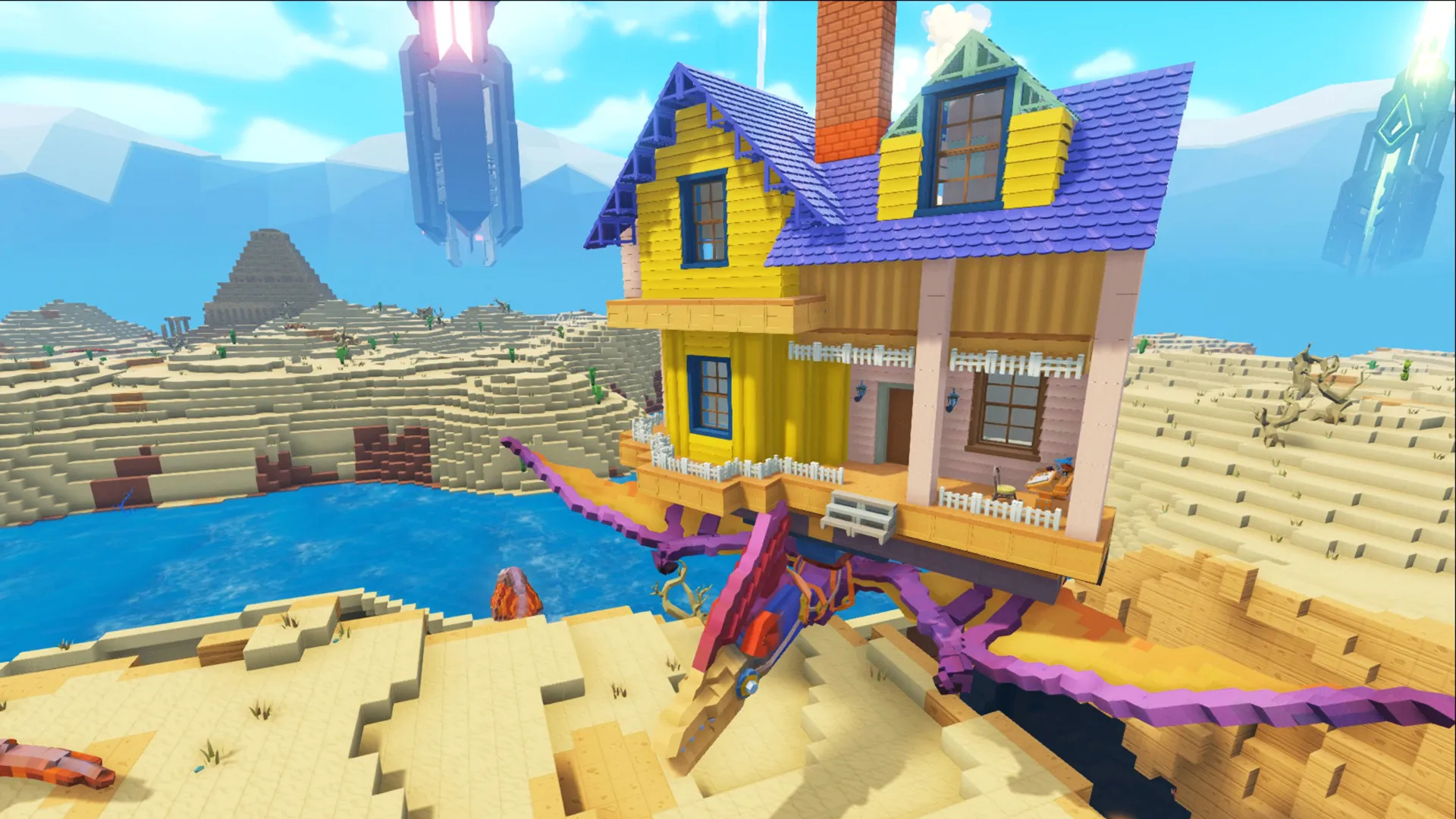
Reliable hosting depends on performance, voxel terrain stability, backups, and proper server control.
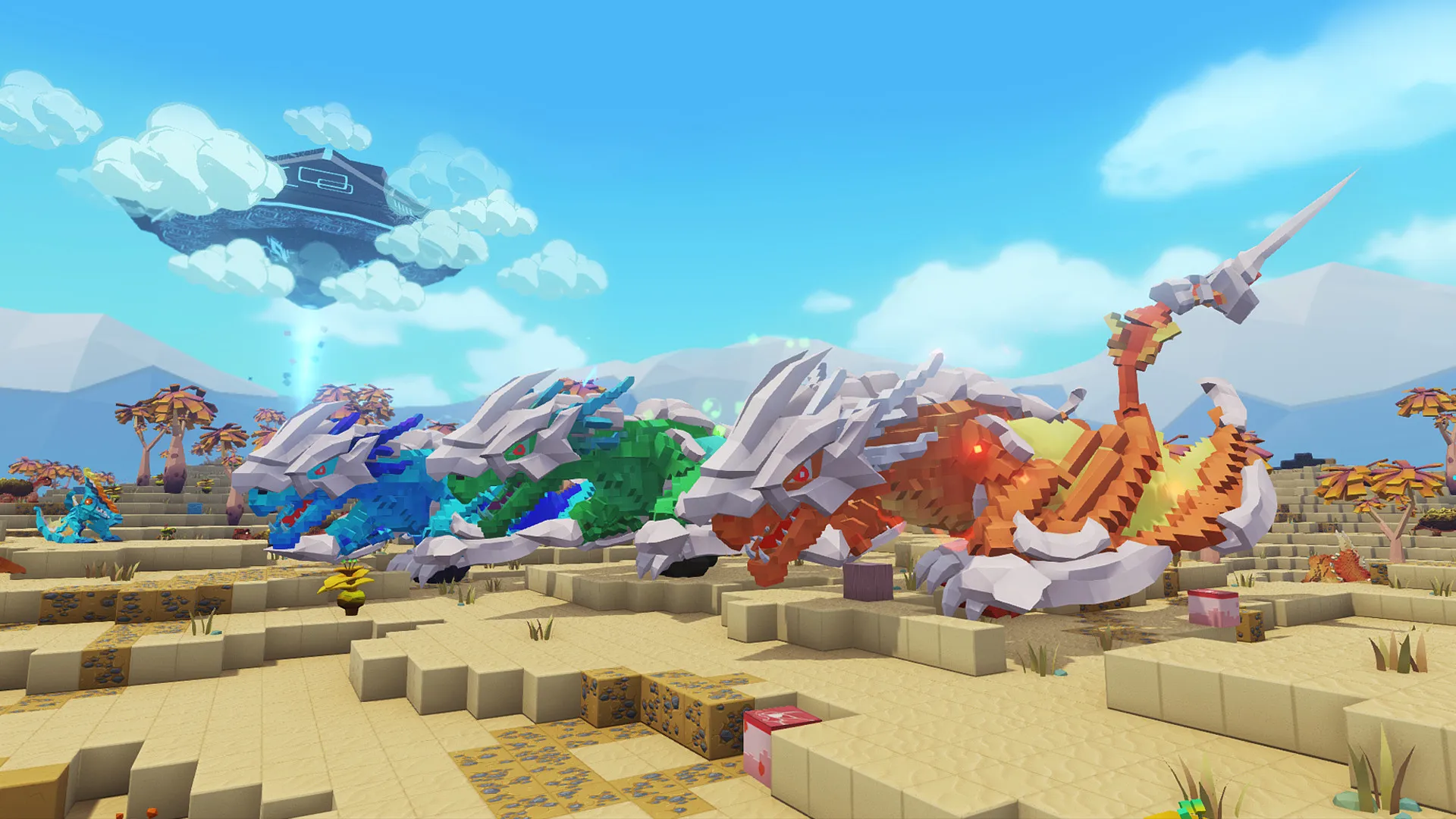
A dedicated server stays online independently from any player.
Switch between 90+ games without losing progress, paying extra, or setting up again.
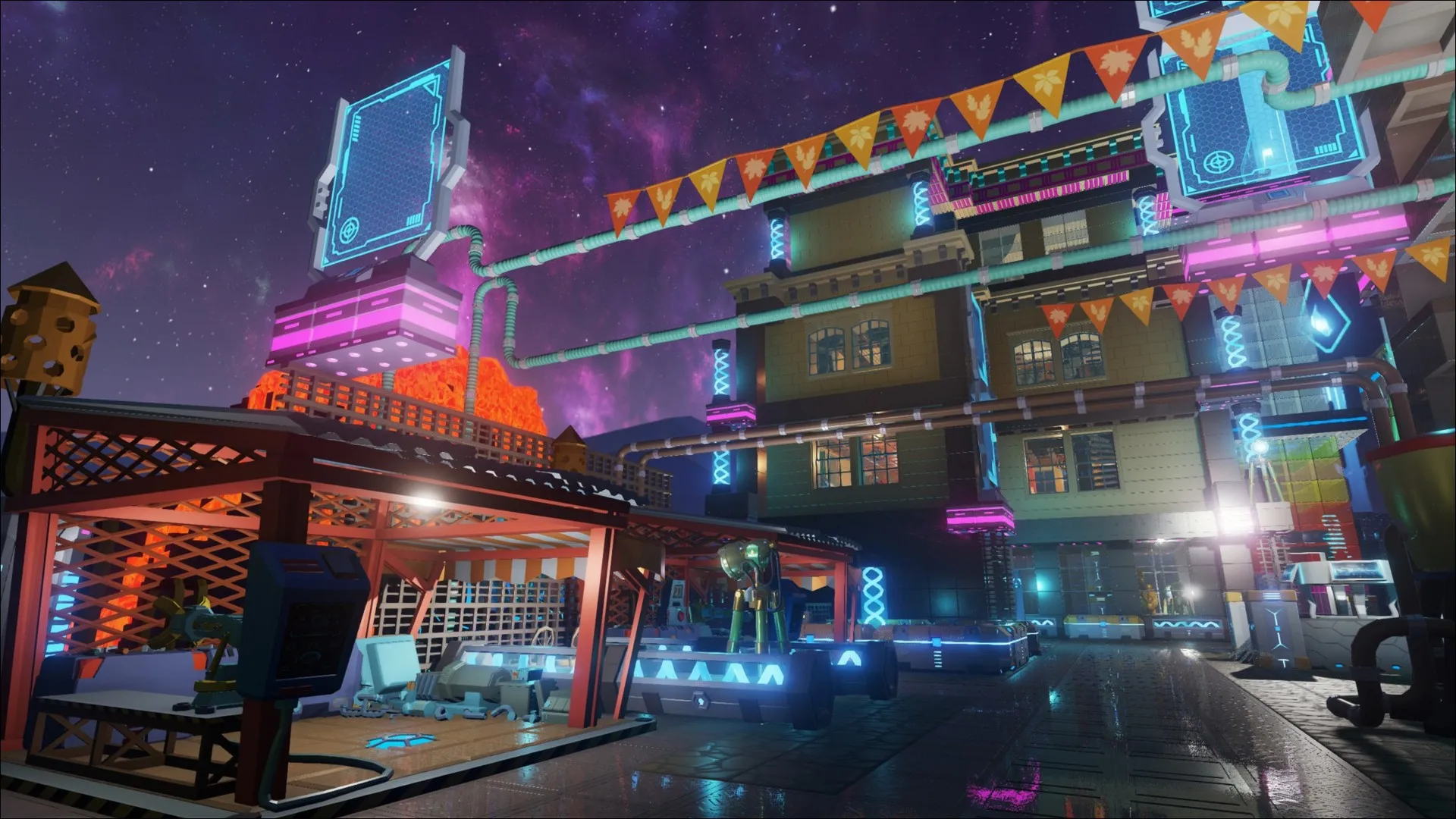
Trusted by thousands of PixARK players worldwide.
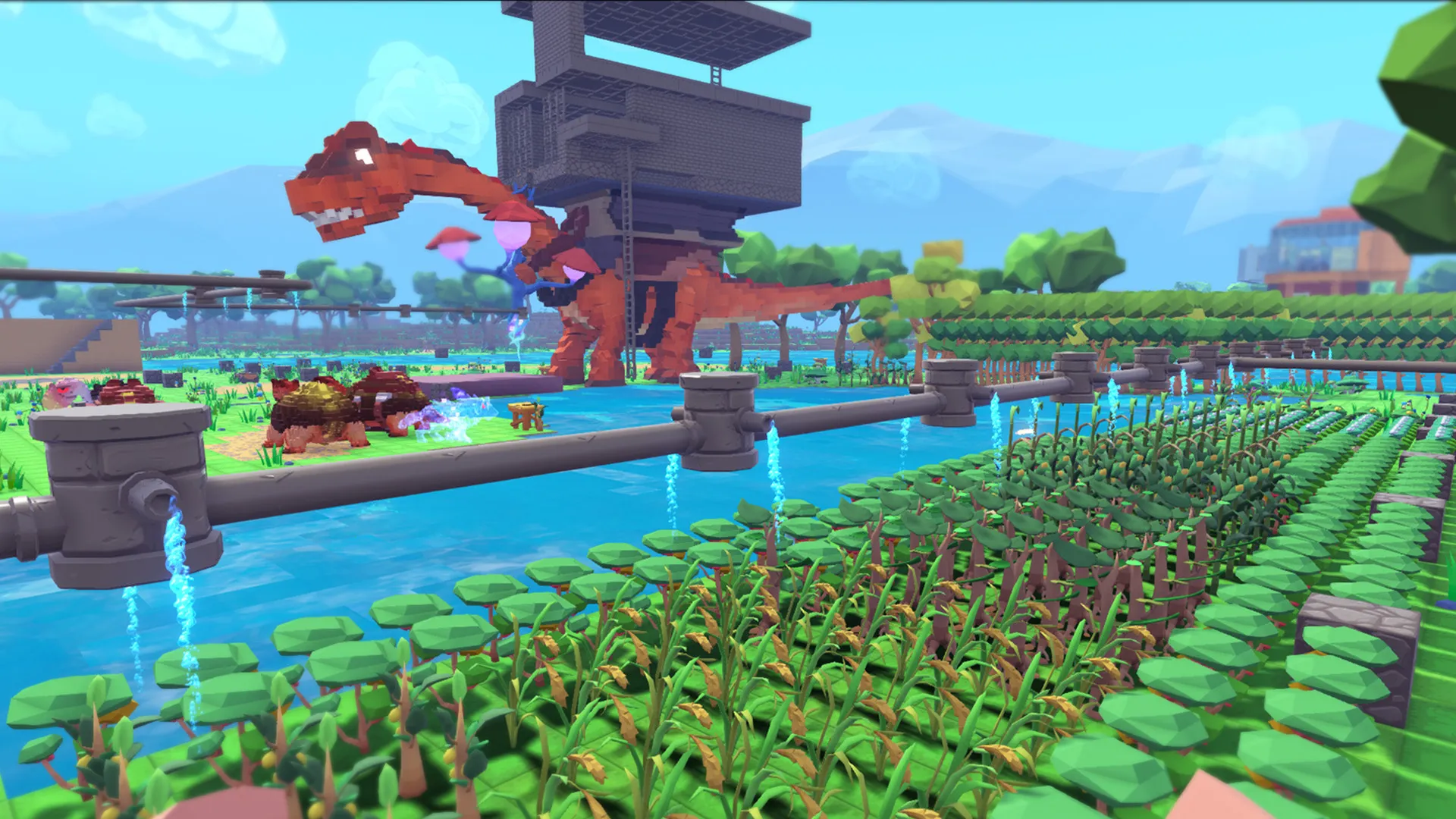
Launch your own server in minutes with full control over settings, mods, and performance.
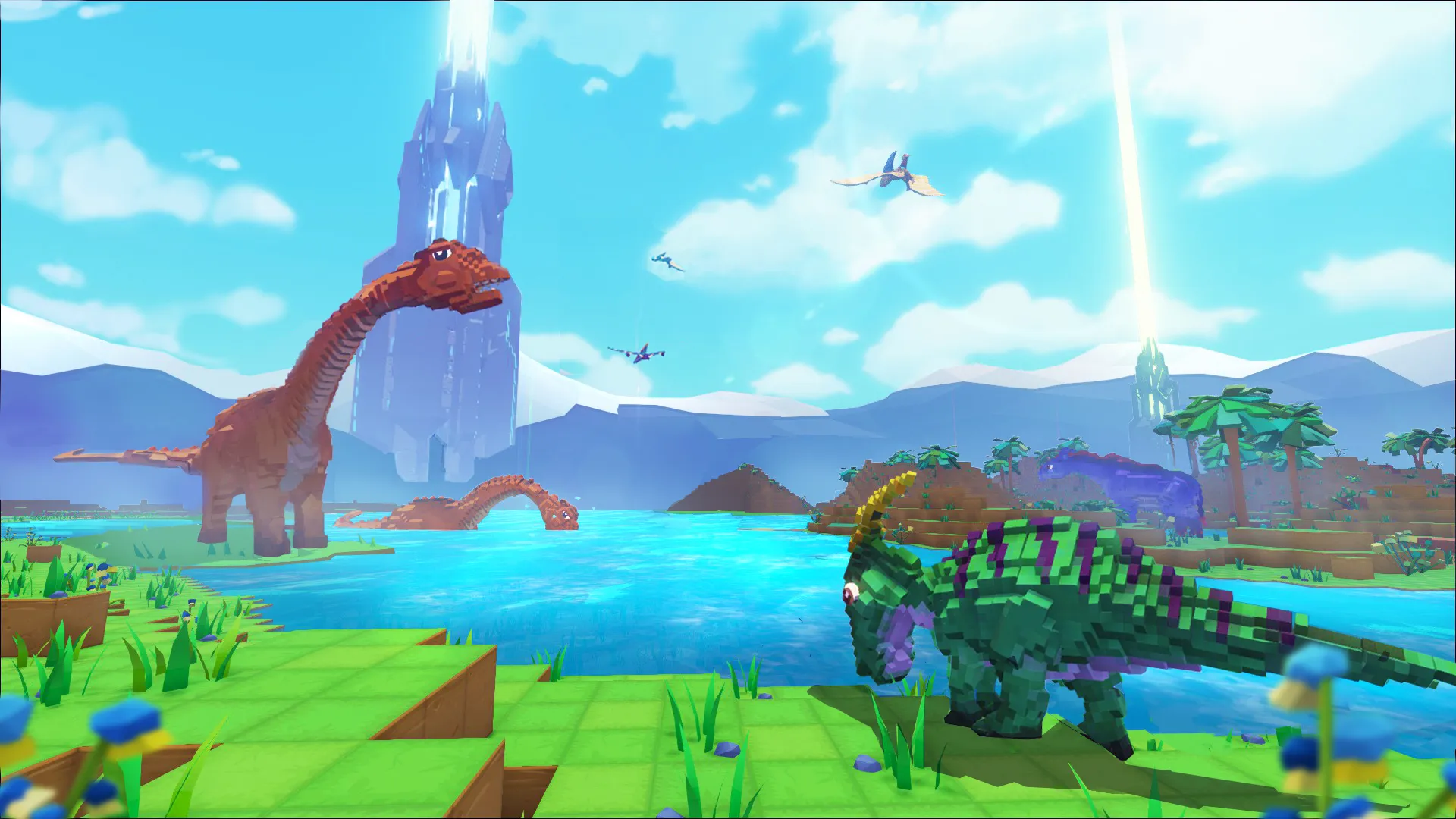
PixARK is a voxel sandbox survival game developed by Snail Games in collaboration with Studio Wildcard, the studio behind ARK: Survival Evolved. It launched into Early Access in 2018, bringing a fully destructible, block-built world to the taming and crafting formula ARK fans already know.
Every block of terrain can be dug, shaped, or rebuilt, so bases are not limited to flat ground or pre-set foundations. Players explore biomes on foot or on the back of tamed creatures, gather resources, and push into portal dungeons guarded by bosses for rare loot and late-game gear.
Sessions swing between quiet building stretches and sudden taming runs or tribe fights, so a world that stays online around the clock matters. On a private dedicated PixARK server, your tribe sets the taming rates, the build rules, and who gets through the gate.
Learn how to become an admin on your PixARK server: set RCON password in panel, restart server, then use enablecheats PASSWORD in-game.
Read articlePixARK server backup and restore guide: force SaveWorld, download world and player files, then upload to restore saves and avoid data loss.
Read articleHow to find and join your PixARK server via multiplayer browser, with tips on passwords, mods, world generation and version issues.
Read articleWe accept Credit and Debit cards, ApplePay and GooglePay and PayPal.
Each cluster of players can be automatically renewed by enabling Auto Renew on "My Servers->Edit Cluster" if you haven't done so when you ordered it. It will charge the same payment method used originally.
You can disable auto-renew on your cluster and delete all your servers. Your cluster will be removed on its due date.
Select the game and customize the contract length and max player count and you'll be taken to checkout.
No, to cancel you need to go to My servers->Manage Cluster->Disable Auto Renew.
Yes, within the first 24 hours after the initial ordering of the server.
Payment methods are added on checkout; try ordering something or reconfiguring an existing server and the option will show itself.
Google Pay and Apple Pay.
Select the game and customize the contract length and max player count and you'll be taken to checkout.

Dig, tame, and build across a world that bends to you.
Full control over settings, mods, and performance.
We use cookies to enhance your browsing experience, serve personalized ads or content, and analyze our traffic. By clicking "Accept All", you consent to our use of cookies.