Europe & Africa
EMEA // 4 locations
NL
AmsterdamEU West
GB
LondonUnited Kingdom
DE
FrankfurtEU Central
ZA
JohannesburgSouthern Africa
Limited-time offer:10% offyour game serverwith code
Ends in 0 days, 0 hours and 0 minutes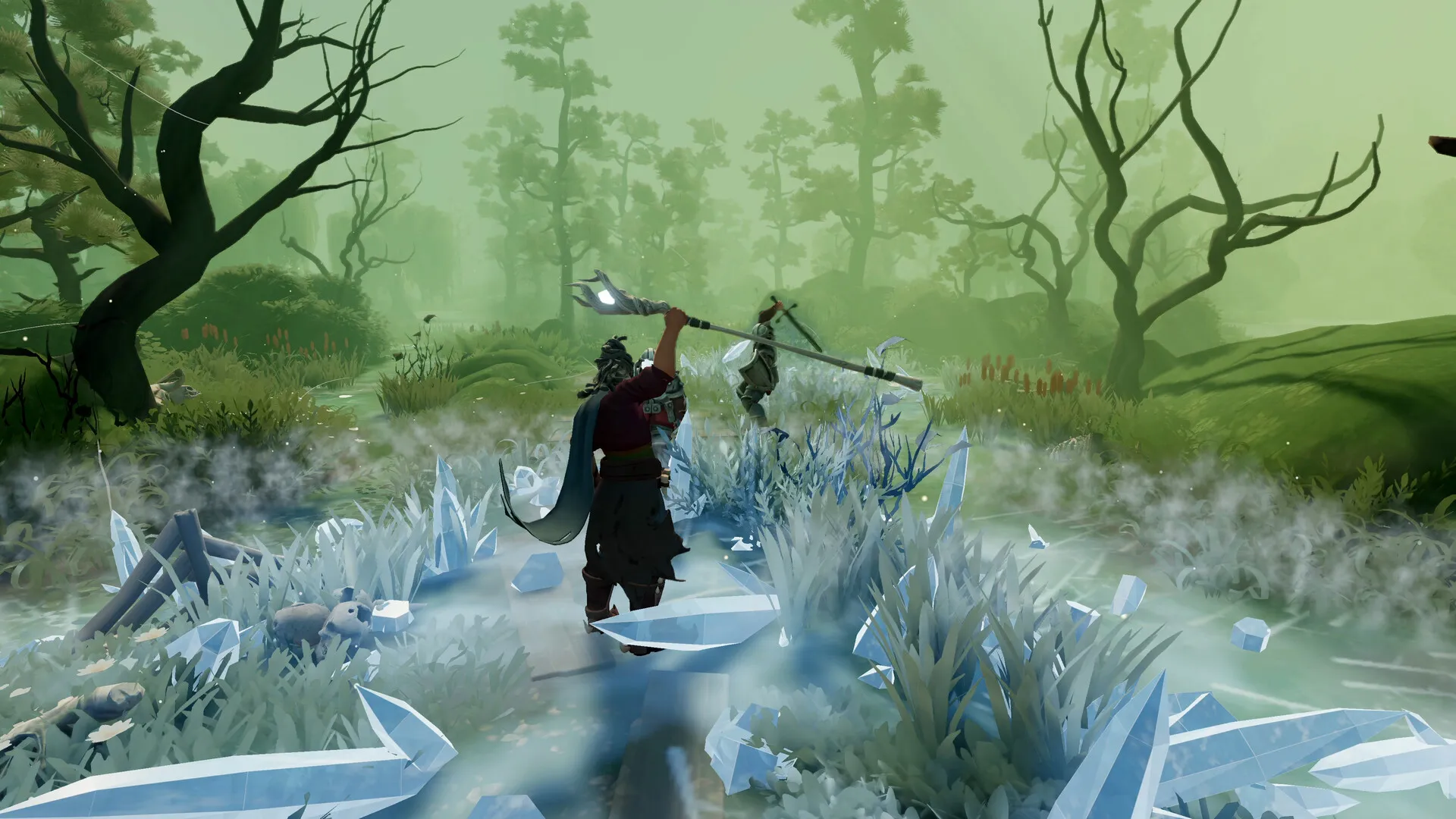
Run a dedicated server for Everlast: Undying Tale and push on from the capital, Kal Crossing, down into the depths of the Abyss.
Coming soon — stay tuned!
Launch your private Everlast: Undying Tale dedicated server in minutes. Built for multiplayer stability with persistent worlds and dedicated performance.
Four steps from checkout to levelling up with your friends in Sarkis.
Every plan has its own RAM size, and support is there to help you decide.
Same price everywhere, so go by ping.
Give the server a name and a join password, then restart it.
Look for your server in the in-game browser under Dedicated, then type the password.
Turn up the loot rate later, and it loads on the next restart.
Each location on the live map carries your own ping, so you know where to host before taking on Bifrons.
Location moves go through our support team, world included.
See all locationsGathering and fights across a big, hand-placed map keep a server busy, so yours runs on DDR5 memory in a data centre.
Log back in to your world, and our SLA covers the uptime.
The server connects over 10Gbps uplinks in every location.
Enterprise DDoS protection guards your server in every location.
Nobody’s PC has to host and play at once, so the host plays the way everyone else does.
Level up and lift the Curse.
We take care of the hosting.
Cancel anytime
Name the server people find in the in-game browser, with Max Players already set at 100.
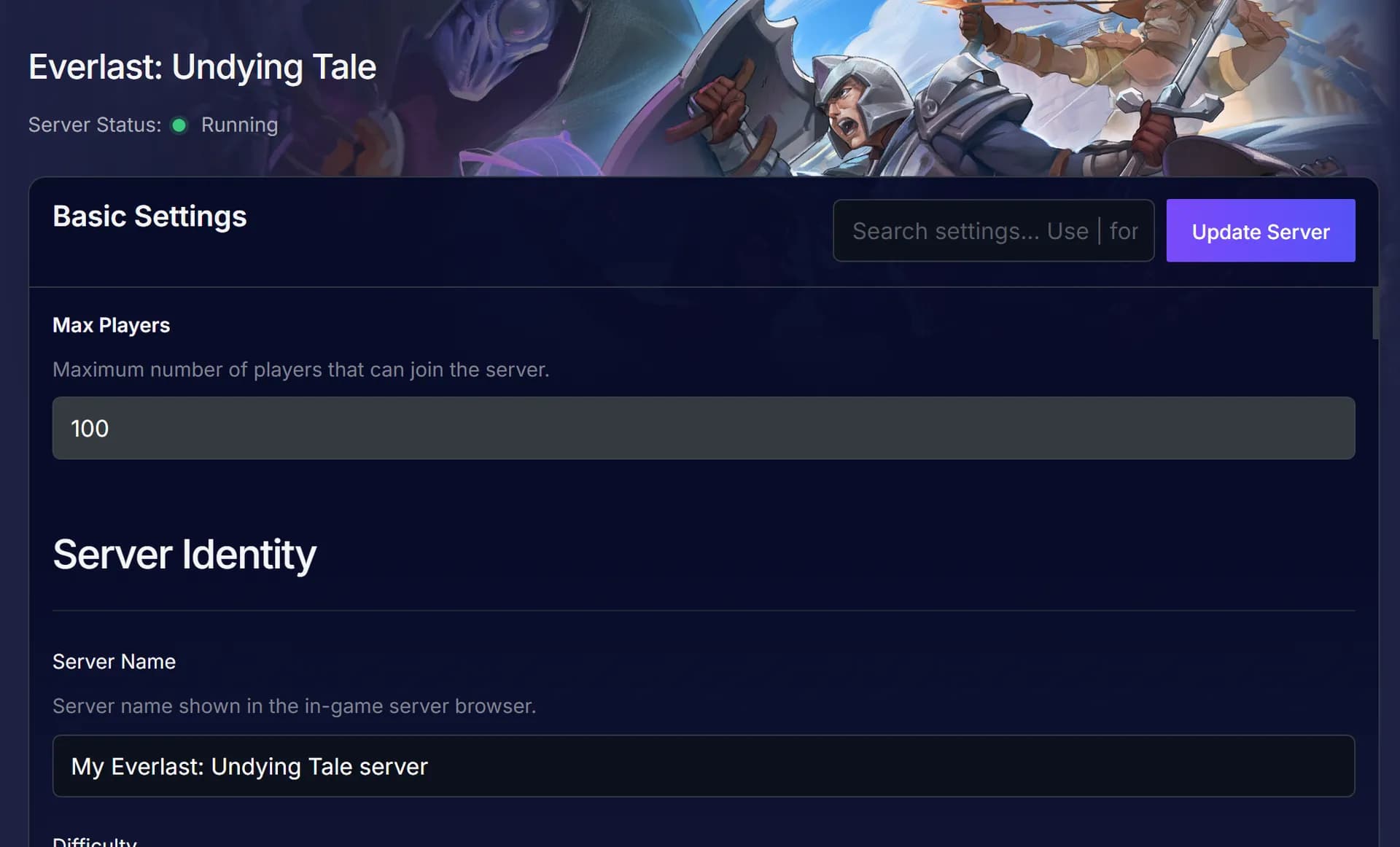
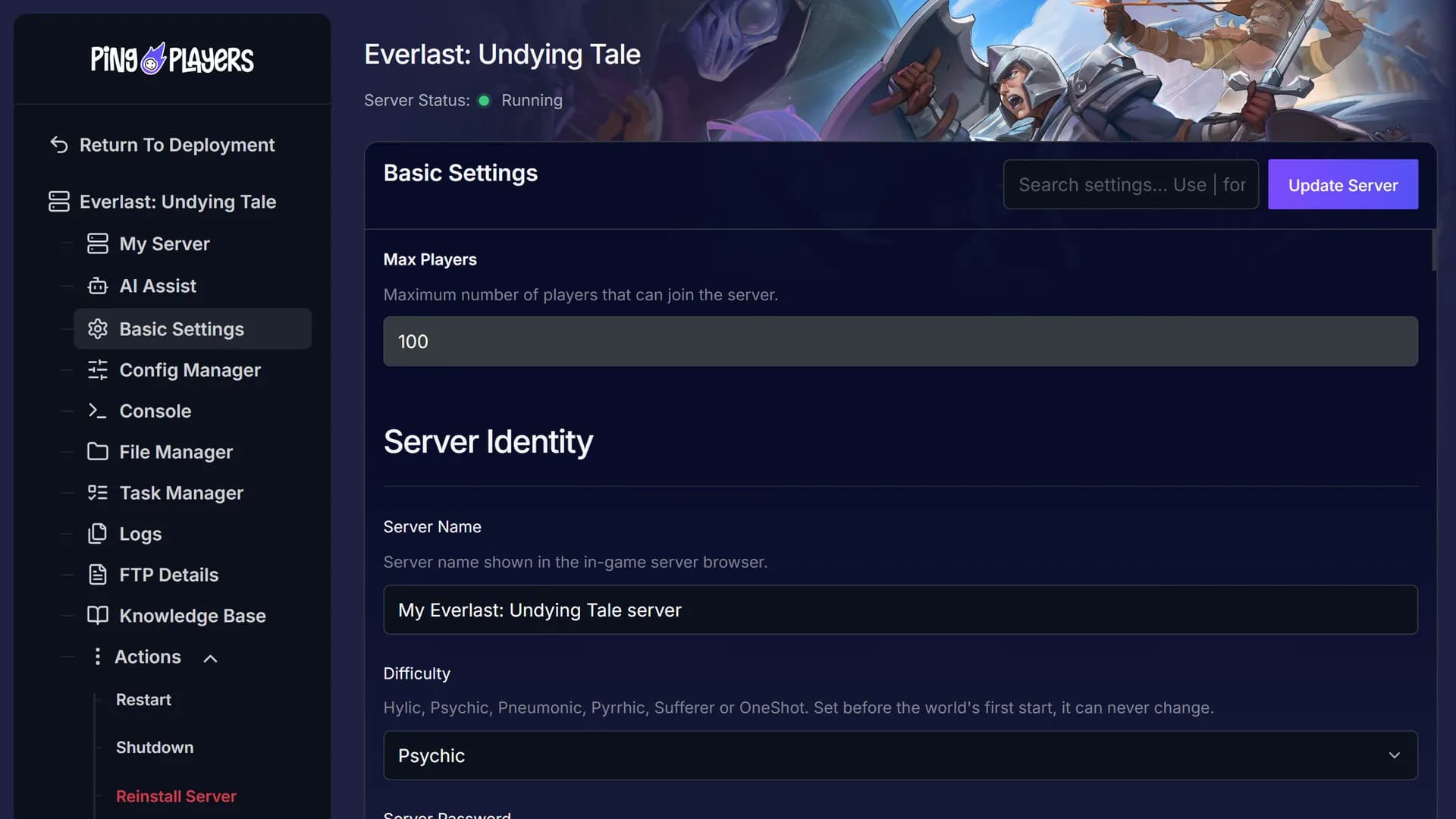
Have Ping AI rename the server and restart it before you set off for the Southern Swamps. It can also talk you through a console error.
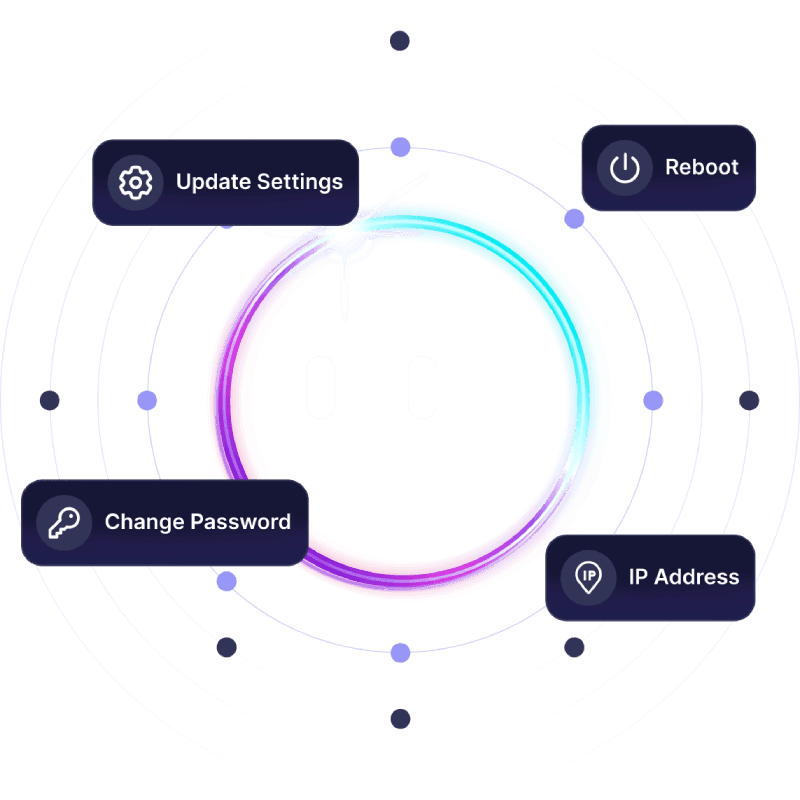

On a Windows PC, the server only runs while the host stays signed in. Yours stays open for everyone.
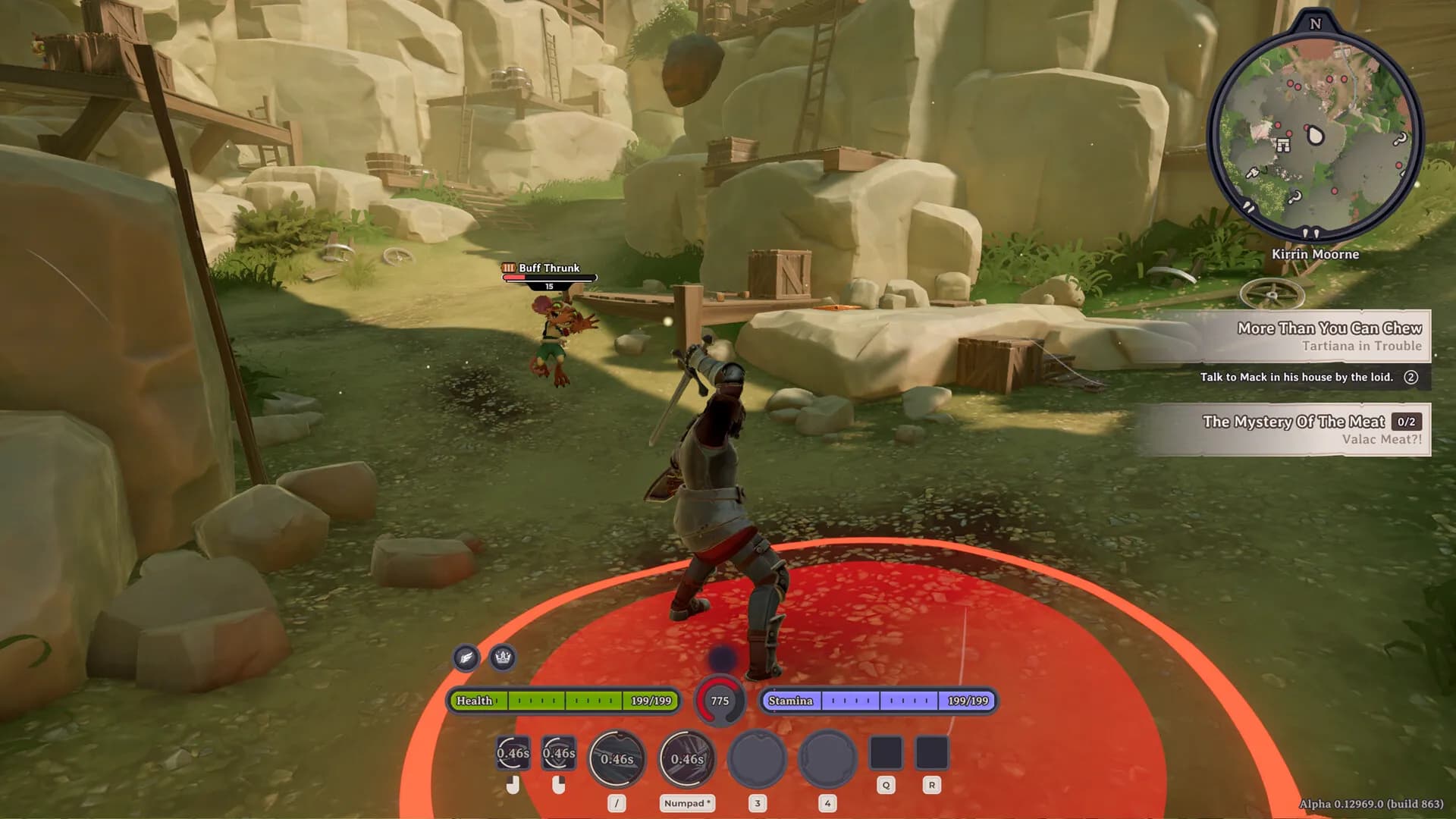
Repaired zones stay repaired.
Have a read of what they say, then try an Everlast server with us and judge it for yourself.
Our specialists can help you set up character transfers on your server, and the chat translates any language you write in.
 Jonathan Lexne on Trustpilot, Sep 2026
Gaming support specialist
“Nicole was great. She first tried to explain what i needed to do in order to solve my problem. When I couldn't do it, she solved the problem for me. A great customer experience!”
 Justin Olin on Trustpilot, Aug 2026
Gaming support specialist
“Kimmy helped me out and she was very knowledgeable and helped me with all of my questions and answered very quickly.”
 Leonardo salas on Trustpilot, Aug 2026
Gaming support specialist
“Francis helped me resolve a big issue with our server; everything is going great now and it was very quick, thank you!”
 Whitney Thibeaux on Trustpilot, Jul 2026
Gaming support specialist
“Lautaro was such a great help and answered all my questions quickly and help me fix my problems!! Great service!”
 Antreas1 on Trustpilot, Jul 2026
Gaming support specialist
“support was fast Emman was my support aggent he was quick understanding of the problem great experiance overall”
 Matias on Trustpilot, Apr 2025
Gaming support specialist
“German is a great dude. Not only does he fix problems, he is funny and very understanding. Dont be scared to message the live chat!”
1 / 6
Person 1 of 6
Chip in through SharePay, and let telemetry show how hard the server works while you are out gathering.
Make one payment link and everyone pays their part, no sign-up.
See SharePayUptime, CPU and memory, live whenever you want to check.
See live telemetryHave the server start, stop or restart on the hour, every day or once a week.
See the schedulerOur engineers bring your save over from another host or your own PC and check it before you play.
See free migrationTake a break from slay tasks and switch your Everlast server over to another game we host.
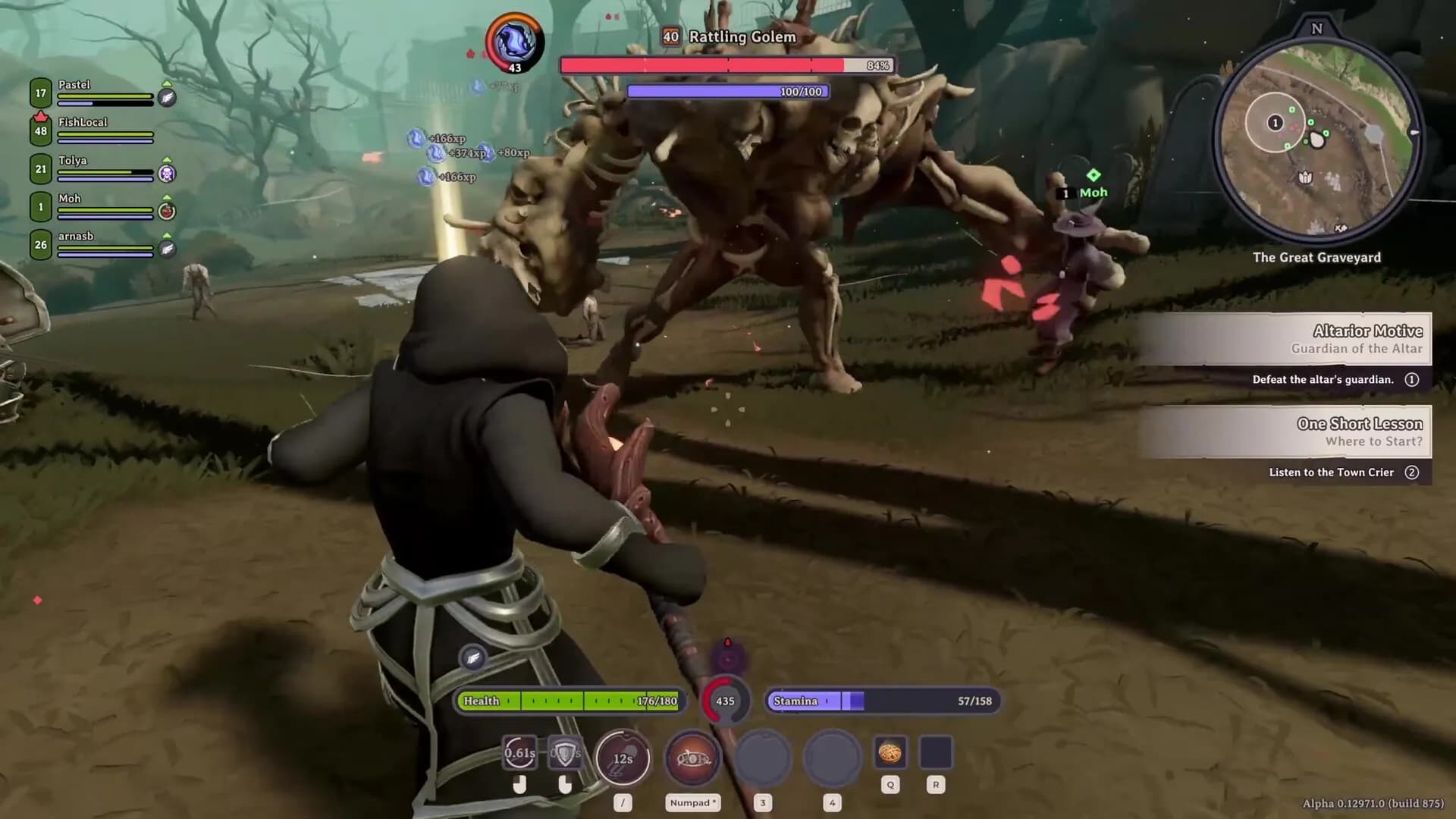
Switch PvP on or off and raise the XP rate. People you trust can help manage the server.
In Everlast: Undying Tale you level skills such as woodworking, occultism and fishing by using them, so your character grows from what you actually do. InSpades develops and publishes this MMO-lite action RPG, which entered Early Access on Steam on 28 October 2026.
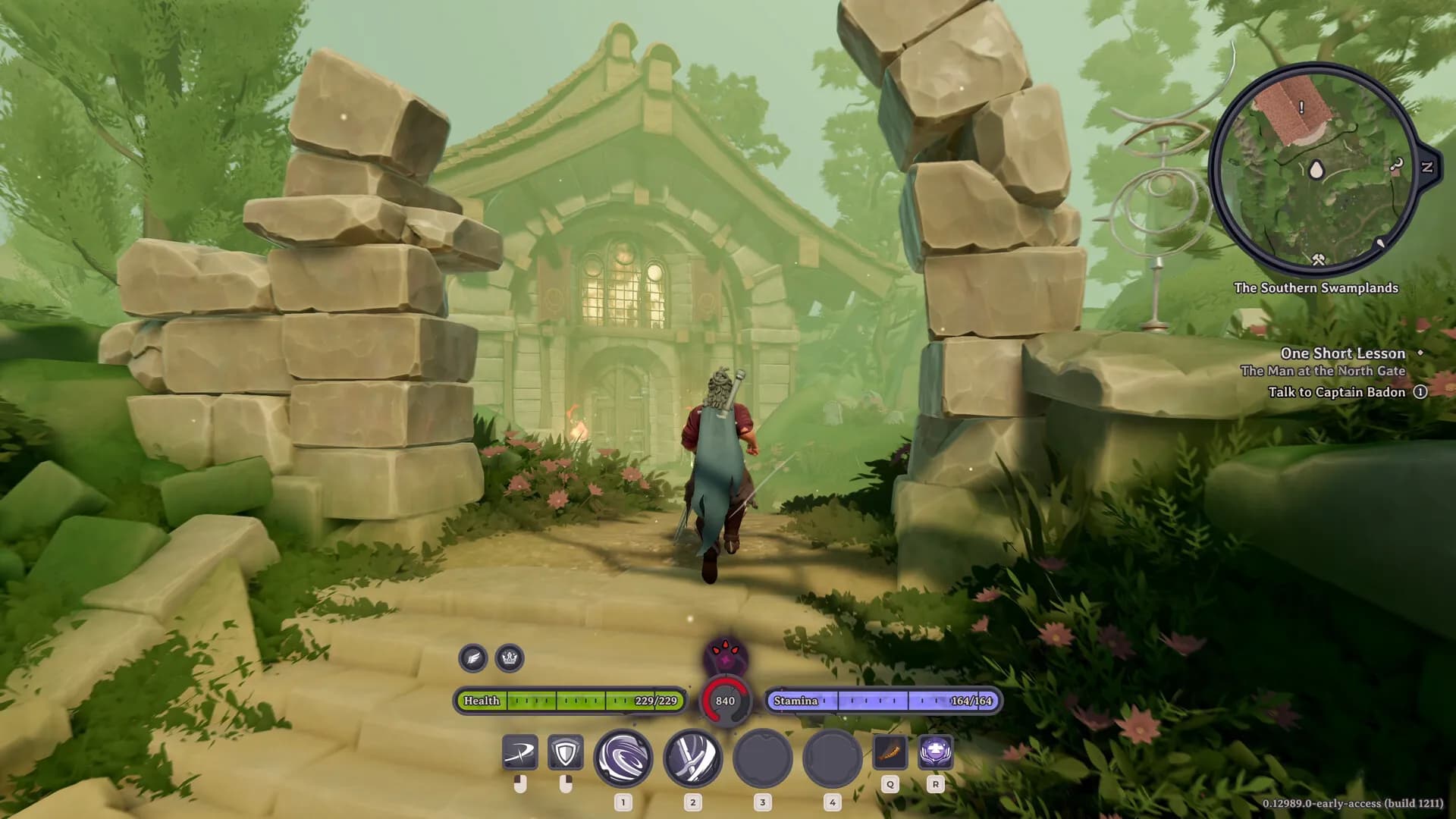
You carry a newfound Curse, a meter that climbs in tiers, while the undying rise across Sarkis. Quests and slay tasks take you through towns and the dismal Southern Swamps, then on to the Great Graveyard. Shared events let everyone on the server join massive harvests or big battles, and anyone can repair a Desolate Zone, which rebuilds that part of Sarkis for good.
InSpades builds the game around 100 player servers, and a dedicated server holds every repaired zone and finished event for whoever logs in next. Your plan sets the RAM, not the headcount.
Tune the settings, connect over SFTP and share server access. Then all that is left is levelling your fishing skill.
Access and easily tweak game server basics with PingPlayers. Adjust difficulty, respawn rates, and other options to customize gameplay.
Read articleThis article explains what config and task manager are good for. What configuration templates are and can be used for and how Task Manager can be combined with them to manage a server. Creating scheduled tasks to reboot or shutdown to apply different Config Templates is the most common way of taking advantage of it.
Read articleThis article explains and shows a step-by-step guide on how to use FTP and SFTP. Mosltly focues on Filezilla client and its features but differentiates between FTP and SFTP
Read articleGuide to My Team: invite friends, manage servers, assign permissions, add/remove members, server control panel access, billing, restarts, roles, teamwork.
Read articleManage your game server with Ping AI: no coding, instant crash fixes, automated tasks, mod and config management so you can focus on gaming.
Read articleWhat Pyrrhics ask before they host their own world, sorted by topic.
Pick a plan and a location above and check out. Your server is usually running within 60 seconds. Once it is up, name it and add a password in Basic Settings. Restart, and everyone finds it in the in-game server browser.
Plans come in 4 GB, 5 GB or 8 GB, and 5 GB fits a world you share with friends. A busy public server with shared events suits the bigger plans, and you can upgrade the RAM later and keep your save.
PingPlayers has servers on six continents: North America, South America, Europe, Asia, Oceania and Africa. The map above shows every location, and the checkout shows your ping to each one. The price is the same everywhere.
Open the in-game server browser, use the Dedicated filter and look for your server name, then type the join password if you set one.
Not on an existing world. InSpades has the Difficulty set when a world is first created, and it never changes afterwards. The choices run from Hylic through Psychic (the standard) to One Shot, and support can help you set one up on a new world.
They sit in worldsettings.json next to the gather rate, each a multiplier from 0.1 to 10. Keep your edited file as a Config Manager template and restart, because the server reads it when it starts.
In-game admin roles are switched off in the released server for now. You run the server from the panel instead, and people you trust can help manage it through My Team. Team access guide.
Yes, PvP starts switched on. Turn it off in worldsettings.json and restart for a PvE server.
Only when transfers are switched on. They start off, so characters made on your server stay tied to it. Turn them on and portable characters from elsewhere can come in, within limits you set such as a maximum import level.
Each world has its own folder under Worlds, with its worldsettings.json inside. Open it in the File Manager or over SFTP.
Yes, PingPlayers moves it for free on every plan. Our engineers copy your saves over, check them and hand you the new IP, and your old server keeps running until then. Whether your configs come along depends on the migration method. How free migration works.
InSpades sets 100 as the dedicated server default, in line with the game’s MMO-lite design, and your server starts with Max Players at 100. A full server needs more CPU and memory, and you choose a plan by RAM only.
Yes. The server stays up after you log off, so anyone can hop on whenever they like.
Yes. Every server comes with a 24-hour money-back guarantee. If the server is not right for you, talk to support on live chat or email.
In My Servers, open the three dots on the server card, choose Billing, then View options next to Renewal settings and cancellation, and click Cancel Subscription. The server stays active until the end of the period you paid for.
Yes, with SharePay. After signup the panel gives you a link, and everyone pays their share without making an account.
Yes, and switching is free on games your plan has the memory for. Ask support before you switch so you know what happens to your Everlast: Undying Tale files.
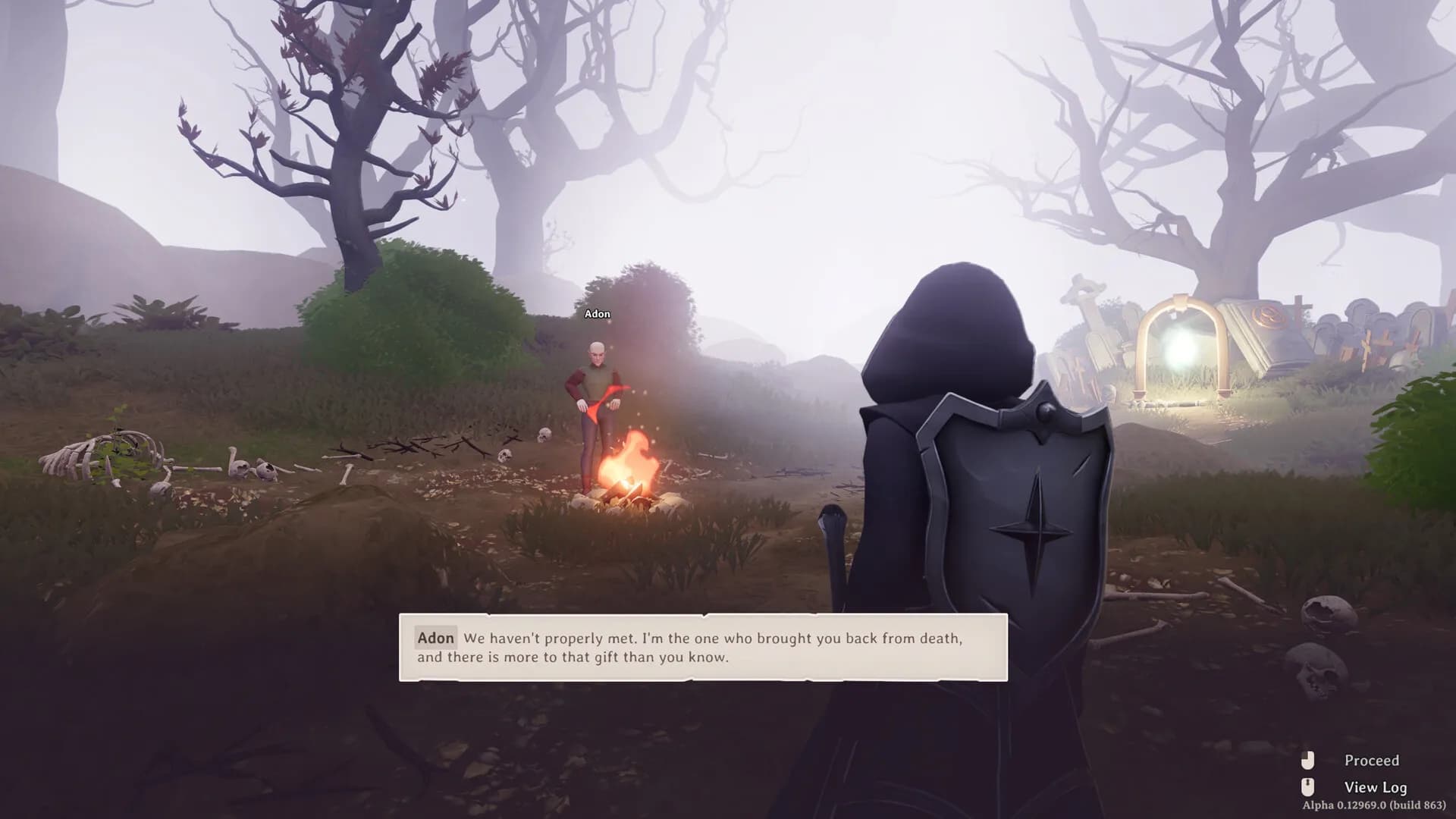
Repair the zones, and the server keeps them.
The server is normally up about a minute after you pay, and if it is not right, you get your money back in the first day.
We use cookies to enhance your browsing experience, serve personalized ads or content, and analyze our traffic. By clicking "Accept All", you consent to our use of cookies.