Europe & Africa
EMEA // 4 locations
NL
AmsterdamEU West
GB
LondonUnited Kingdom
DE
FrankfurtEU Central
ZA
JohannesburgSouthern Africa
Limited-time offer:10% offyour game serverwith code
Ends in 0 days, 0 hours and 0 minutes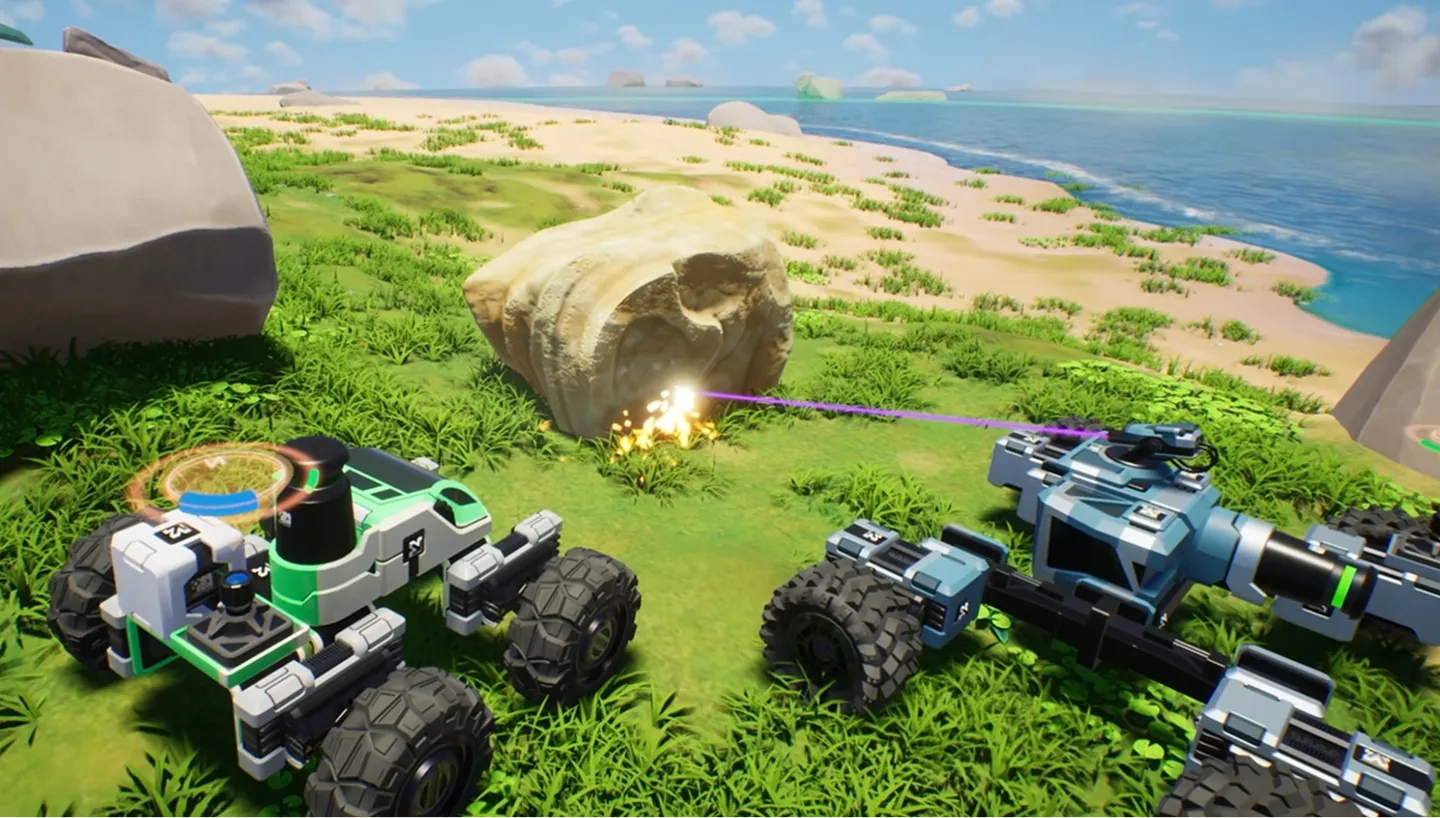
Host a TerraTech Worlds dedicated server and bring your friends to Nibiru or Phaeton, with no host PC left running.
Coming soon — stay tuned!
Launch your private TerraTech Worlds dedicated server in minutes. Built for multiplayer stability with persistent worlds and dedicated performance.

Pick a plan and a location, then build your first Tech on a server that is already running.
Bigger builds need more RAM, and support will suggest a size that fits.
Choose the data centre closest to where your crew lives.
Open Basic Settings, change what you need, then restart to apply the changes.
Share the server address and your password, and everyone joins from inside the game.
Bring a world from your own PC: upload its save files with File Manager or over SFTP.
Pick the location where your live ping is lowest, then take your Tech out to explore the world.
Our support team can move the server to another location for you, world included.
See all locationsYour bases and Techs are saved on NVMe storage in a data centre, and every plan runs on DDR5 memory.
Hop into your world whenever you like, with a 99.9% uptime SLA behind it.
Everyone reaches the server over 10Gbps uplinks.
Every location has enterprise DDoS protection in place.
The host’s PC no longer runs the server for everyone, so whoever hosted can play like everyone else.
Launch the Delivery Rocket
from a server that stays on.
Cancel anytime
Add a password so only the people you tell can join. A restart loads it.
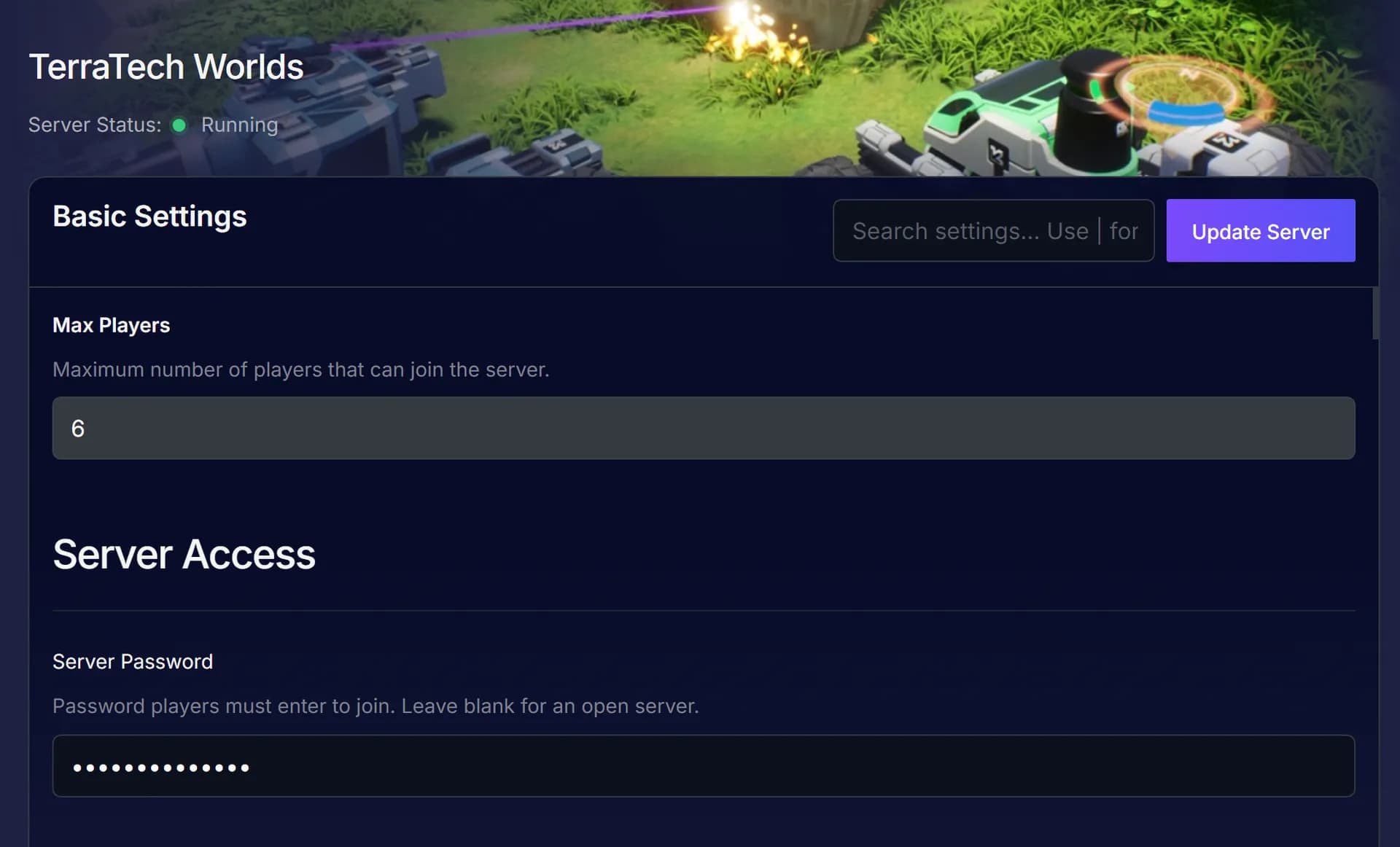
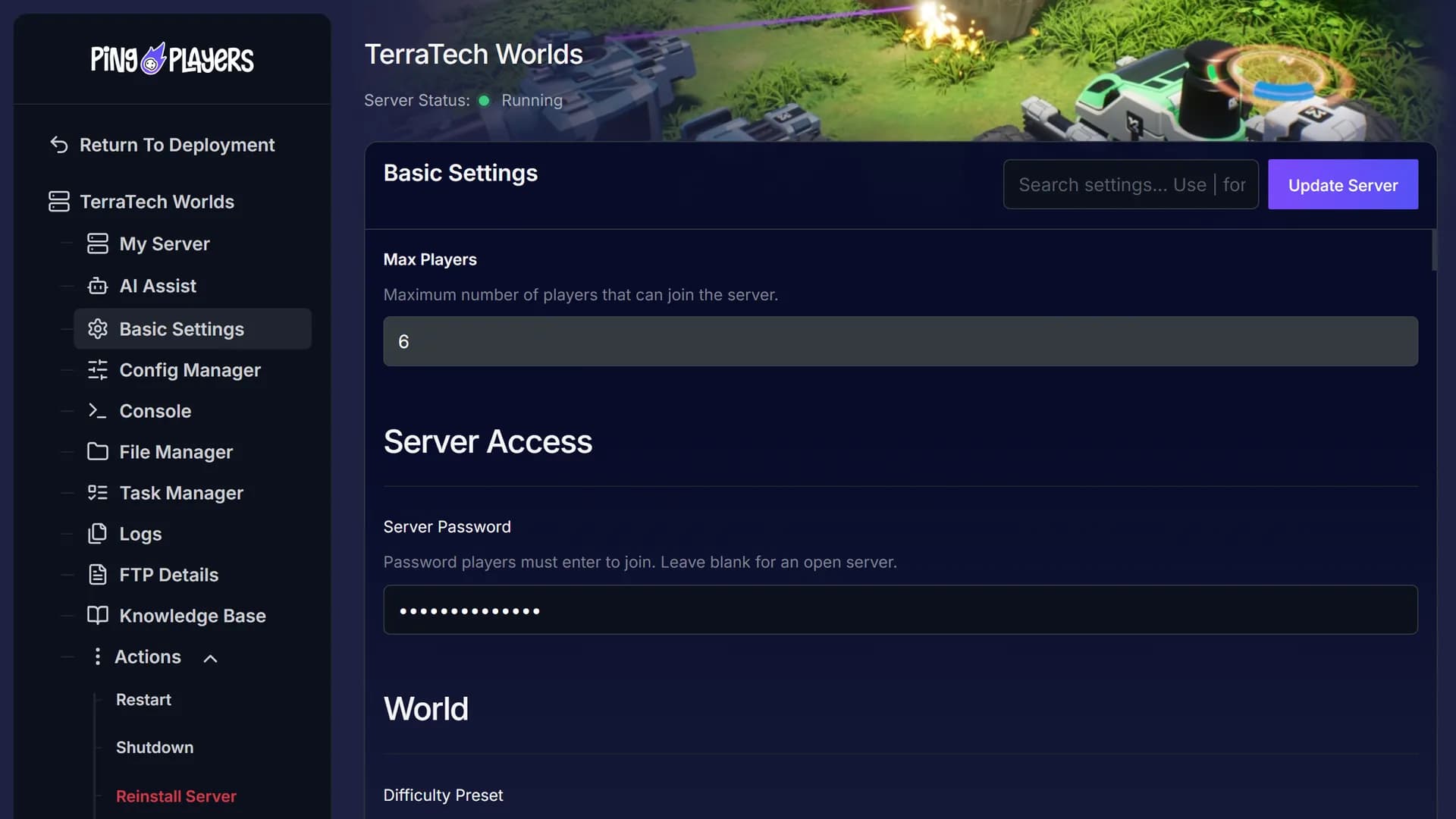
Tell Ping AI to change a setting and restart the server, and the change is live. Ask what a console line means and it explains it.

Co-op on one PC goes offline with its host. A dedicated server stays up and runs on your settings.
Your saved Techs stay on the server, host online or not.
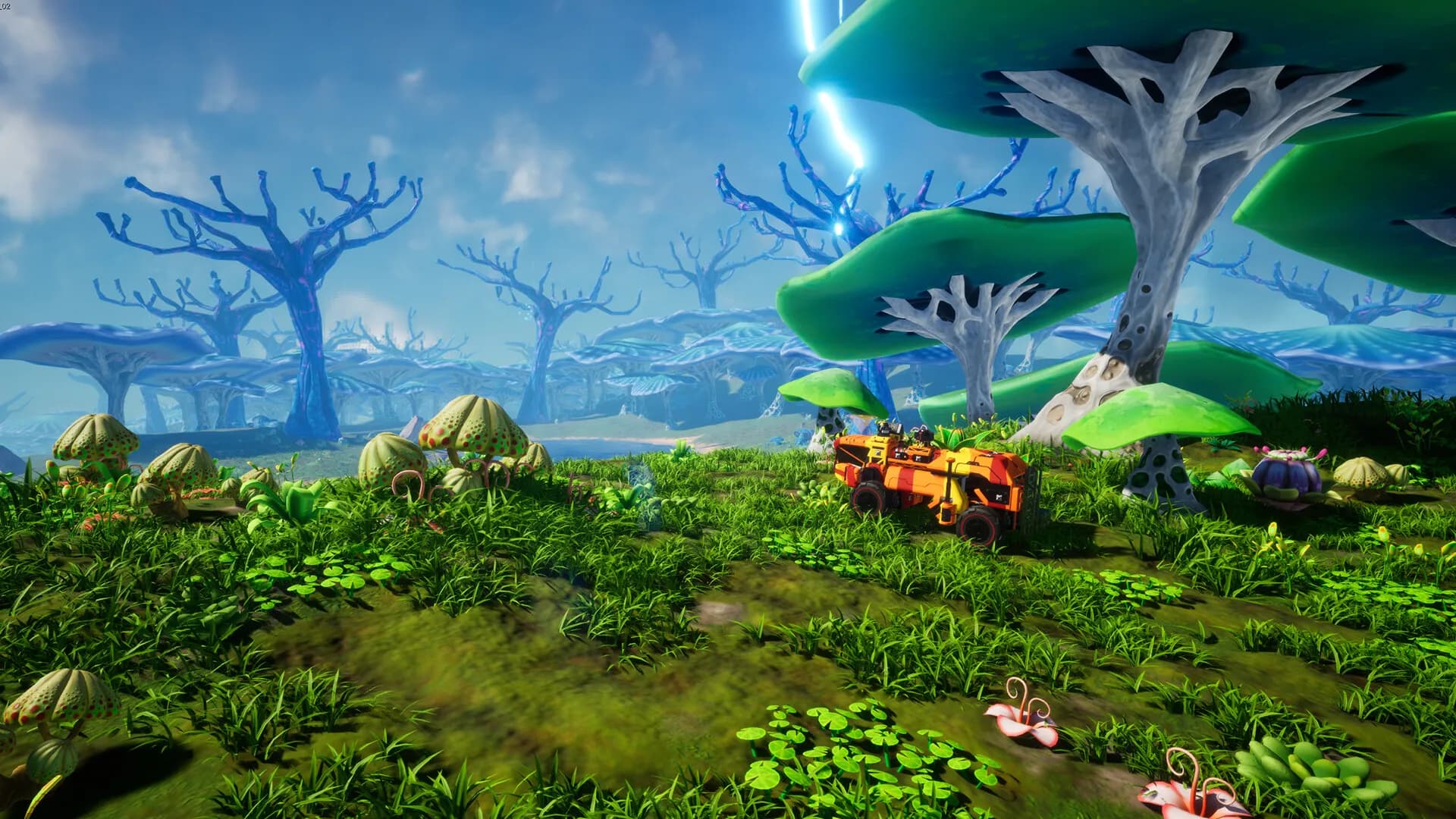
Read what players say about their servers and support before you choose where to host your Tech base.
Our specialists can help you set up your server whenever you ask, so you spend your time building Techs.
 Jonathan Lexne on Trustpilot, Sep 2026
Gaming support specialist
“Nicole was great. She first tried to explain what i needed to do in order to solve my problem. When I couldn't do it, she solved the problem for me. A great customer experience!”
 Justin Olin on Trustpilot, Aug 2026
Gaming support specialist
“Kimmy helped me out and she was very knowledgeable and helped me with all of my questions and answered very quickly.”
 Leonardo salas on Trustpilot, Aug 2026
Gaming support specialist
“Francis helped me resolve a big issue with our server; everything is going great now and it was very quick, thank you!”
 Whitney Thibeaux on Trustpilot, Jul 2026
Gaming support specialist
“Lautaro was such a great help and answered all my questions quickly and help me fix my problems!! Great service!”
 Antreas1 on Trustpilot, Jul 2026
Gaming support specialist
“support was fast Emman was my support aggent he was quick understanding of the problem great experiance overall”
 Matias on Trustpilot, Apr 2025
Gaming support specialist
“German is a great dude. Not only does he fix problems, he is funny and very understanding. Dont be scared to message the live chat!”
1 / 6
Person 1 of 6
SharePay lets anyone pitch in, and live telemetry shows the server’s CPU and memory while you terraform.
Everyone chips in from their own PingPlayers account, and the credit goes to your next bill.
See SharePaySee how hard the server is working and its observed uptime, live.
See live telemetrySet a daily or weekly restart for an hour when nobody is playing.
See the schedulerA world hosted somewhere else can move here. Our engineers copy the save and send you the new IP.
See free migrationCross the Swamps with your friends, or try another game we host on your TerraTech Worlds server.
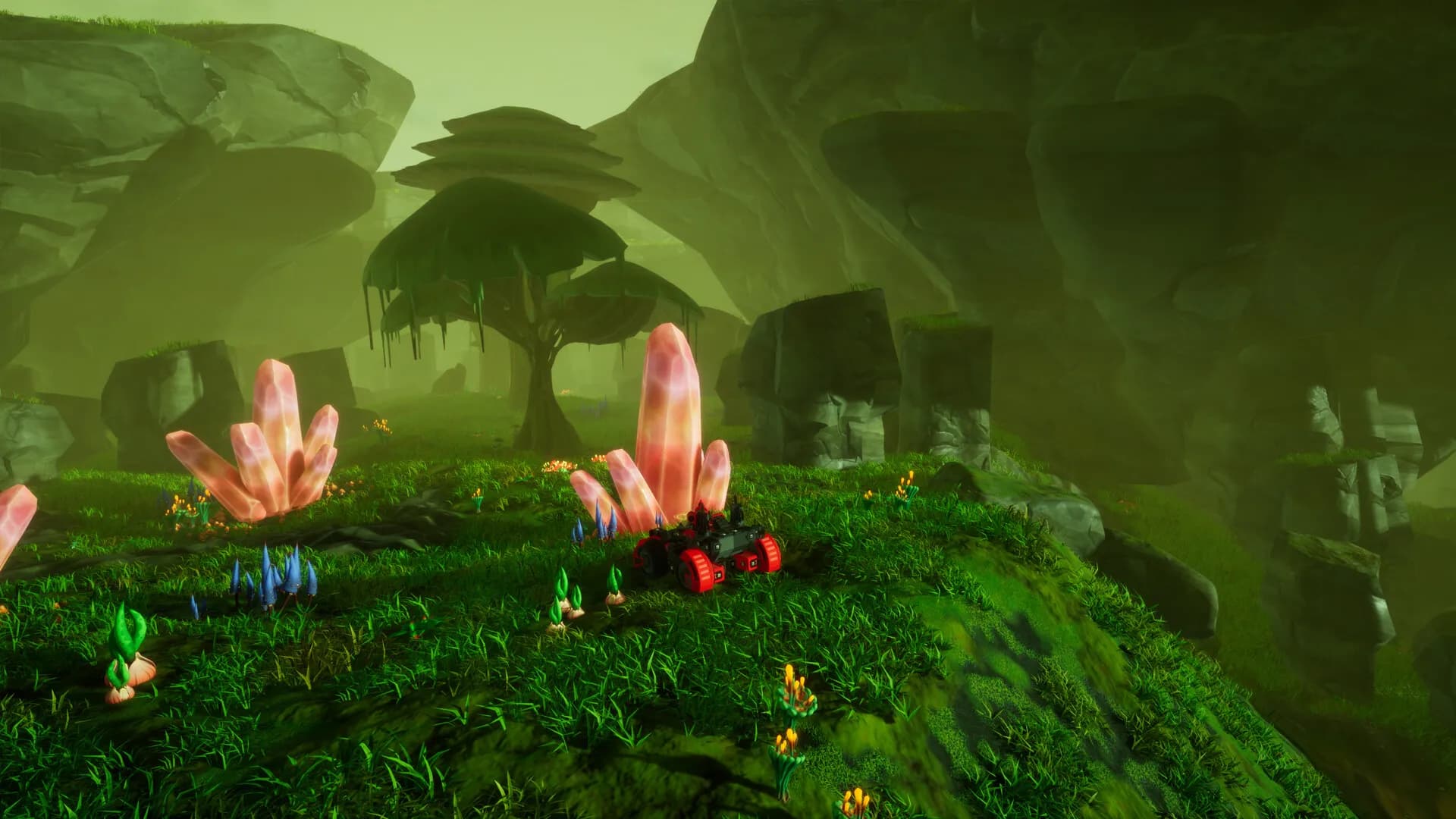
Mine seams and take on the bosses, and a password keeps out anyone you did not invite.
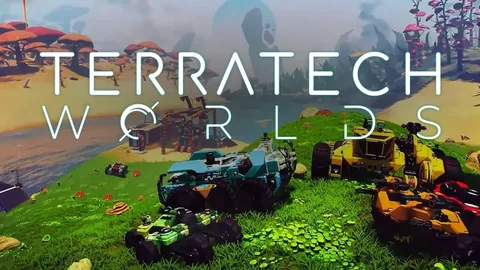
TerraTech Worlds is an open world build-craft adventure from Payload Studios, set on an uncharted alien world. You are a Prospector who builds vehicles called Techs, solo or with others. It entered Early Access on 22 March 2024 and has not left it.
The game is made of planets. Nibiru is the starter planet and tutorial, Phaeton arrived as planet number two in 0.7, and Tyr, a water world of archipelagos, followed in 0.8. Across its biomes you meet traders and Bastion S.E.E.D.s, and a boss waits in the forest, the swamp and the Arctic.
The official wiki says a TerraTech Worlds dedicated server can have up to 8 slots, and a rented one runs the game on its own machine.
Guides for adding a second manager and connecting over SFTP, plus how to share the cost of your server.
Access and easily tweak game server basics with PingPlayers. Adjust difficulty, respawn rates, and other options to customize gameplay.
Read articleGuide to My Team: invite friends, manage servers, assign permissions, add/remove members, server control panel access, billing, restarts, roles, teamwork.
Read articleSharePay by PingPlayers lets communities generate a secure link so friends can instantly top up account credit to share game server costs.
Read articleThis article explains and shows a step-by-step guide on how to use FTP and SFTP. Mosltly focues on Filezilla client and its features but differentiates between FTP and SFTP
Read articleManage your game server with Ping AI: no coding, instant crash fixes, automated tasks, mod and config management so you can focus on gaming.
Read articleSetup, game modes, worlds and saves, and billing, each in its own tab.
Pick a plan and a location above and check out. Your server is usually running within 60 seconds. Then open Basic Settings, set up your server, restart, and share the address from your dashboard.
Payload Studios gives no server memory figure, so PingPlayers suggests 3 GB for a first base, 5 GB for a growing base and 8 GB for big builds.
PingPlayers has servers on six continents: North America, South America, Europe, Asia, Oceania and Africa. The map above shows every location, and the checkout shows your ping to each one. The price is the same everywhere.
Send everyone the server address from your dashboard and the password you set. They enter both in the game to join.
Payload Studios lists the campaign modes Relaxed, Balanced, Intense and Classic, plus Creative Mode, which has no objectives and infinite resources.
Open Basic Settings, add a password and restart the server. Share the password only with the people you want on your server.
Saved settings load at the next restart, so restart after you change them. Ping AI can do that for you.
Yes. Stop the server, upload your save files into WorldSaves with File Manager or SFTP, then restart. If the save does not load, ask support to check it.
Saves sit in WorldSaves, which you can open in File Manager. Each save is a .png and a .tera file.
Yes, PingPlayers moves it for free on every plan. Our engineers copy your saves over, check them and hand you the new IP, and your old server keeps running until then. Whether your configs come along depends on the migration method. How free migration works.
The official TerraTech Worlds wiki says a dedicated server can have up to 8 slots. You choose a plan by RAM only, and Change Max Players in the panel sets the limit, which restarts the server.
Yes. The server stays up after you log off, so everyone else can keep building without you.
Yes. Every server comes with a 24-hour money-back guarantee. If the server is not right for you, talk to support on live chat or email.
In My Servers, open the three dots on the server card, choose Billing, then View options next to Renewal settings and cancellation, and click Cancel Subscription. The server stays active until the end of the period you paid for.
Yes, with SharePay. After signup you turn on a link in the panel. Whoever opens it logs in or registers a PingPlayers account and tops up your account credit, which goes toward your next billing cycle.
Yes, and switching is free on games your plan has the memory for. Ask support before you switch so you know what happens to your TerraTech Worlds files.
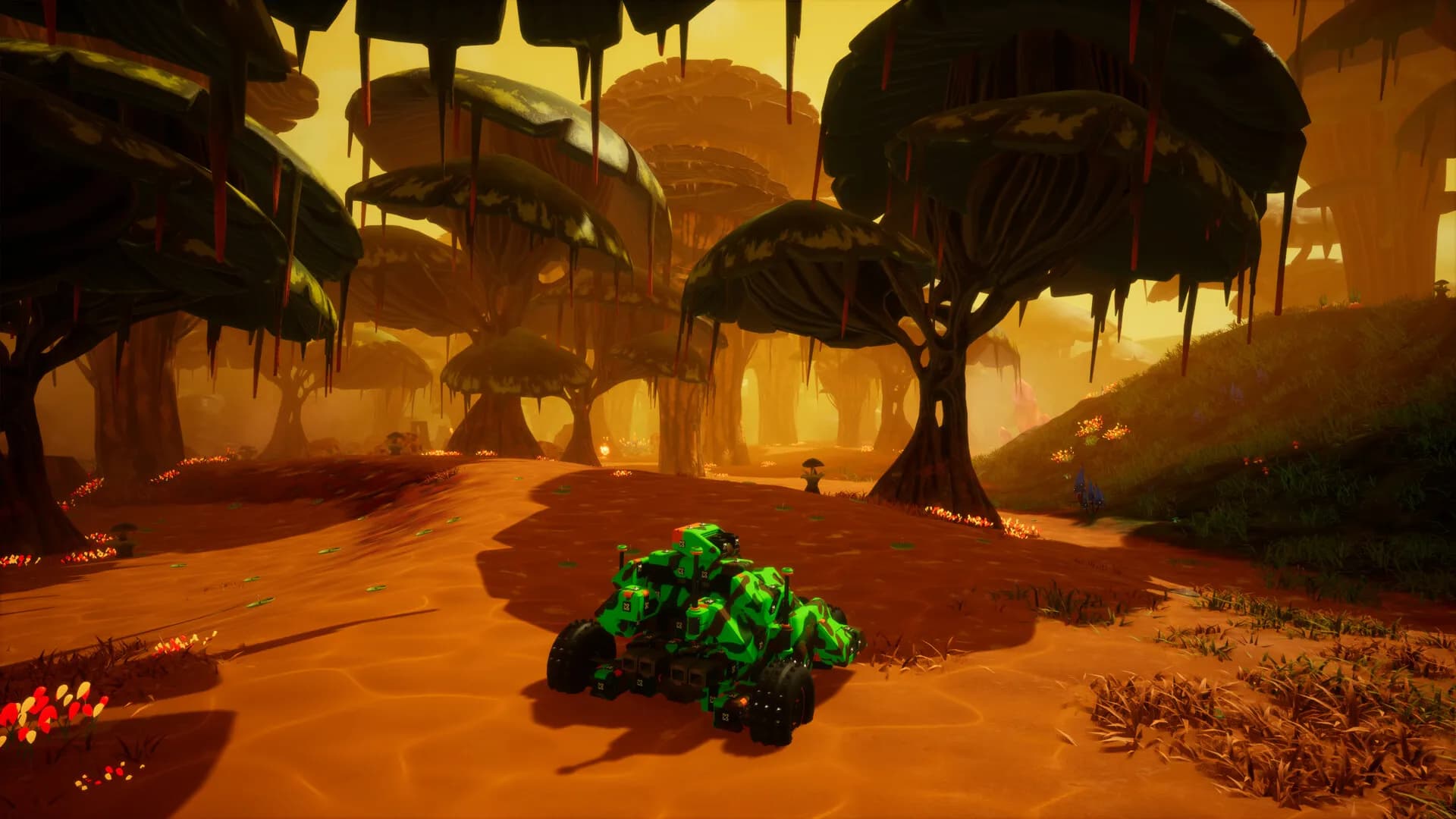
Craft your Techs and build a base on an alien world.
Every server comes with a 24-hour money-back guarantee, so you can try it with your first base.
We use cookies to enhance your browsing experience, serve personalized ads or content, and analyze our traffic. By clicking "Accept All", you consent to our use of cookies.